
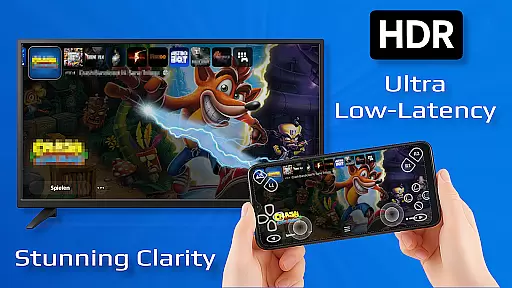
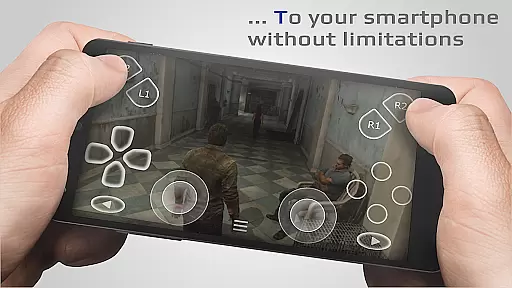
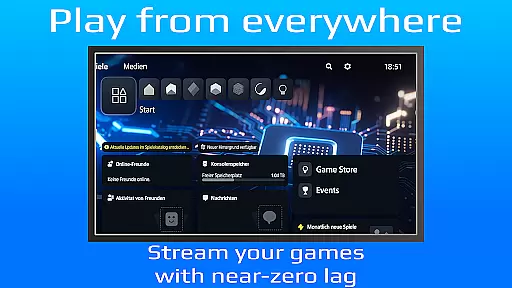
PXPlay is a powerful remote control application designed for gaming enthusiasts who want to access their gaming devices from anywhere. The app offers an optimized streaming experience with minimal latency, supporting third-party controllers and mobile data connections. Whether you're using Android TV or smartphones, PXPlay ensures seamless gameplay through features like gamepad button mapping, customizable onscreen layouts, and Picture-In-Picture mode.
One of the standout capabilities of PXPlay is its compatibility with rooted devices and older firmware versions starting from 5.05. Gamers can enjoy uninterrupted sessions by connecting via high-speed internet or 5GHz WiFi networks. Additionally, PXPlay doubles as a virtual controller, making it versatile for various gaming setups. With support for Remote Play functionality, users can stream games directly from their consoles without limitations.
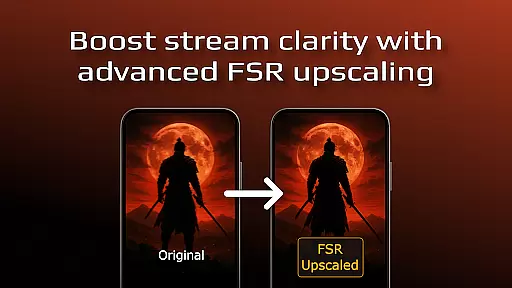
This tool is ideal for gamers seeking flexibility in how and where they play. By integrating advanced features such as FSR upscaling and screen recording (with third-party apps), PXPlay enhances both video quality and user engagement. Its robust hardware recommendations ensure smooth performance even during demanding gaming sessions. For those facing login issues or firmware updates, detailed guides are available to help troubleshoot common problems effectively.
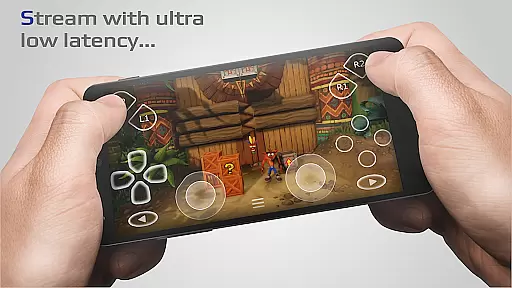
PXPlay stands out due to its comprehensive feature set tailored specifically for gamers. One key aspect is its ability to deliver low-latency streaming experiences, which is crucial for maintaining responsiveness during gameplay. This is achieved through optimizations that prioritize speed and reliability, ensuring that users can enjoy their favorite titles without noticeable delays.
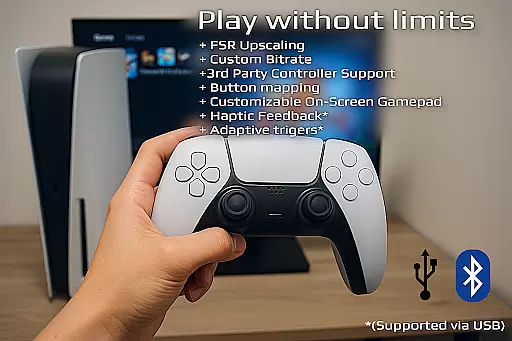
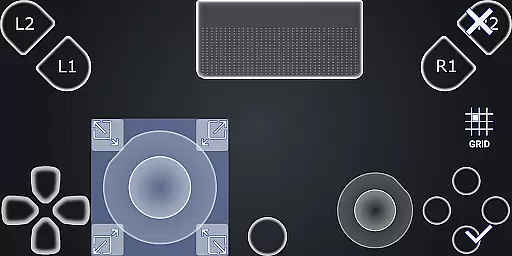
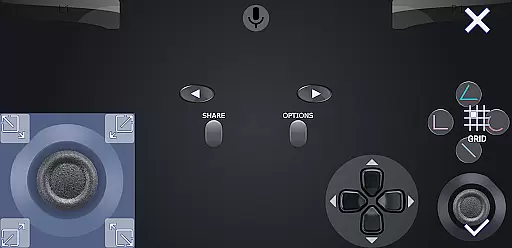
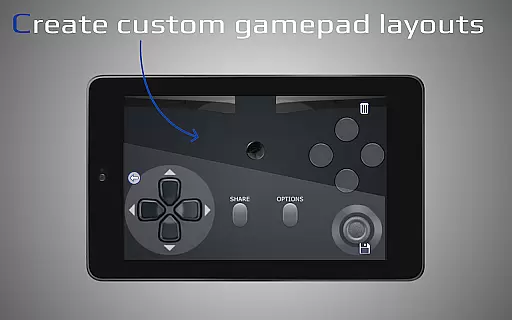
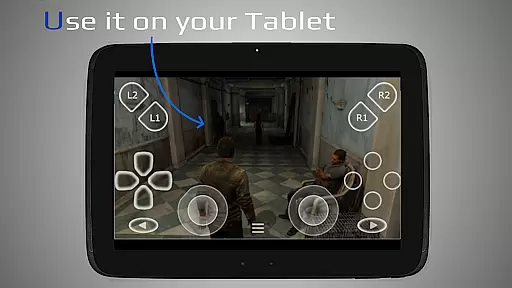
The app supports a wide range of input methods, including third-party controllers across all Android devices. Users can map buttons according to their preferences and customize onscreen gamepad layouts for optimal comfort. Advanced functionalities like Picture-In-Picture mode and Multi-Window support cater to multitasking needs, allowing gamers to manage multiple tasks simultaneously while playing.
Another notable feature is PXPlay's adaptability to different network conditions. It works efficiently over wired connections, 5GHz WiFi, and even mobile data, providing flexibility based on user requirements. Furthermore, the inclusion of virtual controller functionality expands its utility beyond traditional remote play scenarios. These innovations collectively enhance user convenience and satisfaction, setting PXPlay apart from other tools in the market.
PXPlay excels in delivering core functionalities with precision and efficiency, ensuring an optimal remote gaming experience. The app supports third-party controllers across all Android devices, providing flexibility and convenience for users.
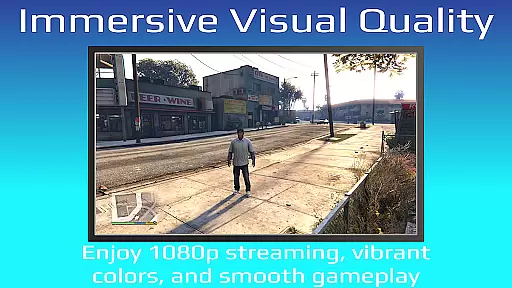
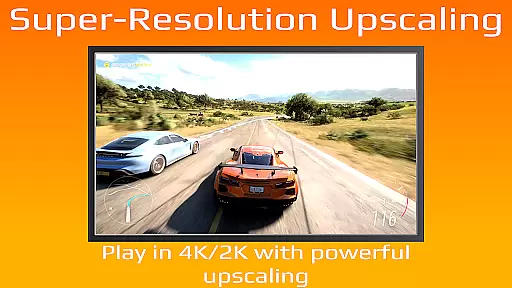
One of the standout features is its ability to enhance video quality through FSR upscaling and sharpening technologies. This ensures that gamers can enjoy high-quality visuals even when streaming from their gaming devices remotely.
The application also allows for customization of on-screen gamepad layouts and supports gamepad button mapping. These features contribute to a more personalized and comfortable user experience, adapting to individual preferences and play styles.
With support for older firmware versions starting from 5.05 and newer, PXPlay maintains compatibility with a wide range of systems. Additionally, the inclusion of Picture-in-Picture mode and Multi-Window support enhances multitasking capabilities, making it easier for users to manage their gaming sessions alongside other activities.
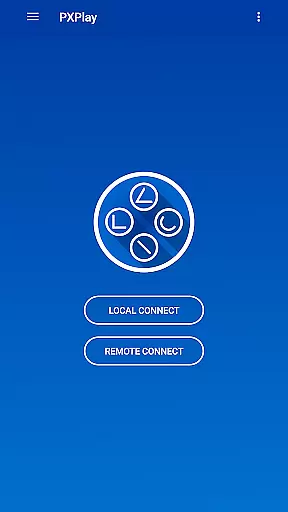
PXPlay offers an intuitive interface designed to simplify the remote gaming experience. Its easy connection setup process ensures that users can quickly start streaming their favorite games without unnecessary complications.
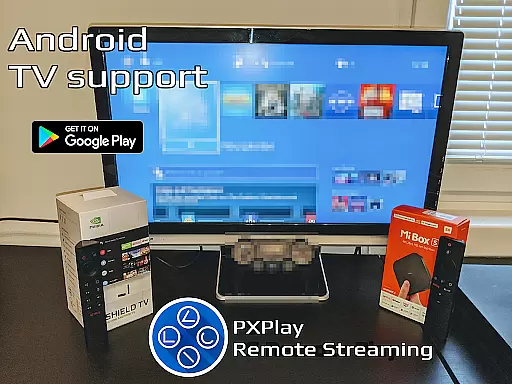
The app's support for Android TV devices and rooted devices demonstrates its commitment to accessibility and adaptability. Gamers can seamlessly transition between different platforms while maintaining consistent performance and functionality.
Furthermore, PXPlay includes practical features such as allowing screen recording and capturing via third-party apps. This enables users to document their gameplay experiences effortlessly, adding another layer of engagement to their gaming sessions.
By supporting both mobile data usage and wired internet connections, PXPlay caters to various connectivity scenarios. Whether at home or on-the-go, players can rely on stable connections with minimal latency, ensuring smooth and responsive gameplay regardless of location.
User-friendly interface
Low latency streaming
Wide device compatibility
Customizable controls
Supports mobile data
Requires stable internet
Limited offline use
Firmware dependency
No native iOS version
Premium features locked

FV File Manager Pro, Fast and powerful file manager for Android
 4.60
4.60
card-reader app
2.20
VESC Tool can monitor and configure VESC-compatible devices over BLE and Wifi
4.20
Small and simple app to Verify Root Access and BusyBox Install!
4.70
Excellent scientific calculator with symbolic algebra, integrals, derivatives
4.80
WiFi Signal Strength Meter help you detect WiFi Signal Strength in real time.
4.80
Mirror your screen to Fire TV - Super fast and simple
4.40
Download any file easily and quickly with Downloader
4.0
A simple app to back up and restore SMS & MMS messages and call logs.
4.10
Support Fossify apps with a warm thank you!
5.00
Extremely fast, secure, and protects your privacy
4.80
Bedrock Together: Join any bedrock server on Xbox/PS
4.80
Fast Video Downloader, Movie Downloader, Torrent Downloader & Adblock Browser
4.70
NFC Tools can read and write NFC tags.
4.70 4.50
4.50
Quickly check the frequency of the Earth
4.30
A convenient photo, video, and file recovery tool.
4.00
Create your own live wallpaper or check out thousands already made presets
3.90
Save any video in HD - paste the link, download fast and watch offline.
4.2


User Reviews