
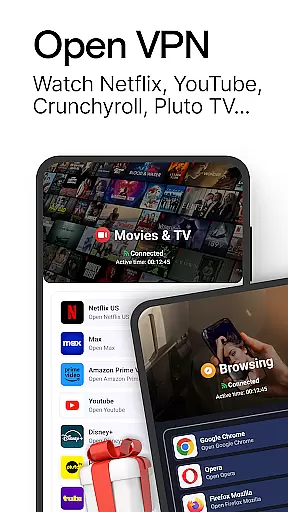
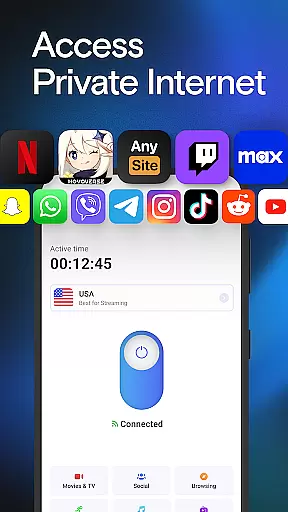
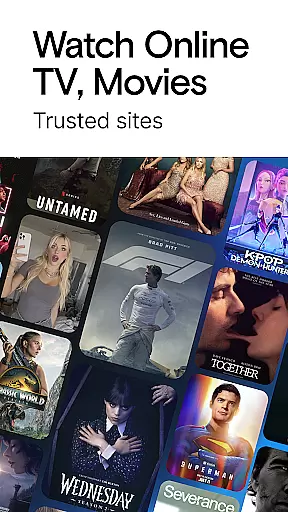
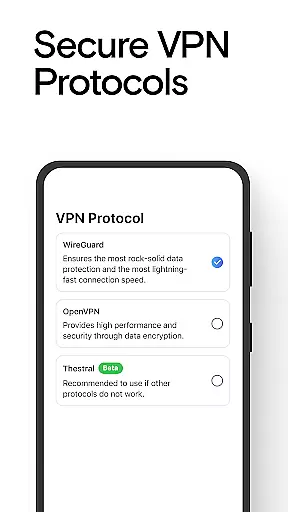
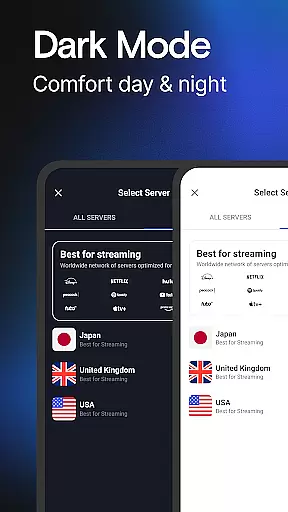
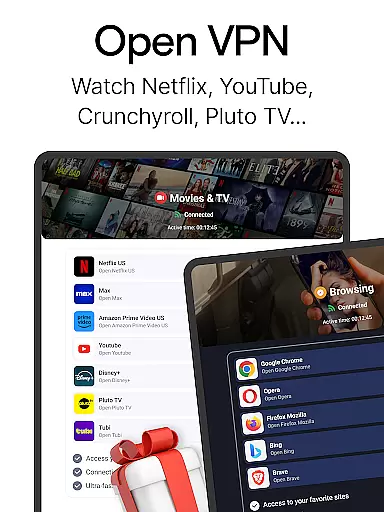
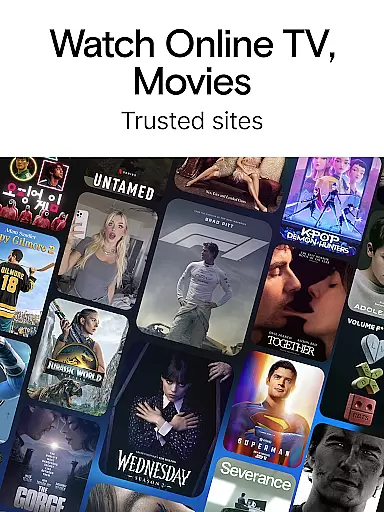
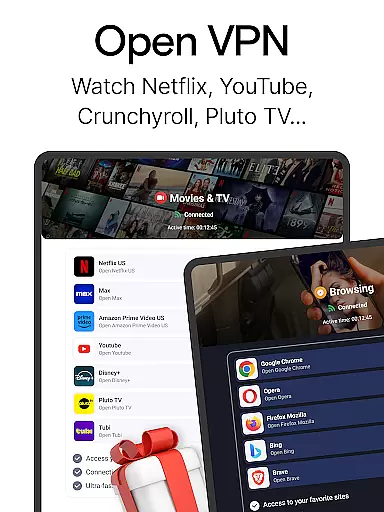
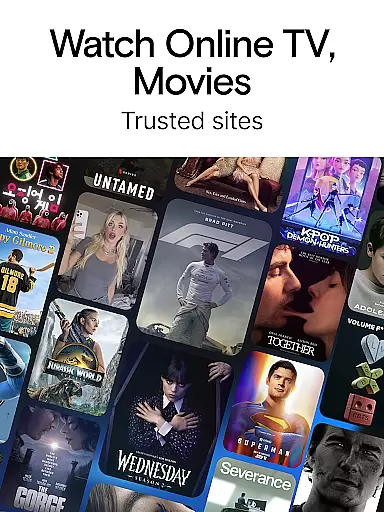
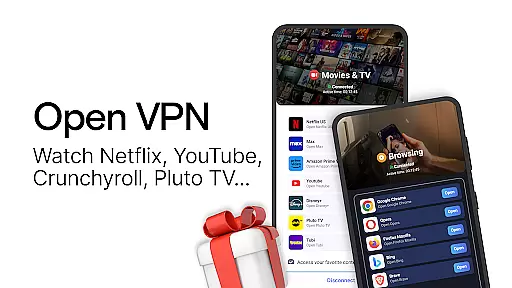
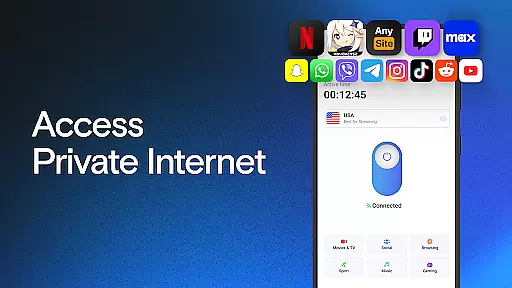
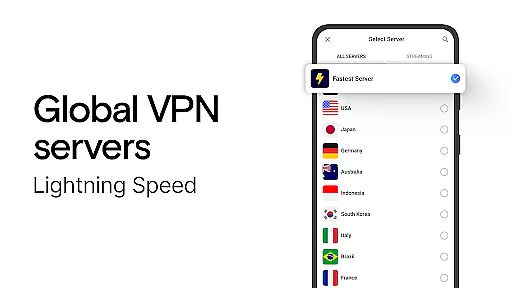

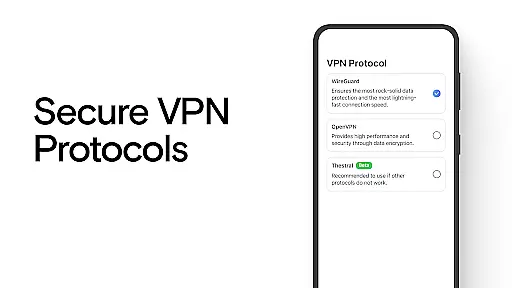
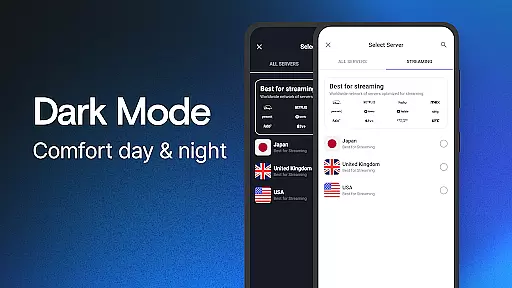
VPN Lumos is a premier virtual private network application designed to provide users with secure and unrestricted internet access. As a top-tier VPN solution, it encrypts personal data and ensures online privacy through advanced protocols like SOCKS5 and SOCKS4 proxies. The app operates a vast global network of fast servers located across multiple continents, including the USA, UK, Japan, and Australia, enabling users to bypass geo-restrictions and access content from any country securely.
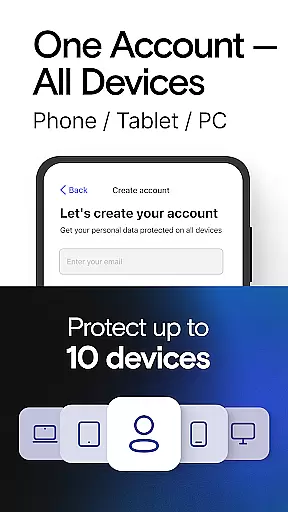
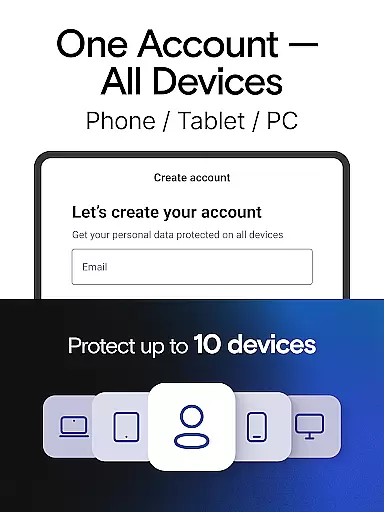
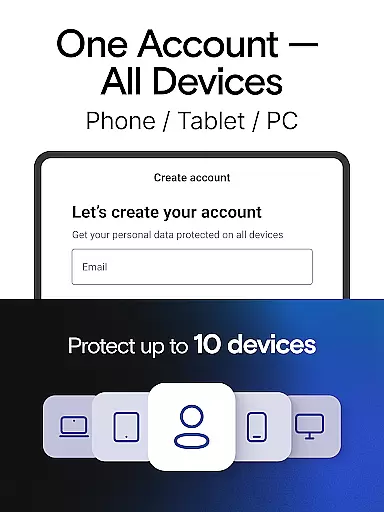
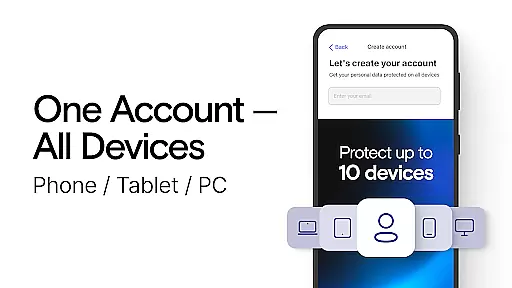
In addition to its robust security features, VPN Lumos offers seamless compatibility across various devices, making it an ideal choice for individuals who require consistent protection on both mobile and remote platforms. Whether streaming videos, playing games, or browsing on public Wi-Fi, this tool ensures that your digital footprint remains confidential. With an intuitive one-tap connection and affordable subscription plans, including a free trial period, VPN Lumos combines user-friendliness with high-speed performance, making it a reliable companion for traversing the online world safely.
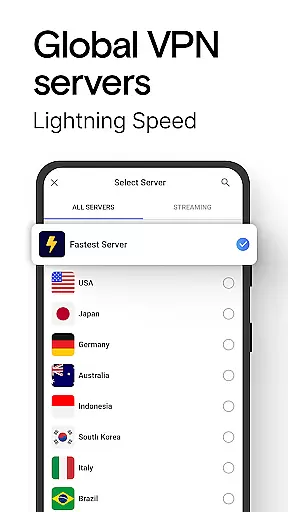
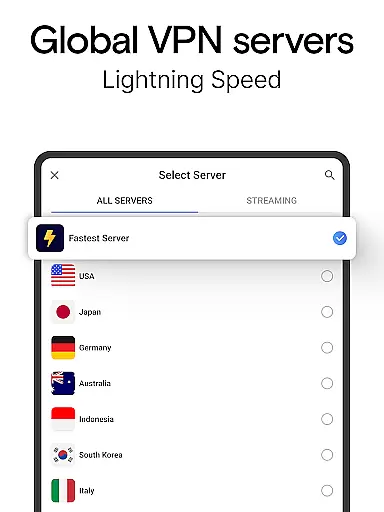
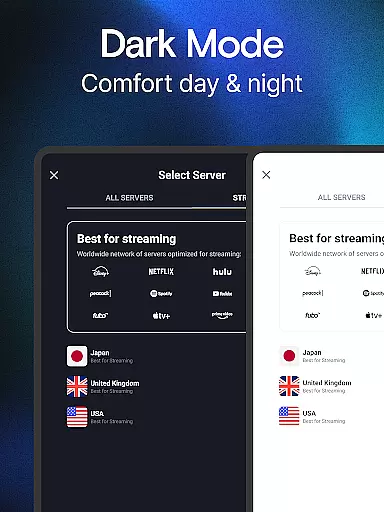
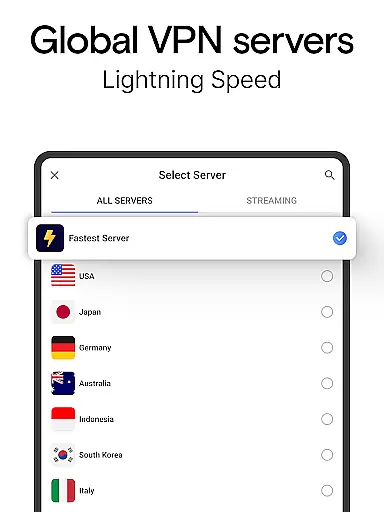
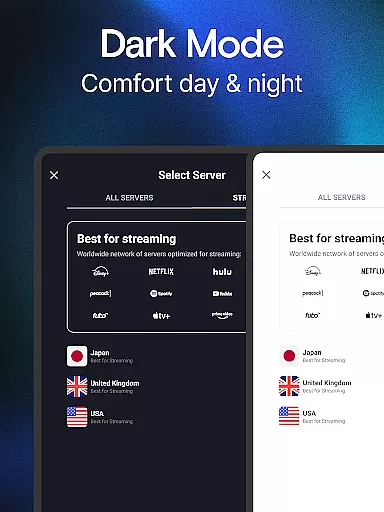
One of the standout characteristics of VPN Lumos is its extensive server network, which spans numerous countries worldwide. This feature allows users to connect to servers in regions such as Indonesia, Brazil, and Saudi Arabia, ensuring optimal speed and minimal latency regardless of location. By leveraging these strategically positioned servers, the app provides a consistently fast and stable connection, ideal for bandwidth-intensive activities like HD video streaming and online gaming.
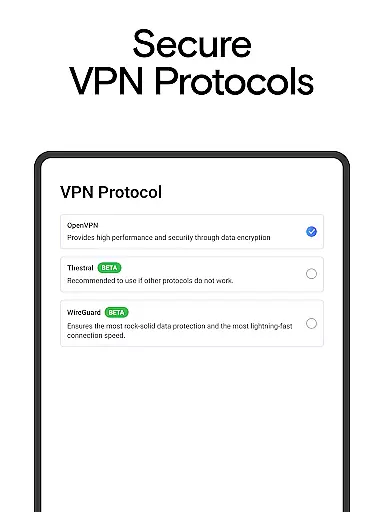
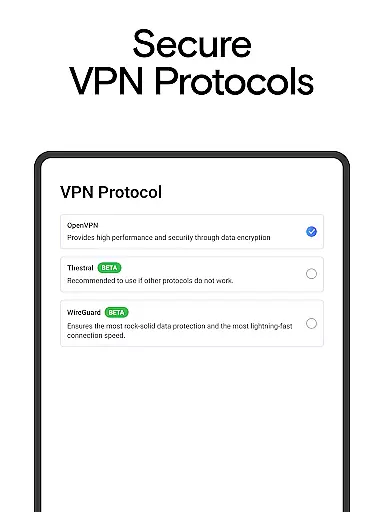
Another key feature is the app's advanced encryption technology, which shields users' personal information from potential cyber threats. Utilizing industry-leading protocols, VPN Lumos safeguards online activity on public Wi-Fi networks and prevents unauthorized access by hackers or snoopers. Additionally, the built-in proxy server functionality enhances anonymity by routing internet traffic through remote servers, effectively masking the user’s IP address. These comprehensive security measures are complemented by a user-friendly interface that simplifies navigation and setup, allowing even beginners to protect their online presence effortlessly.
When evaluating a VPN service like Lumos, the accuracy and effectiveness of its core functions are paramount. This encompasses not only the fundamental task of encrypting data but also ensuring that users can seamlessly connect to servers worldwide without compromising speed or security. Lumos achieves this by deploying advanced encryption protocols alongside a vast network of fast servers spanning multiple continents.
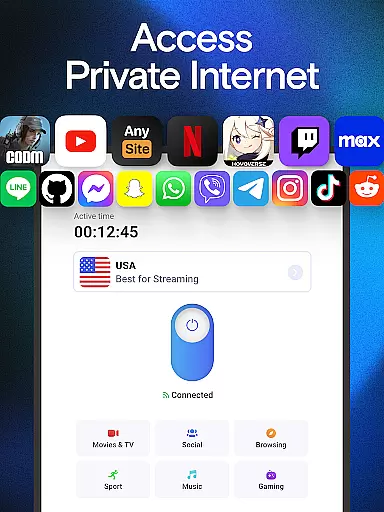
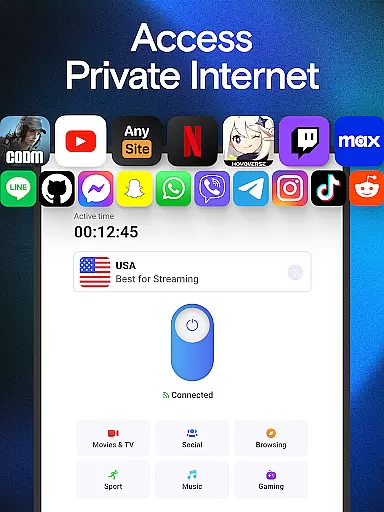
The application's ability to protect personal information while maintaining high-speed connectivity is one of its standout features. With just a single tap, users can activate the VPN and ensure their online activities remain private and secure. The app's robust infrastructure guarantees minimal latency even when connected to geographically distant servers, making it an ideal choice for streaming content or playing online games.
For users, this means they can confidently access online services knowing their data is shielded from potential cyber threats. Whether connecting via public Wi-Fi or from the safety of home, Lumos ensures that sensitive information such as login credentials and browsing history remains confidential. This reliability fosters trust and enhances the overall user experience.
A user-friendly interface is crucial for any tool, and Lumos excels in providing an intuitive experience. The design philosophy behind the app emphasizes simplicity, allowing users to activate the VPN with just one tap. This ease of use eliminates the need for complex configurations, making it accessible even for those who may not be tech-savvy.
The layout of Lumos is clean and straightforward, presenting all necessary options in an easily navigable format. Users can quickly switch between server locations, view connection statuses, and manage settings without feeling overwhelmed. Such clarity reduces the learning curve typically associated with new software adoption.
This focus on usability extends beyond mere aesthetics; it directly impacts productivity and satisfaction. By removing barriers to entry and streamlining interactions, Lumos empowers users to concentrate on their primary tasks rather than troubleshooting technical issues. As a result, individuals can enjoy secure browsing sessions without distraction or frustration.
Fast global server network
Advanced encryption protocols
User-friendly one-tap connection
Compatible with multiple devices
Affordable pricing with free trial
Limited advanced customization options
Occasional server connection issues
No lifetime purchase option
Ads in free version
Basic interface design

Transfer Files, APK from Phone to Watch & Install.
 4.0
4.0
App that Recover your pictures, videos or files after you delete them.
4.20
eXtended Permission Manager - a small app to manage permissions and AppOps
4.50
Small and simple app to Verify Root Access and BusyBox Install!
4.70
Excellent scientific calculator with symbolic algebra, integrals, derivatives
4.80
Planner and Tracker for Stardew Valley
4.60
A simple app to back up and restore SMS & MMS messages and call logs.
4.10
Remote Play with FSR upscaling, low latency & full controller support
4.80
Mobile Security with Scam Protection | Malware & Virus Cleaner | Safe Browser
4.70
Learn the vast amount of system information about device and monitor it's state
4.70
Mirror your screen to Chromecast and Android TV - Super fast and simple
4.60 4.50
4.50
Quickly switch to an encrypted DNS server on Android TV
4.50
Making emulation easy for everyone!
4.30
Just one-tap to easy translate in any language after calls within seconds.
4.20
VESC Tool can monitor and configure VESC-compatible devices over BLE and Wifi
4.20
Effortlessly run ADB commands directly on your device without a PC.
4.20
View detailed information about your Nissan Leaf the dealer never shows you.
4.10
Family Locator, Share location, StayConnect with your family in real time
3.90


User Reviews