
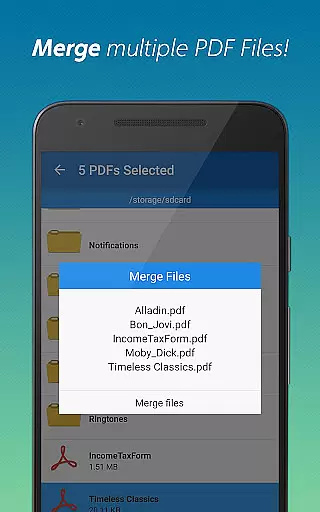
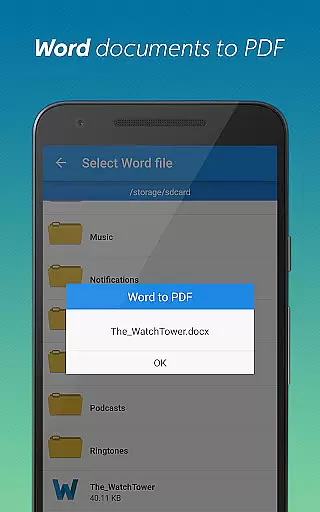
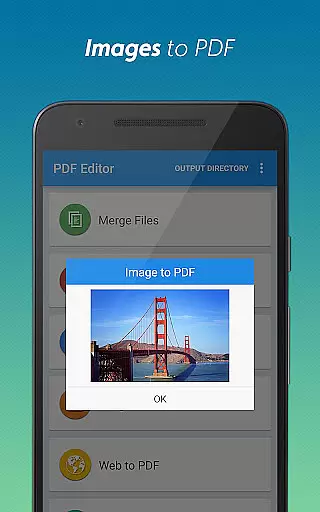
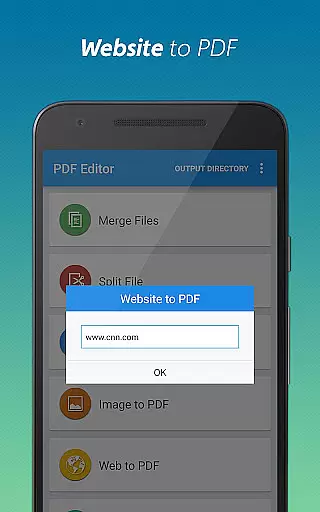
PDF Editor & PDF Converter Pro is a comprehensive document management tool designed to enhance productivity through its versatile features. This all-in-one app allows users to convert Word documents to PDF, transform images into PDF format, and merge multiple PDFs into one organized file. It also supports saving webpages as PDFs for offline access, splitting large documents, and adding or removing password protection.
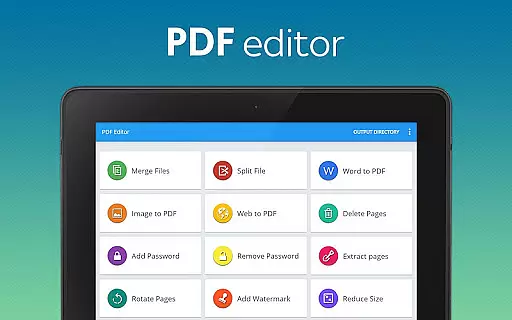
The app's standout features include the ability to delete unnecessary pages, extract specific pages from PDFs, add personalized watermarks, rotate page orientation, and compress files for easier sharing without quality loss. These capabilities make it an essential tool for professionals, students, and anyone who frequently handles digital documents. Whether you need to secure sensitive information or optimize your workflow, this app provides practical solutions that streamline document management tasks.
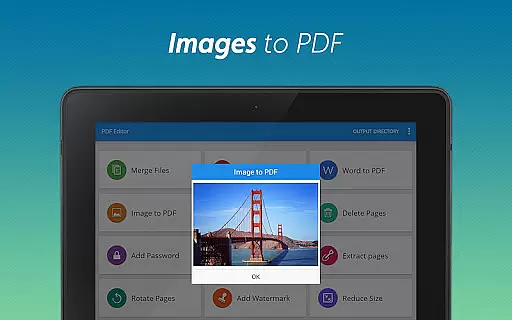
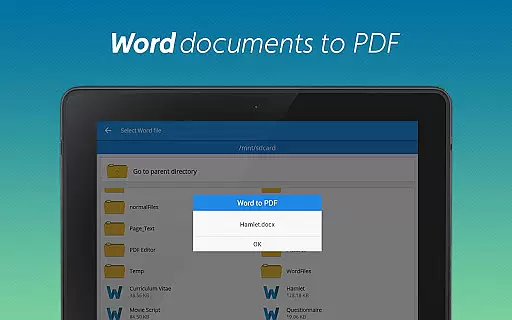
PDF Editor & PDF Converter Pro stands out with its extensive range of features tailored for efficient document handling. One key feature is the seamless conversion of DOC files to PDF, allowing users to transform documents with just a tap. Additionally, the app can convert multiple images into a single PDF, making it easy to create professional-looking portfolios or reports.
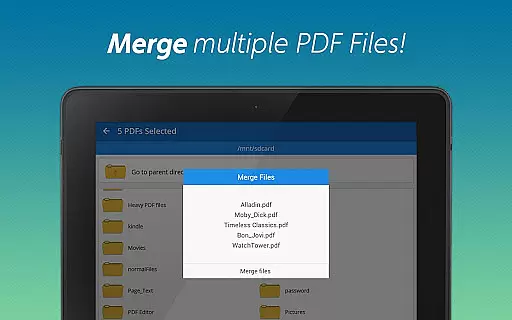
Another notable capability is the ability to merge several PDFs into one cohesive file, simplifying storage and sharing. The app also enables users to split large PDFs into smaller sections, remove unwanted pages, and extract specific pages as needed. With options to add watermarks, rotate pages, and compress files, users can customize their documents to meet exact requirements while maintaining high-quality standards.
When it comes to document management applications, the precision and effectiveness of core functions are paramount. PDF Editor & PDF Converter Pro offers an extensive suite of tools that ensure your documents are processed with utmost accuracy. From converting Word files to PDFs with perfect formatting retention to turning images into high-quality PDFs, each feature is designed to maintain the integrity of the original content.
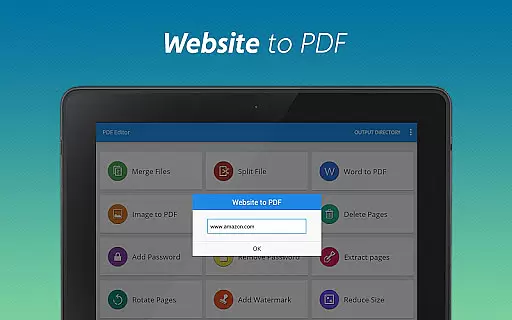
The app's capabilities extend to merging multiple PDFs into a single, organized file, splitting large documents into manageable sections, and extracting or deleting specific pages with surgical precision. These functions are not only accurate but also fast, allowing users to perform complex document operations in just a few taps. The website-to-PDF feature captures online content faithfully, ensuring offline access without compromising layout or readability.
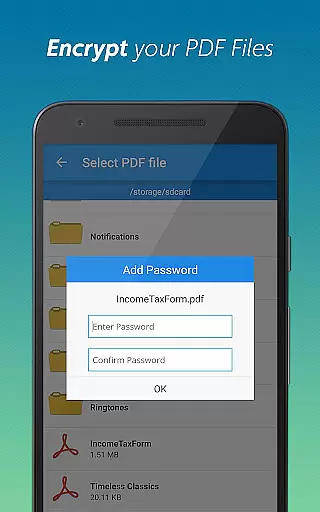
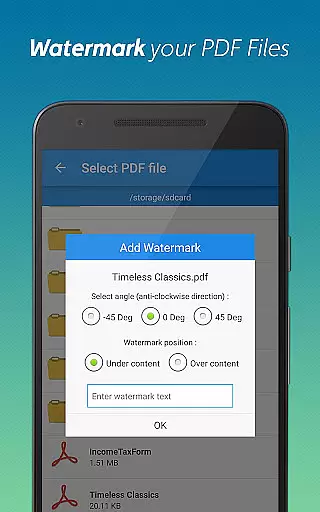
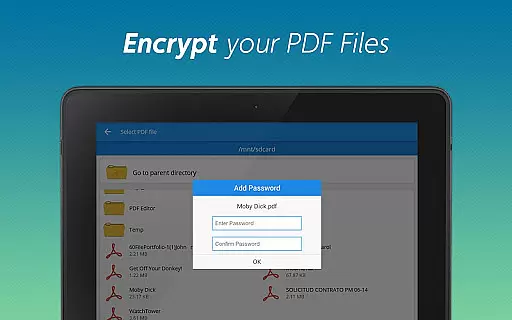
Security features like password protection and watermarking provide an additional layer of reliability. Users can encrypt sensitive documents or personalize files with custom watermarks, knowing that these modifications will be applied consistently across the document. This comprehensive functionality ensures that whether you're managing personal files or professional documents, PDF Editor & PDF Converter Pro delivers reliable performance that enhances productivity.
A user-friendly interface is essential for productivity tools, and PDF Editor & PDF Converter Pro excels in providing an intuitive experience. The app's design emphasizes simplicity without sacrificing functionality, making it accessible even to those who may be new to PDF management. Each tool is easily accessible from the main menu, with clear icons and labels that eliminate any learning curve.
The conversion process, whether transforming Word documents or images into PDFs, follows a straightforward three-step procedure: select, configure, and convert. This streamlined approach ensures that users can complete their tasks quickly and efficiently. Similarly, advanced features like page rotation, compression, and security settings are presented in a way that makes them easy to understand and apply.
Moreover, the app provides real-time previews for many operations, allowing users to verify changes before finalizing them. This instant feedback mechanism enhances confidence in using the app's various functions. By combining powerful document management capabilities with an interface that prioritizes ease of use, PDF Editor & PDF Converter Pro creates an environment where users can focus on their work rather than struggling with complex software.
User-friendly interface
Comprehensive feature set
Efficient document management
High-quality conversions
Secure encryption options
Paid premium features
Occasional bugs reported
Limited free usage
Requires internet connection
Ads in free version

PC precision for mobile gaming: dominate with keyboard and mouse!
 4.30
4.30
The one-and-only remote control for PC, Mac, and Linux
4.70
WiFi Signal Strength Meter help you detect WiFi Signal Strength in real time.
4.80
The Ultimate Bluetooth Keyboard & Mouse. Securely control your PC, Mac, and more
4.50
Play your X-Box games remotely in 1080p with any controller and zero latency
4.60
Screen Mirroring with sound for Samsung TV, LG TV, Sony TV, Smart TV and Browser
4.20
NFC Tools can read and write NFC tags.
4.70
Introducing Smart Printer, your ultimate destination for printing solutions!
4.00
Protect your device with antivirus, storage cleanup, and system monitoring
4.70
Bedrock Together: Join any bedrock server on Xbox/PS
4.80
Unit and currency converter with easy and simple UI.
4.80
ADB support Android 4.X-Android 13(Support wireless pair mode).No root required!
4.70
Creation, Learning, Entertainment & More — The All-in-One AI Search Engine
4.70 4.50
4.50
Fluid navigation gestures for all of us!
4.30
Just one-tap to easy translate in any language after calls within seconds.
4.20
App that Recover your pictures, videos or files after you delete them.
4.20
Carry a FTP server in your pocket and avoid USB cables for file transfer
4.20
1-Click close all background apps on Android TV
3.90


User Reviews