
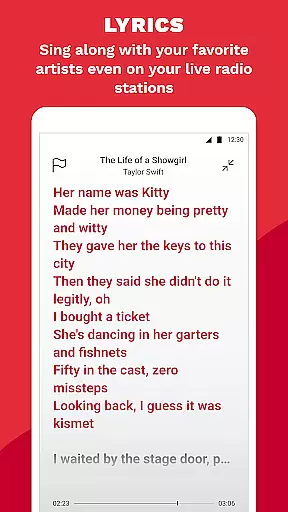
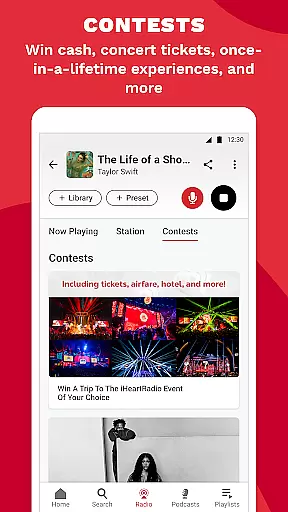
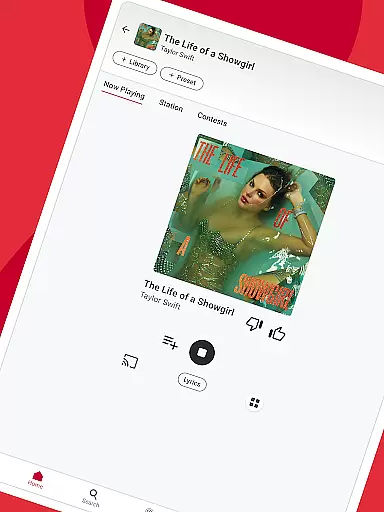
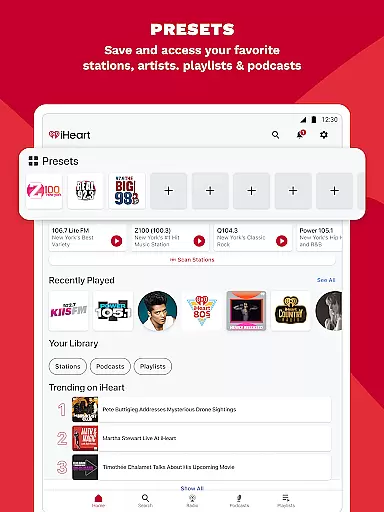
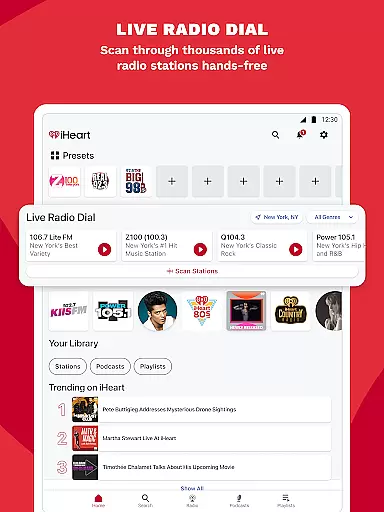
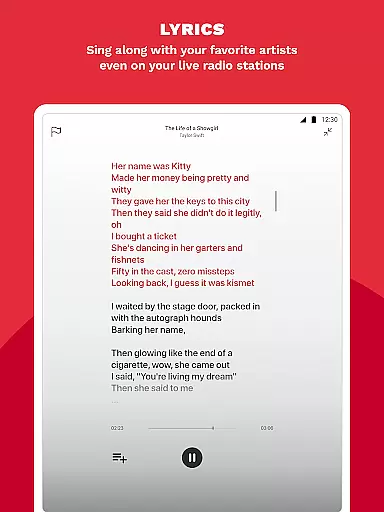
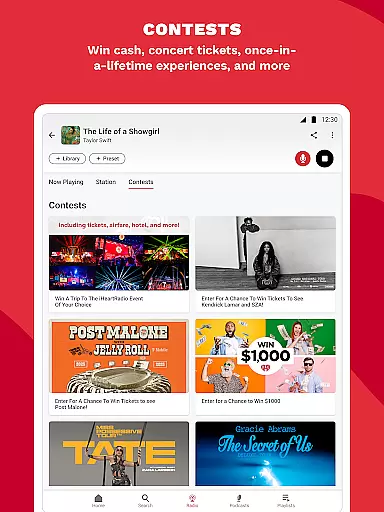
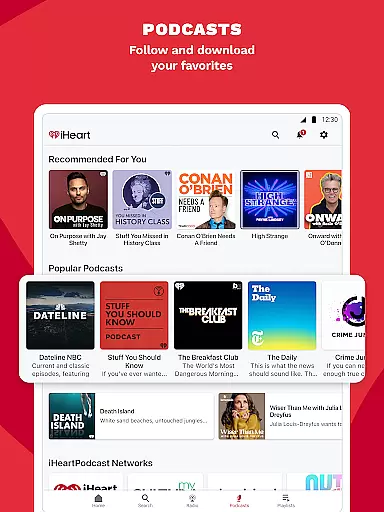
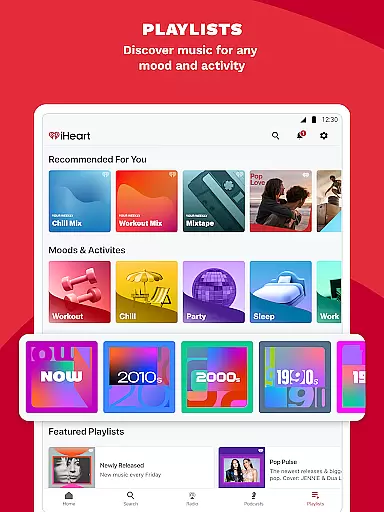
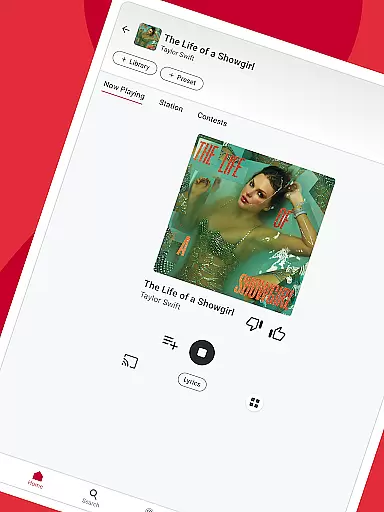
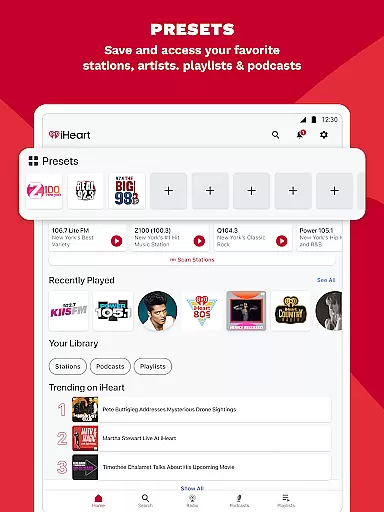
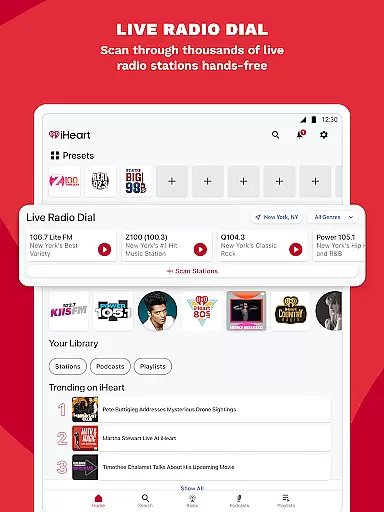
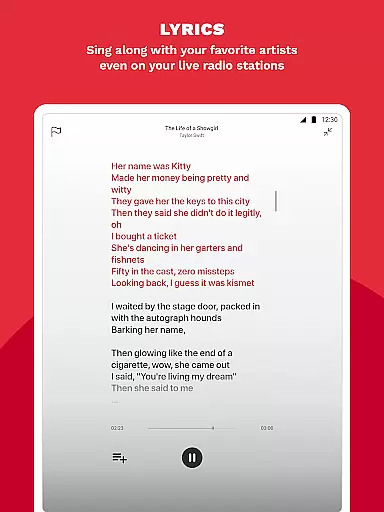
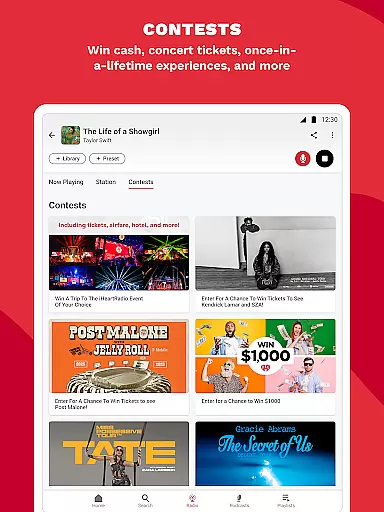
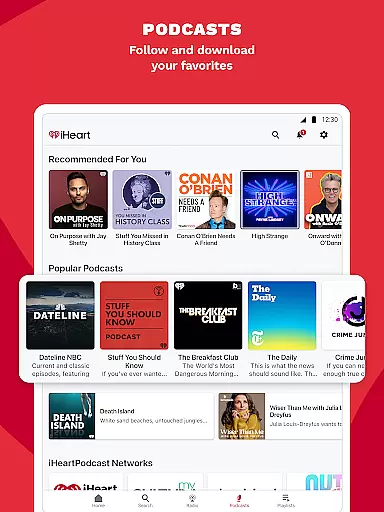
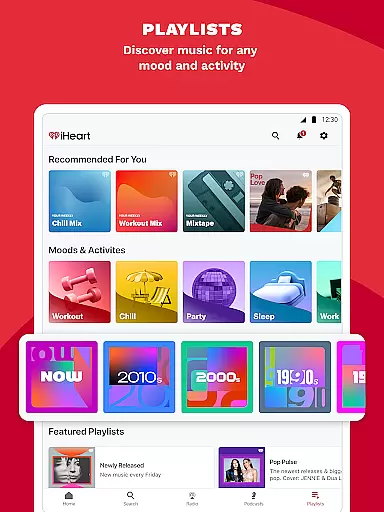
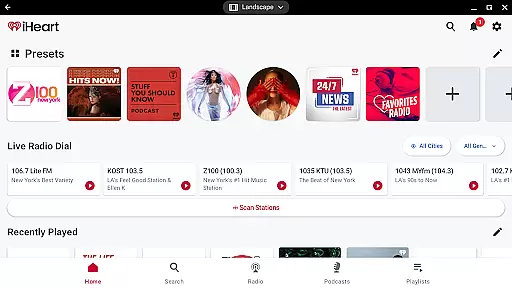
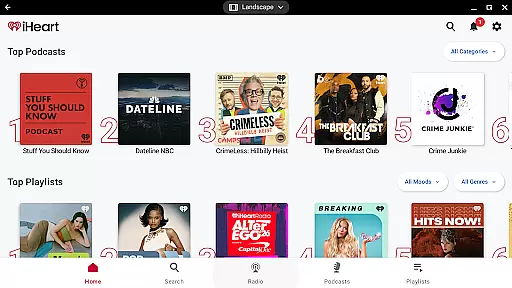
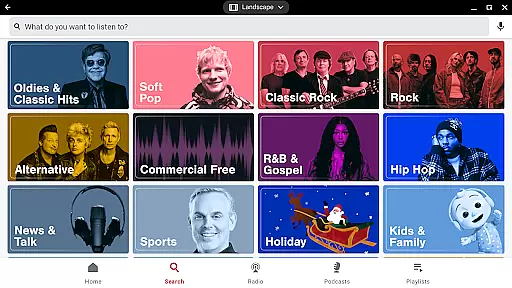
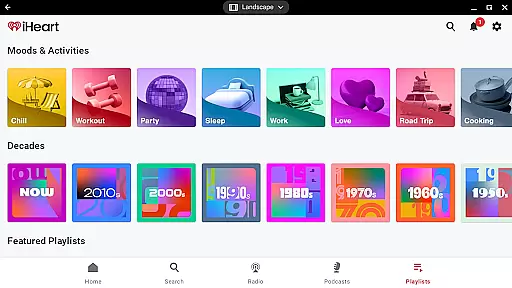
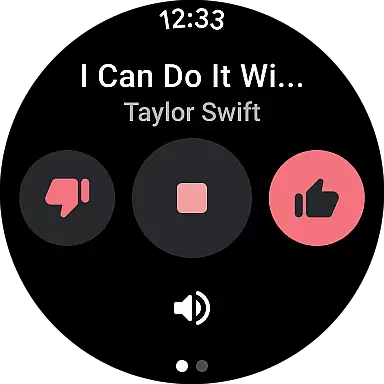
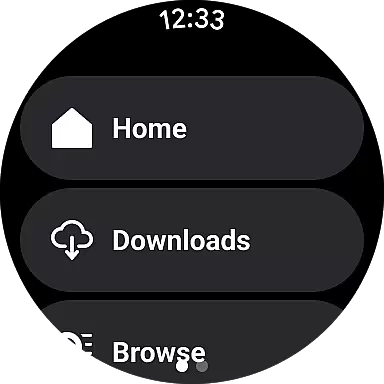
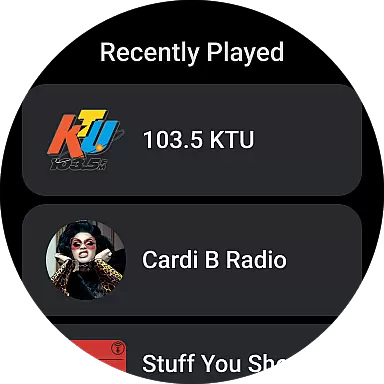
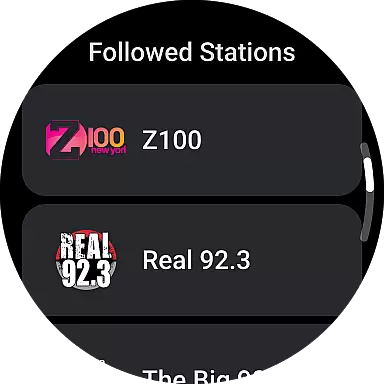
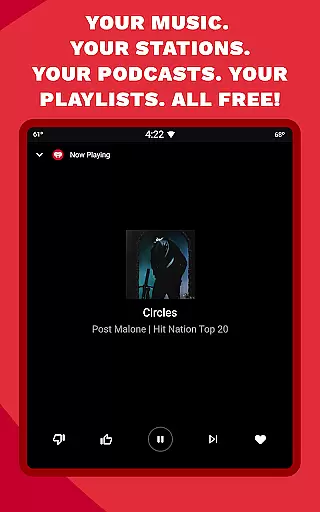
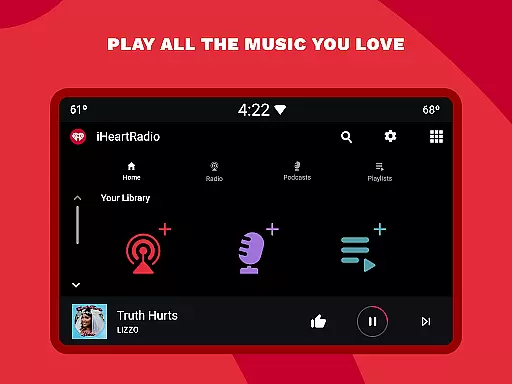
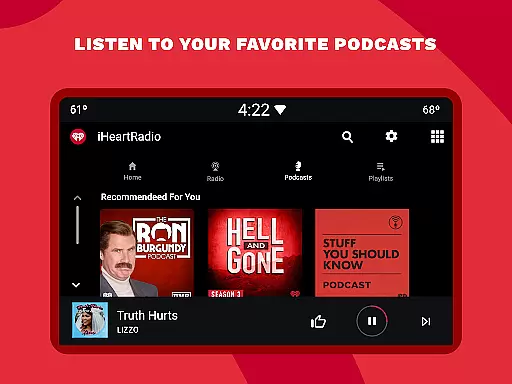
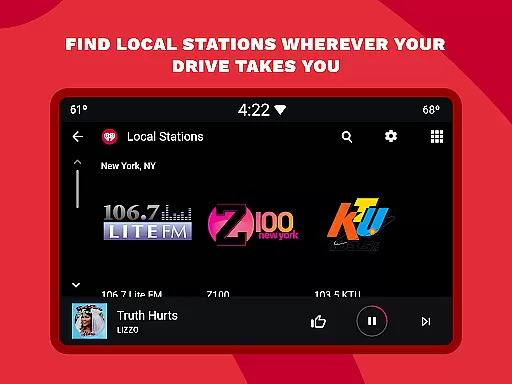
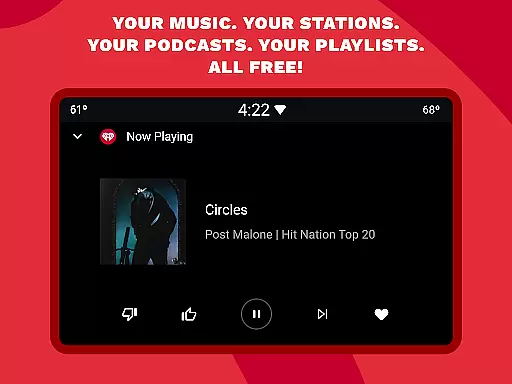
iHeartRadio is a versatile audio app that offers free access to thousands of live radio stations, curated music playlists, and popular podcasts. The app caters to various interests, including music, sports, news, and talk shows.
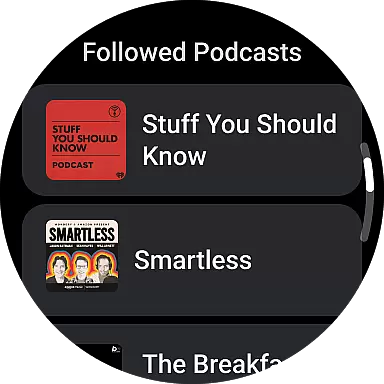
With its Android Wear support, users can control their listening experience directly from their smartwatch. Whether you're into holiday music, sports commentary, or true crime podcasts, iHeartRadio provides an extensive selection tailored to your preferences.
The app's key value lies in its ability to deliver personalized content across multiple devices, making it easy to enjoy your favorite audio wherever you go.
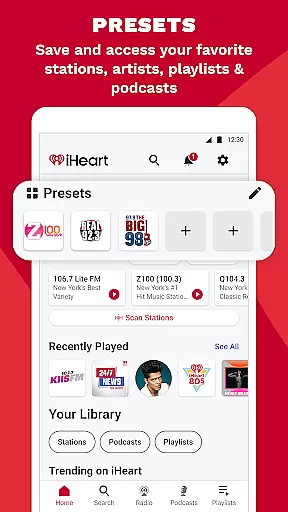
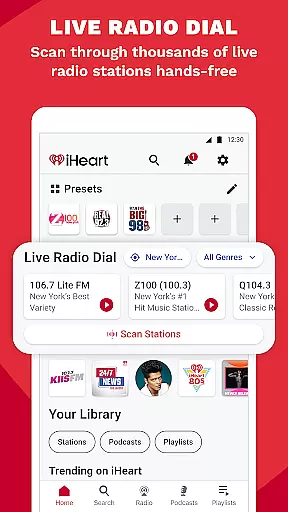
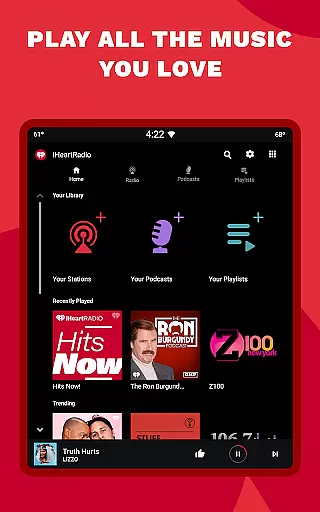
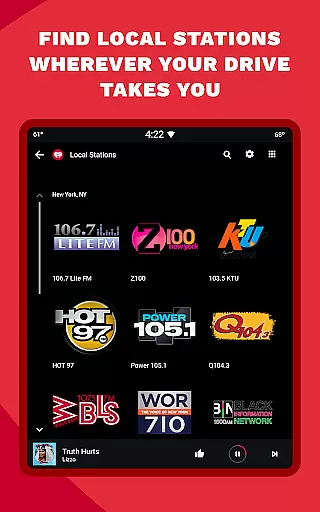
iHeartRadio stands out with its comprehensive feature set designed for diverse audio consumption needs. The app provides live streaming of local and global radio stations, offering everything from music to sports and news.
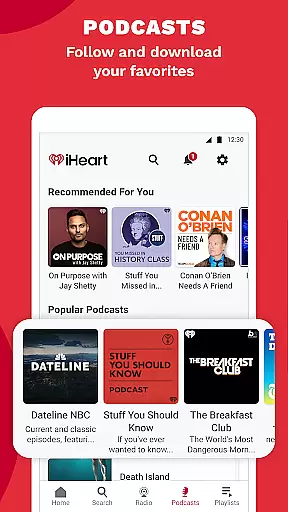
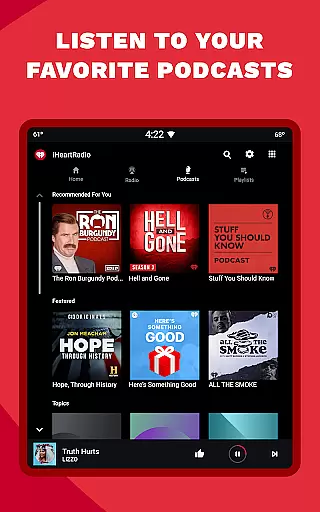
Podcast enthusiasts will appreciate the extensive library featuring popular shows like 'On Purpose with Jay Shetty' and 'The Breakfast Club.' The app also includes specialized sports coverage through dedicated channels such as ESPN Radio and Fox Sports Radio.
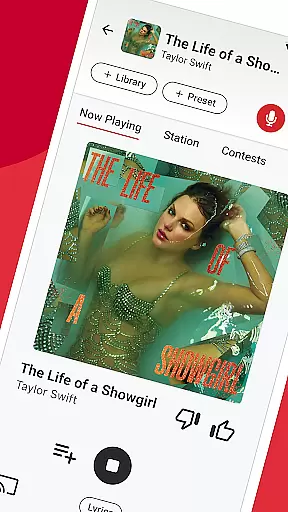
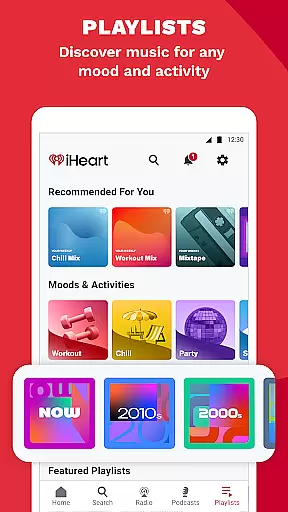
For music lovers, iHeartRadio delivers personalized playlists based on mood, activity, or genre. Premium subscribers can enjoy ad-free listening, offline downloads, and unlimited skips, enhancing the overall user experience.
Companion app integration is essential for wearable devices to function seamlessly with smartphones. iHeart excels in this area by offering a robust connection between its mobile app and Wear OS devices.
The application ensures that all your music, podcasts, and radio stations are synchronized across devices. This means you can start listening on your phone during your commute and continue on your smartwatch while working out without missing a beat.
Users benefit from real-time data sharing, allowing them to control playback, browse content, and manage playlists directly from their wearable device. This level of integration provides unprecedented convenience and flexibility.
Furthermore, the companion app integration includes notification alerts for new podcast episodes or personalized music recommendations. This feature ensures that users never miss their favorite content while enjoying a unified experience across all their devices.
Device compatibility is crucial for ensuring optimal performance on various Wear OS devices. iHeart has been meticulously designed to work flawlessly across different smartwatches running on the Wear OS platform.
The app undergoes rigorous testing to guarantee smooth operation on both older and newer Wear OS versions. This commitment to compatibility ensures that users with different devices can enjoy a consistent and reliable experience.
One of the key benefits of this broad compatibility is the ability to access all premium features regardless of your specific Wear OS device. Whether you're using a high-end smartwatch or an entry-level model, you'll receive the same quality of service.
Additionally, iHeart's development team regularly updates the application to maintain compatibility with the latest Wear OS versions and devices. This dedication to ongoing support demonstrates the company's commitment to providing the best possible user experience across all compatible wearables.
User-friendly interface
Extensive content library
Customizable playlists
Cross-device compatibility
Free basic features
Limited offline access
Ads in free version
Premium subscription cost
Occasional buffering
Regional restrictions

"PER27 Galaxy Digital" is a digital Wear OS watch face designed by PERSONA
 4.10
4.10
Wear Os Watch Face - Animated Snow - Sesonal for Christmas & Winter
4.1
Easy Voice Recorder is your everyday companion to record important moments.
4.70
Let's celebrate Thanksgiving - Wear Os watch face
4.20
Digital watch face with big numbers and many customization for Wear OS devices
4.40
Retro digital watch face with customizable colors and a unique lighting effect
4.60
A white realistic classic analog watch face with many customization options.
4.40
Start and succeed with PAP
4.10
Back up your contacts & access them anywhere
4.30
Gym Log & Workout Tracker | Fitness Journal, Training & Weight Lifting Planner
4.90
Diet tracker for weight loss - track calories, food and macros. Simple and easy!
4.70
Deck out your Wear OS Watch face with a beautifully decorated pine wreath!
4.50
Find EV charging stations
4.30
A customizable Christmas watch face for Wear OS with a countdown.
4.20
Hyper-Realistic Airplane Dashboard Watch Face With 10 Skins and Custom AOD
4.00
Animated Watch Face and Customizable with 24 Backgrounds. Perfect for Christmas!
3.90
Wear Os Watch Face - Animated Snow Effect & Christmas Lights
4.3
Christmas is near, let's count together the days left until Santa comes
4.5
3 Complications. All shadow on/off. 30 Themes color palette...
4.2


User Reviews