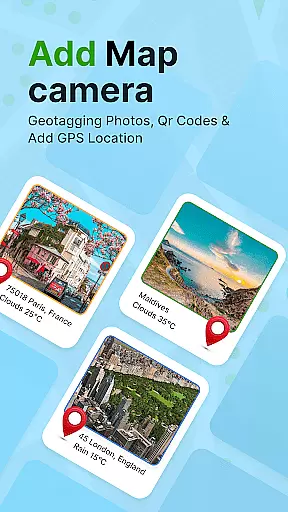
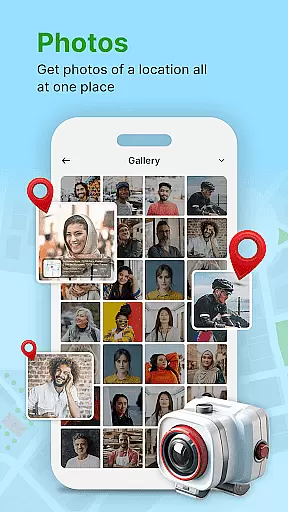
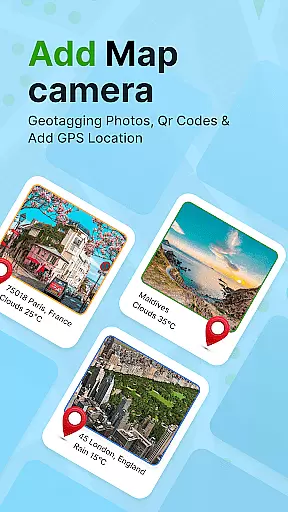
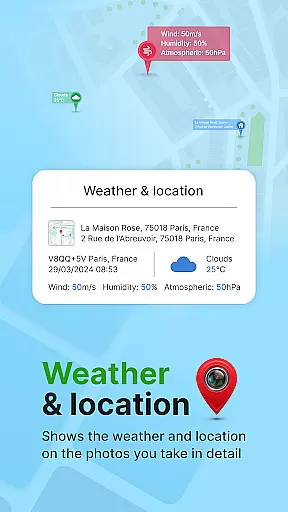
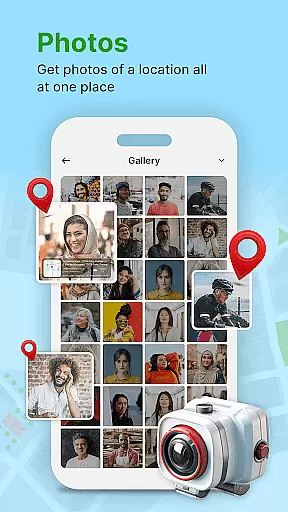
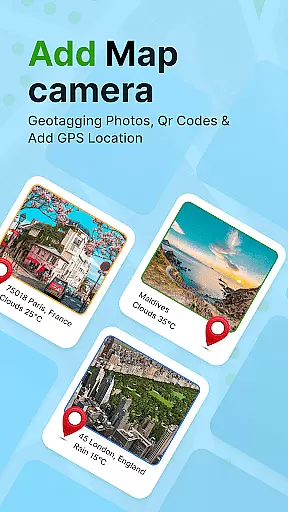
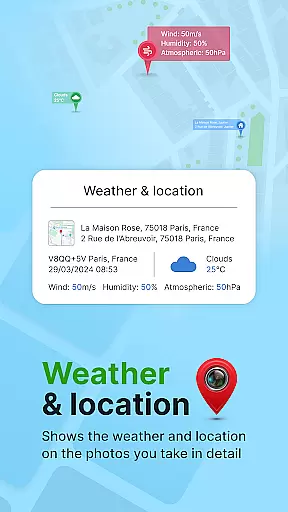
GPS Geotag Photos & Camera Map is a powerful photography app that allows users to embed precise location data into their photos. The app automatically adds GPS coordinates, altitude, and even weather information to the image metadata, making it an ideal tool for travelers, photographers, and anyone who wants to keep detailed records of their photo locations.
In addition to geotagging, the app offers advanced customization options such as timestamping with adjustable font styles, sizes, and colors. Users can also manually adjust latitude and longitude if needed. With support for live maps and QR code scanning, this app provides a comprehensive solution for managing photo locations efficiently.
This app is particularly useful for professionals who need to organize large photo libraries by location or for hobbyists who want to remember where their memorable moments were captured. By providing accurate geotagging and additional metadata, it enhances both personal and professional photography workflows.
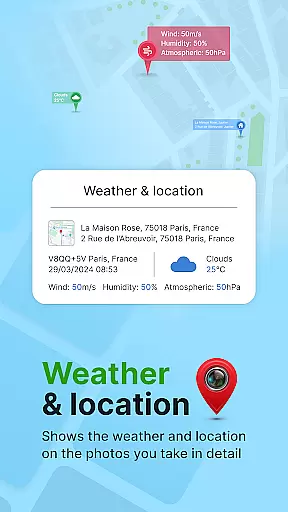
One of the standout features of GPS Geotag Photos & Camera Map is its ability to automatically embed GPS data directly into photo metadata. This includes not only location but also altitude, address, and weather conditions at the time of capture. The app's fast processing ensures that these details are added without delay, streamlining the photo management process.
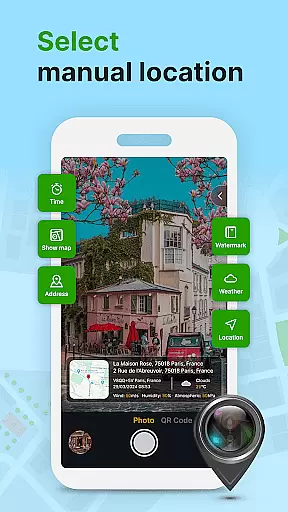
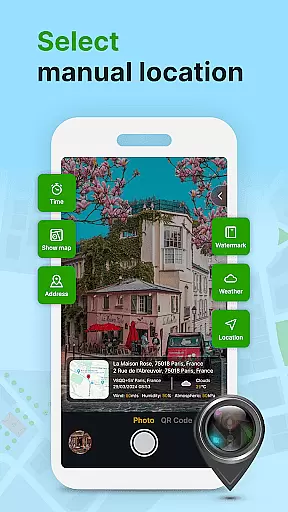
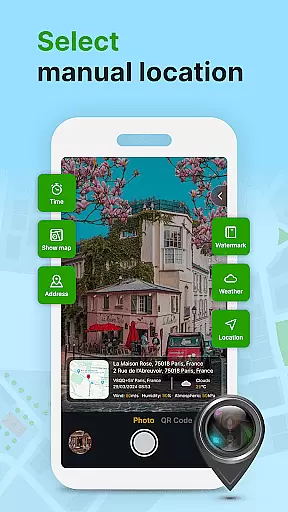
The app also offers extensive customization options. Users can modify the appearance of timestamps, choosing from different fonts, sizes, colors, and positions on the photo. For more precise control, manual adjustments to latitude and longitude are supported, allowing users to fine-tune location details. Additionally, the built-in QR code scanner adds another layer of functionality, enabling quick access to related information or services.
With its intuitive interface and robust feature set, this app caters to both casual users and professionals. Whether you're documenting a vacation or managing a professional photo project, the ability to add rich metadata to your images significantly improves organization and recall value.
Real-time capture and preview functionality is essential for ensuring that each photo taken with GPS Geotag Photos & Camera Map app accurately reflects the desired composition and location data. This feature allows users to see exactly what the camera sees, including live updates of GPS coordinates, before capturing an image.
The app supports stunning photos while embedding crucial metadata such as GPS coordinates, altitude, and address directly into the image. This real-time preview ensures that all geotagged information is correct, providing peace of mind that your photos will be accurately stamped with their location details.
Users benefit from this feature by having precise control over their photography process. Whether you're documenting a journey or organizing a collection, the ability to preview and adjust settings like datetime, latitude, longitude, and weather in real time enhances the overall quality and reliability of your photo archives.
While primarily focused on geotagging, GPS Geotag Photos & Camera Map also offers features akin to AI beauty and enhancement tools, aiming to maintain the natural look of photos. The app provides customization options for adding timestamps, which include adjusting font, size, color, and position, thus preserving the authenticity of the original image.
This app's dedication to natural enhancement is evident in its ability to auto-add short location stamps and embed them seamlessly into photos without compromising the visual integrity. Users can fine-tune these elements manually, ensuring that added details enhance rather than detract from the photou2019s aesthetic value.
By offering both automated and manual controls, the app empowers users to create visually appealing yet informative images. This balance between enhancement and natural presentation ensures that every photo tells a story, enriched with accurate and unobtrusive metadata, making it not only a tool for photographers but also for those who value authentic memories.
User-friendly interface
Comprehensive metadata tagging
Customizable timestamp options
Supports manual location adjustments
Includes QR code scanner
Requires constant GPS usage
May drain battery quickly
Some features may need technical knowledge
Limited offline functionality
Premium features come at extra cost

Shooting photos and records video easily and efficient with professional Camera
 4.30
4.30
Find time and duration of different sunlight phases at any location
4.90
Professional video recording application with manual controls for filmmakers!
2.80
An interval timer to automate photo taking process for timelapse
2.90
Cartoon and artistic effects for your photos and videos
4.70
Future baby face generator: AI kids generator, kid face! What my baby look like?
4.40
Collage your moments in one tap: 1000+ layouts, filters, stickers, and texts.
4.90
Snap photos remotely using your Garmin watch as the camera trigger
4.2
Your personal guide to the sun and moon. Plan ahead, visualize and predict!
4.70
The original Rarevision VHS look seen everywhere!
4.70
PhotoSync Bundle Add-On License. Enables all features and services in PhotoSync.
4.60
Easily create custom gifts, cards, photo books & more on the Shutterfly app!
4.60
Edit like a pro with Hypic. Apply filters, AI effects, & magic touch.
4.40
AI portrait generator and polaroid AI selfie, fun AI generated AI photo creator!
4.30
Photobooth mini FULL app will allow you to add more fun to your parties
4.00
live datamoshing
4.00
Perfect photos with body shaping, BG changer and object remover.
3.70
Superimpose one photo on top of another using the original Superimpose app!
3.20
Raw Image Viewer. Gallery with support of raw images (.cr3, .cr2, .nef, .raf).
2.00


User Reviews