
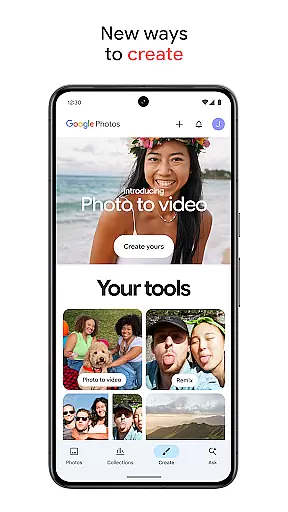
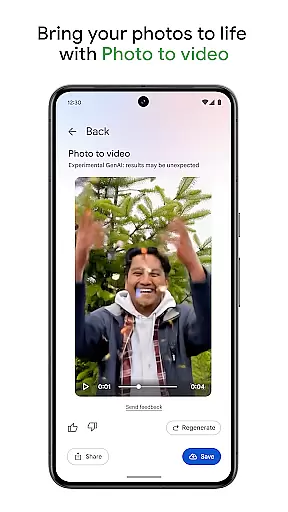
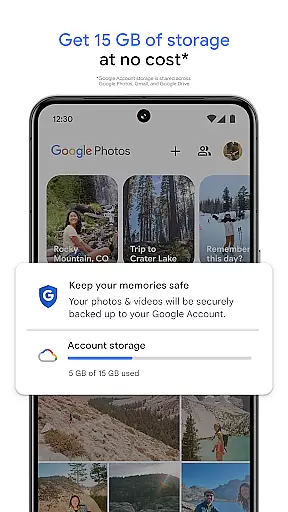
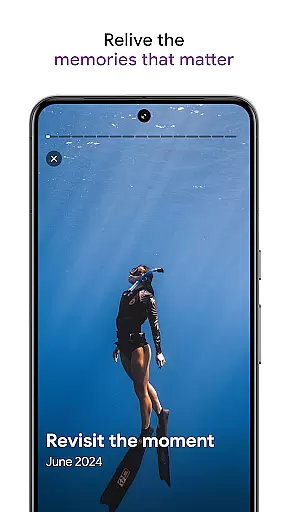
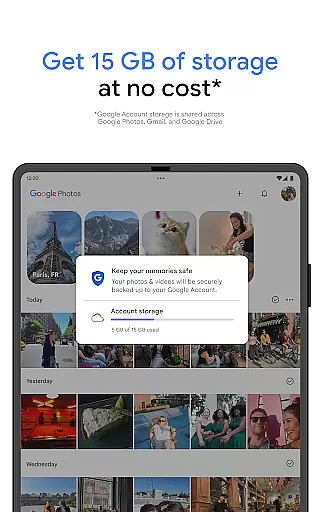
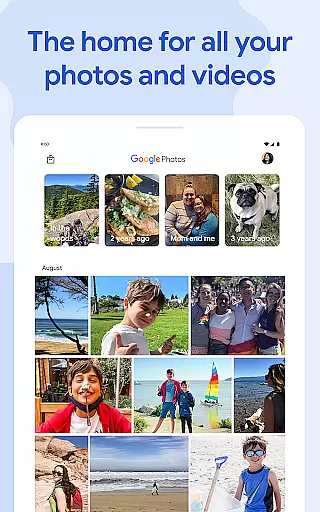
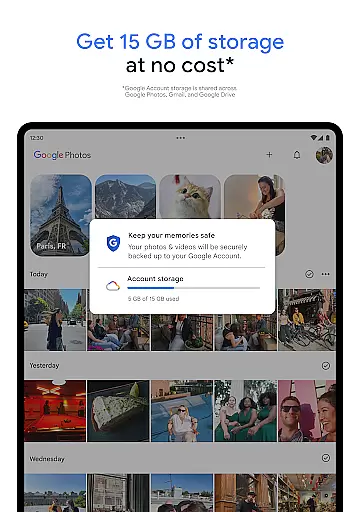
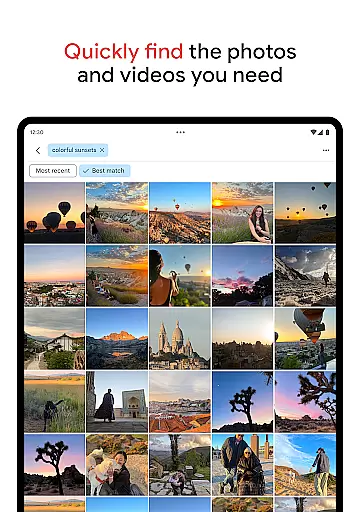
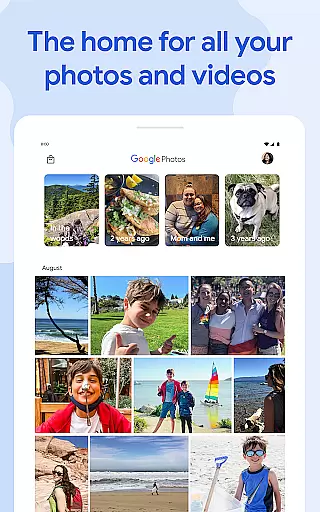
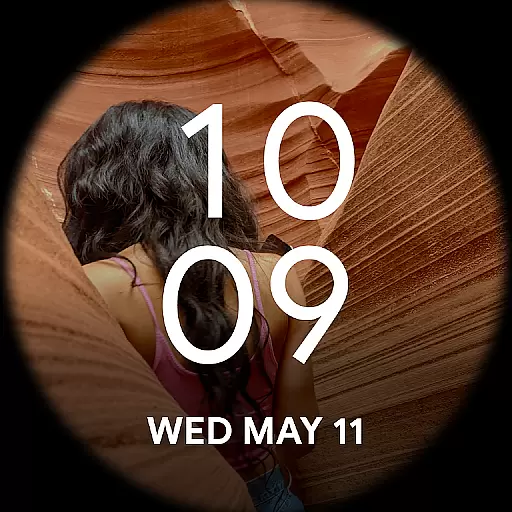
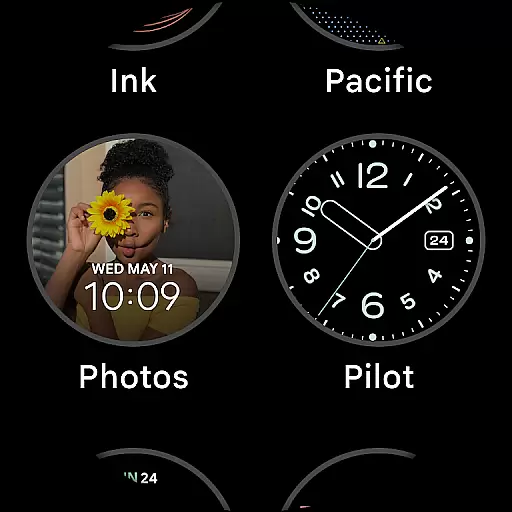
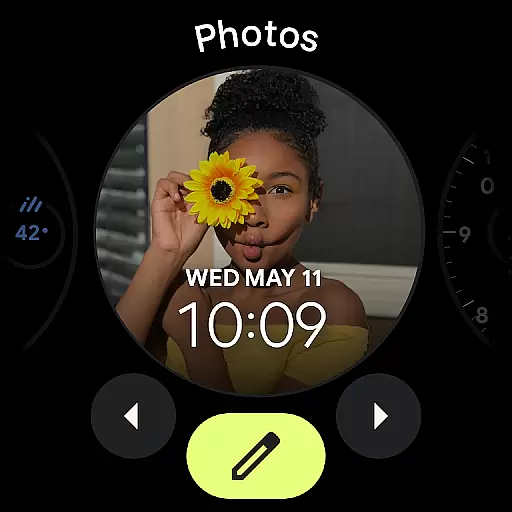
Google Photos is a comprehensive photo management application that serves as a centralized hub for all your photos and videos. Powered by Google AI, the app offers seamless backup, intuitive organization, and advanced search capabilities. With 15 GB of free cloud storage, users can automatically back up their memories across devices, ensuring data safety and accessibility.
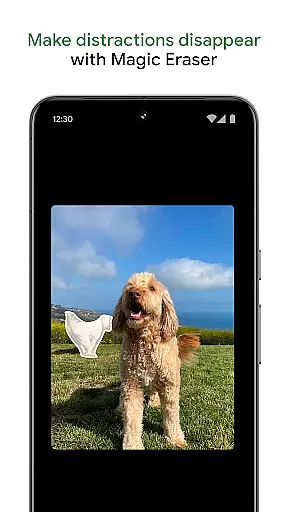
The app stands out with its AI-powered editing tools like Magic Eraser and Unblur, which simplify complex photo edits. Additionally, features such as Photo Stacks and locked folders help declutter galleries while maintaining privacy. Whether you're looking to relive cherished memories or create new content using AI-driven tools, Google Photos provides a secure and versatile platform for managing your digital life.
Google Photos boasts an array of innovative features designed to enhance user experience. One standout capability is its AI-powered editing suite, including tools like Magic Eraser, Unblur, and Portrait Light. These allow users to make sophisticated adjustments effortlessly, improving photo quality in just a few taps.
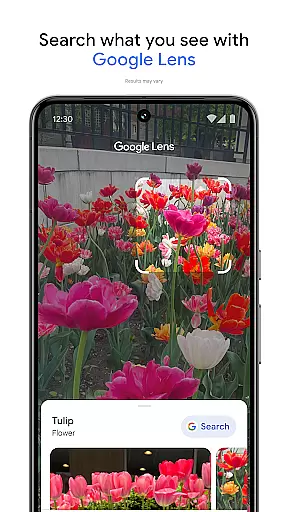
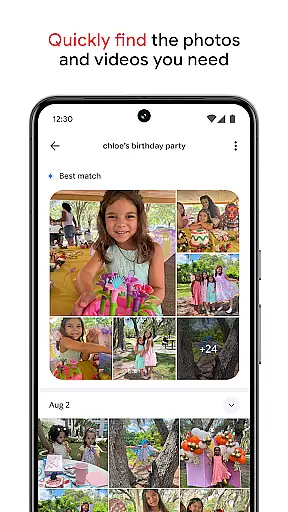
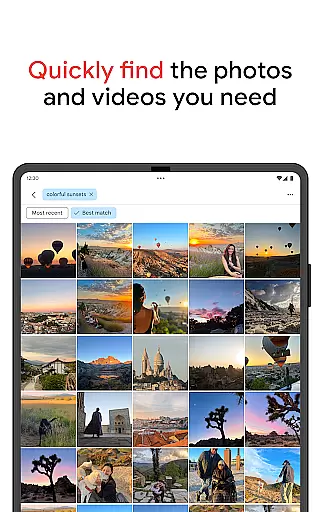
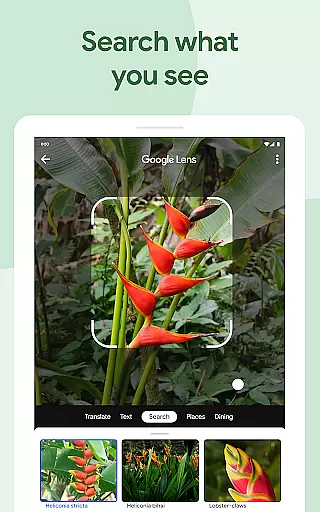
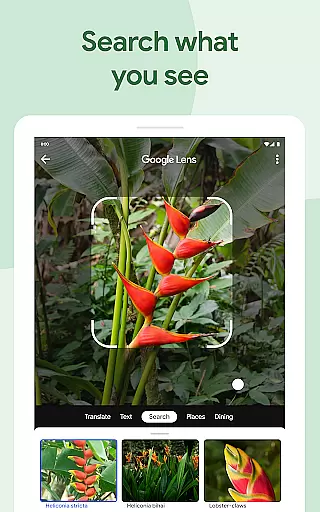
Beyond editing, the app simplifies organization through smart tools like Photo Stacks and custom albums, ensuring your gallery remains clutter-free. The search functionality leverages Google's powerful AI, enabling users to find specific images quickly—even through complex queries. Furthermore, integration with Google Lens adds another layer of utility, allowing users to identify objects or text within their photos. This combination of creativity, convenience, and security makes Google Photos indispensable for modern digital lifestyles.
Companion app integration is essential for users who want a seamless experience between their mobile devices and wearable technology. Google Photos excels in this area by ensuring that all your photos and videos are automatically backed up and accessible across all your devices.
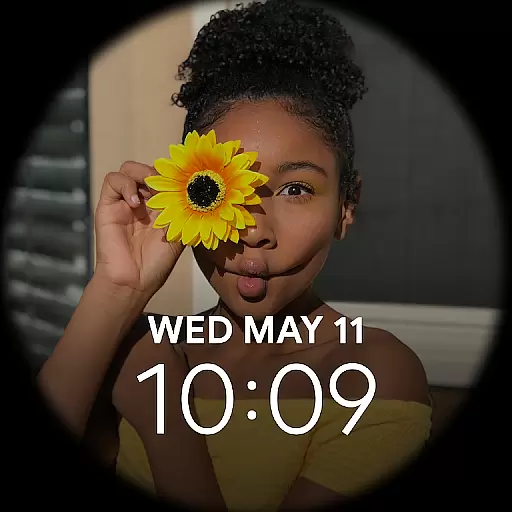
The application leverages Google's robust cloud infrastructure to sync content in real-time, allowing users to access their media library from their Wear OS devices effortlessly. This means you can view, manage, and even share your cherished memories directly from your smartwatch or other Android Wear gadgets.
Furthermore, the app provides notifications and updates on your wearable device, keeping you informed about new uploads, shared albums, or storage limits. This interconnected ecosystem ensures that whether you're on-the-go or at home, your media is always within reach, enhancing both convenience and functionality.
Ensuring broad compatibility with various Wear OS devices is crucial for any app targeting the Android Wear market. Google Photos stands out by offering extensive support for a wide range of Wear OS devices, making it versatile and user-friendly.
The app is optimized to work seamlessly with different screen sizes and resolutions typical of Wear OS devices. Whether you have a smartwatch or another type of wearable, Google Photos adjusts its interface to provide an optimal viewing experience without compromising on speed or performance.
In addition to visual compatibility, Google Photos also integrates smoothly with device-specific features such as voice commands and gesture controls. This allows users to interact with their photo libraries hands-free, using natural movements or spoken instructions, thereby enriching the overall usability and accessibility of the application.
User-friendly interface
Powerful AI tools
Secure cloud storage
Seamless cross-device sync
Versatile sharing options
Limited free storage
Paid subscription required
Occasional syncing issues
Privacy concerns for some
Advanced tools need learning

Highly customizable hybrid watch face for Wear OS, perfect for everyday use.
 4.60
4.60
Animated Watch Face and Customizable with 24 Backgrounds. Perfect for Christmas!
3.90
Precision analog watch face with 7 complications and style options
4.2
Snowflake Rose Gold Watch Face - Digital, modern, & sleek with GYRO effect.
4.10
MyNISSAN® lets you remotely control your car from your phone.*
4.50
To-Do List: daily schedule planner, task organizer, to do reminder app, calendar
4.60
Hybrid Vibrant Health Watch Face for Wear OS
4.0
Animated video-game inspired “secret agent” simulation, right on your wrist!
4.20
Simple, helpful messaging by Google
4.60
Be an elegant and classy secret agent, with this carefully detailed watch face
4.70
The most customizable minimal watch face. For Wear OS 5.0, API 34+ and later
4.70
The most customizable hybrid watch face. For Wear OS 5.0, API 34+ and later
4.70
Nutrition, Macro tracker: Food, fitness & healthy diet tracking for weight loss
4.60
Retro digital watch face with customizable colors and a unique lighting effect
4.60
Embrace the festive spirit with our Christmas Countdown watchface for Wear OS
4.10
A digital watch face that celebrates Christmas.
4.00
Contemporary digital watch face with five complications
4.2
Artistic Digital Watchface
4.5
Minimalistic design modern digital watch face.
4.4


User Reviews