
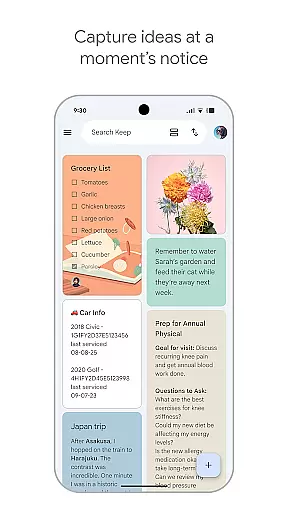
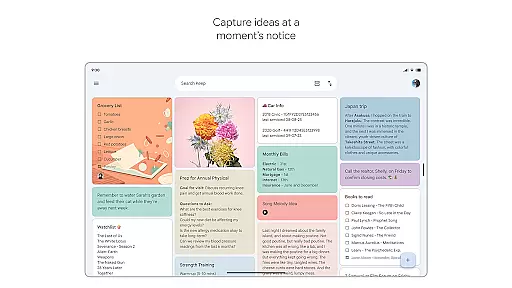
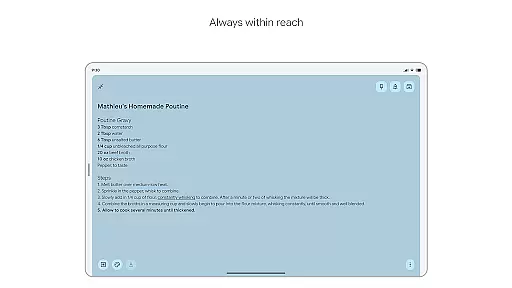
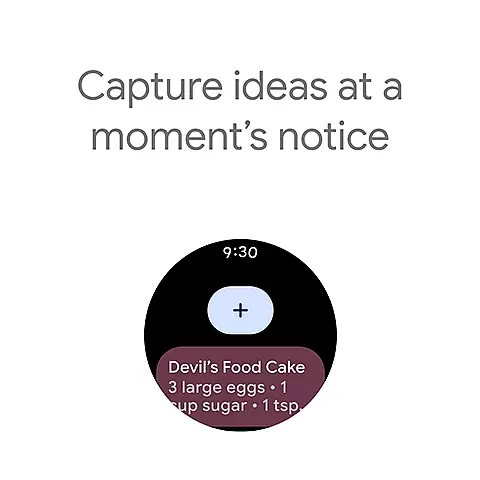
Google Keep is a versatile note-taking application designed specifically for Android Wear and other Android devices. The app allows users to quickly capture thoughts, manage to-do lists, and stay organized through various features such as text notes, voice memos, and photos. With seamless synchronization across all devices including phones, tablets, computers, and Wear OS devices, Google Keep ensures that your information is always accessible wherever you go.
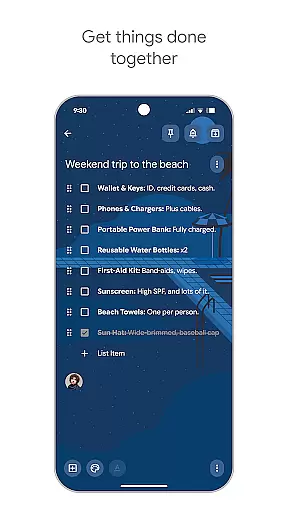
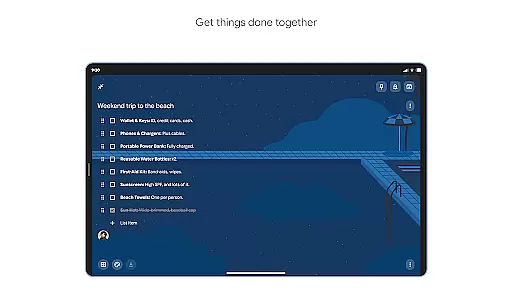
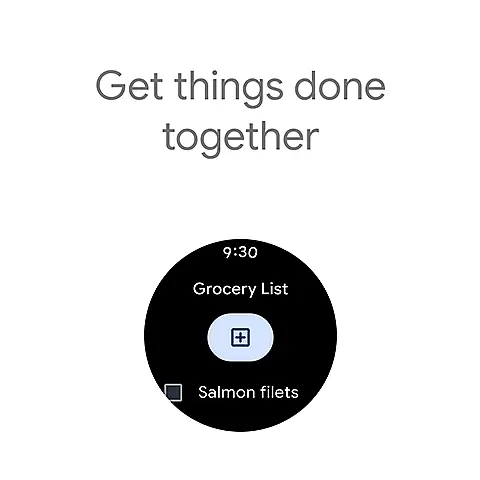
One of the standout features of Google Keep is its ability to enhance productivity by providing timely reminders and collaborative tools. Users can set location-based and time-based reminders to never miss an important task or errand. Additionally, the app supports sharing notes with friends and family, making it ideal for group projects or family chores like grocery shopping. Its advanced security measures ensure that all your notes and personal information remain private and secure at all times.
Google Keep offers a comprehensive suite of features tailored to make note-taking efficient and intuitive. The app provides multiple ways to capture ideas, including typing text notes, recording voice memos, and taking photos. This flexibility ensures that users can document their thoughts in the most convenient way possible. Furthermore, Google Keep's widget support on phones and tablets, along with tiles and complications on Wear OS devices, allows for quick access and effortless note-taking.
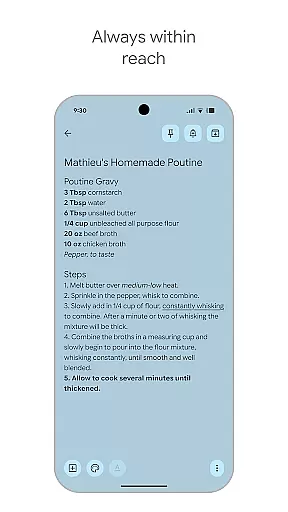
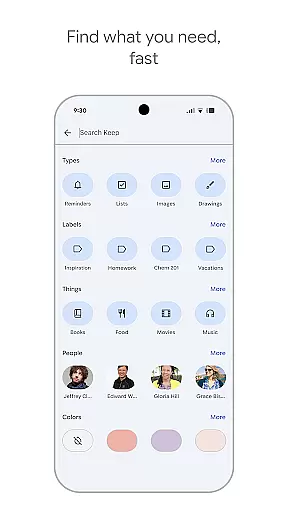
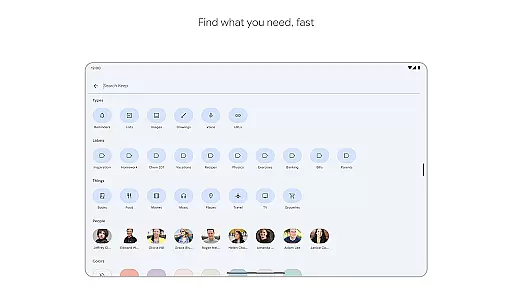
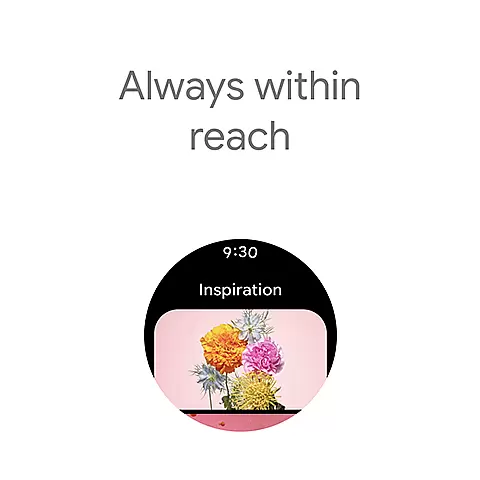
Organization is made simple with Google Keep's labeling and color-coding system. Users can categorize notes using different colors and labels, making it easy to find specific information later. The powerful search functionality helps retrieve saved notes swiftly. Moreover, the ability to pin notes to the home screen and create shortcuts on Wear OS devices ensures that important notes are always within reach. Collaborative features enable users to share and edit notes with others, fostering teamwork and coordination.
For Google Keep, seamless companion app integration is a cornerstone feature that ensures users can effortlessly sync and access their notes across multiple devices. This functionality allows your thoughts, reminders, and lists captured on one device to be instantly available on others, maintaining consistency and reliability in your note-taking experience.
The app achieves this through robust cloud-based synchronization, which updates your content in real-time. Whether you're using the mobile app on your phone, accessing it from a tablet, or utilizing the desktop version, all entries are harmonized, ensuring no detail is ever lost or delayed in transition.
This comprehensive integration extends to Wear OS devices as well, where users can enjoy quick access to essential notes directly from their smartwatches. By adding tiles and complications, Google Keep enhances wearable tech convenience, allowing for swift information capture and retrieval without needing to reach for another device.
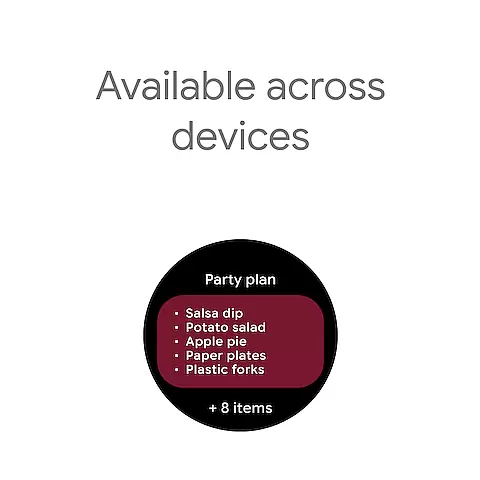
Google Keep excels in its broad compatibility with various devices, particularly within the Wear OS ecosystem. This compatibility ensures that regardless of whether you're operating on an Android phone, an iOS device, or a Wear OS smartwatch, Google Keep remains accessible and functional, providing uninterrupted service tailored to each platform's unique interface and capabilities.
On Wear OS devices, Google Keep offers specialized features such as voice memos and simplified note viewing, optimizing the smaller screen experience. These adaptations ensure that despite the limited display area, users can still efficiently interact with their notes, making the most out of their wearable technology.
Furthermore, by supporting widgets and shortcuts on both phones and tablets, Google Keep maximizes productivity by offering quick access points to frequently used notes or lists. This thoughtful design consideration underscores Google Keep's commitment to delivering a versatile and user-friendly experience across all compatible devices, enhancing both accessibility and efficiency for its users.
User-friendly interface
Seamless cross-device sync
Voice and photo notes
Timely reminders
Advanced security
Limited formatting options
No native PDF export
Basic collaboration tools
Fewer third-party integrations
Occasional sync issues

Christmas is near, let's count together the days left until Santa comes
 4.0
4.0
A heartwarming Christmas scene featuring a cute image of Santa and Rudolf
4.4
Watch face designed for Thanksgiving Day. 7 Background Styles included.
3.20
Be an elegant and classy secret agent, with this carefully detailed watch face
4.70
Bold weather Digital watchface with forecast & optional animated background
4.40
A modern hybrid informative watch face for Wear OS designed by BALLOZI
4.80
Premium hybrid watch face with many customizations for Wear OS devices.
4.40
Connect, create, and collaborate with Gmail, part of Google Workspace.
4.10
Want to take charge of your health? Let Google Fit help you reach your goals.
3.50
Digital, flexibly customizable watch face. For Wear OS 5.0, API 34+ and later.
5.00
Gym Log & Workout Tracker | Fitness Journal, Training & Weight Lifting Planner
4.90
Highly customizable hybrid watch face for Wear OS, perfect for everyday use.
4.60
Christmas watch face. For Wear OS devices.
4.30
Let's celebrate Thanksgiving - Wear Os watch face
4.20
Hyper-Realistic Airplane Dashboard Watch Face With 10 Skins and Custom AOD
4.00
Christmas and New Year - Themed Watchface
4.1
Analog watch face with 8 complications and expedition styling
4.4
Sleek, highly customizable watch face inspired by Galaxy Watch Circle Dashboard.
4.2
Fitness interactive virtual pet super fighter boy watch face
4.0


User Reviews