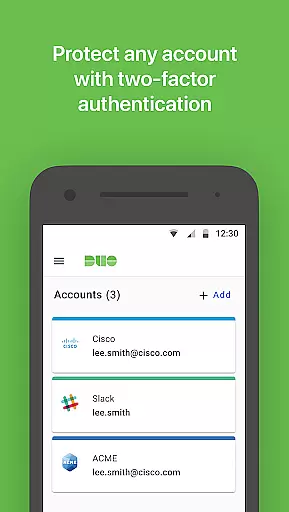
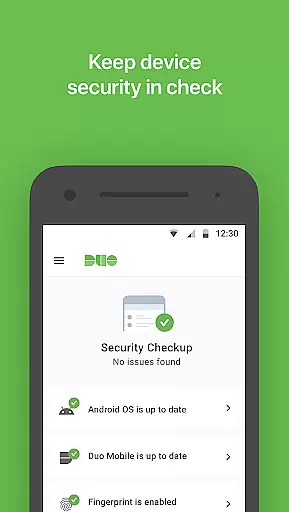
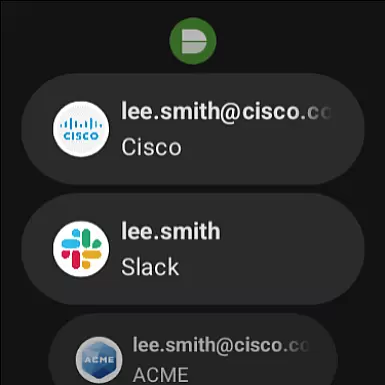
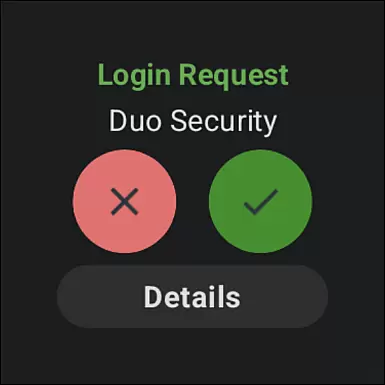
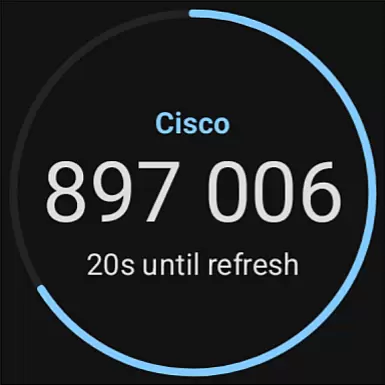
Duo Mobile is a security application designed to enhance login protection through two-factor authentication. This app generates time-based passcodes and delivers push notifications for seamless one-tap verification, ensuring secure access to your accounts.
With Duo Mobile, you can manage two-factor authentication not only for Duo Security accounts but also for other third-party services that support passcode-based authentication. The app also integrates with Wear OS devices via its companion app, Duo Wear, allowing users to authenticate directly from their smartwatches.
Whether you're accessing corporate systems or personal accounts, Duo Mobile provides an essential layer of security by requiring both something you know (your password) and something you have (your phone or watch). This makes it significantly harder for unauthorized users to gain access to your accounts.
Duo Mobile offers several key features that make it a reliable choice for two-factor authentication. First, the app generates time-based one-time passcodes (TOTP), which are essential for securely logging into various services. These passcodes refresh every 30 seconds, providing an additional layer of security.
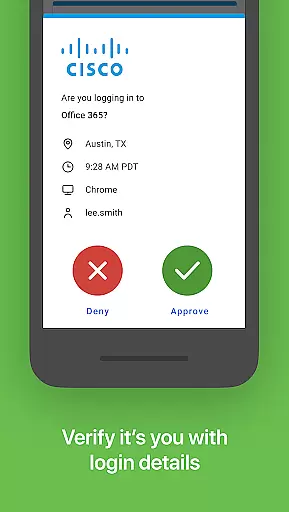
In addition to passcode generation, Duo Mobile supports push notifications for authentication requests. When a login attempt is made, users receive a notification on their device, allowing them to approve or deny the request with a single tap. This feature streamlines the authentication process while maintaining high-security standards.
The app also includes a QR code scanner for easy account activation. By scanning a QR code during setup, users can quickly link their accounts to Duo Mobile. Furthermore, the integration with Wear OS ensures that users can authenticate even when they don't have immediate access to their phones, making secure logins more convenient than ever.
Companion app integration is a crucial feature for applications that extend their functionality to wearable devices. Duo Mobile excels in this area by offering seamless synchronization with its Wear OS companion app, Duo Wear.
The integration process begins during the account activation phase, where users receive an activation link through Duo Security's enrollment procedure. Once activated, Duo Mobile ensures all necessary data is accurately mirrored on the wearable device.
This synchronization provides users with the convenience of generating passcodes and receiving push notifications directly on their smartwatches. The real-time data sharing between the mobile and Wear OS apps enhances the overall user experience.
By maintaining consistent functionality across devices, Duo Mobile ensures that users can authenticate securely regardless of which device they are using, significantly improving accessibility and convenience.
Device compatibility is essential for applications supporting wearable technology. Duo Mobile demonstrates excellent compatibility with Wear OS, ensuring broad device support within the Android ecosystem.
The application is designed to function smoothly across various smartwatch models that operate on Wear OS. This compatibility is maintained through regular updates that align with the latest Wear OS versions and features.
Duo Mobile's development team prioritizes system optimization to guarantee that both the mobile and wearable applications work in harmony. This includes adapting to different screen sizes and hardware capabilities.
By ensuring comprehensive Wear OS compatibility, Duo Mobile provides users with a reliable and consistent authentication experience across their devices, enhancing both security and convenience without compromising performance.
Enhanced security
User-friendly interface
Push notifications
Wear OS support
QR code scanning
Requires activation
Third-party dependency
Limited offline use
No biometric login
Camera permission

MyNISSAN® lets you remotely control your car from your phone.*
 4.50
4.50
A heartwarming Christmas scene featuring a cute image of Santa and Rudolf
4.3
Elegant animated Christmas tree with multiple customization options
4.20
Digital watch face with big numbers and many customization for Wear OS devices
4.40
Locate your family members by GPS phone location tracker everywhere and anytime
4.30
Stylish, Energizing and Modern Watch Face crafted by Dominus Mathias.
4.50
Your music, your playlists, and more—offline and unlimited.
4.20
Your local weather forecast, storm tracker, radar maps & live weather news
3.40
Back up your contacts & access them anywhere
4.30
Beautiful, colorful and practical watch face. For Wear OS devices.
5.00
Digital, flexibly customizable watch face. For Wear OS 5.0, API 34+ and later.
5.00
Hyperlocal rain alerts by MyRadar using patent-pending technology, radar & more
4.80
Nutrition, Macro tracker: Food, fitness & healthy diet tracking for weight loss
4.60
Let's celebrate Thanksgiving - Wear Os watch face
4.20
Get helpful reminders, take progress photos and find answers to your questions.
3.90
Watch the sharpness of the sky on your wrist..
3.70
Watch face designed for Thanksgiving Day. 7 Background Styles included.
3.20
Christmas is near, let's count together the days left until Santa comes
4.3
Simple Analog-Digital Watchface For Wear OS 3.0 and Up Smartwatches
4.2


User Reviews