
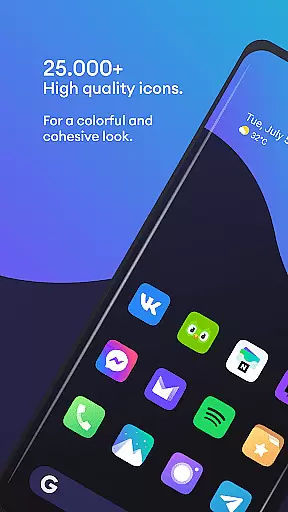
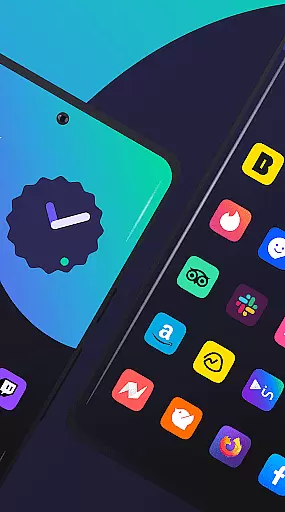
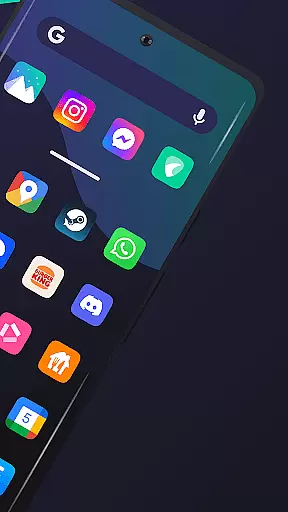
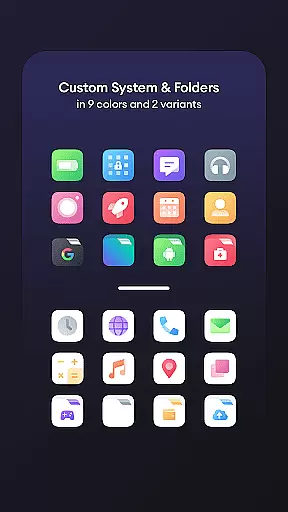
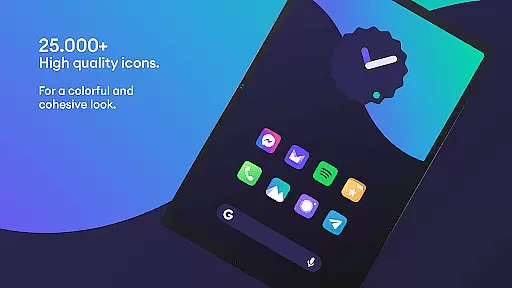
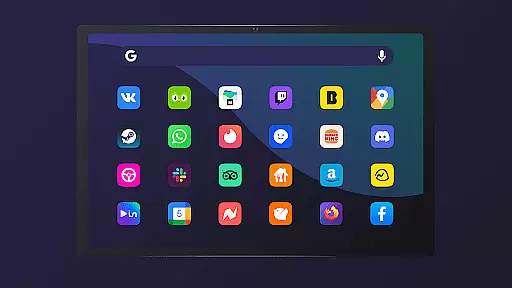
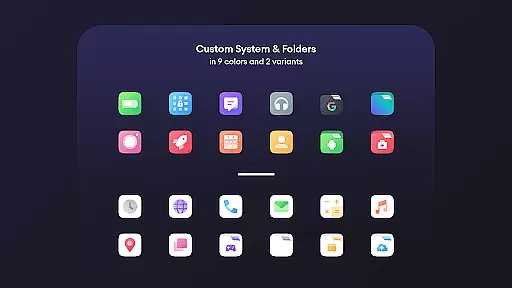
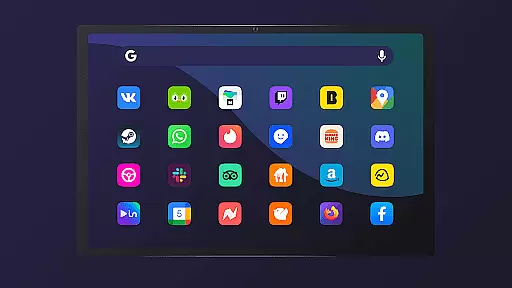
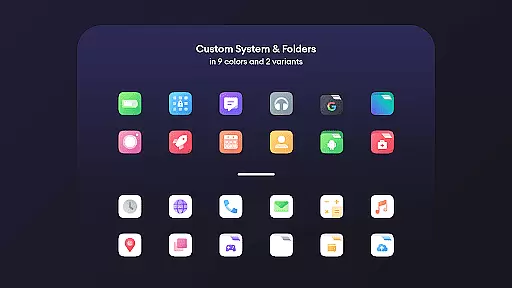
Borealis - Icon Pack is a premium personalization tool designed to bring color and homogeneity to your devices. With over 28,000 high-quality icons, it offers users the ability to customize their smartphone or tablet interfaces with a fresh, cohesive look while respecting the original brand designs.
The pack includes multiple alternative icons for selection, dynamic calendar support, and icon masking for unthemed icons. It also provides access to 48+ high-resolution cloud-based wallpapers and features a modern, intuitive dashboard for easy navigation. Compatible with numerous launchers, Borealis ensures a seamless user experience across different platforms.
Borealis - Icon Pack stands out with its extensive collection of over 28,000 icons, each crafted to ensure quality and aesthetic appeal. The inclusion of multiple alternative icons allows users to choose the perfect match for their personal style. Its dynamic calendar feature supports various launchers, ensuring that users can enjoy up-to-date calendar displays.
In addition to its vast icon library, Borealis offers icon masking, which provides a uniform appearance even for unthemed icons. The pack also includes a selection of 48+ high-resolution cloud-based wallpapers, enhancing the visual experience. An intuitive dashboard makes it easy to navigate through settings, apply themes, and request icons for unthemed apps.
Borealis - Icon Pack offers an extensive range of customization options that allow users to personalize their device's appearance with ease. With over 28,000 high-quality icons, the variety is unmatched, ensuring that there is a style for every user preference.
The inclusion of multiple alternative icons provides even more choice, enabling users to select the perfect icon that resonates with their personal aesthetic. This level of variety ensures that your device not only looks cohesive but also unique to your style.
Additionally, features such as icon masking and dynamic calendar support (where applicable) enhance the customization experience. These options ensure that even unthemed icons are displayed attractively, maintaining a consistent look across your device.
With Borealis, users can enjoy regular updates and access to cloud-based wallpapers, keeping their devices fresh and up-to-date. The modern dashboard simplifies navigation and control, making it easy for anyone to tailor their device just the way they like it.
Theme compatibility is at the heart of Borealis - Icon Pack, designed to work seamlessly with a wide array of launchers. Whether you're using popular options like Nova or Apex, or less common ones like ZenUI, Borealis has got you covered.
This broad compatibility ensures that regardless of your launcher choice, you can apply the stunning visuals and cohesive styles offered by Borealis without any hassle. The pack respects original brand identities while giving them a fresh twist, enhancing visual harmony on your device.
For troubleshooting, simple steps such as disabling 'normalize icon size' in launcher settings can resolve most issues related to theme application. This attention to detail highlights Borealisu2019s commitment to providing a smooth user experience across different platforms.
Moreover, if users encounter any problems, the dedicated support team is readily available via email, Facebook, Twitter, and their website. This robust support network underscores the reliability of Borealis when it comes to maintaining excellent theme compatibility.
Extensive icon library
High-quality design
Multiple launcher compatibility
Dynamic calendar support
Regular updates
Requires compatible launcher
No built-in wallpaper editor
Limited free features
Some icons may lack alternatives
Occasional update delays

Classic analogue watch face. For wear os devices.
 4.60
4.60
Ninja Turtles Cowabunga SE watch face for Wear OS
4.50
100+ Stylish Fonts, Emojis, Symbols keyboard for Instagram & TikTok!
4.80
Transfer your live wallpapers from Windows to Android using Wallpaper Engine!
4.00
Customize your home screen with stunning themes, blur, widgets & icons.
4.60
300+ widgets inspired by Material You and Material 3 expressive design.
4.60
Your home screen, just the way you like it.
3.80
Transform your phone with stylish zipper lock themes and 4D live wallpaper
4.10
Cool custom fonts & keyboard themes! Symbols & font changer for Instagram
4.50
One 8 icons glass color version
4.80
Wallpaper HD 4K Live - Thousands of high-quality Anime backgrounds for you.
4.80
Personalize your phone with stunning HD and 4K wallpapers!
4.70
A minimalist productivity launcher. One-hand-friendly. Zero ads.
4.70
Stunningly Different look with Line Icons and Neon Colors
4.60
300+ Beautifully crafted widgets inspired by OneUI.
4.60
Vibrant Adaptive Icons with Material You and Enhanced Monet Colors.
4.50
Unleash Your Creativity and Connect with Loved Ones with Lockscreen Drawing!
4.20
Emoji Maker app - Design custom emojis and effortlessly blend them with Mixer
3.80
Custom edge gestures for volume control, brightness, apps, and shortcuts.
4.1


User Reviews