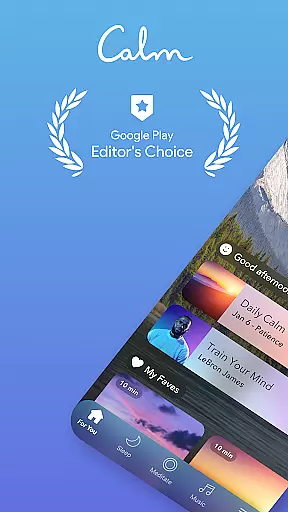
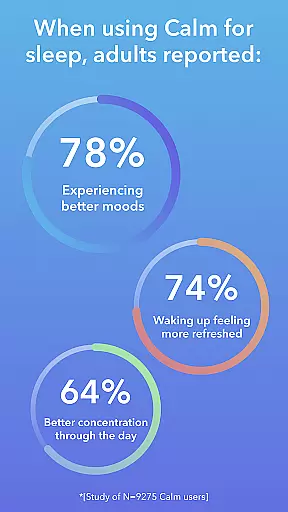
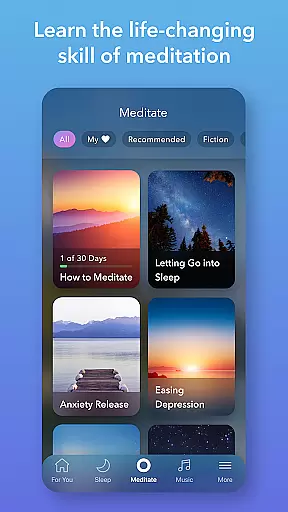
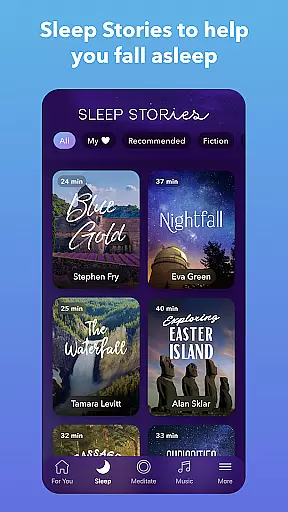
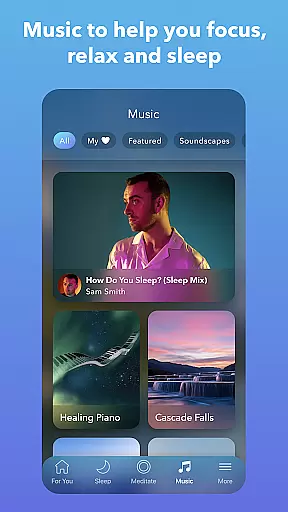
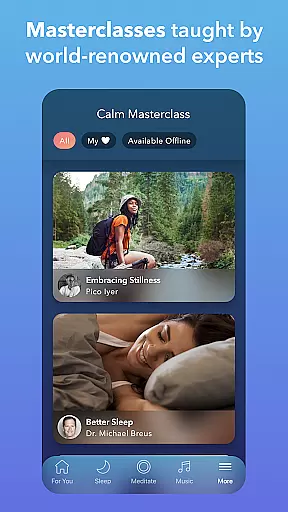
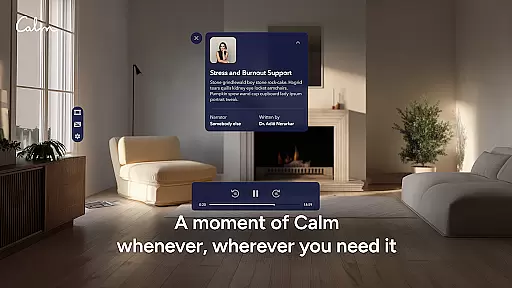
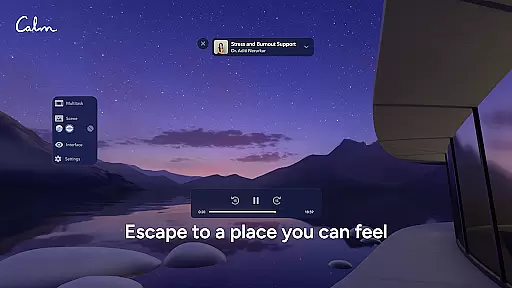
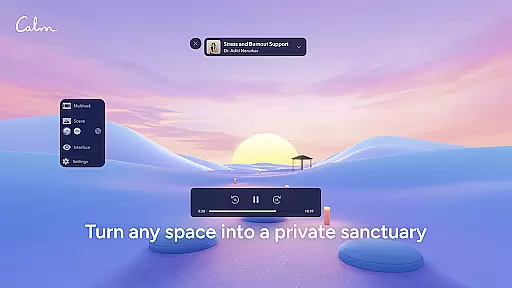
Calm is the leading application for sleep improvement, meditation, and relaxation, designed to help users manage stress, stabilize moods, enhance sleep quality, and refocus attention. The app offers an extensive library filled with guided meditations, Sleep Stories, soundscapes, breathwork exercises, and stretching routines. Whether you're new to meditation or an experienced practitioner, Calm provides tools for self-care and mindfulness that fit into any schedule.
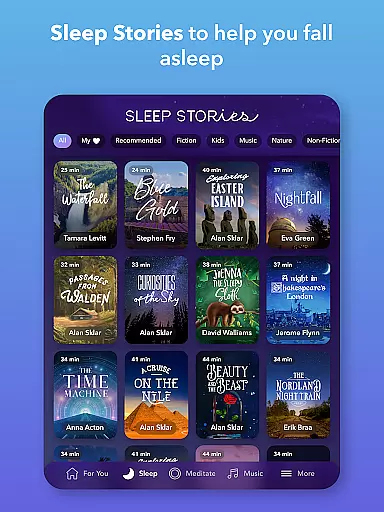
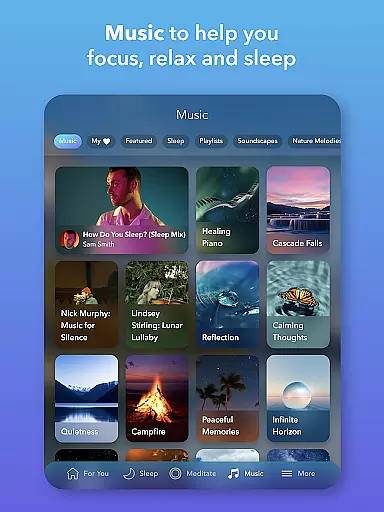
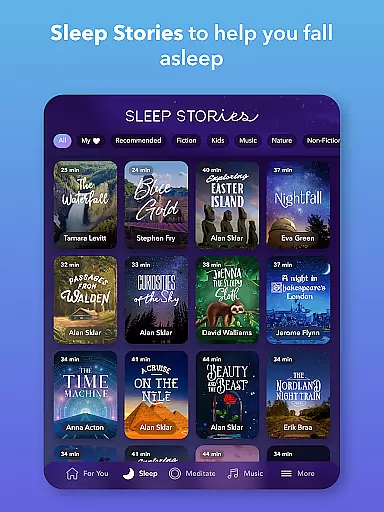
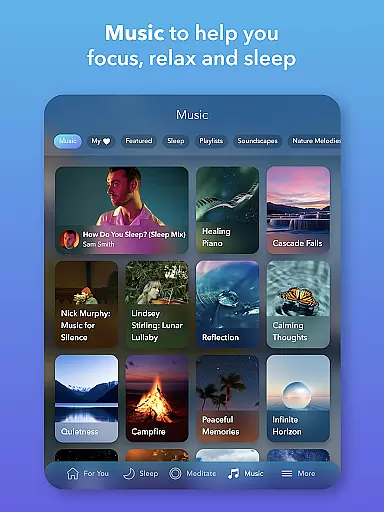
One of the standout features of Calm is its Sleep Stories—bedtime stories for adults and children alike, narrated by well-known voices such as Cillian Murphy and Rosé. These stories are crafted to lull listeners into a restful slumber. Additionally, the app includes calming music and soundscapes that aid in meditation, focus, and achieving deep sleep. With content updated regularly, users can explore new resources weekly, ensuring a continually refreshing experience.
The value of Calm lies in its comprehensive approach to mental wellness. By incorporating daily meditation practices, breathing exercises, and mood-balancing activities, users can address anxiety, insomnia, and stress effectively. This makes Calm not just a tool for better sleep but also a holistic platform for improving overall mental health and well-being.
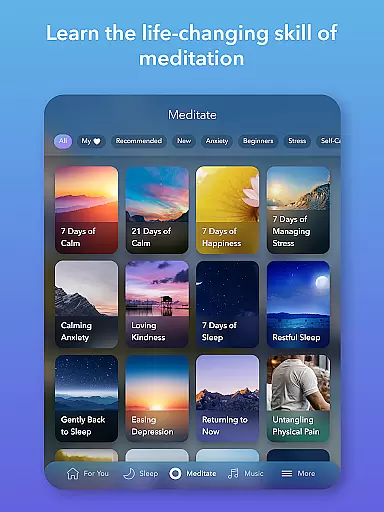
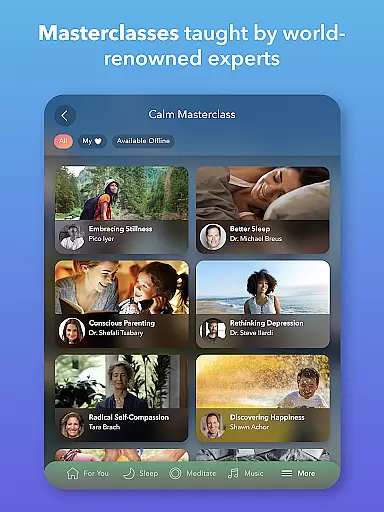
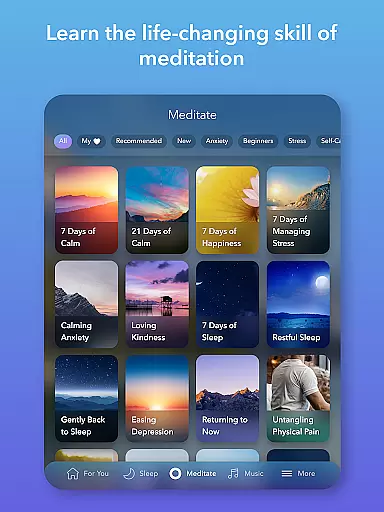
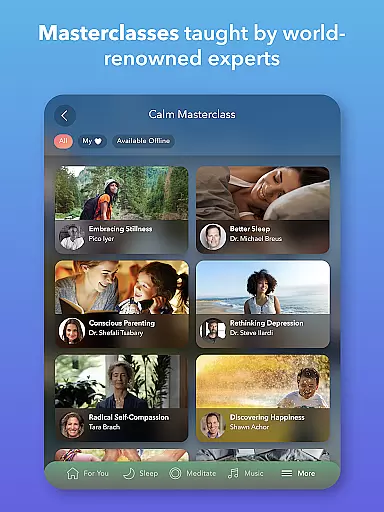
Calm distinguishes itself through a rich array of features tailored to enhance mental clarity and relaxation. One of the core components is its meditation and mindfulness section, where users can engage in guided sessions led by seasoned experts. Regardless of experience level, individuals can explore various mindfulness topics such as Deep Sleep, Calming Anxiety, Focus and Concentration, and Breaking Habits. This ensures that every user finds a practice that resonates with their personal needs.
In addition to meditation, Calm offers an impressive selection of Sleep Stories, relaxing music, and soundscapes. These audio experiences are designed to tackle insomnia and promote restful sleep. Users can choose from over 100 exclusive Sleep Stories, each narrated by celebrated talents. The app also provides calming music and full soundscapes that help create a serene environment conducive to relaxation and focus. New content is added weekly, keeping the library fresh and engaging.
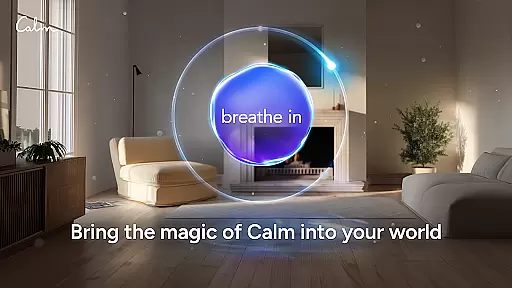
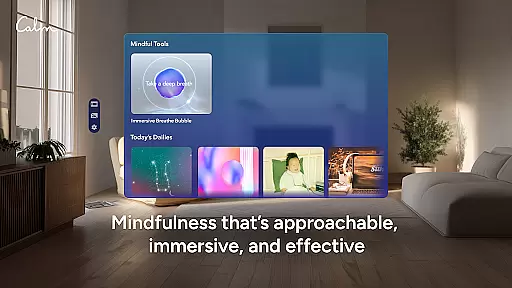
Beyond sleep and meditation, Calm addresses anxiety relief and relaxation through daily exercises and programs. Features like the Daily Calm and Daily Trip offer 10-minute original programs aimed at reducing anxiety and fostering personal growth. The app further supports mindful movement with Daily Move, a series of exercises designed to relax the body during the day. With additional tools like emotion tracking and breathing exercises, Calm equips users with everything needed for a balanced mental state.
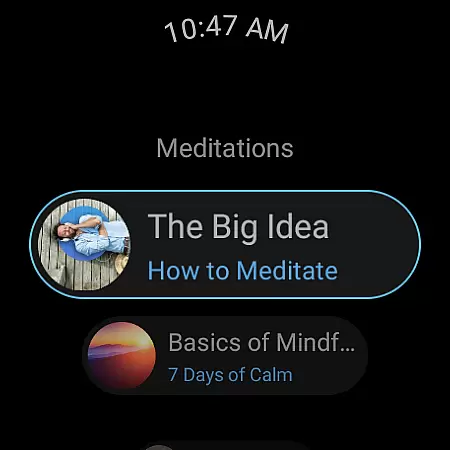
Companion app integration is essential for users who want a seamless experience between their mobile devices and wearable technology. Calm ensures that its Android Wear app works in harmony with its main application, providing users with uninterrupted access to mindfulness exercises and sleep aids.
The Calm Wear OS app offers quick-start tiles for breathing exercises, allowing users to initiate sessions directly from their watch face. This immediate access is crucial when trying to maintain focus or reduce stress during busy schedules. Additionally, complications on the watch face help track meditation streaks and mindful minutes, keeping users engaged with their mental wellness goals.
By integrating companion app features, Calm enhances user convenience and accessibility. Whether you're at work, exercising, or relaxing at home, the ability to control your mindfulness journey from your wrist adds an extra layer of simplicity and efficiency to managing stress and improving overall well-being.
Device compatibility is a key factor in ensuring that users can fully utilize the features offered by apps like Calm on their wearable devices. The Calm app is designed to be compatible with Wear OS, which means it supports a wide range of smartwatches, giving users flexibility in choosing their preferred device.
Calm's compatibility extends beyond just basic functionality; it includes optimized interfaces for different screen sizes and resolutions. This ensures that whether you're using a small or large smartwatch display, the app remains visually appealing and easy to navigate. Users can enjoy high-quality soundscapes and guided meditations without worrying about performance issues.
Moreover, the appu2019s developers regularly update the software to maintain compatibility with new Wear OS updates and devices. This commitment to ongoing support guarantees that users will continue to have a smooth and reliable experience as technology evolves, reinforcing Calm's dedication to making mental health care accessible and effective across various platforms.
User-friendly interface
Extensive library of content
Daily motivational programs
High-quality narration
Regular content updates
Premium subscription required
Limited free features
Occasional app glitches
High cost for full access
Internet connection needed

Watch the sharpness of the sky on your wrist..
 3.70
3.70
Embrace the holiday spirit with this magical animated watch face!
4.40
Christmas is near, let's count together the days left until Santa comes
4.0
MyNISSAN® lets you remotely control your car from your phone.*
4.50
Simple Analog-Digital Watchface For Wear OS 3.0 and Up Smartwatches
4.2
Locate your family members by GPS phone location tracker everywhere and anytime
4.30
Funny animated watch face for Thanksgiving
4.1
A modern hybrid informative watch face for Wear OS designed by BALLOZI
4.80
A white realistic classic analog watch face with many customization options.
4.40
Highly customizable hybrid watch face for Wear OS, perfect for everyday use.
4.60
Rose gold watch face with festive lights & customizable features.
4.60
Ideal for surviving in the wasteland left after nuclear fallout
4.50
Digital watch face. For Wear OS devices.
4.40
The ultimate destination for kids ages 3-8 to explore the Marvel Universe!
4.30
Watch face for Wear OS.
4.20
The #1 source of faces for your smartwatch!
4.00
an Analog Watch Face for winter season with freeze winter background for Wear OS
4.4
Analog watch face with 8 complications and expedition styling
4.1
Artistic Digital Watchface
4.5


User Reviews