
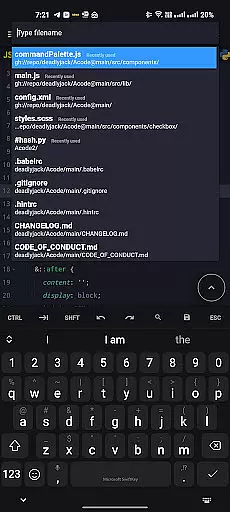
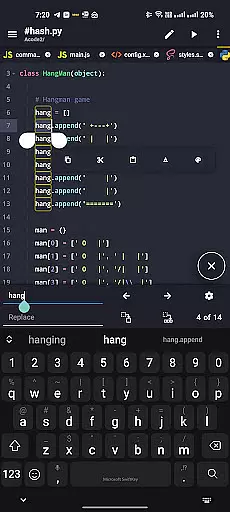
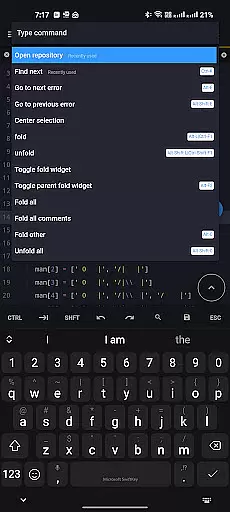
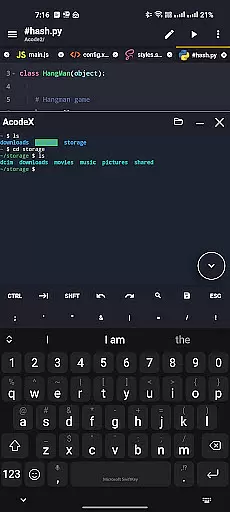
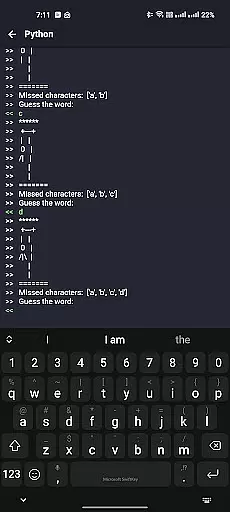
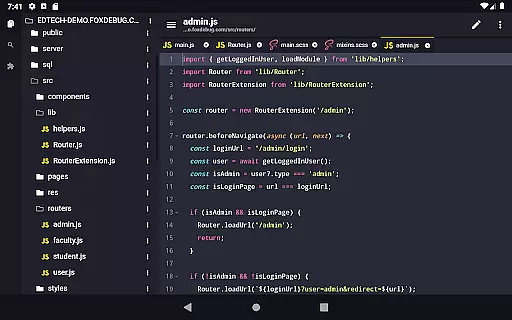
Acode is a powerful, lightweight code editor and web IDE for Android devices. It offers an ad-free experience with extensive syntax highlighting for over 100 programming languages. The app supports GitHub integration, FTP/SFTP, and includes an interactive JavaScript console for debugging.
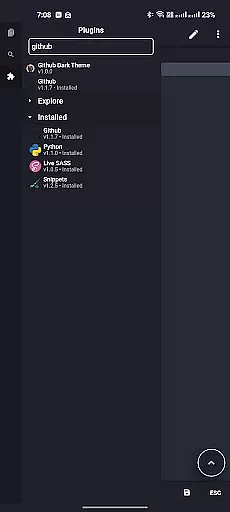
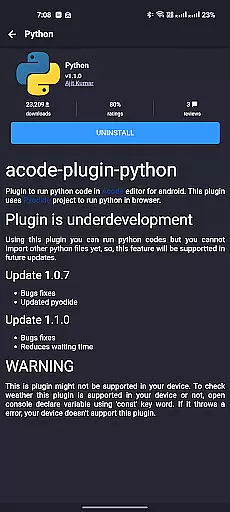
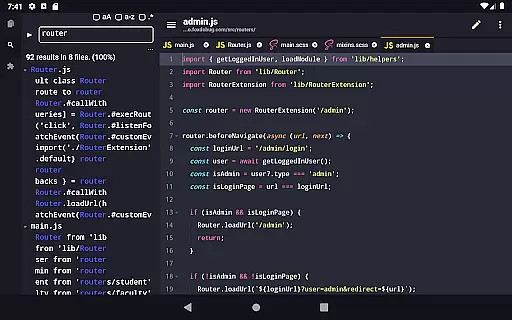
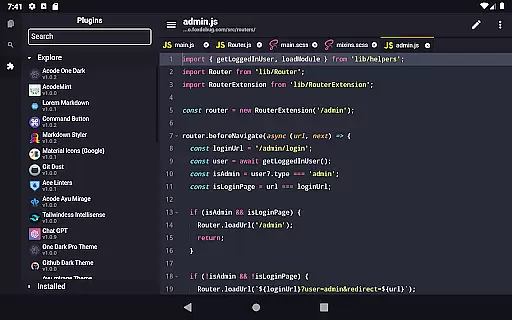
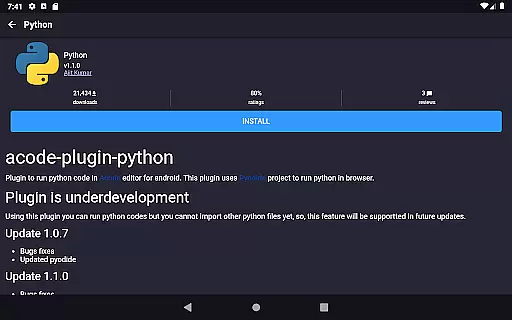
With its newly introduced Plugin System, Acode now provides over 30 plugins to enhance functionality. Users can enjoy features like enhanced Ace Editor, search in all files, customizable quick tools, and fast file listing. Its high performance and multi-file support make it suitable for both simple edits and complex projects.
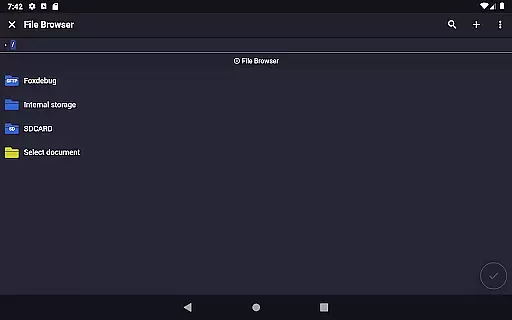
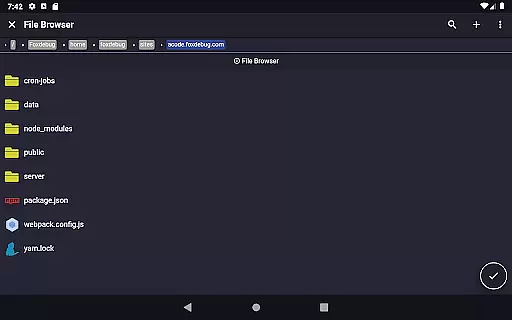
Ideal for developers on the go, Acode allows building and running websites directly within the browser. Its user-friendly interface, personalized themes, and in-app file browser ensure a seamless coding experience on mobile devices.
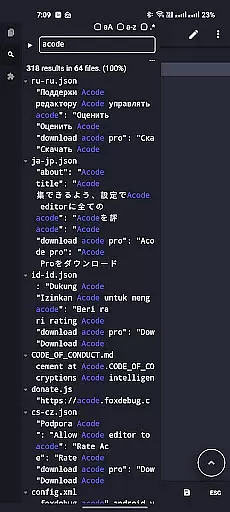
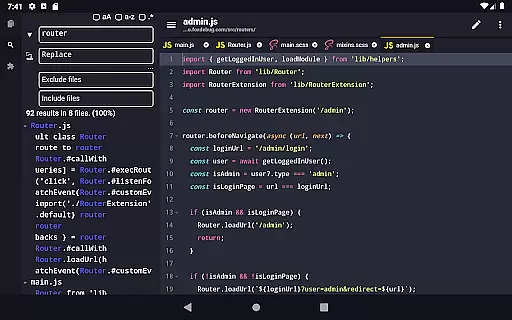
Acode stands out with its innovative Plugin System, offering over 30 plugins to extend its capabilities. The app's Enhanced Ace Editor (v1.22.0) ensures efficient editing, while the beta feature 'Search in All Files' allows users to find and replace text across projects.
Customization is key in Acode, with options like personalized quick tools and unique themes. The app supports high-performance tasks, handling files with over 50,000 lines smoothly. Keyboard shortcuts and file recovery features further enhance productivity.
Additional features include in-app preview for HTML/Markdown files, an integrated console for debugging, and FTP/SFTP support for efficient file management. These functionalities make Acode a comprehensive tool for mobile development.
In the realm of productivity, core task management is pivotal for organizing and executing tasks efficiently. Acode excels in this area by providing developers with an extensive suite of features that streamline coding workflows.
Acode's task management capabilities are highlighted by its multi-file support, enabling users to work on several files simultaneously without losing context or efficiency. This feature is crucial for developers who need to navigate through complex projects with numerous components.
Additionally, Acode offers customizable quick tools and keyboard shortcuts which allow users to tailor their environment to fit their unique workflow needs. These personalizations lead to a significant increase in productivity as they reduce the time taken to perform repetitive tasks.
The app also ensures that no work is lost with its reliable file recovery feature. Users can rest assured that their progress is saved, allowing them to focus on their coding tasks without worrying about unexpected interruptions or data loss.
Cross-device synchronization is essential for users who operate across multiple devices and require seamless transitions and data consistency. Acode addresses this need by ensuring high reliability in synchronizing files between different platforms.
With integrated GitHub support, Acode allows for effortless syncing of projects with one of the worldu2019s leading code repositories. This means that whether you're working from your mobile device or switching to a desktop, your project remains up-to-date and accessible wherever you go.
Furthermore, Acode's FTP/SFTP support enhances its cross-device functionality by offering efficient file management capabilities. Users can upload, download, and manage their files on remote servers, guaranteeing that all devices have access to the latest versions of their work.
The combination of these synchronization features provides a robust solution for developers seeking a dependable coding environment that supports their dynamic work habits while maintaining data integrity across all their devices.
Lightweight and fast
Extensive plugin support
GitHub and FTP integration
Multi-language syntax highlighting
User-friendly interface
Limited to Android
Some features in beta
No iOS version
Advanced options may overwhelm beginners
Occasional caching issues

A customizable calendar for your Wear OS watch
 4.20
4.20
Professional calendar app for Google Calendar, MS Outlook & Exchange
4.20
Direct Chat without saving contacts & Dual WA Account on Single Device
4.70
Protect and view your important info on your phone and tablet with eWallet®
4.80
⏰ Finally a timer app which can run multiple timers simultaneously on your watch
3.90
Make apps & sites with natural language prompts
4.10
Translate text/voice/photos in 150+ languages. Offline & fast translator app.
4.50
To do list widget with a notebook organizer, checklist, simple shopping list
4.60
This small app MUST BE INSTALLED after purchase, else license won't work
4.40
8 custom complications. Custom Time Fonts. Beautiful color schemes. A++ Design.
5.00
Best Tool for the professionals Electrician, Electrical contractors, etc.
4.90
QuickBooks Workforce lets teams view pay info and track time in one place.
4.70
Lightweight PDF, Word, Excel reader.
4.60
Secure your apps with lock screens, use custom themes and different features.
4.40
Enjoy classic gameplay with customizable features and retro-style graphics.
4.30
Pwnagotchi companion app
4.20
Device's storage information in a simple and clear graphical form (infographics)
4.10
Todo reminder
4.10
Experience and share your SolidWorks designs on your Android® phone and tablet.
2.50


User Reviews