
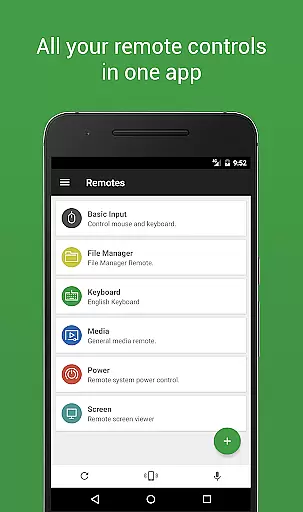
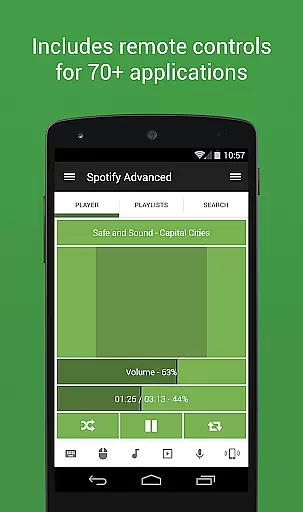

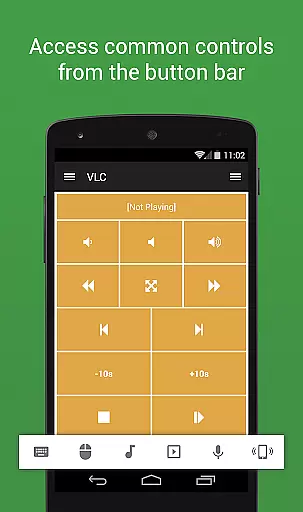
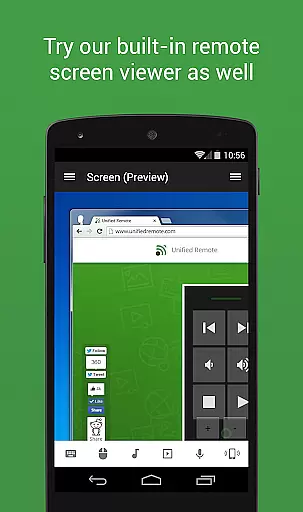
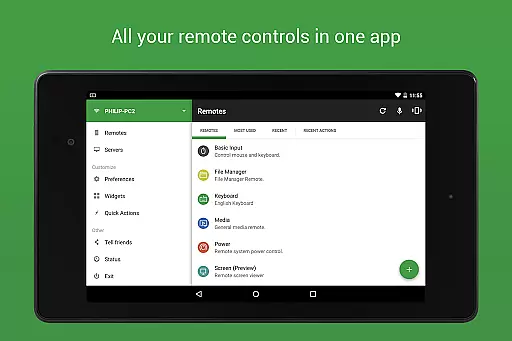
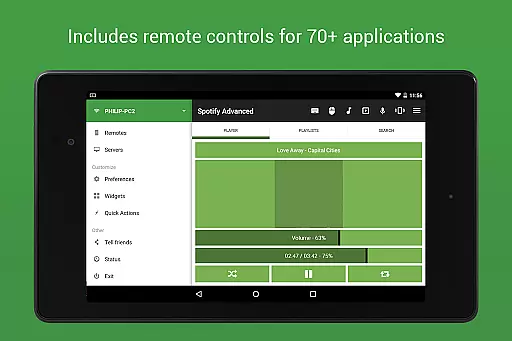
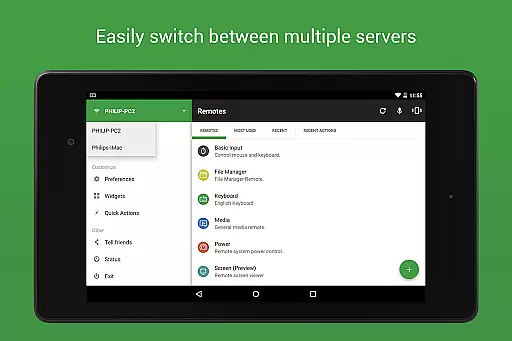
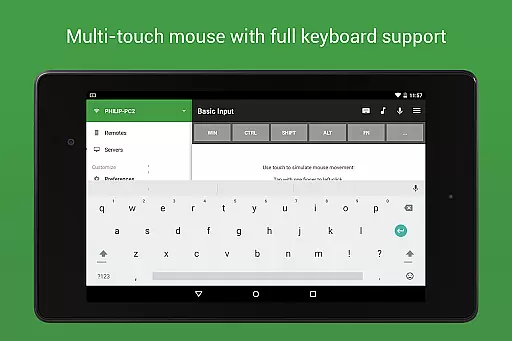
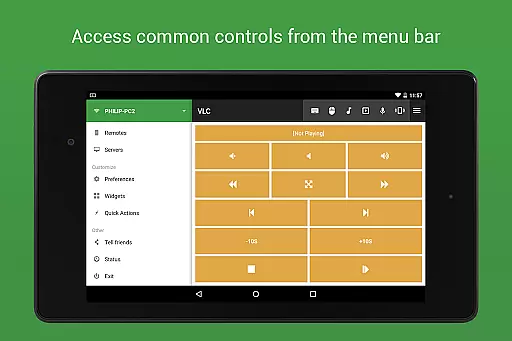
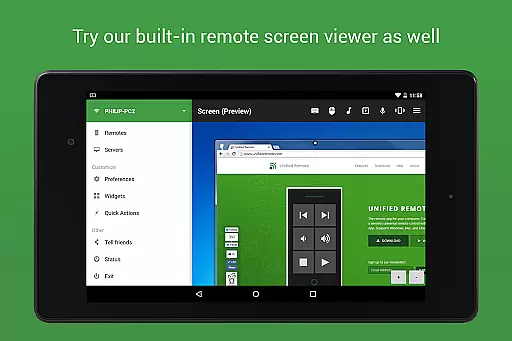
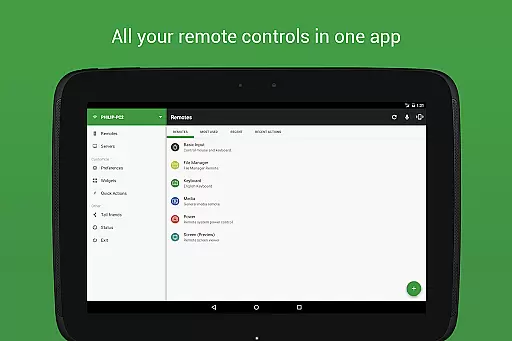
Unified Remote Full is the ultimate remote control solution for your computer, transforming your mobile device into a versatile WiFi or Bluetooth universal remote. Compatible with Windows PC, Mac, and Linux systems, this app offers an impressive range of functionalities that cater to various user needs. With support for over 90 programs, it includes essential tools like mouse and keyboard control, media players, presentation management, screen mirroring, power control, file manager, terminal access, and much more.
The app stands out through its intuitive server and app setup process, automatic server detection, and enhanced security features such as password protection and encryption. Whether you're looking to manage your smart home devices, control multimedia applications, or enhance productivity during presentations, Unified Remote Full provides a seamless experience across multiple platforms. Its versatility makes it an invaluable tool for both casual users and tech-savvy professionals.
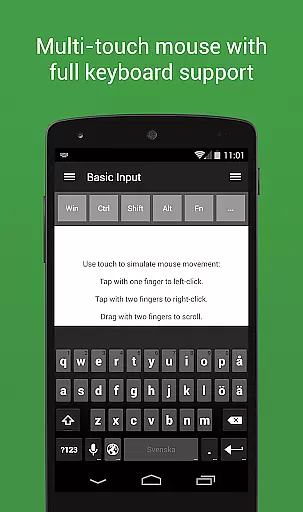
Unified Remote Full boasts an extensive array of features designed to maximize convenience and efficiency. The app supports single and multi-touch mouse control, Wake On LAN functionality, and includes light and dark color themes for user comfort. It also allows control over other smart devices like Raspberry Pi and Arduino Yún, expanding its utility beyond traditional computing environments.
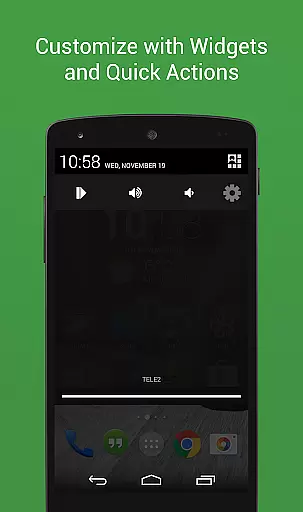
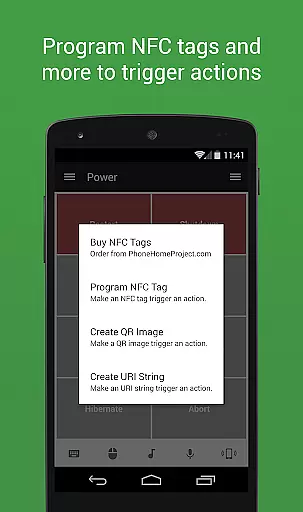
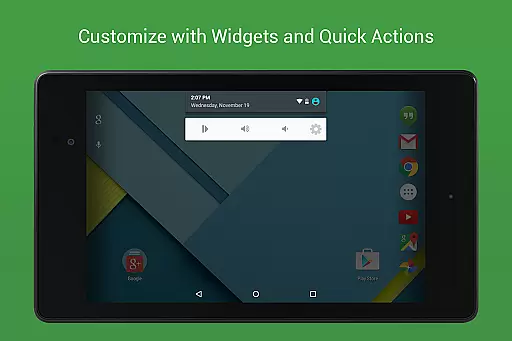
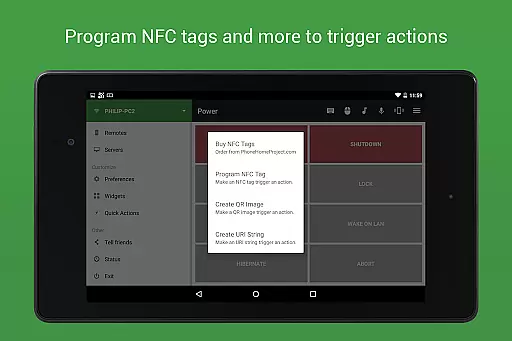
Among its standout features are floating remotes that operate over other apps, custom remotes tailored to specific needs, widgets and quick actions for streamlined access, voice commands for hands-free operation, and compatibility with Android Wear. These capabilities ensure that users can personalize their experience while enjoying advanced functionalities such as IR and NFC actions. With support for popular applications like Spotify, VLC, PowerPoint, and Chrome, Unified Remote Full positions itself as an indispensable tool for modern digital lifestyles.
Unified Remote Full excels in delivering precise and effective core functionalities that transform your device into a universal remote control for multiple operating systems including Windows, Mac, and Linux. The app supports over 90 programs, providing users with comprehensive control options ranging from mouse and keyboard functions to media players and power controls.
The app's automatic server detection and easy setup process ensure that users can quickly and efficiently connect to their desired devices. With support for both WiFi and Bluetooth connections, Unified Remote Full guarantees reliable performance tailored to the user's environment, making it an indispensable tool for managing various devices without physical remotes.
Security is also a priority, as the app offers server password protection and encryption features. This ensures that your interactions with the controlled devices remain private and secure, offering peace of mind while enjoying the convenience of remote access.
Ultimately, Unified Remote Full stands out by empowering users to control numerous aspects of their computers and other smart devices effortlessly. Whether you're looking to manage presentations, stream media, or even use voice commands, this app provides the tools necessary to enhance productivity and entertainment experiences seamlessly.
A standout feature of Unified Remote Full is its commitment to interface simplicity and intuitiveness, ensuring that users can easily navigate and utilize its extensive capabilities. The app includes light and dark color themes, catering to user preferences and environmental conditions, which enhances readability and reduces eye strain during prolonged use.
The design prioritizes ease of use, allowing users to set up and operate the app without requiring technical expertise. Preloaded with support for 90+ programs, Unified Remote Full offers intuitive controls for essential functions like volume adjustment, screen mirroring, and media playback, all accessible through a straightforward layout.
Additionally, the app supports single and multi-touch mouse control, providing flexibility based on user preference or device capability. Floating remotes further augment the user experience by enabling control over other apps, demonstrating the app's dedication to creating a seamless interaction model.
By focusing on simplifying complex tasks such as server connection and remote management, Unified Remote Full delivers an interface that is not only powerful but also approachable for users of all skill levels. This thoughtful design ensures that anyone can enjoy the benefits of remote device management without a steep learning curve.
User-friendly interface
Wide compatibility range
Advanced security options
Versatile remote controls
Comprehensive feature set
Premium version required
Complex setup for beginners
Limited free remotes
Occasional connectivity issues
Device compatibility variations

Easily install aab(Android App Bundle) files on your Android device with our app
 4.80
4.80
A powerful, easy-to-use flight computer on your phone or tablet!
3.80
Use your phone as a webcam on your computer over WiFi or USB.
4.40
Unlock your Essential Key. Create custom shortcuts to your favorite apps!
4.0
Quickly & easily calculate the spacing of handrail balusters
4.20
Navigate with Ease and Style
4.90
Undelete and recover your lost or deleted files with DiskDigger!
3.40
Planner and Tracker for Stardew Valley
4.60
The ideal app to be the digital eye of your family
3.40
Unit and currency converter with easy and simple UI.
4.80
Remote Play with FSR upscaling, low latency & full controller support
4.80
NFC Tools can read and write NFC tags.
4.70
Mirror your screen to Fire TV - Super fast and simple
4.40
pdf merge, word to pdf, jpg to pdf, edit pdf, convert to pdf and much more!
4.20
MS-DOS in your pocket. Play old DOS games anywhere you are ;)
4.10
View detailed information about your Nissan Leaf the dealer never shows you.
4.10
Family Locator, Share location, StayConnect with your family in real time
3.90
Unleash gamepad precision for ultimate mobile gaming dominance.
3.90
Create your own custom widget with endless possibilities
3.90


User Reviews