









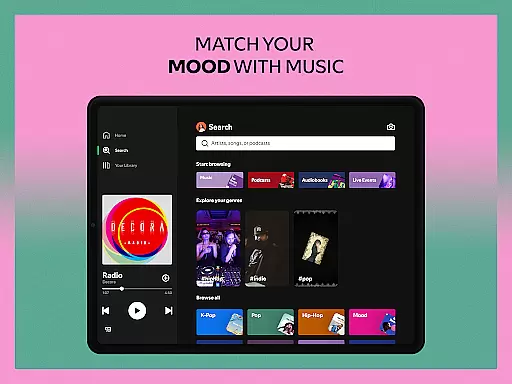
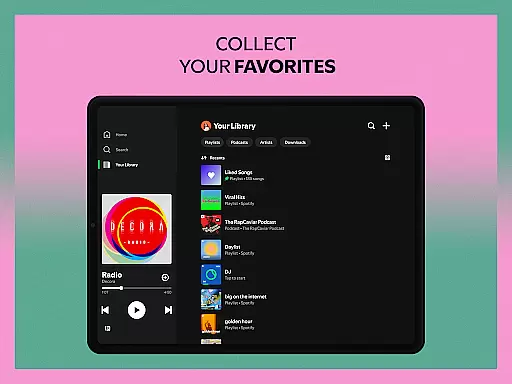



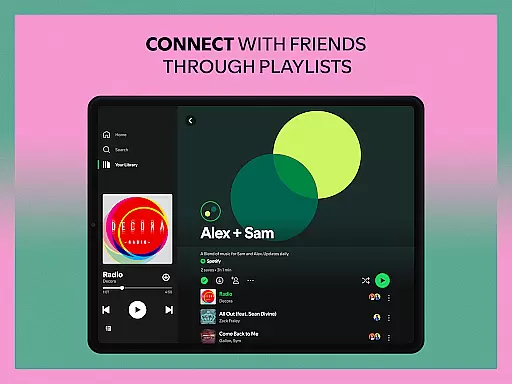
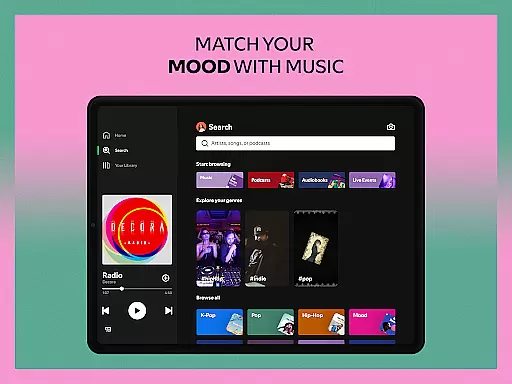
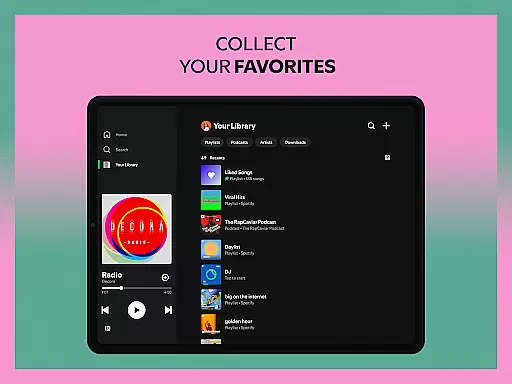
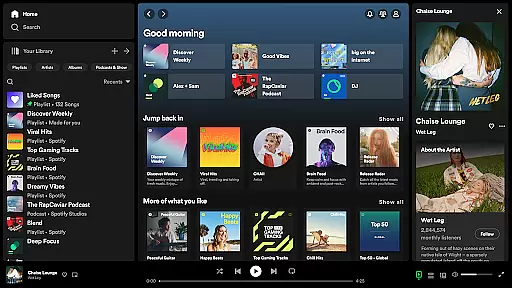




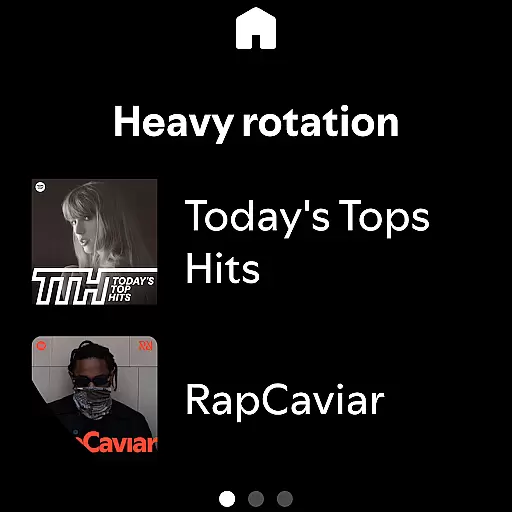

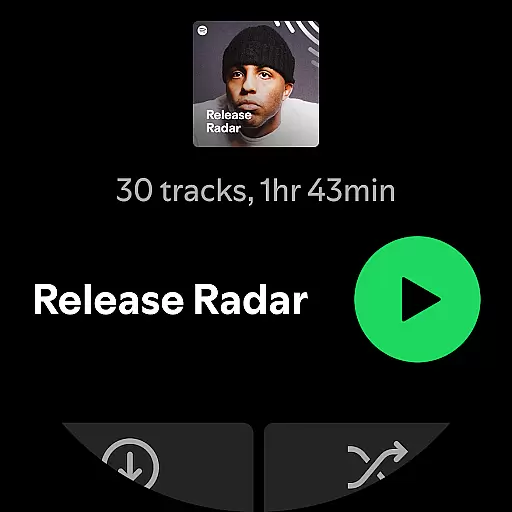
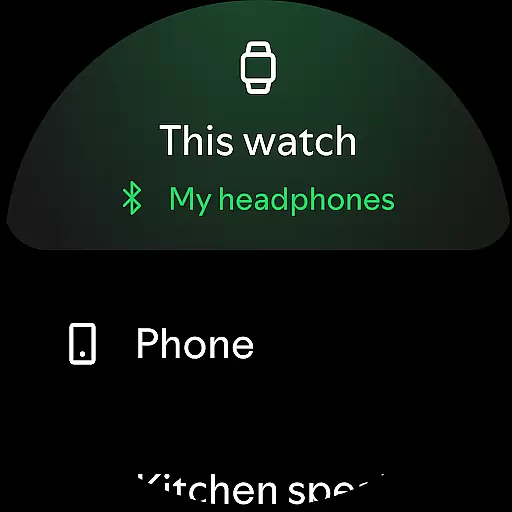

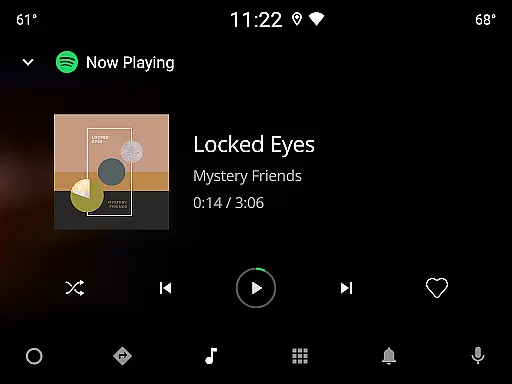


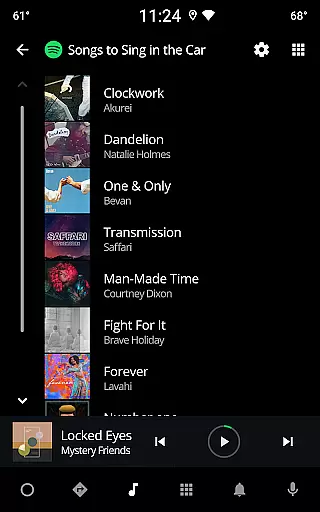
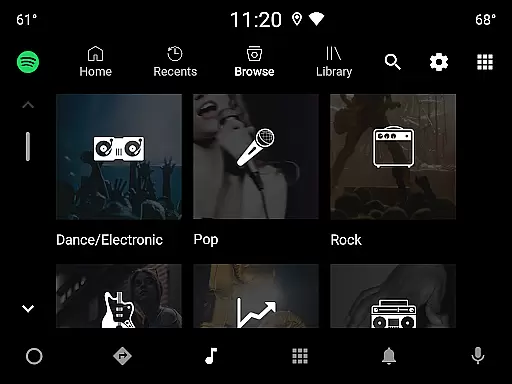

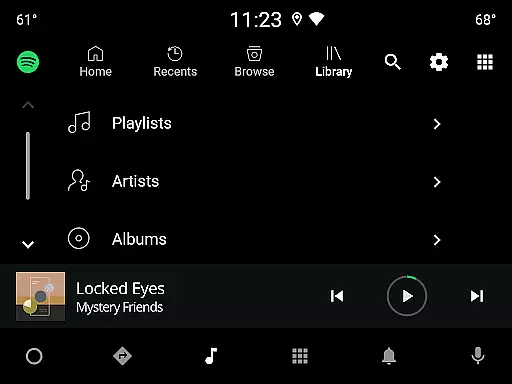
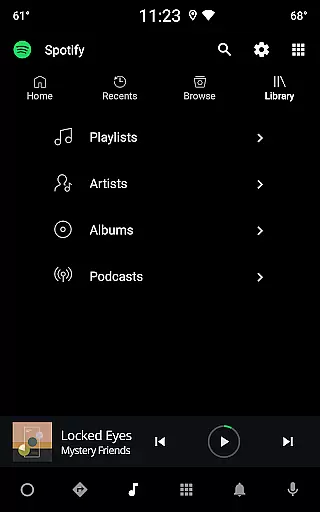
Spotify is a comprehensive audio streaming application designed specifically for Android Wear devices, offering users access to over 80 million songs, 4 million podcasts, and a vast selection of audiobooks. With its intuitive interface, users can easily stream music, discover new playlists, and control playback directly from their smartwatch. The app supports seamless integration across multiple devices including mobile phones, tablets, and Wear OS, allowing users to enjoy high-quality audio experiences anytime, anywhere.
One of the standout features of Spotify on Android Wear is its ability to function independently of a smartphone. Users can download their favorite tracks and playlists for offline listening, making it perfect for workouts or commutes where carrying a phone may not be convenient. Additionally, Spotify's personalized recommendations and curated playlists ensure that users always have fresh content tailored to their preferences. Whether you're looking to explore new music genres or catch up on popular podcasts, Spotify provides an unparalleled audio entertainment experience right on your wrist.
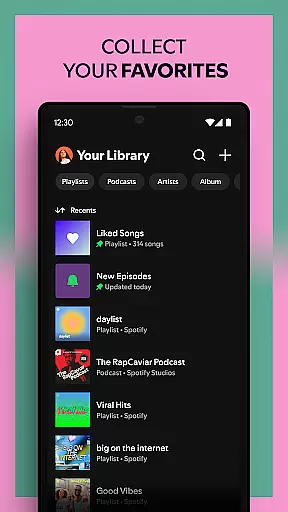
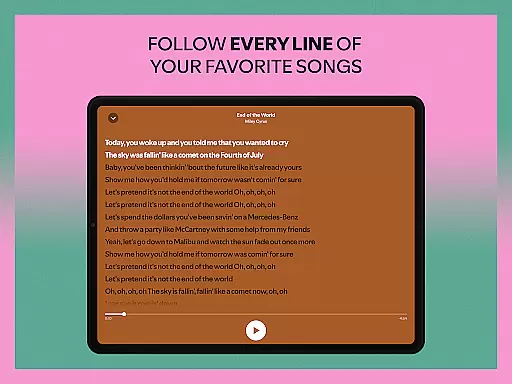
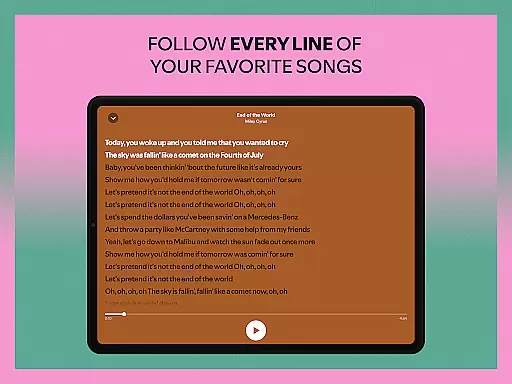
Spotify boasts an impressive array of features that cater to diverse user needs. Firstly, the app offers extensive content libraries, including millions of songs, numerous podcasts, and a growing collection of audiobooks. This vast selection ensures there's something for everyone, whether you're into chart-topping hits, niche genres, or educational podcasts. Furthermore, Spotify's advanced search functionality allows users to find specific tracks or artists by simply typing in lyrics, enhancing the discovery process.
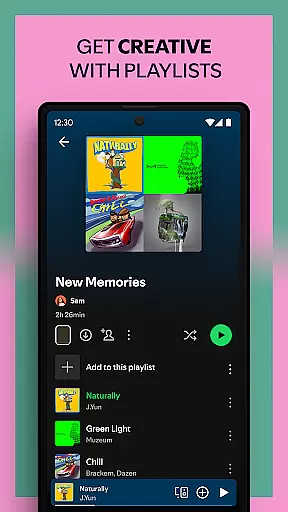
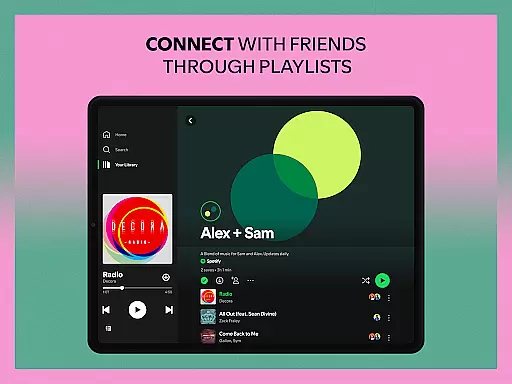
Another key feature is the app's offline mode, which lets users download content for uninterrupted listening without an internet connection. This is particularly useful for travelers or those in areas with limited connectivity. Additionally, Spotify's integration with Wear OS enables users to control playback, adjust volume, and browse playlists directly from their smartwatch. The app also supports personalized recommendations through Daily Mixes and custom playlists, ensuring users are constantly introduced to new music that aligns with their tastes. Overall, these features make Spotify a versatile and indispensable tool for audio enthusiasts.
For Spotify users, companion app integration is essential for a seamless experience across multiple devices. The Android Wear version of Spotify ensures that you can control your music and podcasts directly from your wearable device without needing your phone nearby.
The app allows you to play, pause, skip tracks, and adjust volume directly from your smartwatch interface. This means whether you're working out or commuting, you have full control over your listening experience right from your wrist.
Additionally, the synchronization between the main Spotify app and its Wear OS counterpart is nearly instantaneous. Any changes made on one device reflect immediately on others, ensuring that your playlists, preferences, and playback statuses are always up-to-date regardless of which device you're using.
This level of integration not only enhances user convenience but also significantly improves the overall usability of the Spotify ecosystem, making it an indispensable feature for those who value connectivity and ease of access.
Spotify's compatibility with Wear OS devices showcases its commitment to providing a versatile and accessible music streaming service. Whether you own a smartwatch from brands like Fossil, TicWatch, or any other Wear OS-supported manufacturer, Spotify ensures a smooth and optimized performance tailored specifically for these devices.
The application leverages the unique features of Wear OS, such as voice commands and gesture controls, allowing users to interact with their music effortlessly. You can use simple gestures or voice prompts to manage playback, search for content, or even browse through recommended playlists.
Furthermore, Spotify supports offline listening on Wear OS devices when you subscribe to Premium. This feature lets you download your favorite tracks, albums, or podcasts directly onto your smartwatch, enabling uninterrupted music enjoyment even without an active internet connection.
By prioritizing broad device compatibility and optimizing for various hardware specifications, Spotify guarantees that users enjoy high-quality audio experiences regardless of their chosen Wear OS device, thus reinforcing its position as a leader in the digital music space.
User-friendly interface
Extensive music library
Offline listening capability
Personalized recommendations
Cross-device compatibility
Premium subscription required for full features
Limited audiobook availability in some regions
Ad interruptions in free version
Occasional connectivity issues
High data usage in streaming mode

Highly customizable hybrid watch face for Wear OS, perfect for everyday use.
 4.60
4.60
A full-featured Amazon Alexa voice assistant that can show you things.
3.70
Embrace the festive spirit with our Christmas Countdown watchface for Wear OS
4.10
Beautiful, colorful and practical watch face. For Wear OS devices.
5.00
Let's celebrate Thanksgiving - Wear Os watch face
4.20
Bold, Modern Hybrid Watch Face for Wear OS. 10 Colors, Rich Info Display.
4.30
Digital watch face with big numbers and many customization for Wear OS devices
4.40
Fast and smart typing with Emojis, GIFs, and more
4.50
Track your active life in one place and share the journey with friends.
4.40
The Chevron App allows you to pay for fuel from the comfort of your car!
4.80
Hyperlocal rain alerts by MyRadar using patent-pending technology, radar & more
4.80
Real-time weather radar with temperatures, warnings, hurricanes, and widgets
4.80
Beautiful artistic animated digital watch face, with a customizable layout!
4.40
Reliable phone calls with spam protection, caller ID and more helpful features
4.40
Premium hybrid watch face with many customizations for Wear OS devices.
4.40
Locate your family members by GPS phone location tracker everywhere and anytime
4.30
Viewer for Wyze/Yi/Eufy/Arlo/ONVIF/RTSP/P2P IP cams w/ adv. features & DIY DVR
4.00
Animated Watch Face and Customizable with 24 Backgrounds. Perfect for Christmas!
3.90
Christmas and New Year - Themed Watchface
4.3


User Reviews