
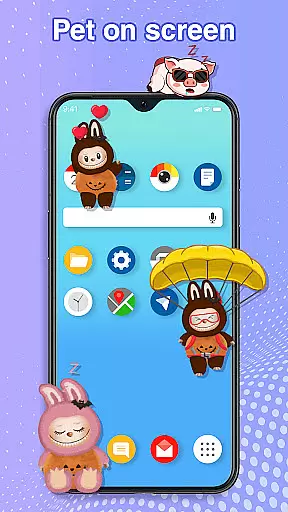
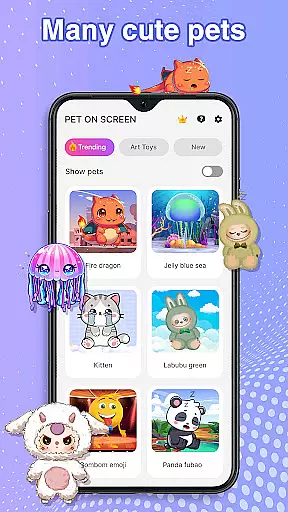
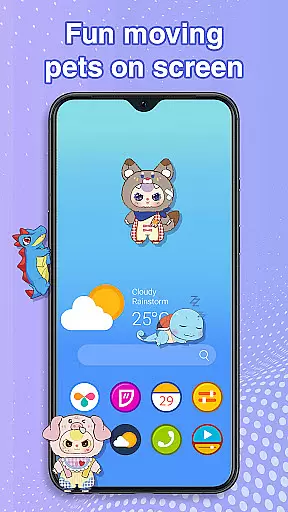
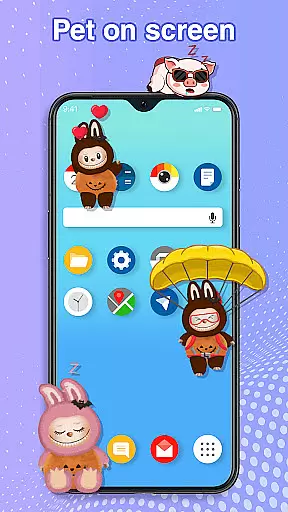
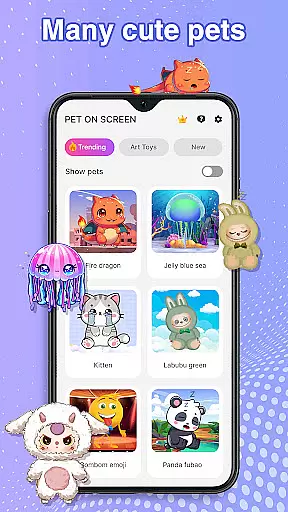
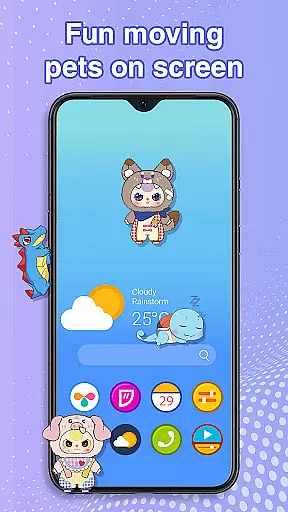
Pet On Screen - Desktop Pet is a delightful personalization app that brings charming virtual pets to your mobile screen. With an extensive collection of unique and colorful creatures, this app allows users to customize their phone experience by adding playful companions such as Jellyfish, Fire Dragon, Labubu, Panda, Turtle, and Parrot.
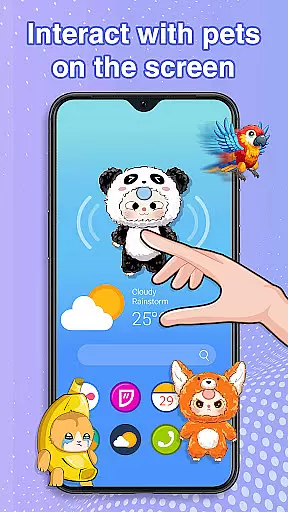
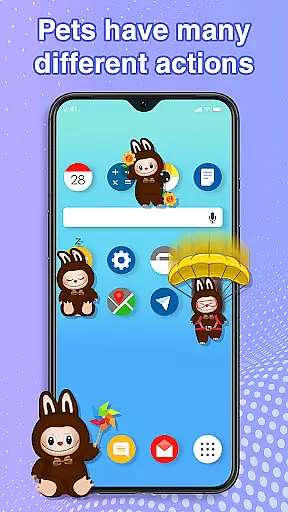
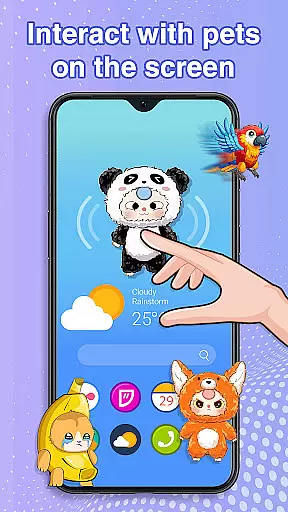
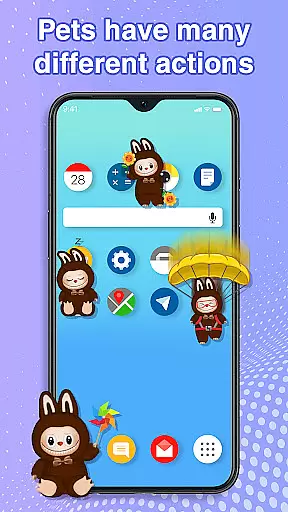
These interactive pets can be freely moved around the screen, respond to touch, and even exhibit random movements. The app also offers customization options for size and speed, ensuring seamless integration with your daily activities without disrupting work or entertainment.
Perfect for those seeking a fun way to make their phone more lively, Pet On Screen serves as both an engaging distraction and a relaxing companion during stressful times.
The standout feature of Pet On Screen - Desktop Pet is its diverse range of adorable pets, each with unique characteristics and animations. Users can enjoy interacting with these pets through simple tap responses and drag-and-drop functionality, allowing for a dynamic and entertaining experience.
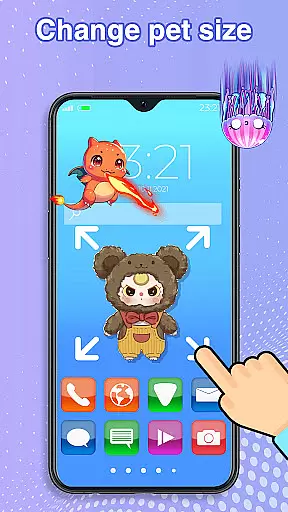
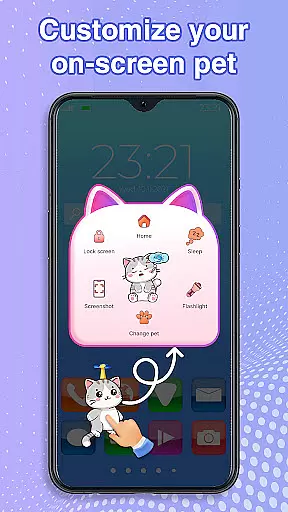
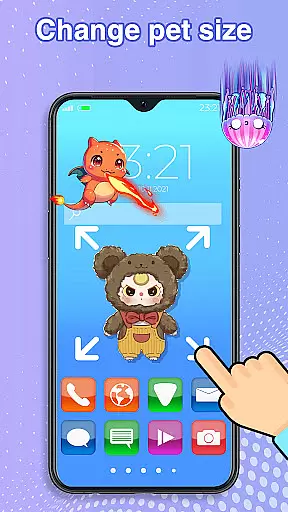
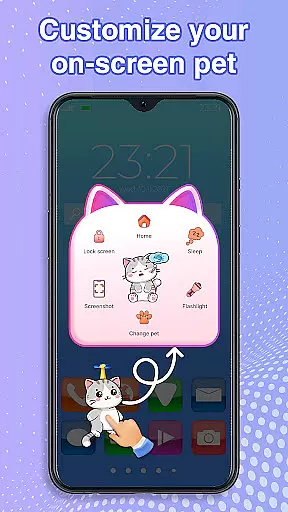
Customization is key in this app; you can adjust the size and movement speed of your chosen pet to suit your preferences. Additionally, switching between different pets is effortless, providing variety and keeping the experience fresh over time.
Beyond aesthetics, the app ensures smooth performance by utilizing accessibility permissions solely for drawing on the home screen and status bar—without collecting or sharing user data. This thoughtful design makes it not only visually appealing but also secure and reliable.
Customization is at the heart of Pet On Screen - Desktop Pet, allowing users to tailor their experience to their personal preferences. With a diverse range of pets available, from Jellyfish to Fire Dragons, each user can find a companion that resonates with their personality.
The app provides extensive customization features, enabling users to adjust the size and movement speed of their virtual pets. This flexibility ensures that whether you prefer a slow-moving turtle or a fast-paced parrot, your pet's behavior can be fine-tuned to match your lifestyle.
Furthermore, the ability to switch between different pets effortlessly adds another layer of personalization. Users are not locked into one choice; they can explore various adorable creatures, keeping the experience fresh and engaging.
This level of customization enhances user engagement by creating a personalized environment where each interaction feels unique and meaningful. By offering such a wide array of options, Pet On Screen - Desktop Pet ensures that every user's mobile world is as lively and dynamic as they desire.
Pet On Screen - Desktop Pet excels in theme compatibility, ensuring that its delightful pets integrate seamlessly with any device setup. The app is designed to work smoothly across different devices and operating systems, providing consistent performance without disrupting other activities.
One key aspect of this compatibility is the app's use of Accessibility services, which allows it to draw on the phone's home screen and status bar. This feature ensures that your chosen pet moves naturally within your digital environment, enhancing rather than hindering your daily tasks.
Moreover, the app commits to user privacy and security, using accessibility permissions solely for drawing purposes. It does not collect or share any user information, maintaining transparency and trust.
By focusing on seamless integration and respecting user privacy, Pet On Screen - Desktop Pet offers a reliable and enjoyable experience. Whether you're working or relaxing, these charming companions will enhance your screen time without compromising functionality or safety.
User-friendly interface
Wide variety of pets
Highly customizable options
Secure accessibility usage
Fun interactive features
Limited to Android devices
Requires specific permissions
Potential battery consumption
No multiplayer functionality
Ads may appear frequently

Over 28,000 high quality icons to bring color & homogeneity to your phone.
 4.60
4.60
Want to make your phone more special than ever?
4.60 4.50
4.50
Organize and manage your photos and videos effortlessly with Photo Gallery
4.20
200+ Material Inspired Widgets
4.50
350+ widgets with a premium glass-style finish, perfect for home & lock screens.
4.70
Magic fluids wallpaper 4D: Relax with stunning fluid simulation wallpaper app
4.20
Customize phone with anime themes, 3D icons, aesthetic widgets & wallpapers
4.80
Custom ringtones songs, music ringtones for Android phones
4.60
One 8 icons glass color version
4.80
Gun Chase - Let the chase begin.
4.80
Glass style colourful icons with a One UI look and feel
4.60
Customize your home screen with stunning themes, blur, widgets & icons.
4.60
Stylish Pink Cute Hippo keyboard with 10000+ customized keyboard themes!
4.60
300+ widgets inspired by Material You and Material 3 expressive design.
4.60
Try creating your own keyboard with "Keyboard theme for android" app now!
4.50
Customizable screen pets that play, climb, and keep you company.
4.50
Art & Emoji Keyboard with Cool Fonts, Cute Themes and Custom Designs.
4.40
The definitive Icon pack maker and editor
4.30


User Reviews