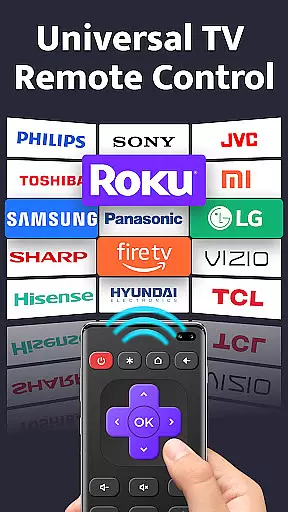
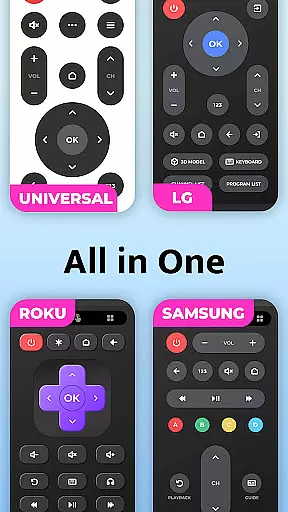
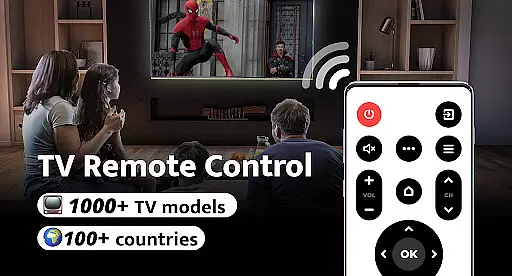
Remote Control for TV is a universal remote control application designed to replace traditional TV remotes through your smartphone's built-in IR blaster. Supporting over 1000 TV models across 100+ countries, this app offers an all-in-one solution for controlling various TV brands including Samsung, LG, Sony, and more.
The app provides essential functions such as power control, volume adjustment, channel switching, and navigation controls. Its user-friendly interface allows quick setup and seamless connectivity with just one click. Whether you're tired of lost remotes or dealing with battery issues, this app restores order and simplifies your entertainment experience.
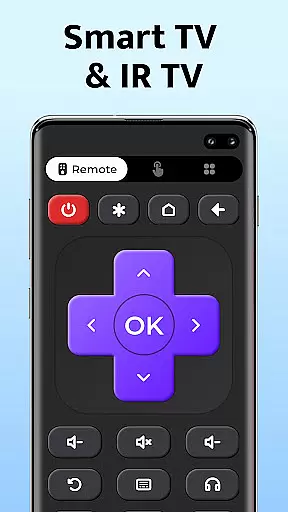
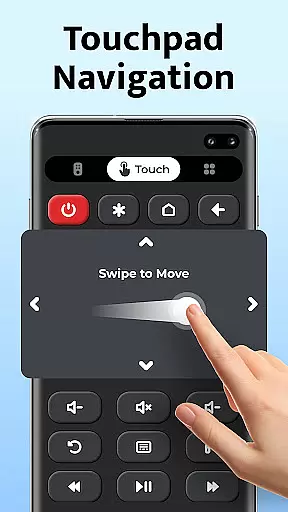
This universal TV remote control app stands out with its comprehensive feature set tailored for convenience and ease of use. The app includes basic controls like power on/off, volume up/down, mute, channel digits, and menu navigation. It also supports directional controls (up/down/left/right) and input switching between AV and TV modes.
What makes this app exceptional is its compatibility with major TV brands and its simple setup process. Users can easily select their TV brand and start controlling their devices immediately. The minimalist design ensures that even non-tech-savvy users can operate their TVs effortlessly. Additionally, the app eliminates the need for multiple physical remotes, streamlining home entertainment management.
For a universal TV remote control app, core function accuracy and effectiveness are paramount to ensure seamless interaction between the user and their television. This app provides precise power control, volume adjustments, channel switching, and navigation functionalities that mimic or even surpass the capabilities of traditional remotes.
The application supports over 1000 TV models across more than 100 countries, which speaks volumes about its extensive compatibility and dedication to meet global standards. With easy setup and one-click connectivity, users can expect reliable performance tailored for all major TV brands including Samsung, LG, and Sony.
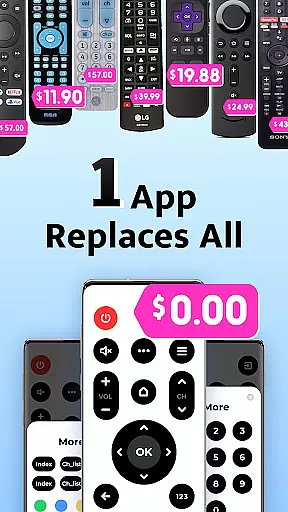
Users benefit from having a clutter-free living space with an all-in-one solution that eliminates the need for multiple remotes. The simplicity of replacing a lost or non-responsive remote with a smartphone app not only declutters but also streamlines the entertainment experience.
A straightforward and intuitive interface is crucial for any tool app, especially one that serves as a universal TV remote control. This app boasts a user-friendly design that allows users to effortlessly navigate through its features such as power control, volume adjustment, channel selection, and menu access.
With just a few taps, users can transform their smartphones into fully functional remotes thanks to clearly labeled buttons and logical layout patterns. Such simplicity ensures that even those who aren't tech-savvy can operate their TVs without hassle.
This ease-of-use contributes significantly to the overall value proposition of the app by making it accessible to a broad audience. By removing common pain points associated with traditional remotesu2014like battery issues or damageu2014the app offers an innovative yet practical alternative that enhances everyday convenience.
User-friendly interface
Wide device compatibility
Quick and easy setup
Comprehensive remote features
Free to use
Requires built-in IR blaster
Limited to supported devices
No voice control feature
Occasional connectivity issues
Brand-specific limitations

An open-source APK explorer for Android!
 4.10
4.10
ADB support Android 4.X-Android 13(Support wireless pair mode).No root required!
4.70
Effortlessly run ADB commands directly on your device without a PC.
4.20
Unleash gamepad precision for ultimate mobile gaming dominance.
3.90
The Ultimate Bluetooth Keyboard & Mouse. Securely control your PC, Mac, and more
4.50
Planner and Tracker for Stardew Valley
4.60
The Ultimate Flex Drivers Utility App - Convenient Tapping & Block Filters
4.70
Remote Play with FSR upscaling, low latency & full controller support
4.80
Protect your device with antivirus, storage cleanup, and system monitoring
4.70
Best leveling tool for your Android device. Hang paintings like a pro.
4.90
Enjoy smooth gameplay with Game Booster
4.90
The one-and-only remote control for PC, Mac, and Linux
4.70
Play your X-Box games remotely in 1080p with any controller and zero latency
4.60 4.50
4.50
pdf merge, word to pdf, jpg to pdf, edit pdf, convert to pdf and much more!
4.20
Just one-tap to easy translate in any language after calls within seconds.
4.20
1-Click close all background apps on Android TV
3.90
Undelete and recover your lost or deleted files with DiskDigger!
3.40
Unlock your Essential Key. Create custom shortcuts to your favorite apps!
4.1


User Reviews