
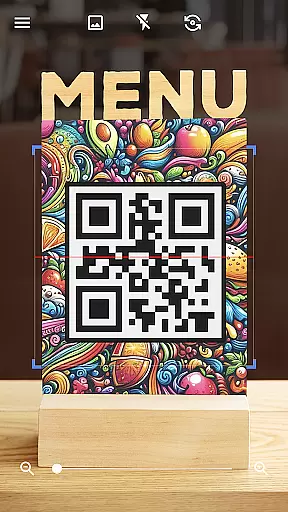

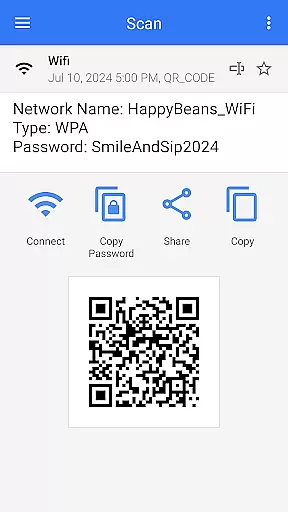
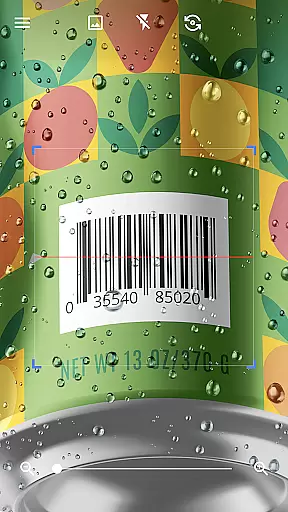

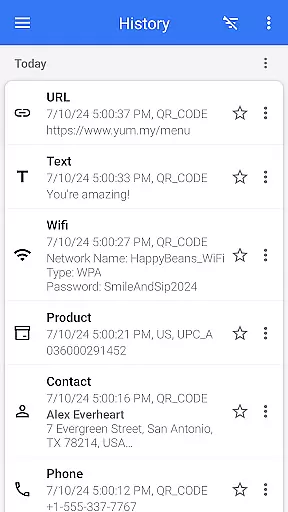

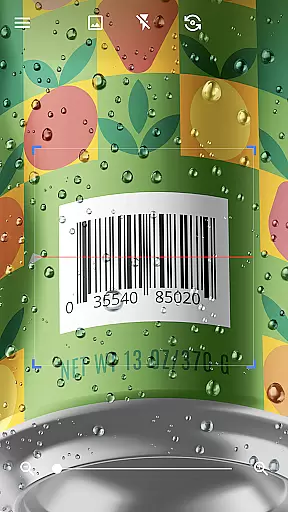

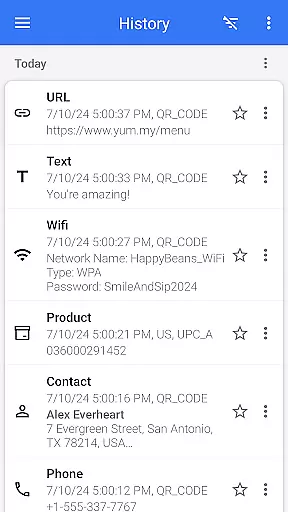
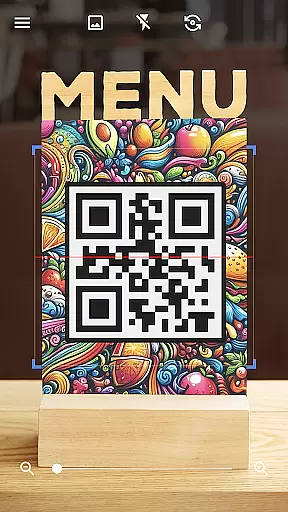

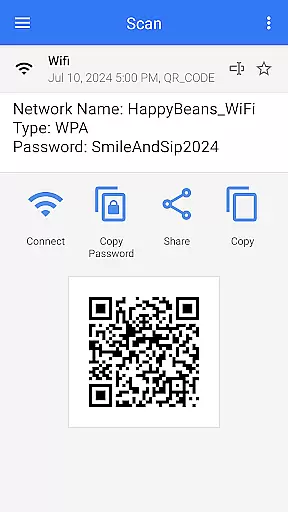
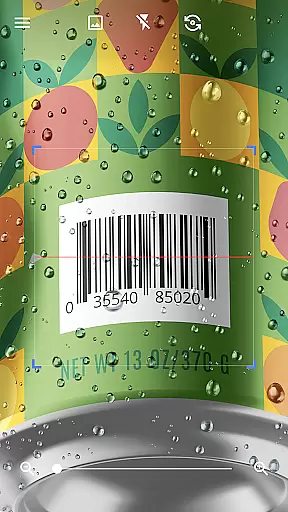

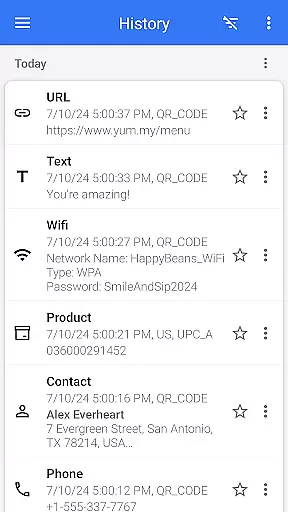

QR & Barcode Scanner is a versatile tool designed for Android users who need fast and reliable scanning capabilities. This app allows users to effortlessly scan various types of QR codes and barcodes, including text, URLs, ISBNs, product details, contacts, calendars, emails, locations, Wi-Fi information, and more. With its intuitive interface, the app automatically scans and decodes QR codes without requiring any additional actions from the user, such as pressing buttons or adjusting zoom.
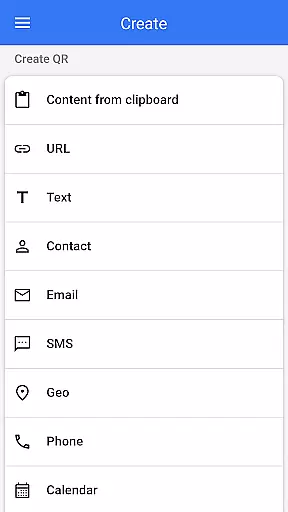
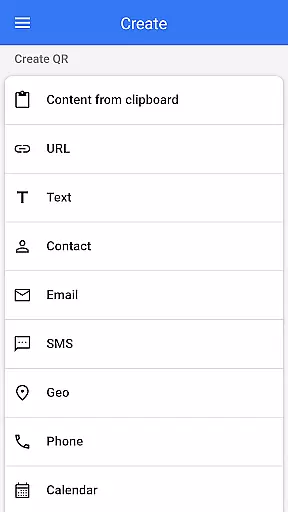
In addition to its scanning capabilities, QR & Barcode Scanner also functions as a QR code generator. Users can easily create QR codes by entering desired data and generating the corresponding code. The app supports multiple functionalities like scanning QR codes from images or galleries, sharing contact information via QR, and even comparing product prices by scanning barcodes in shops. Its comprehensive feature set makes it an indispensable tool for both personal convenience and professional use.
QR & Barcode Scanner stands out with its extensive range of features tailored to enhance user experience. One notable feature is the automatic scanning capability, which eliminates the need for manual input when scanning QR codes or barcodes. This ensures quick and accurate results every time. Additionally, the app includes a built-in flashlight function that enables scanning in low-light conditions, ensuring usability regardless of environmental constraints.
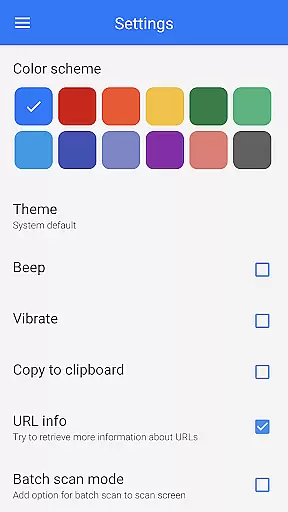
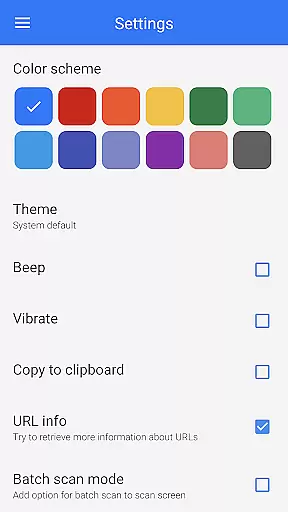
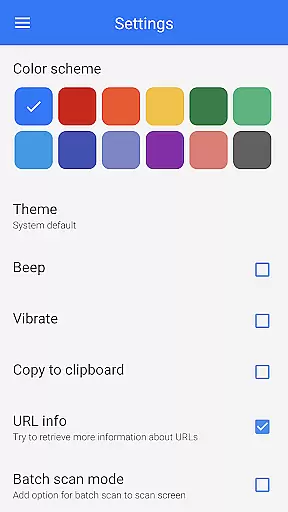
The app's ability to generate QR codes adds another layer of utility. Users can customize QR codes with different colors and themes, switch to dark mode for better visibility, and utilize batch scan mode to process multiple codes simultaneously. Furthermore, advanced options like exporting scan results as .csv or .txt files, importing .csv files, adding favorites, and easy sharing make this app highly versatile. These features collectively ensure that users have all necessary tools at their fingertips for efficient QR code management.
QR & Barcode Scanner exemplifies core function accuracy through its seamless scanning capabilities. The app is designed to automatically detect and scan QR codes and barcodes without requiring any additional input from the user. This automatic detection ensures that users can quickly and accurately scan codes, making it an effective tool for both personal and professional use.
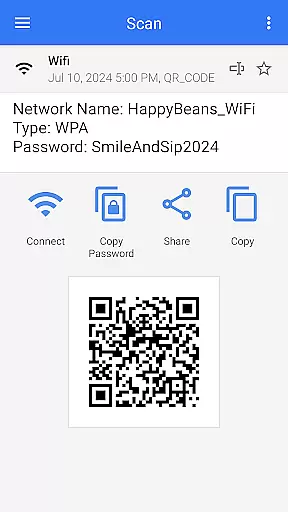
The effectiveness of this app is further enhanced by its ability to decode a wide variety of code types. Whether you're scanning product barcodes, Wi-Fi information, or event tickets, the app provides accurate results across all formats. This versatility makes it an indispensable tool for Android users who need reliable scanning functionality in different scenarios.
Additionally, QR & Barcode Scanner offers advanced features such as batch scanning and exporting scanned data in various formats like CSV and TXT. These features not only improve the efficiency of the scanning process but also allow users to manage and utilize their scanned data effectively. Such comprehensive functionality underscores the app's commitment to delivering precise and valuable scanning solutions.
The interface of QR & Barcode Scanner is crafted to ensure simplicity and intuitiveness, providing users with a hassle-free experience. Upon opening the app, users are greeted with a clean and straightforward layout that emphasizes ease of use. The absence of unnecessary buttons or complex settings allows users to start scanning immediately, which significantly enhances the overall user experience.
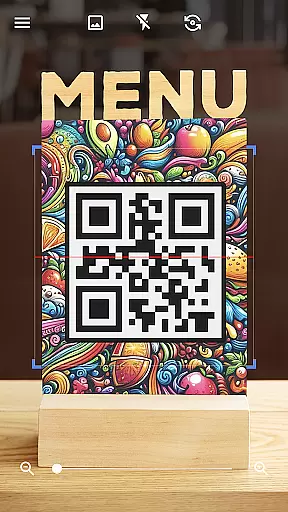
One key aspect of the app's intuitive design is its automatic scanning feature. Users simply need to point their camera at a QR code or barcode, and the app will instantly begin scanning without any additional actions required. This streamlined process eliminates the need for manual adjustments or photo captures, making it accessible even for those who may not be tech-savvy.
Moreover, the app includes customizable options such as dark mode and theme changes, allowing users to tailor the interface to their preferences. Despite these added features, the app maintains its simplicity, ensuring that users can navigate and utilize all functionalities without feeling overwhelmed. This balance between simplicity and customization highlights the app's dedication to providing an intuitive user interface.
User-friendly interface
Fast scanning speed
Versatile functionality
Free to use
Comprehensive feature set
Limited customization options
Occasional ads
Requires internet connection
No offline mode
Some features may require permissions

 4.50
4.50
Just one-tap to easy translate in any language after calls within seconds.
4.20
1-Click close all background apps on Android TV
3.90
Canon PRINT is a companion app for your Canon printer.
4.60
Monitor car performance in real time and troubleshoot malfunctions.
4.80
Making emulation easy for everyone!
4.30
With videos, electrical calculators, and built-in ebook, Ugly’s has your answer.
4.50
Planner and Tracker for Stardew Valley
4.60
Quickly check the frequency of the Earth
4.30
The ultimate tool for network analysis, wifi scanning and problem detection.
4.90
Navigate with Ease and Style
4.90
The one-and-only remote control for PC, Mac, and Linux
4.70
FV File Manager Pro, Fast and powerful file manager for Android
4.60
Play your X-Box games remotely in 1080p with any controller and zero latency
4.60
Forza Tuning Calculator App for Forza Horizon 5, Motorsport and Earlier Titles
4.40
Clean up large files and similar photos, fast and easy to use
4.40
Smart and comfortable browsing experience.
3.80
card-reader app
2.20
Unlock your Essential Key. Create custom shortcuts to your favorite apps!
4.0


User Reviews