
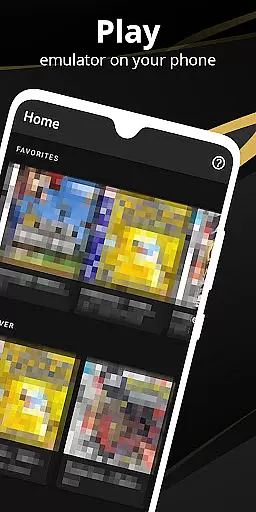

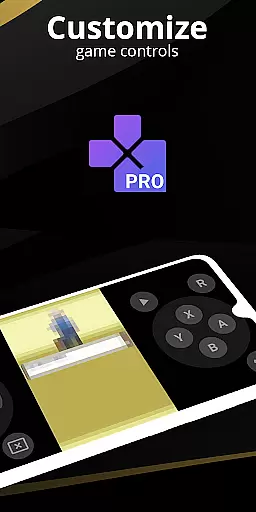
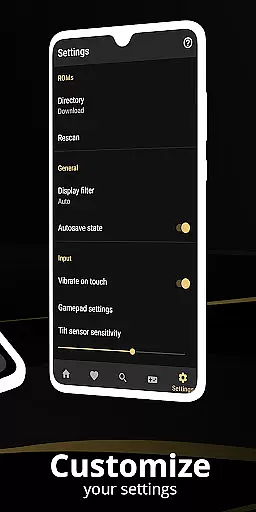
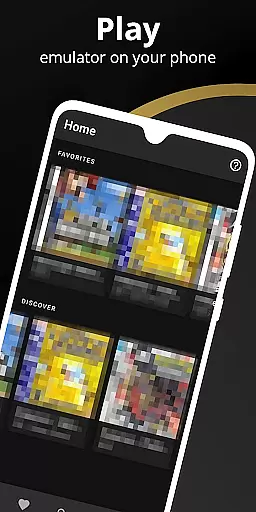
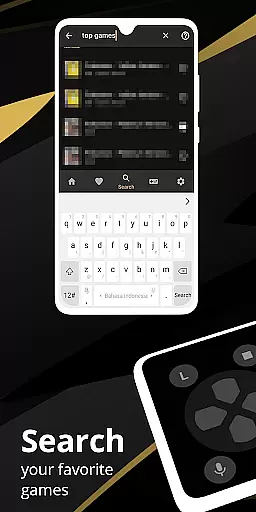
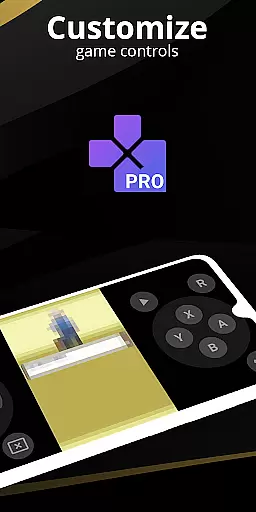
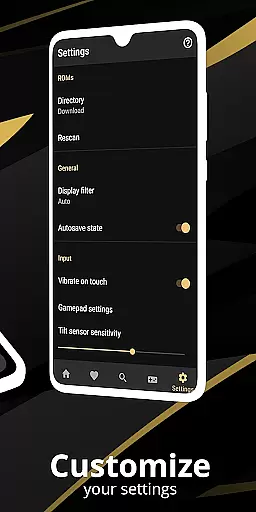
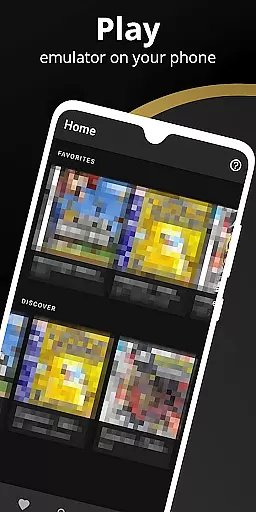
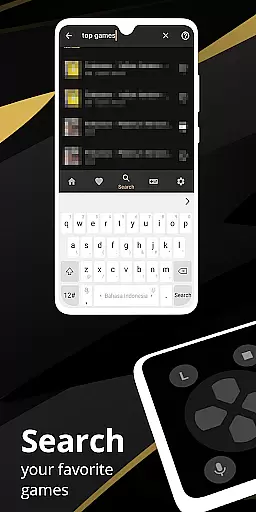
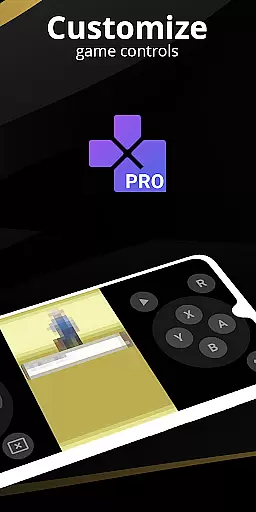
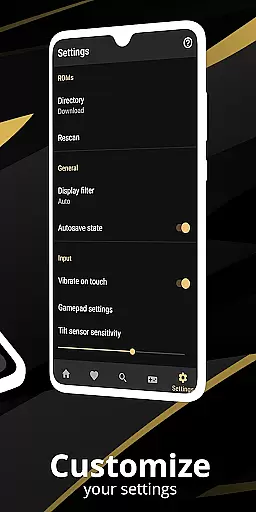
Pro Emulator for Game Consoles is a versatile emulator designed to bring classic gaming experiences to modern Android devices. This powerful tool supports emulation of various game consoles, allowing users to play timeless games on their phones, tablets, or even TVs. The app automatically saves and restores game states, provides quick save/load slots, and offers lightning-fast emulation that conserves device battery life.
With high compatibility, Pro Emulator runs nearly all games without issues while offering advanced features like link cable emulation across devices via Bluetooth or Wi-Fi. It also includes gyroscope, tilt, solar sensor, and rumble emulation, alongside high-level BIOS support that eliminates the need for BIOS files. Users can customize touch controls, apply cool video filters through GLSL shaders, and enjoy fast-forward options to skip long storylines.
Pro Emulator stands out with its comprehensive feature set tailored for both casual gamers and enthusiasts. One of its key strengths is the optimized touch control customization, enabling players to adjust button sizes and positions according to their preferences. The OpenGL rendering backend ensures smooth performance even on devices without dedicated GPUs, while GLSL shaders provide visually appealing effects reminiscent of classic CRT displays.
The app's screen layout editor allows precise positioning of on-screen controls and game video, enhancing user experience significantly. Supporting external controllers such as MOGA pads, it facilitates local multiplayer sessions by connecting multiple gamepads to one device. Additionally, cloud save sync keeps progress up-to-date across different devices, ensuring seamless transitions between gaming sessions regardless of location.
At the heart of any emulator lies its ability to accurately replicate the original system's functionality. Pro Emulator for Game Consoles achieves this with remarkable precision, ensuring that each game runs as it was originally intended. The software meticulously emulates various console features including gyroscope, tilt, and solar sensors, providing an authentic experience that remains faithful to the source material.
The emulator's effectiveness is further enhanced by its high-level BIOS emulation, which eliminates the need for separate BIOS files. This streamlines the user experience, allowing gamers to dive straight into their favorite titles without additional setup. Moreover, the support for IPS/UPS zipped ROM patching ensures compatibility with a wide range of game modifications, expanding the possibilities for personalized gaming experiences.
For users seeking optimal performance, the emulator offers OpenGL rendering and GLSL shader support. These features not only improve visual fidelity but also contribute to efficient resource usage, saving battery life while maintaining excellent graphics quality. With lightning-fast emulation speeds and very high game compatibility, Pro Emulator delivers both accuracy and efficiency in one comprehensive package.
A well-designed interface can significantly enhance the user experience, especially in complex applications like emulators. Pro Emulator for Game Consoles boasts a clean and simple yet well-designed user interface that seamlessly integrates with the latest Android systems. This intuitive design ensures that even newcomers to emulation can easily navigate through the appu2019s features without feeling overwhelmed.
One standout feature is the powerful screen layout editor, which allows users to customize the position and size of on-screen controls as well as the game video display. This level of customization empowers players to create a personalized gaming environment tailored to their preferences. Additionally, the optimized touch controls provide further flexibility, letting users adjust the size and position of virtual buttons for maximum comfort and ease of use.
The inclusion of external controller support, such as MOGA controllers, adds another layer of convenience. Gamers can choose between touch controls or physical gamepads, depending on their preference. Furthermore, advanced functionalities like tilt-to-stick support and multi-touch capabilities ensure that all interactions feel natural and responsive. Overall, Pro Emulator combines simplicity with powerful tools, making it accessible and enjoyable for all types of users.
User-friendly interface
High game compatibility
Advanced customization options
Efficient power usage
Multiplayer support
Requires powerful hardware
No legal ROMs included
Complex setup process
Limited customer support
Paid version only

 4.50
4.50
Extremely fast, secure, and protects your privacy
4.80
1-Click close all background apps on Android TV
3.90
FV File Manager Pro, Fast and powerful file manager for Android
4.60
Keep track of your Palia friendships, tasks, and inventory with Palia Notebook
4.60
Create your own custom widget with endless possibilities
3.90
Button mapper, mouse toggle, sleep timer and a lot of another features
4.50
Clean up your phone, find files, play media, and share files offline
4.50
fast and easy mp3 music downloader
4.80
Powerful collection of electronics tools and reference.A must for any enthusiast
4.90
Monitor car performance in real time and troubleshoot malfunctions.
4.80
Optimize your WiFi network, turn your phone into Wifi Analyzer
4.70
Canon PRINT is a companion app for your Canon printer.
4.60
Quickly switch to an encrypted DNS server on Android TV
4.50
eXtended Permission Manager - a small app to manage permissions and AppOps
4.50
Mirror your screen to Fire TV - Super fast and simple
4.40
An easy-to-use calculator designed to save time calculating and bending conduit
4.30
Quickly check the frequency of the Earth
4.30
Unlock your Essential Key. Create custom shortcuts to your favorite apps!
4.2


User Reviews