
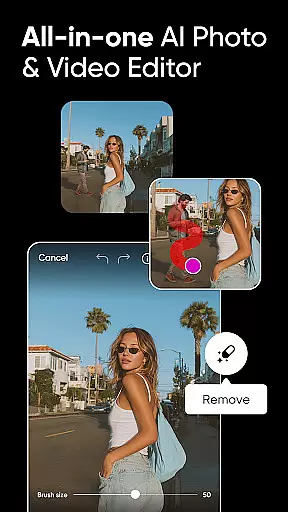
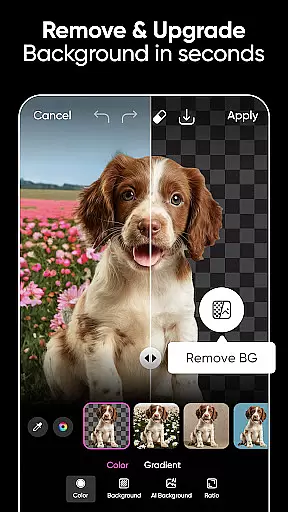
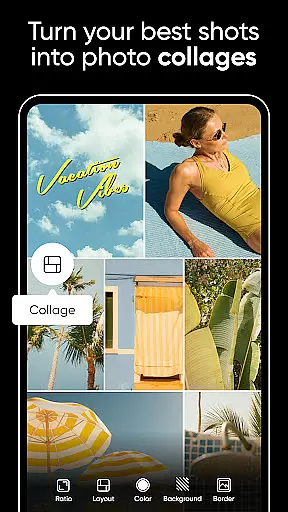
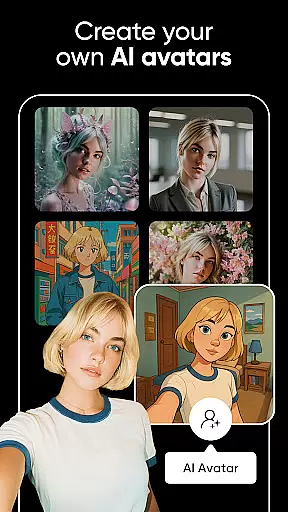

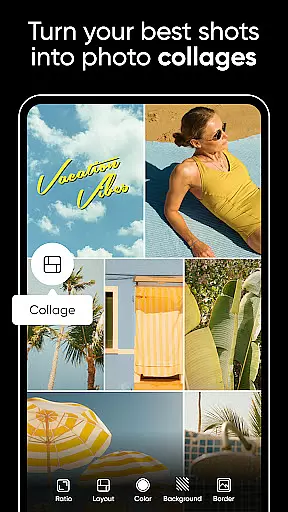
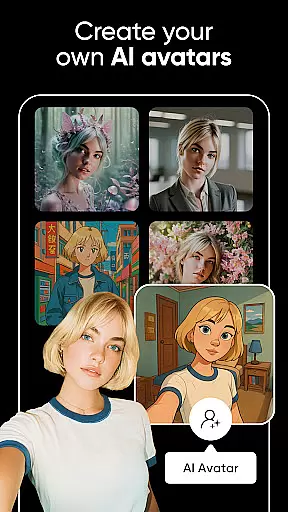

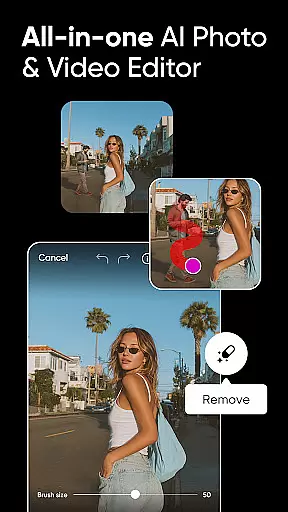
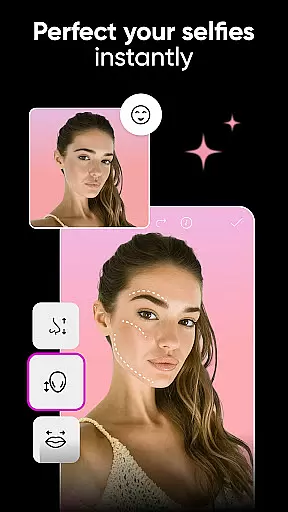
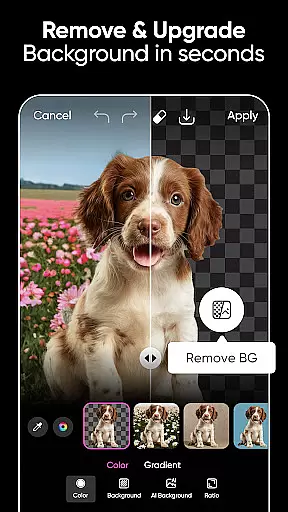
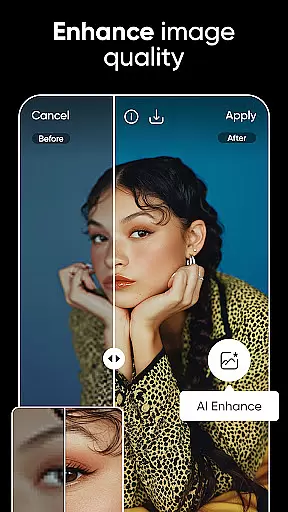
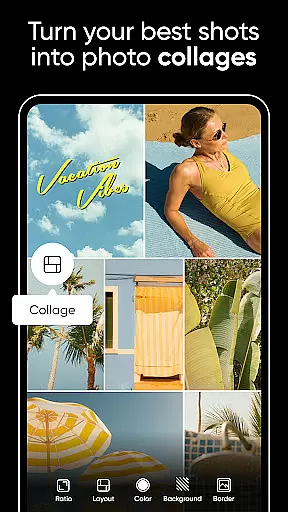
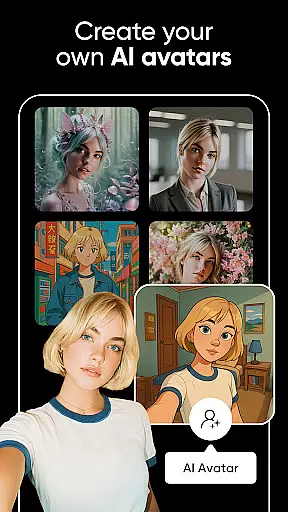

Picsart is a versatile AI-powered design studio that offers an extensive suite of tools for photo and video editing, graphic design, and creative projects. The app provides customizable templates, advanced AI features like Background Remover and AI Enhance, and professional retouching options. It caters to both personal creativity and business needs, making it ideal for creating social media content, marketing materials, and artistic designs.
With its intuitive interface and powerful capabilities, Picsart enables users to seamlessly switch between different creative tasks. Whether you're designing logos, editing videos, or generating AI art, the platform supports a wide range of formats and styles. This makes it a valuable tool for entrepreneurs, designers, and hobbyists looking to produce high-quality visuals quickly and efficiently.
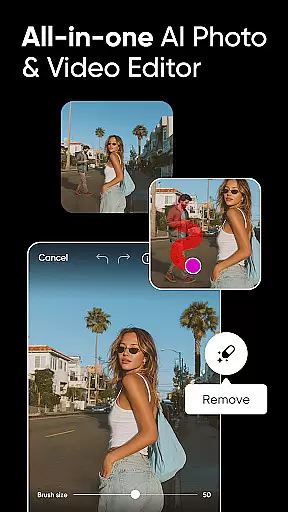
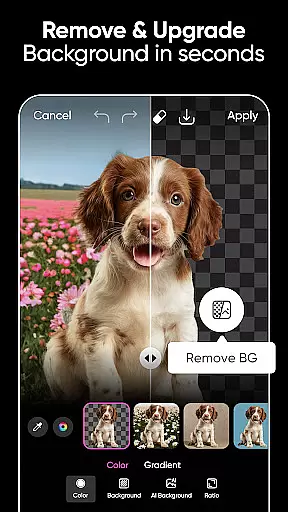
Picsart stands out with its comprehensive feature set tailored for diverse creative needs. The app includes customizable templates crafted by professional editors, allowing users to create stunning designs with minimal effort. Its AI-driven tools such as Background Remover, AI Enhance, and AI Replace offer advanced functionalities that simplify complex editing tasks, enabling users to achieve professional results effortlessly.
In addition to photo editing, Picsart provides robust video editing capabilities. Users can create engaging videos with music, trendy filters, and retouch effects. The app also features a sticker maker with millions of options, a Text Editor with numerous fonts, and innovative AI tools like AI Image Generator and AI Writer. These features collectively empower users to express their creativity and enhance their digital content across various platforms.
Real-time capture and preview functionality is essential for any photography app, allowing users to see exactly what their camera sees before taking a shot. Picsart AI Photo Editor offers advanced real-time capabilities that ensure every photo taken is framed perfectly.
The app's intuitive interface provides instant feedback on adjustments, enabling users to fine-tune settings like exposure, contrast, and saturation in real time. This immediate visual response helps photographers of all levels capture the perfect moment with confidence.
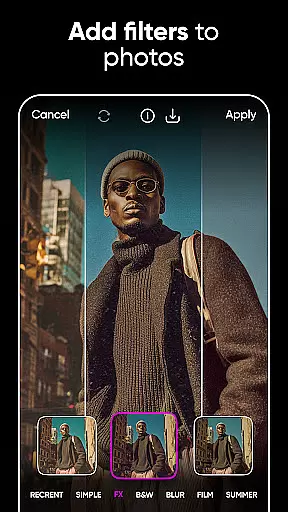
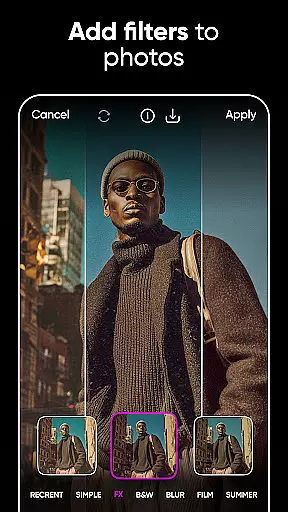
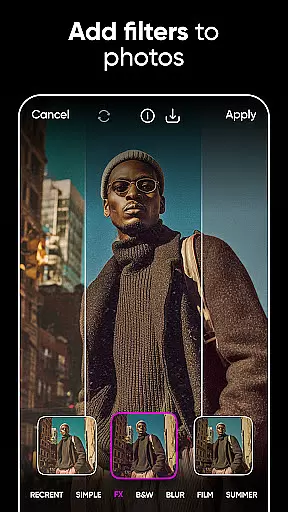
With Picsart, users can also experiment with various filters and effects live, seeing changes applied instantly to the camera feed. This feature not only enhances creativity but also saves time by eliminating guesswork during post-processing.
Furthermore, the app supports high-resolution previews, ensuring that even the smallest details are visible before capturing an image. This attention to detail empowers users to produce professional-quality photos directly from their mobile devices.
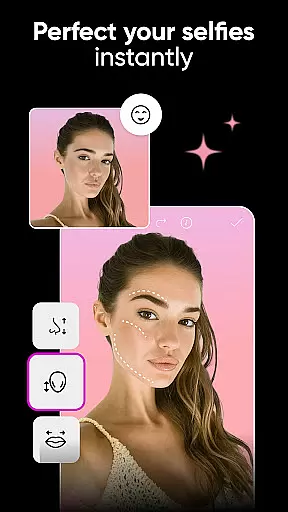
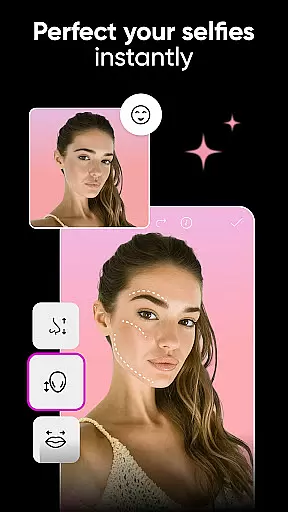
Picsart AI Photo Editor stands out with its AI-powered beauty and enhancement features, designed to naturally elevate photos without compromising authenticity. The app uses sophisticated algorithms to enhance facial features while maintaining a realistic appearance.
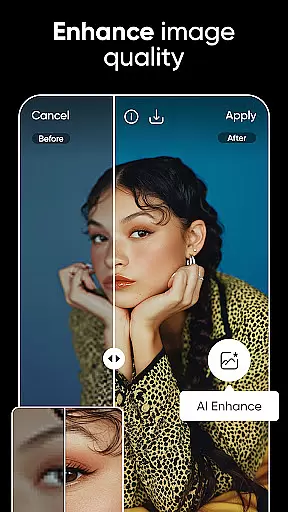
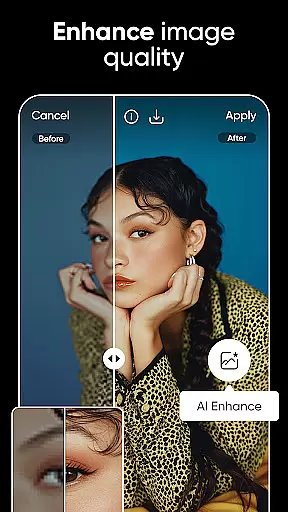
Users can leverage tools such as AI Enhance to boost low-quality images, making them vibrant and clear without introducing artificial elements. This ensures that every edit looks genuine and retains the original character of the photograph.
In addition to general enhancements, Picsart offers specific retouching options like skin smoothing and blemish removal. These tools work seamlessly to refine portraits, providing polished yet natural results that respect the subject's unique traits.
Moreover, the app includes customizable AI filters that intelligently adapt to different skin tones and lighting conditions. By prioritizing natural enhancement over excessive modification, Picsart delivers stunning edits that remain true to life, enhancing user satisfaction and engagement.
User-friendly interface
Extensive template library
Advanced AI tools
Versatile video editing
Millions of stickers
Premium features locked
Ads in free version
Occasional bugs
Learning curve
Storage requirements

Natural Beauty, Selfie Retouch
 4.30
4.30
The #1 app for B&W film developing featuring an advanced darkroom timer.
4.10
Gallery Slideshow is slideshow maker app for slideshow from your gallery photos.
3.90
Create amazing frames with up to five photos. Rounded corners, effects and more!
3.60
Add a dreamy vibe to your selfies and videos with soft style filters
4.3
Professional photography on your mobile phone
4.20
AI Photo Editor with 100+ Filters, Effects! Remove BG, Retouch & Photo Enhancer.
4.80
Transform Photos: Edit, Beautify and Craft Memories & Make Collages!
4.10
Your Family Calendar + Photos. Manage your Skylight Calendar and Skylight Frame.
4.40
Find time and duration of different sunlight phases at any location
4.90
A collection of tools and reference tables for DPs, ACs, DITs and Operators.
4.70
Enhance, retouch & create your story - Share the moment with Photoshop Express.
4.60
Easily create custom gifts, cards, photo books & more on the Shutterfly app!
4.60
Create AI photos & videos with Enhancer; restore, fix, beautify, enhance photos
4.50
Effortlessly organize, view and share your photos & videos with Gallery app!
4.40
Future baby face generator: AI kids generator, kid face! What my baby look like?
4.40
AI portrait generator and polaroid AI selfie, fun AI generated AI photo creator!
4.30
Turn your phone into a professional camera - full DSLR manual photography
4.30
Photobooth mini FULL app will allow you to add more fun to your parties
4.00


User Reviews