
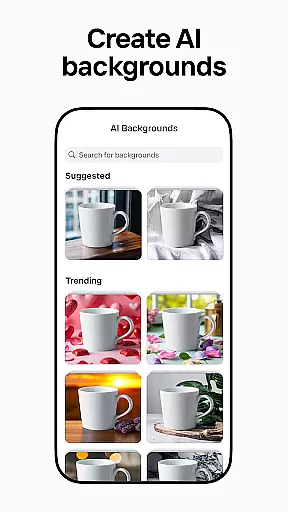
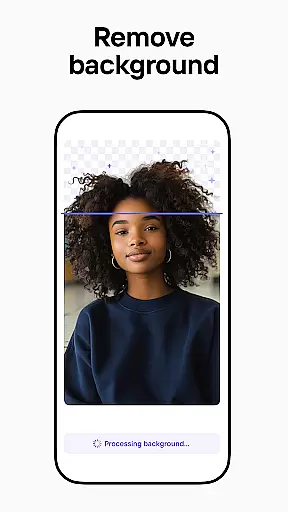

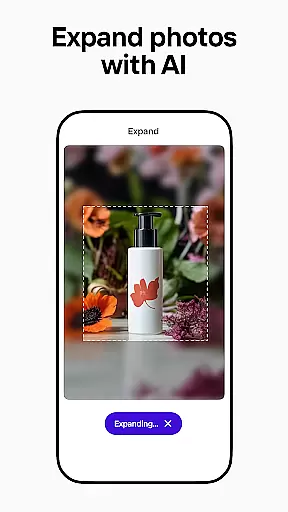
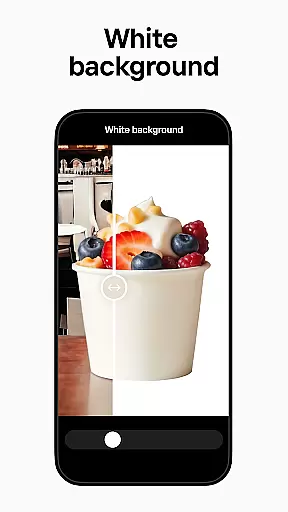
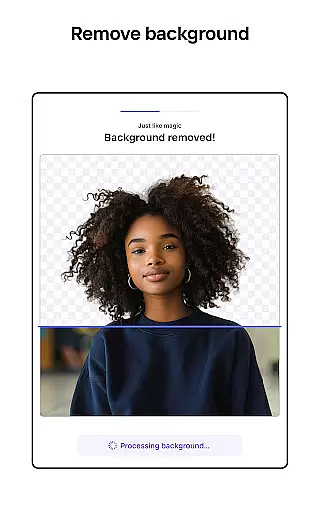
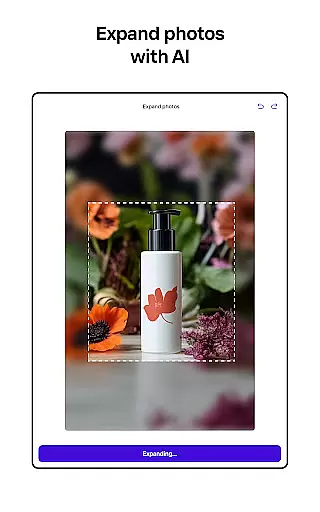
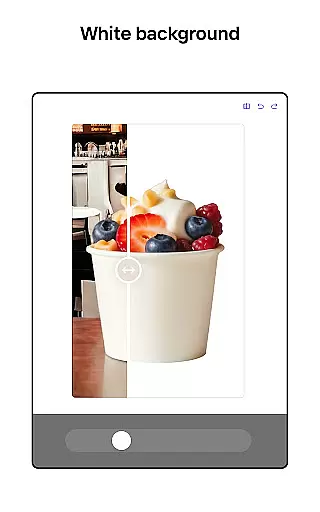
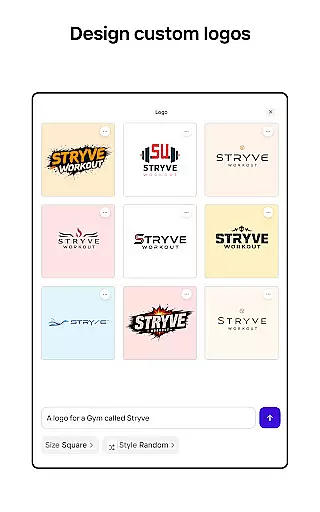
Photoroom AI Photo Editor is a powerful mobile application designed to help users create professional-quality images with ease. Leveraging advanced AI technology, the app allows users to design, edit, remove or replace backgrounds, and enhance photos effortlessly. Whether you're an e-commerce seller, content creator, or social media manager, Photoroom provides tools to elevate your brand and drive engagement through polished visuals.
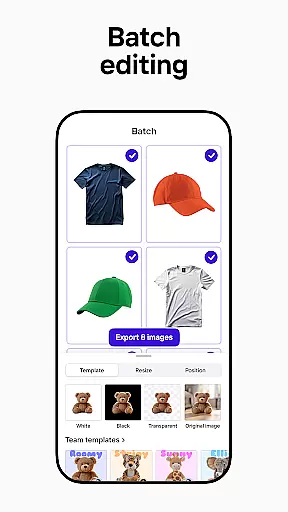
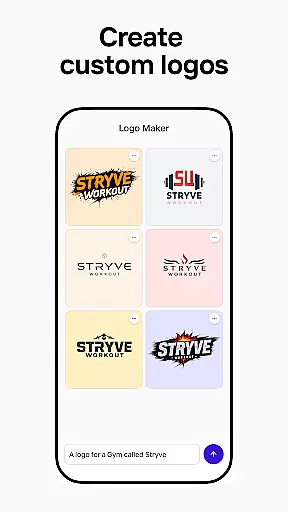
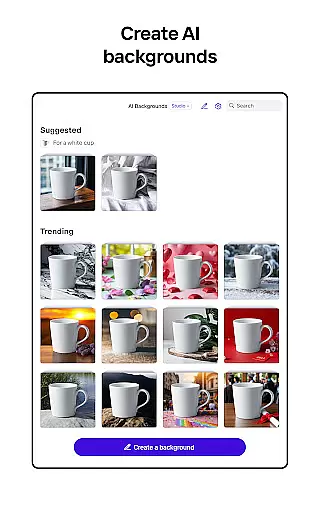
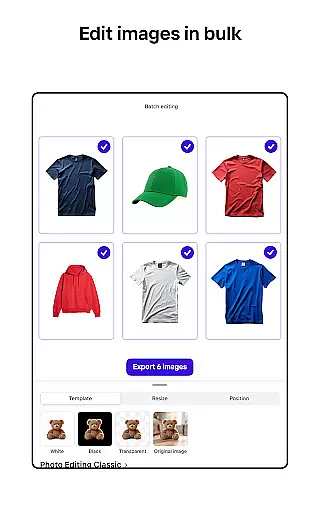
The app's standout feature is its AI-powered design capabilities that require no prior design experience. By simply describing your idea, Photoroom generates backgrounds, logos, scenes, and more in seconds. Additionally, it offers batch editing for handling multiple images at once, making it ideal for professionals who need consistent designs across various platforms like Instagram, Facebook, Amazon, and Shopify.
With intuitive collaboration features, real-time team editing, and customizable templates, Photoroom ensures seamless teamwork and efficient content creation. Its versatility makes it suitable for freelancers, businesses, and individuals alike, enabling anyone to produce stunning visuals without needing extensive design skills.
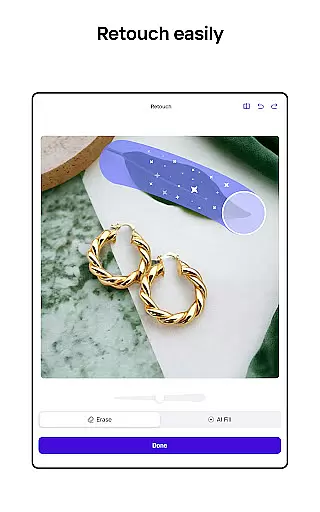
Photoroom AI Photo Editor stands out with its comprehensive suite of AI-driven photo editing tools. The app's core functionality revolves around background removal and replacement, allowing users to erase unwanted objects and distractions while enhancing product photos with realistic virtual models or staged scenes. This feature is particularly beneficial for e-commerce sellers looking to create ad-ready images quickly.
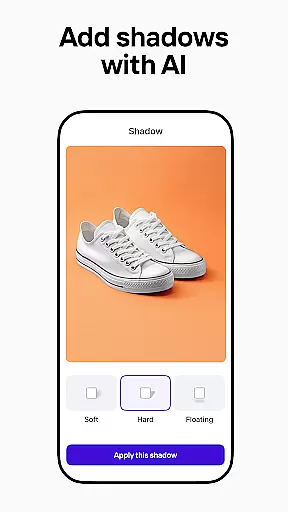
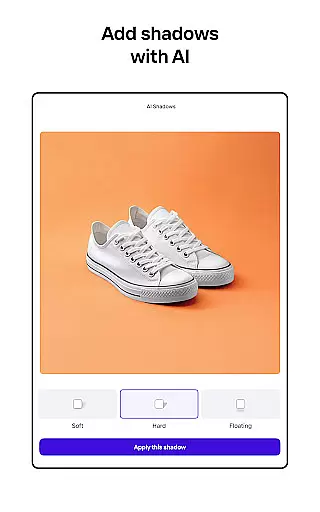
Beyond background editing, Photoroom offers robust photo enhancement capabilities. Users can adjust lighting, shadows, and sharpness to achieve professional-grade results. The app also includes a Product Beautifier tool that instantly elevates visuals by refining details and improving overall image quality. These features ensure every photo maintains a polished appearance regardless of the original condition.
Additional notable features include batch editing for processing multiple images simultaneously, a customizable Brand Kit for maintaining consistent design elements, and platform-optimized templates for various social media channels. With real-time collaboration tools, teams can work together seamlessly, ensuring efficient workflows and consistent branding across all visual content.
Real-time capture and preview functionality is essential for ensuring that every photo taken meets professional standards. With Photoroom AI Photo Editor, users can instantly see the results of their edits as they make them, providing a seamless editing experience.
The app's advanced AI technology allows for immediate adjustments to lighting, shadows, and sharpness, giving users the ability to fine-tune their images on the fly. This real-time feedback ensures that the final product is exactly as envisioned, without the need for guesswork or trial and error.
For e-commerce sellers and content creators, this feature is invaluable. It enables them to quickly produce high-quality images that are optimized for various platforms such as Instagram, Facebook, and Amazon. The ability to preview changes in real time saves significant time and effort, allowing users to focus on scaling their businesses or creative projects.
Ultimately, the real-time capture and preview feature in Photoroom empowers users to create professional-grade visuals with confidence. Whether you're enhancing product photos or designing social media content, this tool ensures that your images will captivate and engage your audience effectively.
AI beauty and enhancement features have revolutionized the way we edit photos, offering tools that not only beautify but also maintain the natural essence of the image. Photoroom AI Photo Editor stands out by providing enhancements that preserve authenticity while elevating visual appeal.
The app uses sophisticated algorithms to adjust elements like skin tone, remove blemishes, and enhance facial features without making the subject look overly processed or artificial. This balance between enhancement and naturalness is crucial for creating images that resonate with viewers and maintain credibility.
For professionals in industries such as fashion, real estate, and marketing, these AI-powered enhancements are game-changers. They allow for the creation of polished, attractive visuals that highlight products or properties in the best possible light. By using Photoroomu2019s AI tools, users can ensure their images stand out in competitive markets while remaining genuine and relatable.
In summary, Photoroomu2019s AI beauty and enhancement capabilities offer a powerful yet subtle approach to photo editing. Users can achieve stunning results that enhance their brand's image and drive engagement, all while keeping the focus on authentic, high-quality content.
AI-powered design
Effortless background removal
Batch editing capability
Real-time collaboration
Customizable templates
Premium features locked
Subscription required
Limited free exports
Advanced tools costly
Occasional glitches

Photo editor: face & body editor, beauty cam, filters and quality enhancer.
 4.00
4.00
HD Photo gallery and photo manager to edit, hide private photos, videos & albums
4.0
Application for remote controlling DSLR
3.00
Superimpose one photo on top of another using the original Superimpose app!
3.20
Fit multiple photos on one post. Create carousels & scroll layouts for Instagram
4.50
Unblur, enhance & restore photos with powerful AI photo enhancer tools.
4.60
Snap photos remotely using your Garmin watch as the camera trigger
4.3
Professional camera app that brings DSLR manual photography controls to Android.
4.20
Try an anime version, cartoon yourself, and generate AI hug or aging videos!
3.70
1M influencer's special filter
4.60
A must-have app for landscape photographers
4.60
Safe & smart flight with Go Fly drone controller for 40+ drone camera, zone map
4.50
Cut and paste photo editor & eraser to customize photos easy and swap faces fun
4.50
Shooting photos and records video easily and efficient with professional Camera
4.30
Catch sunlight, sunrise sunset times and sun phases with the AR sun tracker.
4.10
Astrophotography with your smartphone, photo live stacking and much more!
3.90
Pet Camera
3.70
Professional video recording application with manual controls for filmmakers!
2.80
Photo Album Watch Face shows your favorite pictures as a Watchface.
1.90


User Reviews