
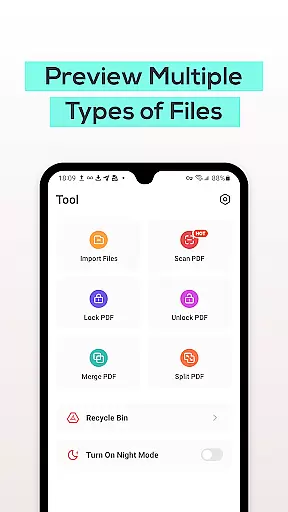
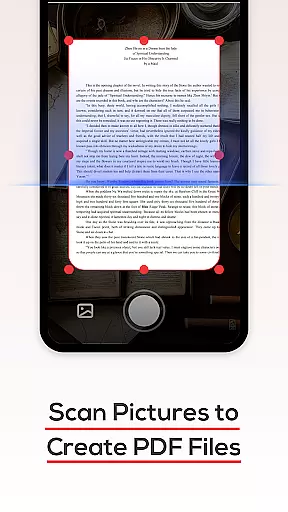
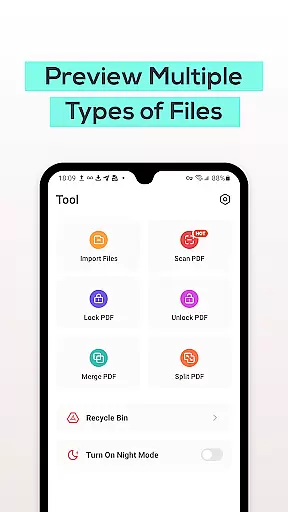
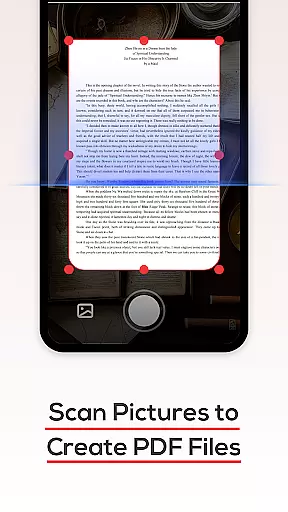
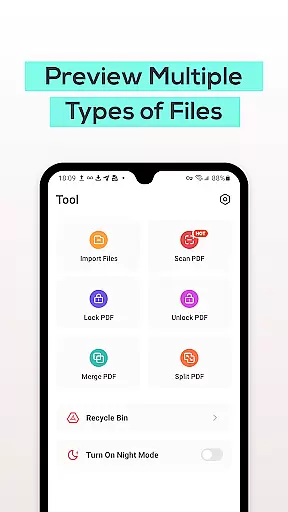
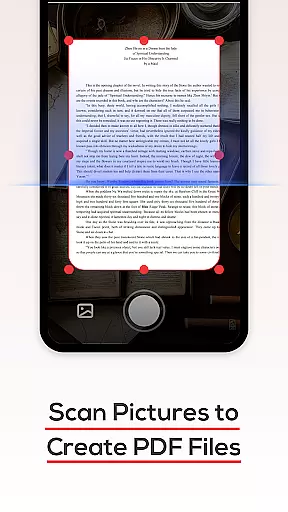
PDF File Reader is a productivity-focused application designed to help users efficiently manage PDF files on their mobile devices. The app allows you to view PDF documents with ease, while also providing essential tools for document processing. With features like text highlighting, underlining, and quick search capabilities, it ensures that users can interact with their PDFs seamlessly. Additionally, the Recycle Bin functionality offers a safety net when deleting files, automatically removing them after seven days. This app is particularly useful for professionals who need quick access to PDF documents while on the go.
The app's intuitive interface and robust feature set make it an ideal choice for anyone looking to streamline their document management process. Whether you're reviewing reports, reading articles, or managing presentations, PDF File Reader provides a reliable solution that enhances productivity without compromising on usability.
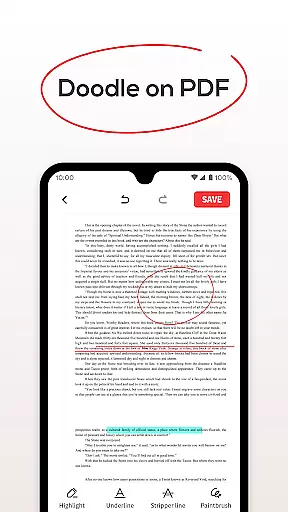
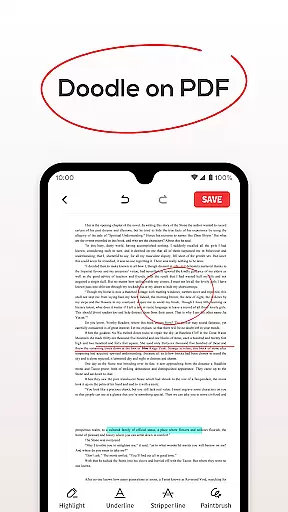
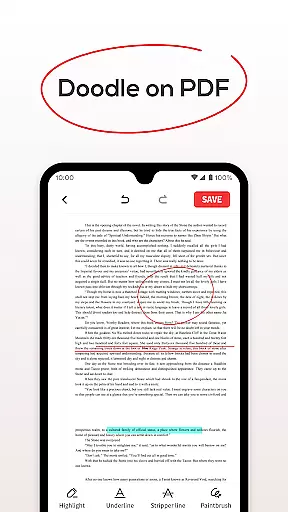
PDF File Reader stands out with its comprehensive set of features tailored for efficient document handling. One of its key functionalities is the ability to open and manipulate PDF files effortlessly. Users can highlight important sections, underline critical points, and even add notes directly within the document. These annotation tools are invaluable for students, researchers, and business professionals alike.
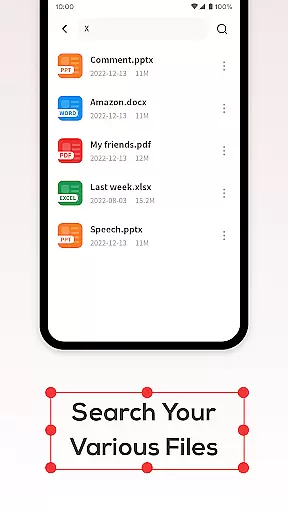
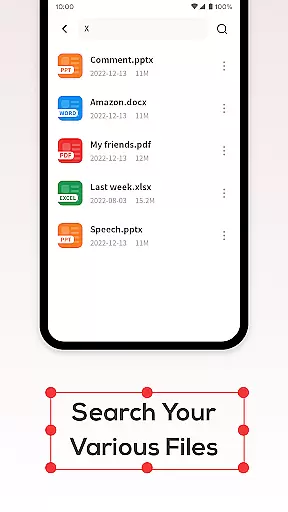
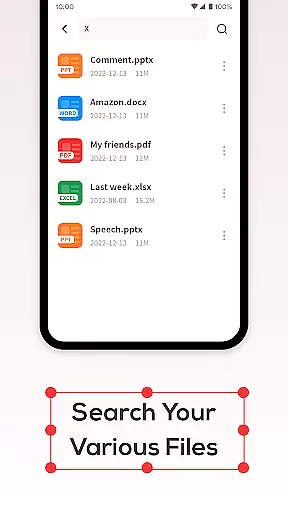
Another notable feature is the app's powerful search function, which allows users to locate specific PDF files quickly. This saves time and improves workflow efficiency, especially when dealing with large collections of documents. Furthermore, the integrated Recycle Bin acts as a temporary storage area for deleted files, giving users peace of mind knowing they can recover accidentally removed documents within a seven-day period. Overall, these features combine to create a versatile tool that meets various document management needs.
In the realm of productivity, managing tasks efficiently is paramount. PDF File Reader excels in this area by offering a suite of features designed to streamline your document handling. With capabilities such as viewing PDF files, adding highlights, underlines, and performing simple text operations, it ensures that you can manage your documents with ease.
The application goes beyond mere viewing by integrating essential task management features. Users can effortlessly search for their PDF documents without enduring long wait times, which significantly enhances workflow efficiency. This quick search functionality means that whether you're dealing with a handful or hundreds of documents, finding the right one is never a chore.
Moreover, the app provides users with tools that simplify document interaction. The ability to add highlights and underlines allows for better organization and emphasis on critical information within your files. These features collectively contribute to an enhanced task management experience, making PDF File Reader an indispensable tool for anyone looking to improve their productivity when handling PDFs.
For professionals and students alike, having reliable access to documents across multiple devices is crucial. PDF File Reader addresses this need by ensuring cross-device synchronization that keeps all your PDF files up-to-date and accessible no matter where you are. Whether you're switching from your phone to a tablet or desktop, your documents will be there just as you left them.
The Recycle Bin feature adds another layer of reliability to the synchronization process. When deleting files, users have the option to move them to the Recycle Bin instead of permanent deletion. This safety net not only prevents accidental data loss but also maintains consistency across devices, ensuring that any changes made on one device reflect accurately on others.
Furthermore, the Recycle Bin automatically clears files after seven days, providing a balance between maintaining a clean workspace and safeguarding against unintentional deletions. By incorporating these thoughtful features, PDF File Reader guarantees that your document management process remains seamless and dependable across all your devices.
User-friendly interface
Quick file search
Recycle Bin for deleted files
Text highlighting and underlining
Supports multiple file formats
Limited advanced editing
No cloud integration
Ads in free version
Occasional lag
Basic design

A customizable calendar for your Wear OS watch
 4.20
4.20
Mega cloud explorer plugin for Solid Explorer
3.80
Customizable calendar widget for seamless event sync, planning & scheduling.
4.00
Easiest event planning, volunteer signups & parent teacher conference scheduling
2.20
Make apps & sites with natural language prompts
4.10
Create and edit presentations with Google Slides, part of Google Workspace.
4.00
Ultimate Virtual AI Character for immersive Roleplay Chat. Perfect Companion
3.90
Use powerful, industry-leading AI tools to generate visual charts from any data
4.80
Browse and view your photos and videos from the phone with photo & video hide.
4.10
8 custom complications. Custom Time Fonts. Beautiful color schemes. A++ Design.
5.00
Protect and view your important info on your phone and tablet with eWallet®
4.80
Stay on top of your to-dos with Google Tasks, part of Google Workspace.
4.60
Planet Free VPN - The best Fast Unlimited and Secure VPN Without Logs
4.50
PDF scanner & converter for files, photos, lottery, QR codes. One swipe away!
4.50
Experience Reading - Night Mode for Documents
4.40
Easily read and manage all your PDF files
4.10
All in one sketching tool. Technical and General drawing. Online Maps support.
3.70
Ads Free App! Editor, Hide File, Copy, Move, Delete and Rename.. all facility av
1.70
The upgraded version of Name Wheel with AI and the power to add your own wheels.
4.0


User Reviews