
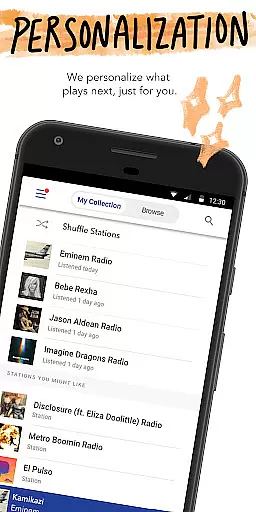
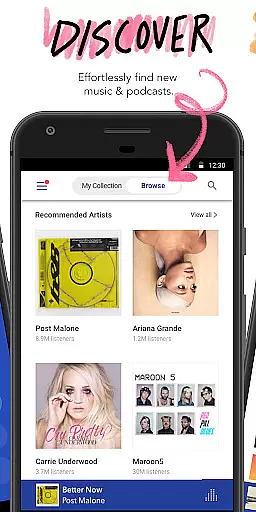
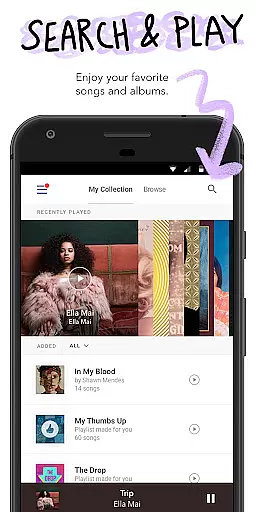


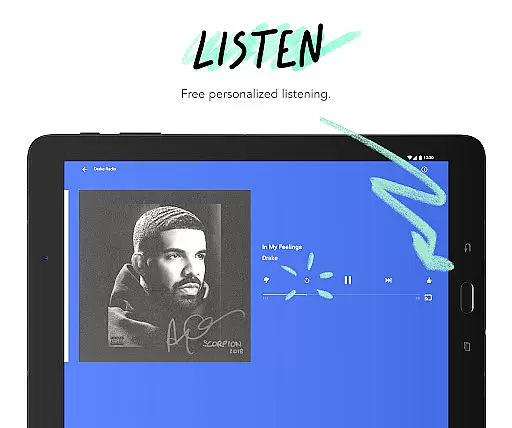
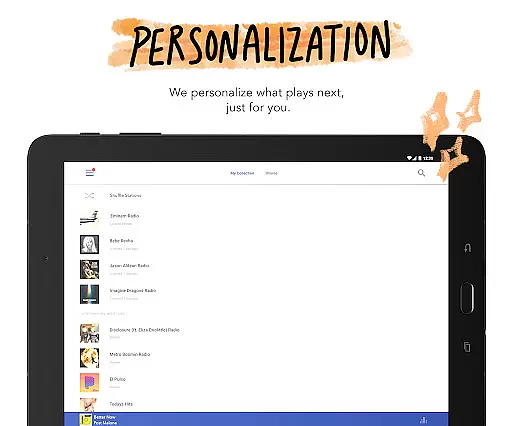
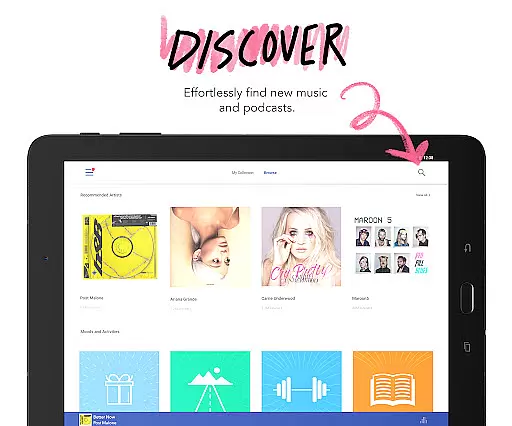
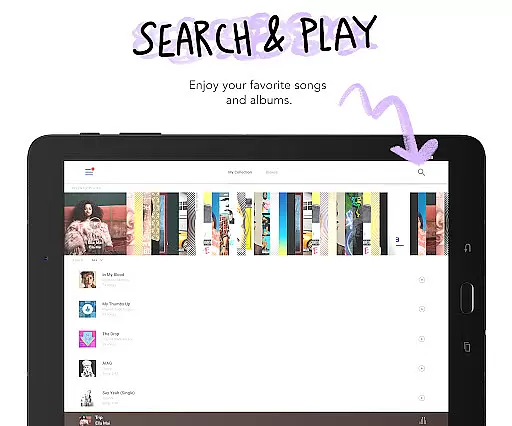


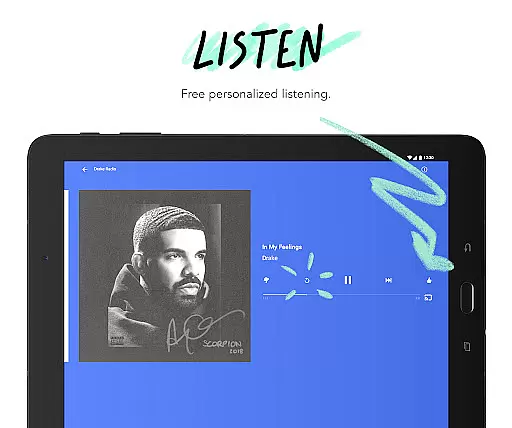
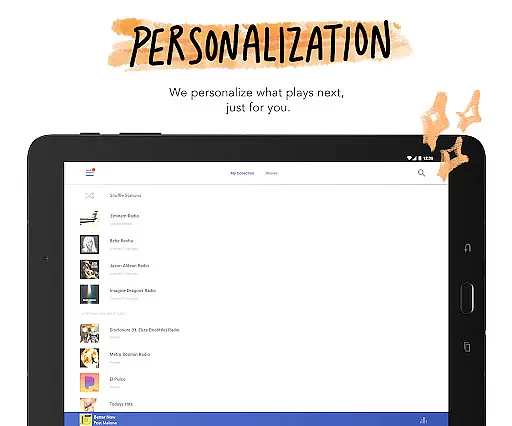
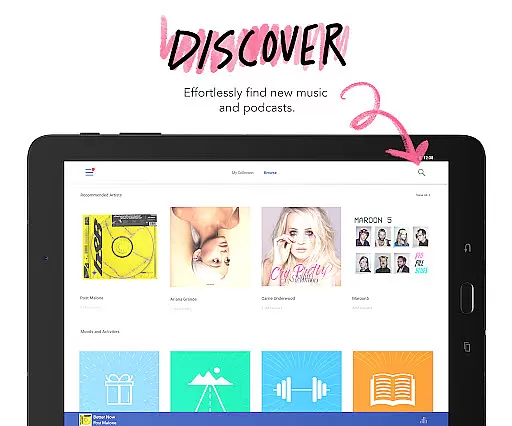
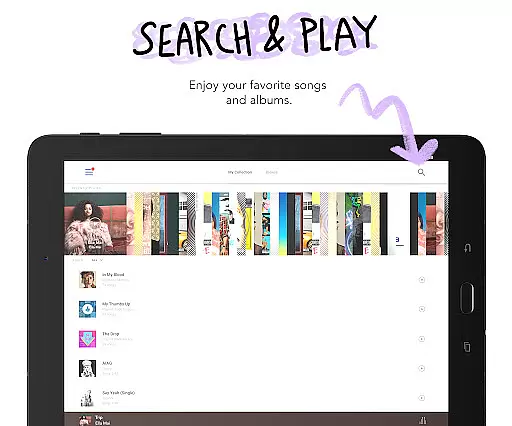





Pandora is a leading music streaming service that offers users a personalized listening experience on Android Wear devices. The app creates custom stations based on your favorite songs, artists, or genres while providing advanced discovery features. With seamless integration across platforms, you can enjoy music and podcasts from your wrist, making it perfect for workouts or when traveling light.
The application stands out with its innovative features like Pandora Modes, which lets you customize station experiences, and robust voice controls for hands-free operation. Whether you're commuting or working out, Pandora ensures you stay connected to your favorite music and discover new content effortlessly. Its ability to stream directly over Wi-Fi or cellular makes it highly versatile for various situations.
Pandora boasts an array of features designed to enhance user experience on Android Wear. One notable feature is the voice mode, allowing users to control music playback through simple voice commands. This includes playing, pausing, skipping tracks, adjusting volume, and even giving a thumbs up to songs.
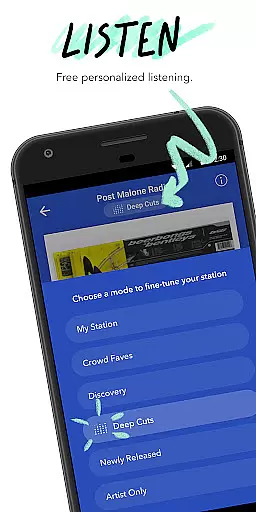
Another standout aspect is Pandora Modes, offering six distinct ways to customize your listening experience. From 'Deep Cuts' for exploring lesser-known tracks to 'Artist Only' for focusing on specific musicians, these modes cater to diverse preferences. Additionally, the app supports offline listening and integrates with services like Android Auto and Wear OS, ensuring music is accessible anytime, anywhere.
For premium subscribers, Pandora offers on-demand music, higher quality audio, and ad-free listening. These subscription tiers provide flexibility, catering to casual listeners and audiophiles alike. Overall, Pandora's comprehensive feature set makes it a top choice for personalized music streaming on wearable devices.
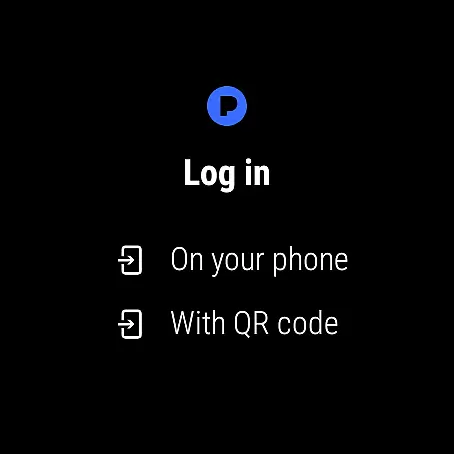
Companion app integration is essential for a seamless wearable experience. Pandora excels in this area by offering robust synchronization between its mobile application and Wear OS devices. This ensures that your music preferences, station selections, and listening history are always up-to-date across all your devices.
The integration allows users to control their music directly from their smartwatch. Whether you're commuting, working out, or simply relaxing at home, you can easily play, pause, skip tracks, or adjust the volume without needing to reach for your phone. This convenience enhances the overall user experience, making it more intuitive and engaging.
Pandora's companion app also supports offline listening on Wear OS. This means you can download your favorite stations and podcasts directly to your smartwatch and enjoy them without carrying your phone. The feature is particularly useful during activities like running or traveling where carrying a phone might be inconvenient.
By providing comprehensive functionality on both mobile and wearable platforms, Pandora ensures that users have a consistent and enriched audio experience regardless of the device they are using. This level of integration highlights Pandora's commitment to delivering a versatile and user-friendly service.
Device compatibility is crucial for ensuring that applications run smoothly across various hardware configurations. Pandora offers extensive support for Wear OS devices, allowing users to enjoy their personalized music and podcast experiences on a wide range of smartwatches. This broad compatibility ensures that no matter which Wear OS device you own, you can access Pandora's rich features.
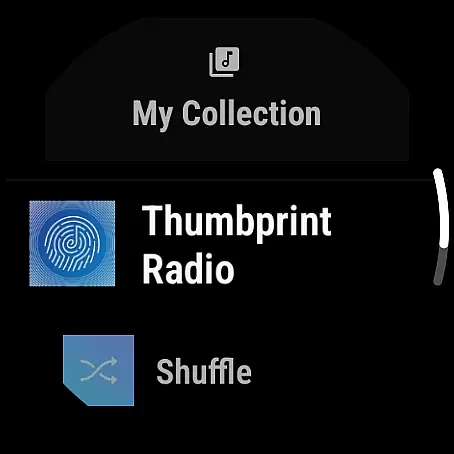
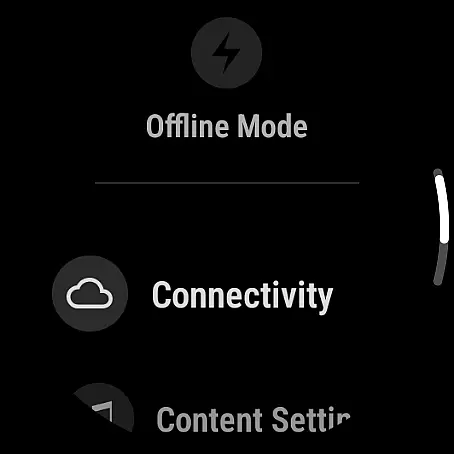
Pandora's optimization for Wear OS includes tailored interfaces that make navigation and control effortless. The app takes advantage of the unique form factors and input methods of different smartwatches, providing an interface that feels natural and responsive. Users can easily browse stations, adjust settings, and control playback with minimal effort.
In addition to supporting a variety of devices, Pandora ensures that its Wear OS app maintains high performance standards. The application is designed to be lightweight and efficient, minimizing battery consumption while maximizing speed and reliability. This focus on performance guarantees that users can enjoy uninterrupted music streaming throughout the day.
Overall, Pandora's dedication to Wear OS/device compatibility demonstrates its commitment to accessibility and user satisfaction. By supporting a wide array of devices and optimizing performance, Pandora provides a superior audio experience that adapts to the diverse needs of its users.
Personalized music stations
Voice command support
Offline listening options
High-quality audio streams
Seamless device integration
Limited free version features
Subscription costs may add up
US-only availability
Data usage can be high
Occasional connectivity issues

Wear Os Watch Face - Animated Snow Effect & Christmas Lights
 4.4
4.4
Snowflake Rose Gold Watch Face - Digital, modern, & sleek with GYRO effect.
4.10
Embrace the festive spirit with our Christmas Countdown watchface for Wear OS
4.10
Simple Analog-Digital Watchface For Wear OS 3.0 and Up Smartwatches
4.4
Gym & home workout plans with strength training, exercise tracking, HIIT & more.
4.60
Real-time results, stats, schedules and player profiles for all leagues
4.60
Retro digital watch face with customizable colors and a unique lighting effect
4.60
Simple, helpful messaging by Google
4.60
Control your Samsung Smart TVs, appliances, and SmartThings-compatible devices
4.60
Diet tracker for weight loss - track calories, food and macros. Simple and easy!
4.70
Be an elegant and classy secret agent, with this carefully detailed watch face
4.70
The most customizable hybrid watch face. For Wear OS 5.0, API 34+ and later
4.70
Nutrition, Macro tracker: Food, fitness & healthy diet tracking for weight loss
4.60
A realistic hybrid watch face with many customization options.
4.60
sleep, alarm, snoring, stress, healing, focus, sound therapy, circadian rhythm
4.10
A full-featured Amazon Alexa voice assistant that can show you things.
3.70
Wear Os Watch Face - Animated Snow - Sesonal for Christmas & Winter
4.0
Precision analog watch face with 7 complications and style options
4.4
Analog watch face with 8 complications and expedition styling
4.1


User Reviews