
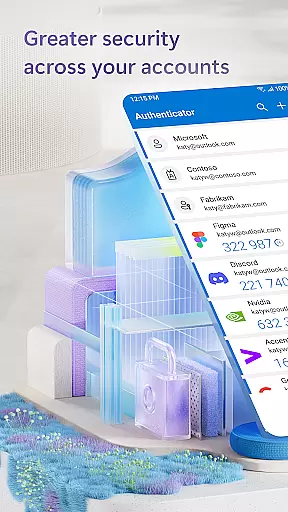
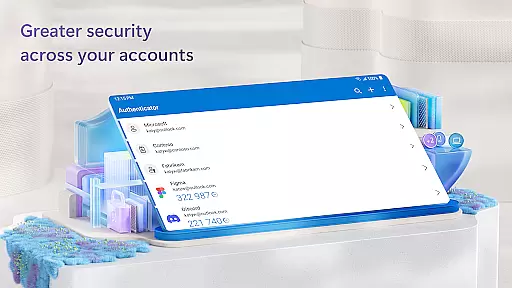
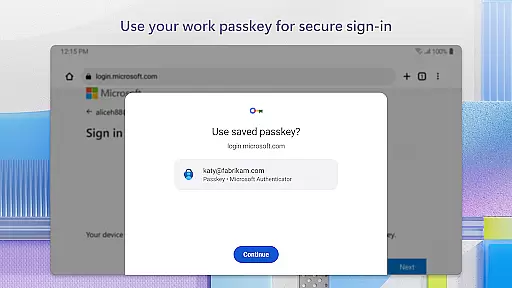
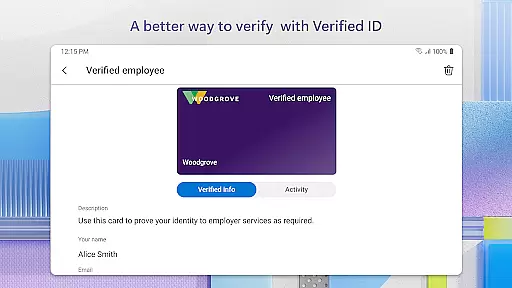
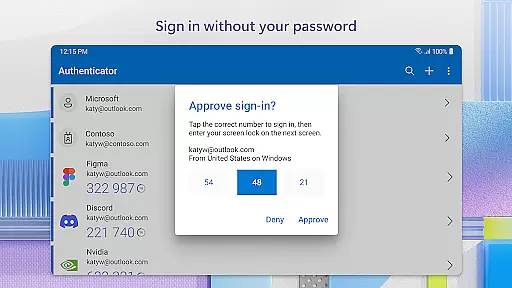
Microsoft Authenticator is a robust business application designed to enhance security for online accounts through multi-factor authentication (MFA), passwordless login, and traditional password usage. The app supports both personal and enterprise-level Microsoft accounts, as well as non-Microsoft accounts like Facebook, Amazon, and Google.
With features such as time-based one-time passwords (TOTP) that refresh every 30 seconds, users can ensure secure access without relying on network connectivity or memorizing complex codes. Additionally, the app facilitates seamless integration with various Microsoft services like Outlook and OneDrive, making it an essential tool for businesses seeking enhanced security protocols.
Whether you're managing multiple accounts or need to meet organizational compliance standards, Microsoft Authenticator provides a reliable solution for safeguarding digital identities in today's interconnected world.
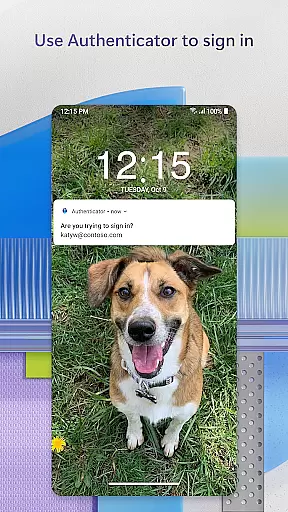
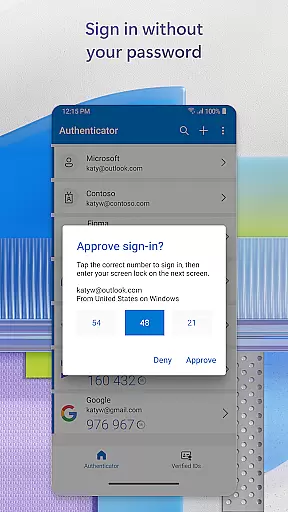
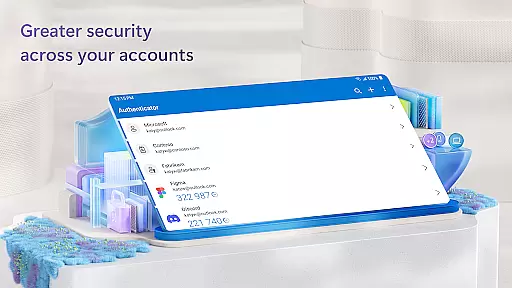
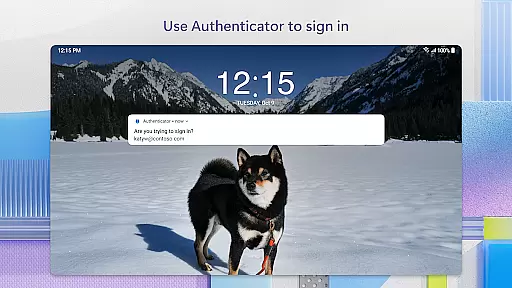
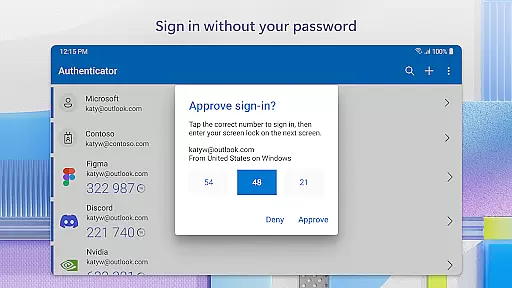
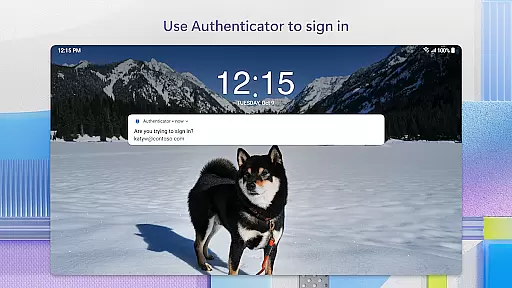
One of the standout features of Microsoft Authenticator is its support for multi-factor authentication (MFA) and two-factor authentication (2FA). Users can approve login requests via push notifications or generate one-time passwords (OTP) directly within the app. These OTPs are refreshed every 30 seconds, ensuring a high level of security without draining device battery life.
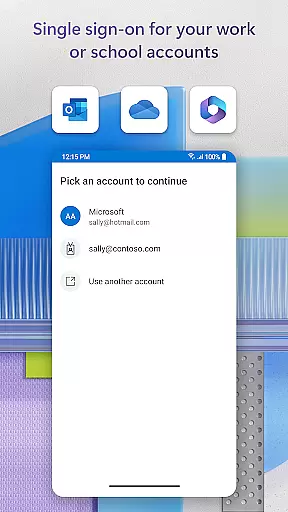
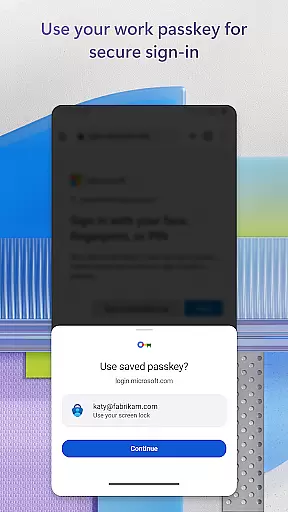
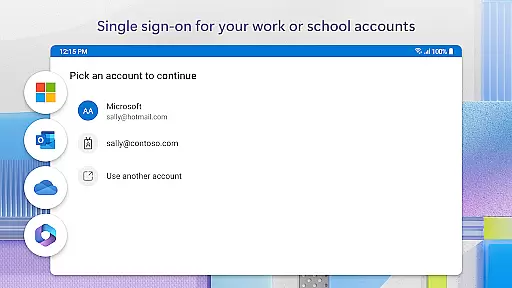
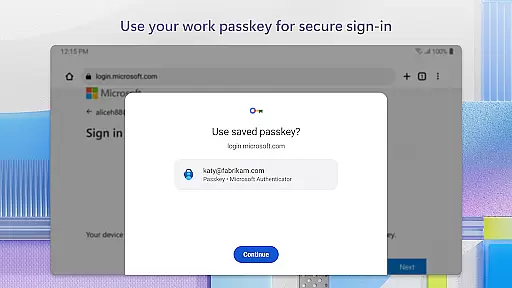
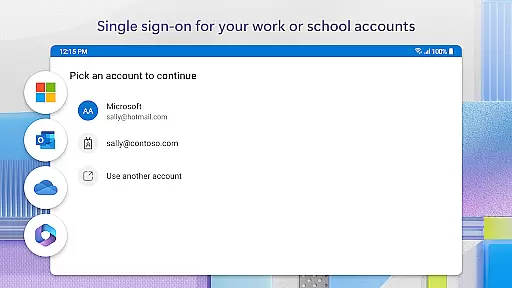
The app also offers passwordless login options using biometric verification methods such as fingerprint or face ID. This not only simplifies the login process but adds an extra layer of security by confirming user identity through unique biological traits. Furthermore, Microsoft Authenticator supports single sign-on (SSO), allowing users to access multiple Microsoft services after a single authentication event.
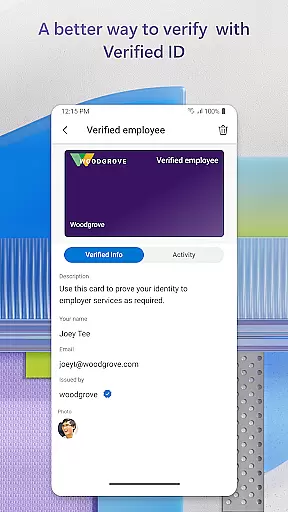
For enterprise users, the app provides cert-based authentication and integrates seamlessly with organizational policies, including location-based access controls and accessibility services. This makes it an invaluable tool for businesses looking to protect sensitive data while maintaining ease of use for employees.
Microsoft Authenticator enhances collaborative work environments by providing secure access to essential business tools. The app supports multi-factor authentication (MFA) and two-factor authentication (2FA), ensuring that only authorized personnel can access sensitive information.
Through the integration with work or school accounts, users can seamlessly authenticate their identity across various Microsoft services such as Outlook, OneDrive, and Office. This interconnected authentication system allows teams to collaborate on documents and projects without repeatedly entering credentials, thus streamlining workflows.
Additionally, the app's support for cert-based authentication adds another layer of security. By issuing a certificate on the user's device, organizations can verify that sign-in requests are coming from trusted devices. This feature not only strengthens security but also facilitates easier access to multiple Microsoft apps and services, promoting efficient teamwork.
While Microsoft Authenticator is primarily focused on security, its functionality indirectly supports effective task management within business environments. By simplifying the login process through passwordless options and MFA, employees can focus more on their tasks rather than dealing with complex authentication procedures.
The app's ability to store multiple accountsu2014including non-Microsoft ones like Facebook, Amazon, and Googleu2014enables users to manage all their online identities from a single platform. This consolidation helps in organizing different tasks associated with various accounts efficiently, saving time and reducing cognitive load.
Moreover, the one-time passwords (OTP) generated by the app ensure that users can securely access their tasks without needing to remember complicated passwords. With OTPs having a 30-second timer, users are assured of enhanced security while managing their daily responsibilities, allowing them to stay productive and focused on their work objectives.
Enhanced Security
Easy Integration
Multi-Platform Support
Biometric Login
Seamless SSO Experience
Requires Device Compatibility
Occasional Notification Delays
Limited Offline Functionality
Dependent on Network for Some Features
Complex Setup for Non-Tech Savvy Users

Zoom built for Chrome OS
 3.90
3.90
Formerly Facebook Ads Manager. Manage and create ads on the go.
4.20
FX Plus adds media, networking, and cloud capabilities to FX File Explorer.
4.10
Create curriculum vitae, a professional cover letter creator and resume designer
4.80
Earn crypto with secure cloud mining. Monitor, track & withdraw easily
4.40
enjoy effortless PDF reading anytime, anywhere
3.90
All your team communication in one place
4.70
Access All PDF Files
3.40
Say hello to the mobile work experience built to help you thrive at work.
4.30
Permission Guard is a security app that helps you manage app permissions.
4.80
Find the right fit, faster.
4.70
Chat, meet, and collaborate to achieve more together, all in one place on Teams
4.60
Drive and earn extra money
4.50
Find jobs near you and temp work in minutes, from your phone.
4.50
The revolutionary flexible staffing platform
4.40
All-in-one Mobile solutions for employees & managers to succeed at work
4.30
Quickly open and manage PDF files on your device.
3.80
All document reader, pdf viewer app, read docs & excel files
3.80
viewing and sharing PDFs and other files—anytime, anywhere!
4.0


User Reviews