
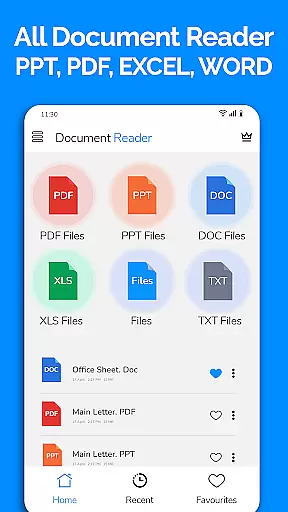
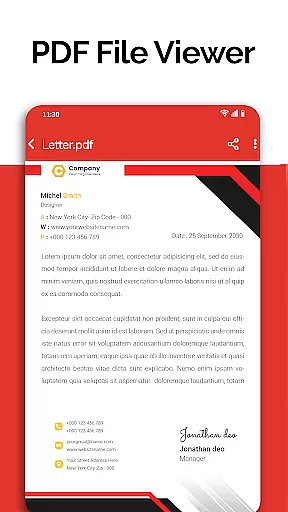
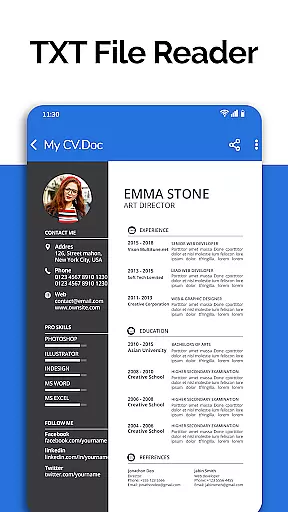
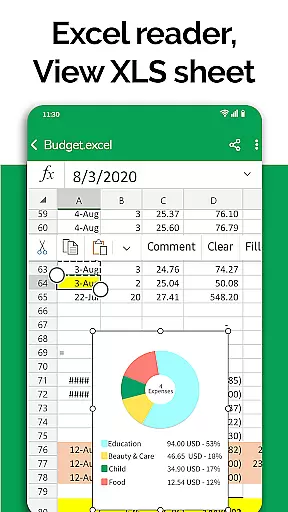
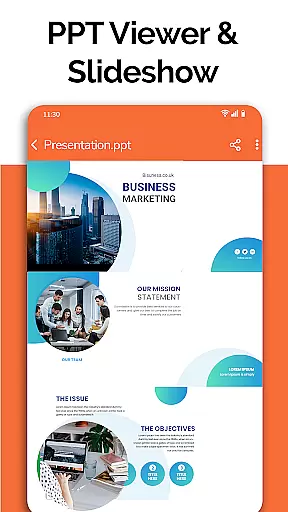
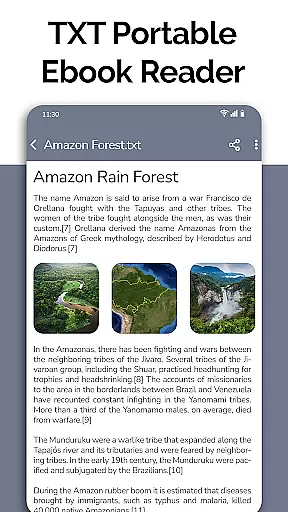
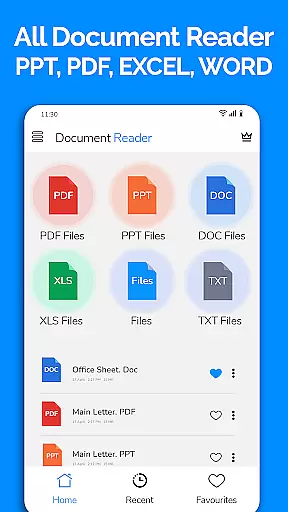
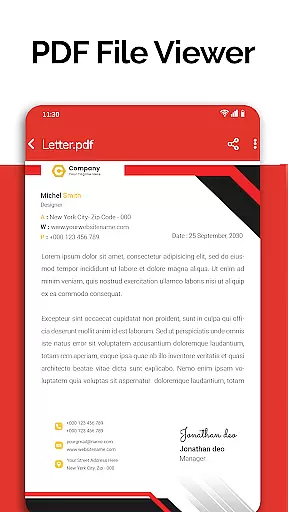
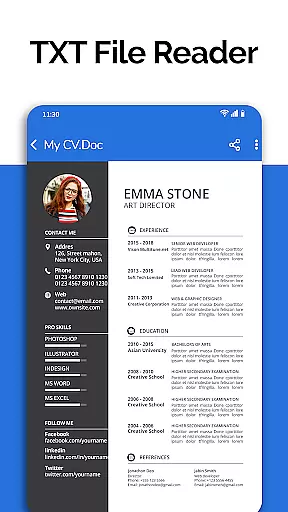
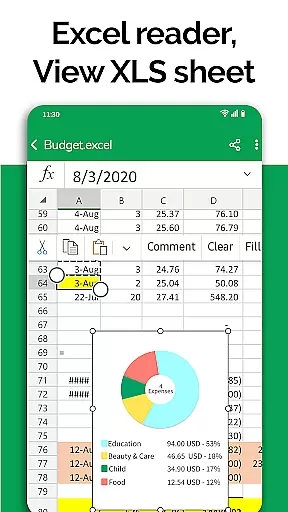
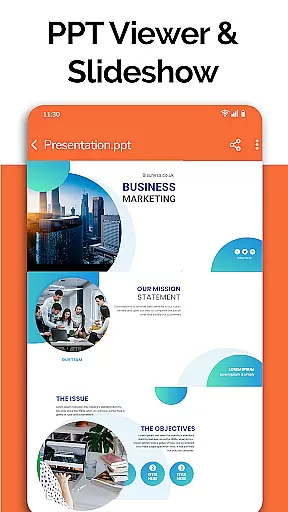
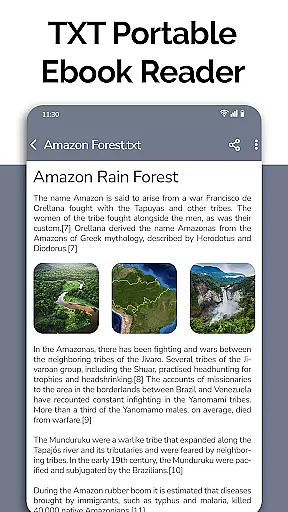
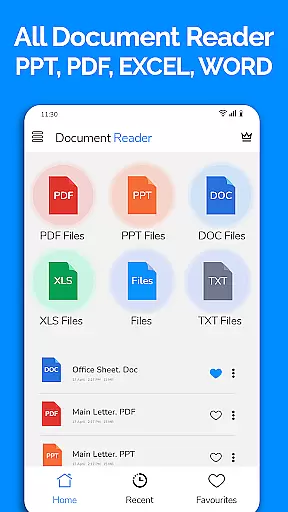
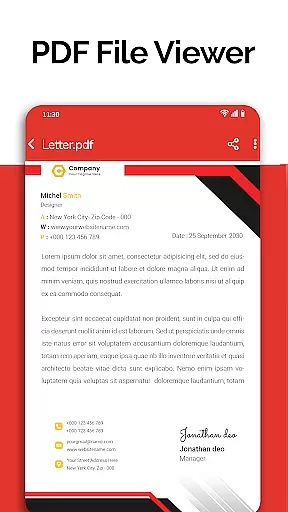
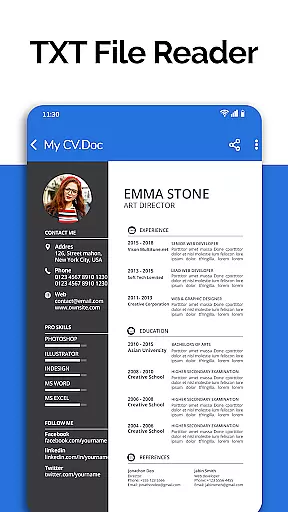
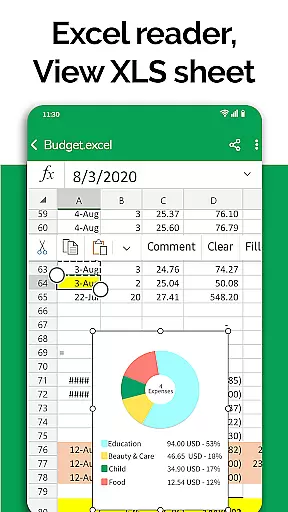
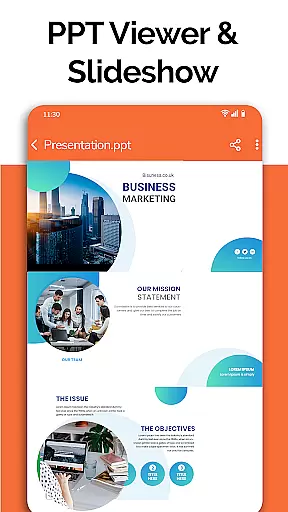
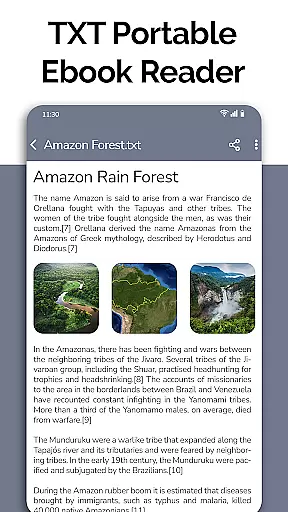
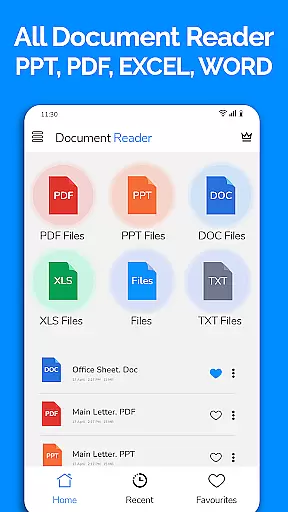
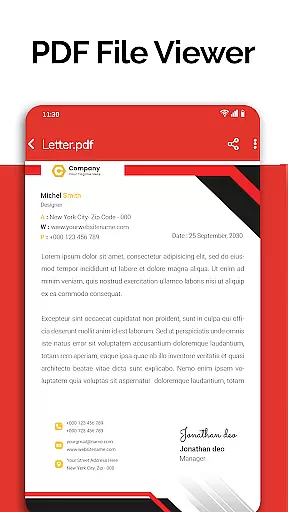
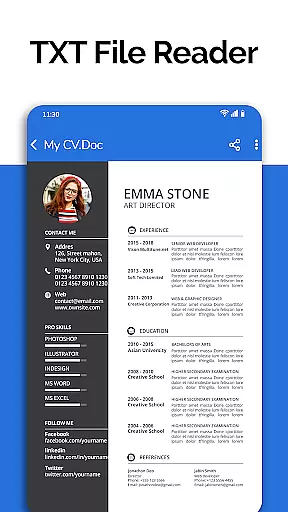
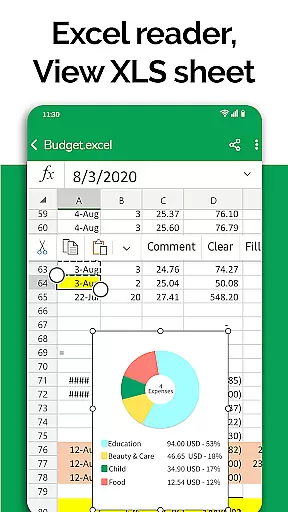
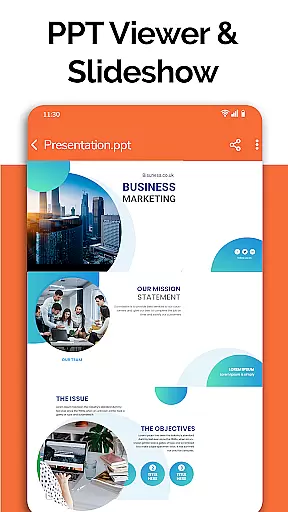
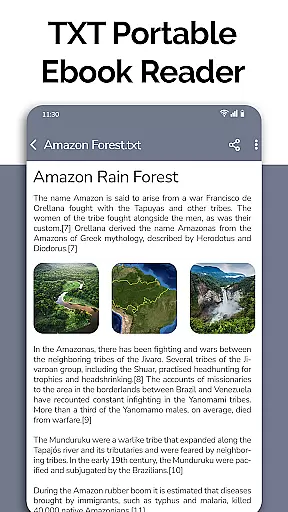
All Document Reader is a comprehensive document management solution that allows users to view, edit, and share various file formats directly from their mobile devices. This app supports multiple document types including PDF, Word, Excel, PowerPoint, and TXT files, making it an all-in-one tool for business professionals, students, and everyday users.
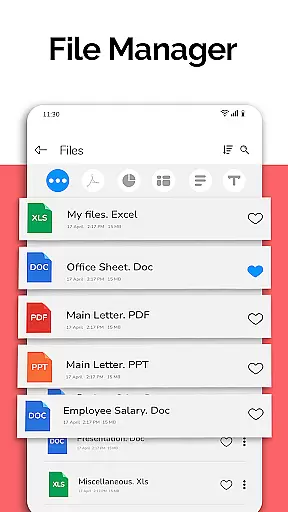
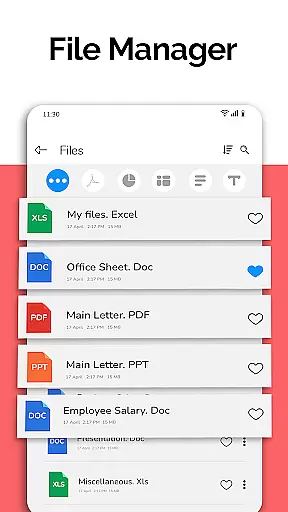
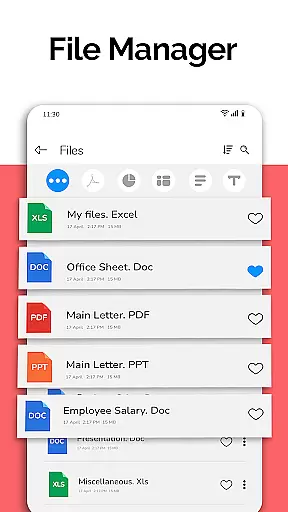
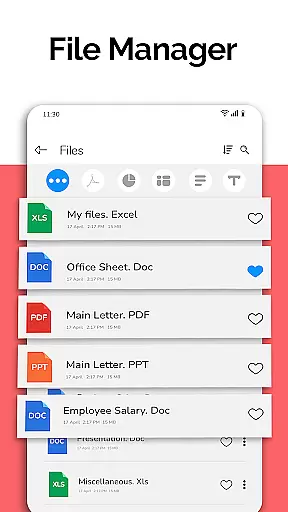
The application features an intuitive file manager that organizes documents automatically, simplifying navigation and access. With capabilities such as document scanning, text editing, and PPT preparation, users can efficiently manage their digital content. The app also offers advanced functionalities like voice search and image-to-PDF conversion, which are planned for future updates, ensuring a continuously improving user experience.
Whether you need to review business invoices, prepare for presentations, or study classroom notes, All Document Reader provides a seamless experience across different platforms without the need for a computer.
All Document Reader stands out with its extensive format compatibility, supporting DOC, XLSX, PPT, PDF, and TXT files. Each document type benefits from specialized viewers that ensure high-quality rendering and smooth navigation. For instance, the PDF reader allows users to manage and open PDF files effortlessly, while the Excel viewer maintains chart integrity and spreadsheet functionality on mobile devices.
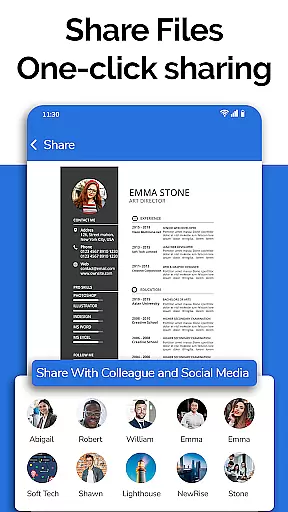
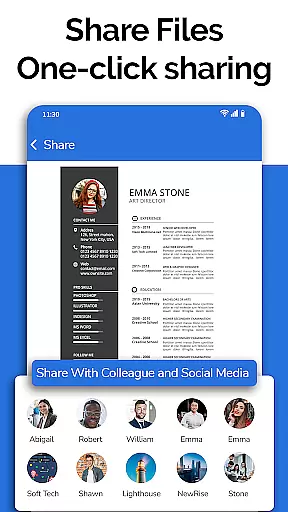
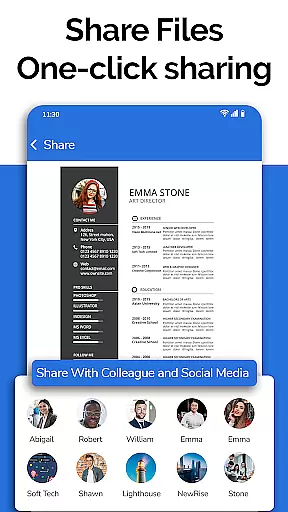
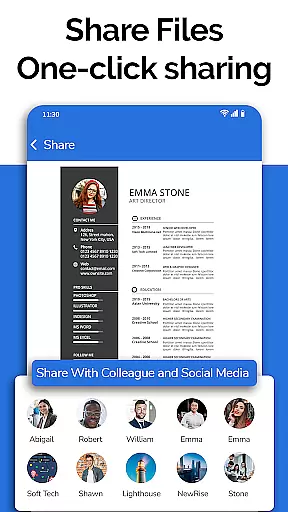
Beyond viewing, the app includes practical tools such as a file manager for organizing and manipulating documents, a text editor for TXT files, and a document scanner for converting physical documents into digital formats. These features are designed with user convenience in mind, offering options to delete, rename, and share files easily.
Upcoming enhancements promise even greater versatility, with dark mode for comfortable nighttime reading, voice search for hands-free operation, and doodling capabilities for annotating documents. Such innovations affirm All Document Reader's commitment to providing a robust and adaptable document handling experience.
In today's fast-paced business environment, the ability to collaborate effectively is crucial. All Document Reader: PDF Viewer facilitates collaborative work by allowing users to view, edit, and share various document formats including XLSX, Docx, PPT, TXT, and PDF files directly from their mobile devices.
The app simplifies teamwork by providing a comprehensive file manager that organizes documents automatically, making it easy for teams to find and work on the necessary files. With options to delete, rename, and share documents, project collaboration becomes seamless and efficient.
Moreover, the document editor feature supports preparing presentations and exam papers directly from the phone, enhancing productivity. This ensures that team members can contribute to projects anytime and anywhere, maintaining workflow continuity.
By integrating these collaborative work features, All Document Reader: PDF Viewer not only boosts productivity but also ensures that all team members are on the same page, regardless of their physical location.
Effective task management is essential for maintaining productivity and meeting deadlines. All Document Reader: PDF Viewer offers robust task management capabilities by enabling users to handle multiple document types efficiently within a single platform.
With its intuitive file manager, the app allows users to access all files, sort them according to their respective formats, and manage them effortlessly. This organized approach helps in tracking document-related tasks and ensures nothing falls through the cracks.
Additionally, the app provides complete file information such as file path, size, and last modification date, which aids in prioritizing tasks based on urgency and importance. Users can easily monitor their progress and make informed decisions about task allocation and completion.
By streamlining task management processes, All Document Reader: PDF Viewer empowers users to stay on top of their responsibilities, thereby enhancing overall efficiency and effectiveness in business operations.
User-friendly interface
Multi-format support
Efficient file management
Comprehensive editing tools
Regular feature updates
Limited advanced editing
Occasional performance lag
In-app advertisements
Some features require subscription
Large app size

Manage Your Shop
 4.70
4.70
Take the stress out of storage with the all-in-one app to manage your space.
3.70
Start earning fast. Apply Today.
4.80
Access to Paylocity, empowering employees with information they need 24/7.
4.70
Access All PDF Files
3.40
Make invoices, bills, receipts & estimates on the go with Invoice Generator.
4.70
Shop, deliver, and earn with the Spark Driver™ App
4.10
Work happy with AI Companion
4.10
We help people get jobs
4.70
Use Generative Summary to understand your rental or insurance docs in seconds.
4.70
Your employer must have UKG Ready software configured for Mobile.
4.60
Grow your business and connect with more people with Meta Business Suite.
4.60
Find work, shifts and gigs near you. Jobs lasting a few hours to a few months.
4.30
All-in-one Mobile solutions for employees & managers to succeed at work
4.30
The Penny Puss app with DG penny finder
4.10
The All-in-One File Manager for Phone, TV, Watch, Cars, XR / VR, Chromebook
4.10
Simple, Fast & Lightweight
3.90
Completed Course Lectures on how to use IBM Maximo in Maintenance issues
4.3
viewing and sharing PDFs and other files—anytime, anywhere!
4.3


User Reviews