
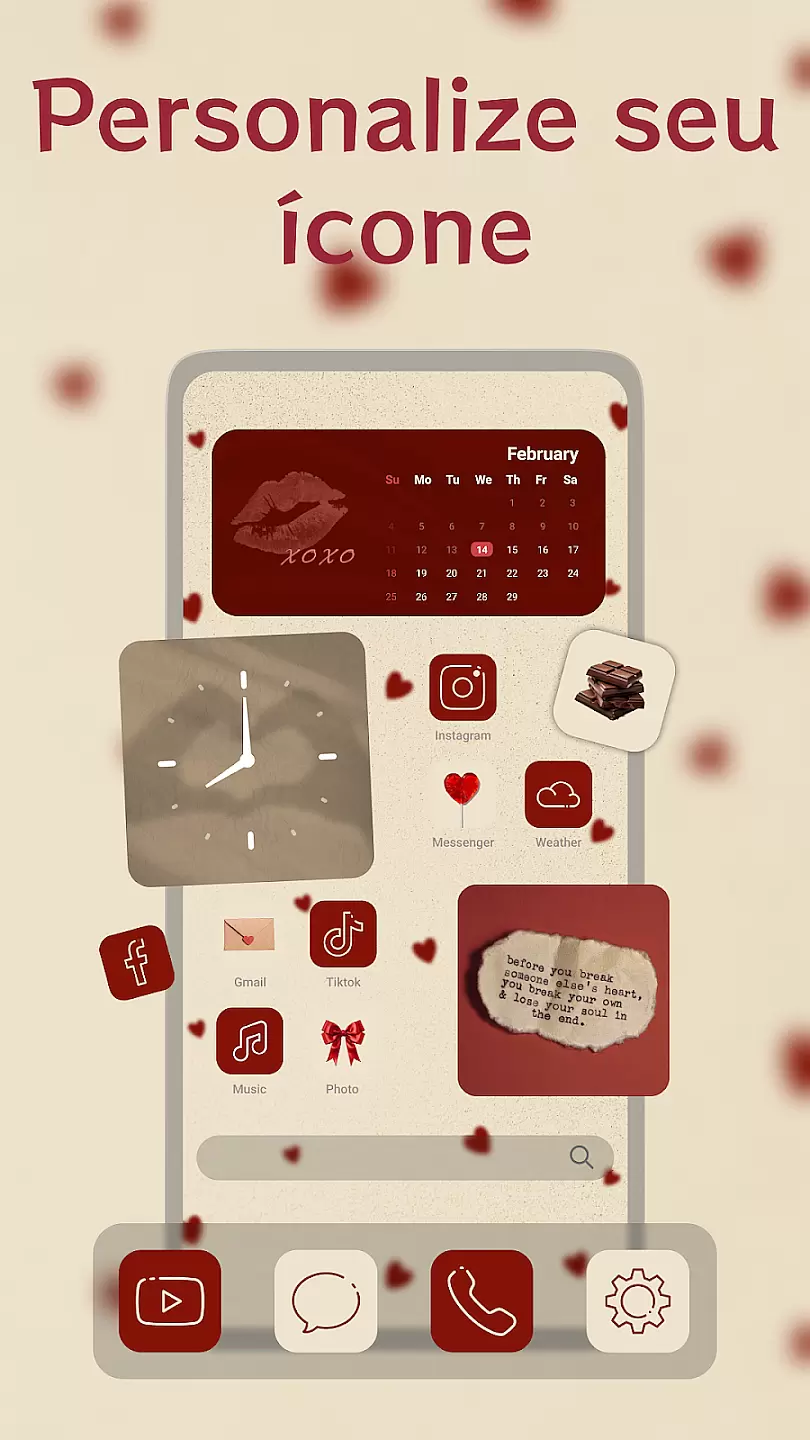
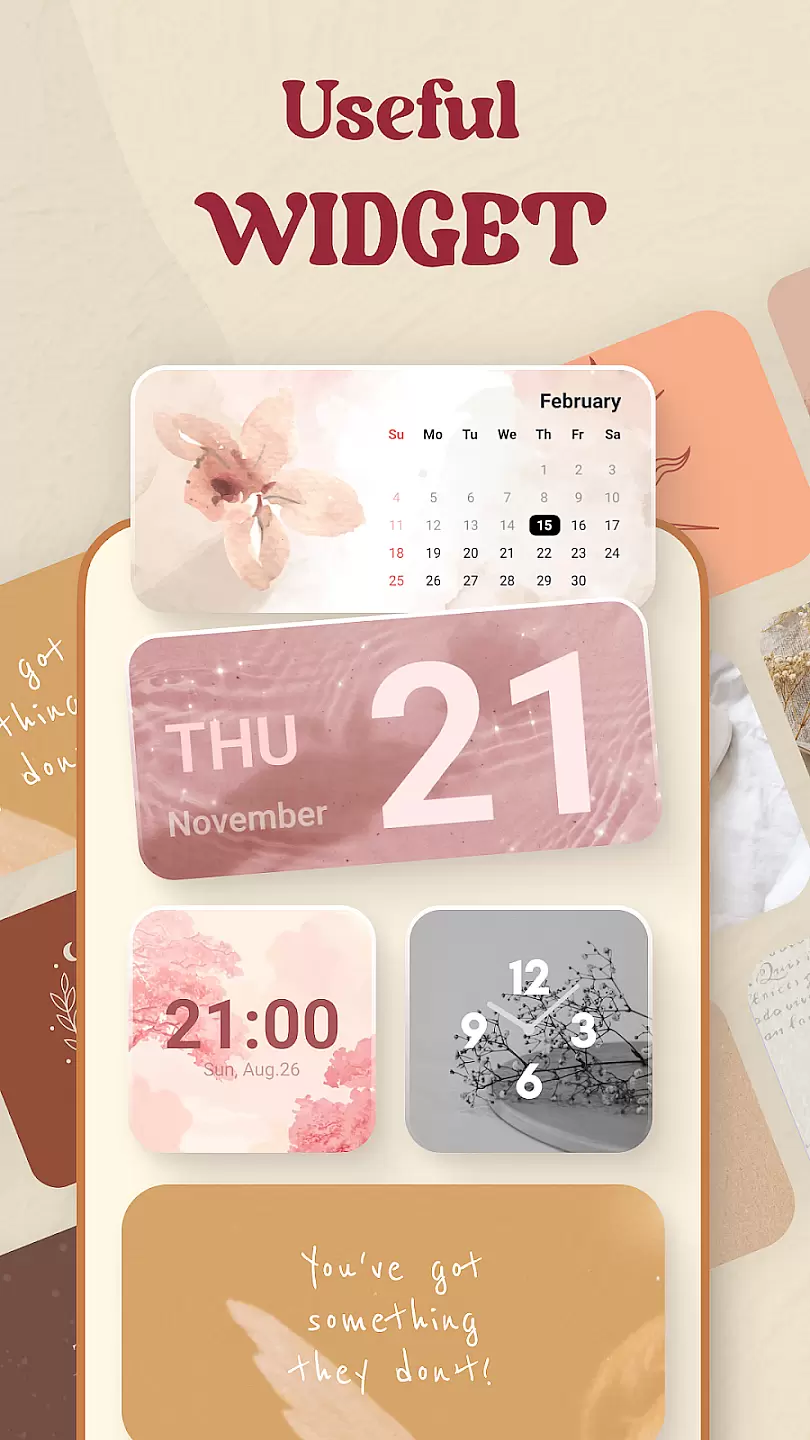
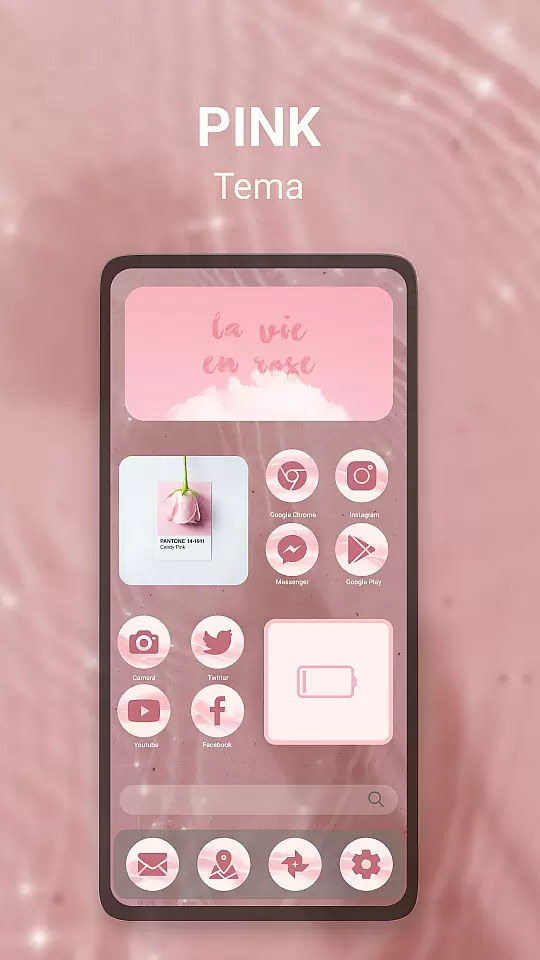
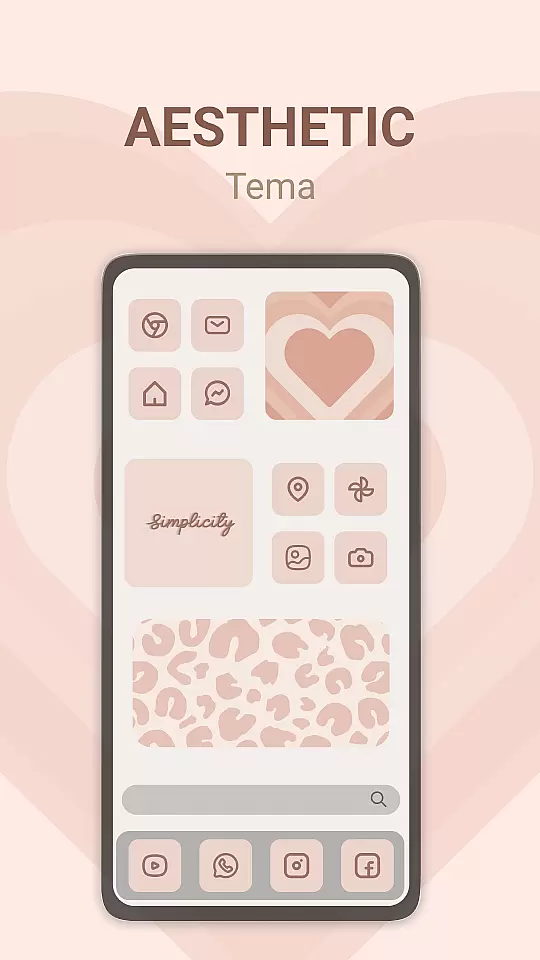
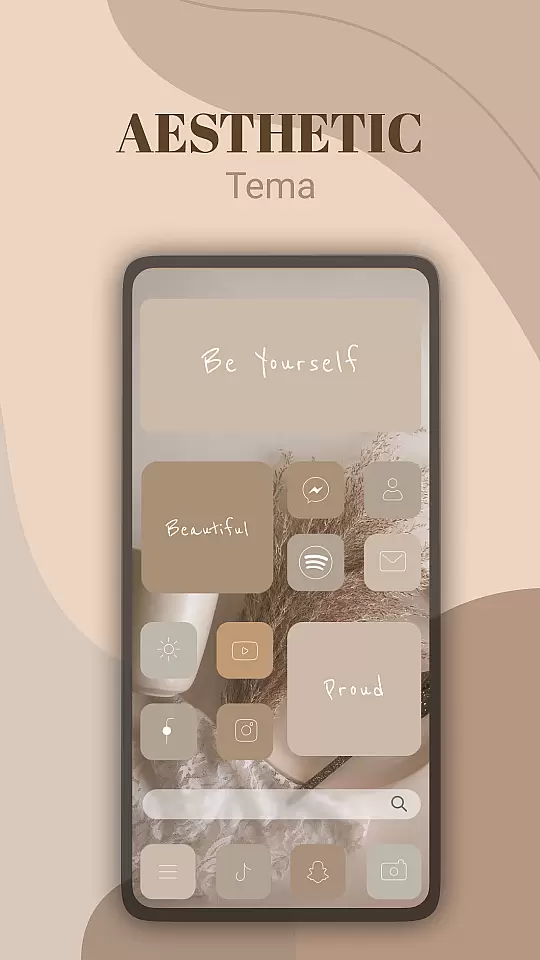
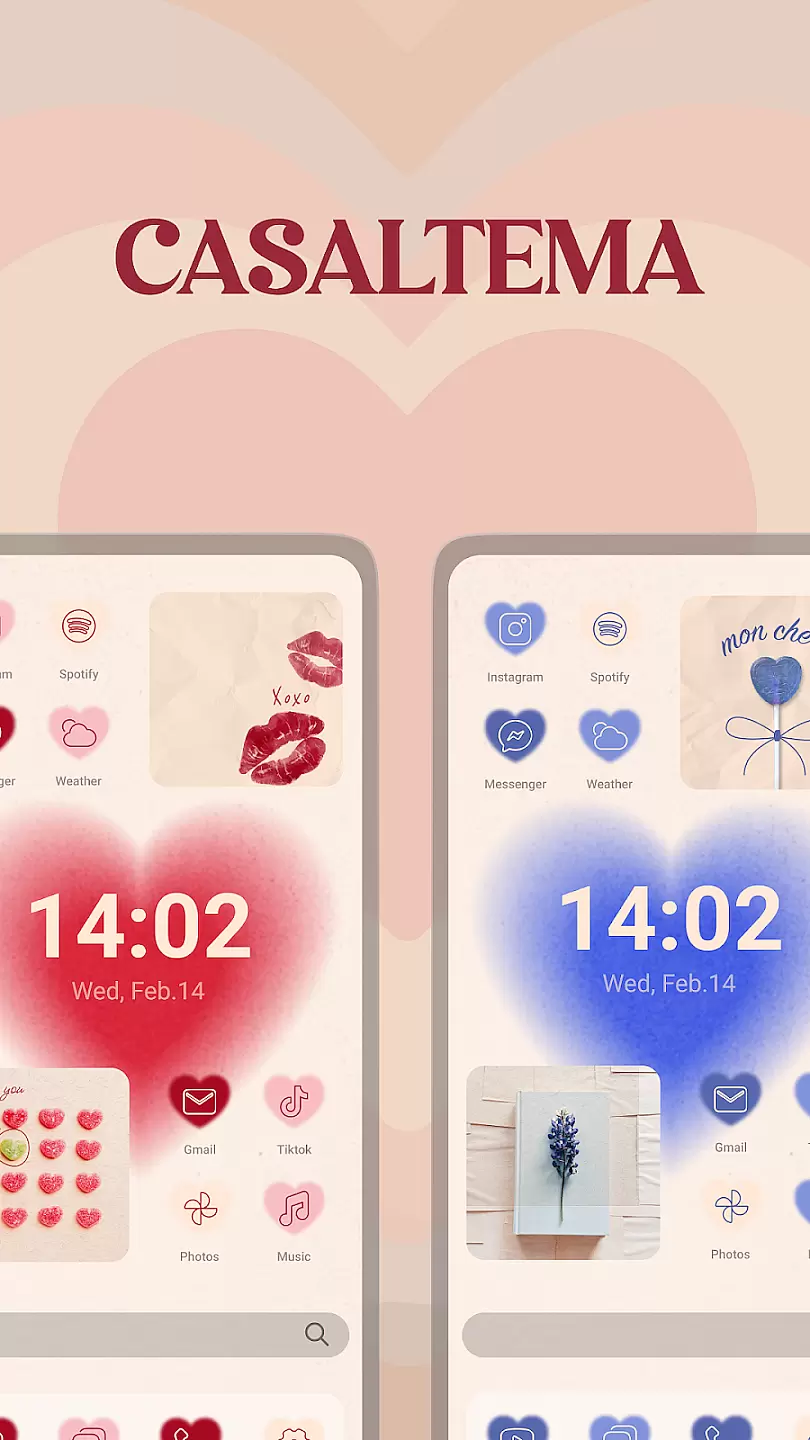
Theme, Widget & Icon Changer is a versatile personalization app that allows users to customize their smartphone experience. With an extensive library of themes, widgets, and icons, the app caters to those looking to express their individuality through their device's appearance. Users can easily apply complete theme packages or mix and match individual elements to create a unique look.
The app supports various Android devices and offers both free and premium content options. Its intuitive interface makes it simple for anyone to personalize their home screen, lock screen, and app icons without requiring technical expertise. Whether you're looking for a complete visual overhaul or just want to refresh specific UI elements, this app provides the tools to make it happen.
One of the standout features of Theme, Widget & Icon Changer is its comprehensive collection of customization options. The app includes thousands of professionally designed themes with coordinated color schemes, matching icons, and complementary wallpapers. Users can browse through different categories such as Minimalist, Nature-inspired, Abstract, and Seasonal designs to find the perfect style for their device.
For more granular control, the app offers individual icon packs and widget sets. These allow users to create custom combinations by mixing different design elements. Advanced features include icon masking for unsupported apps, automatic theme updates, and cloud-based synchronization across multiple devices. The built-in preview function lets users see how their chosen modifications will look before applying them.
Customization options in a personalization app refer to the range of features that allow users to tailor their device's appearance and functionality according to their preferences.
Theme, Widget & Icon changer offers an extensive array of themes, widgets, and icons that cater to diverse tastes. Users can choose from various aesthetic designs, color schemes, and layouts, ensuring their device reflects their unique style. The app provides both pre-designed templates and the ability to create custom themes, enhancing user engagement and satisfaction.
By utilizing this app, users benefit from a highly personalized experience. They can effortlessly switch between different looks, keeping their device fresh and exciting. This level of customization not only improves the visual appeal but also allows for functional adjustments that suit individual workflows or usage patterns.
The true value lies in empowering users to express themselves through their devices. With Theme, Widget & Icon changer, personalizing a smartphone or tablet becomes an enjoyable and creative process, leading to increased user attachment and enjoyment.
Theme compatibility ensures that the visual elements applied to a device work seamlessly across different interfaces and functionalities without causing disruptions or inconsistencies.
Theme, Widget & Icon changer guarantees broad compatibility with various device models and operating system versions. The app undergoes rigorous testing to ensure that each theme, widget, and icon set integrates smoothly, maintaining optimal performance and appearance. Compatibility updates are regularly released to address any emerging issues with new device models or OS updates.
Users gain peace of mind knowing that their selected themes will function correctly, preserving the intended design and functionality. This reliability encourages experimentation with different styles, as users are confident that changes won't disrupt their deviceu2019s operation.
Ultimately, robust theme compatibility enhances user trust and satisfaction. By providing dependable and versatile customization options, Theme, Widget & Icon changer ensures a consistently high-quality experience across all supported devices and platforms.
User-friendly interface
Extensive theme library
Regular content updates
Customizable icon packs
Cross-device sync
Premium content costs
Some features require newer OS
Occasional performance issues
Limited iOS support
Ads in free version

Vertically oriented rectangular icons
 4.70
4.70
Only for Wear OS devices!
4.90
Unique Fonts, typefaces and stylish text. Fonts for Instagram, Whatsapp & others
4.20
Romantic Kiss Stickers App. Start romantic messaging now!
4.30 3.50
3.50
Your go to Weather App & Home Screen. Get your weather at a swipe of a finger!
3.80
350+ widgets with a premium glass-style finish, perfect for home & lock screens.
4.70
Your home screen, just the way you like it.
3.80
Fast SMS & group chat - use GIFs and emojis from your home screen launcher.
4.50
400+ Beautifully crafted widgets inspired by NOTHING.
4.70
Customizable Glass widgets. Over 360+ stunning widgets and more!
4.70
A minimalist productivity launcher. One-hand-friendly. Zero ads.
4.70
A retro cartoon style watch face and a punch right in the face of the copyright
4.60
300+ Beautifully crafted widgets inspired by OneUI.
4.60
3D, live, and moving wallpapers & themes in 4K and HD for your device.
4.50
Vibrant Adaptive Icons with Material You and Enhanced Monet Colors.
4.50
Your home screen, just the way you like it.
4.30
Run multiple accounts of the same app on a single device
4.10
Create unique, fun emojis with Funny Emoji Maker! Unlimited creativity!
4.00


User Reviews