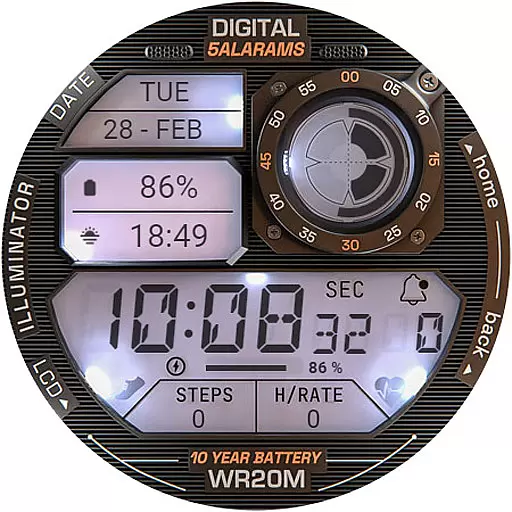
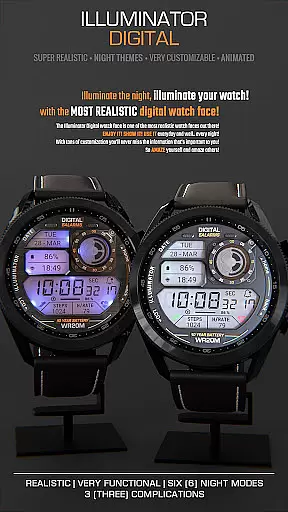
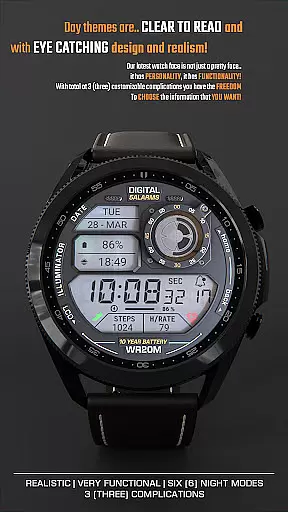
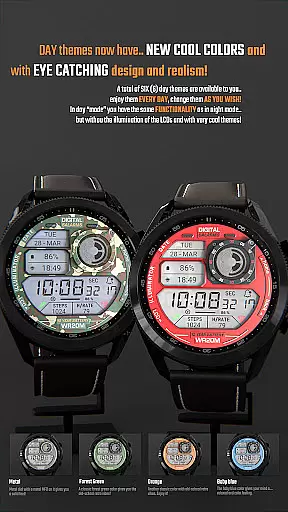
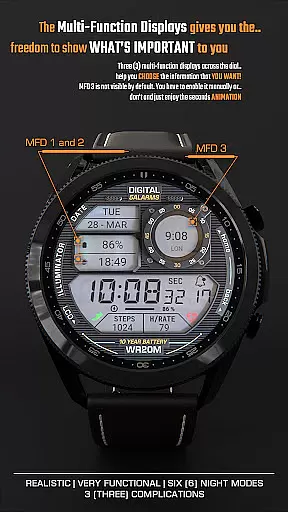
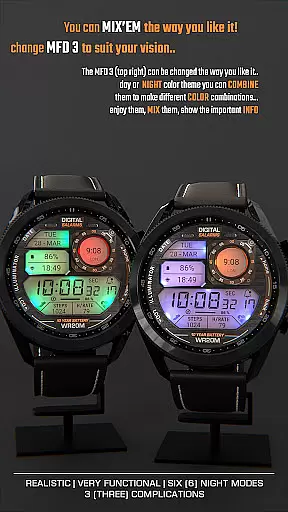
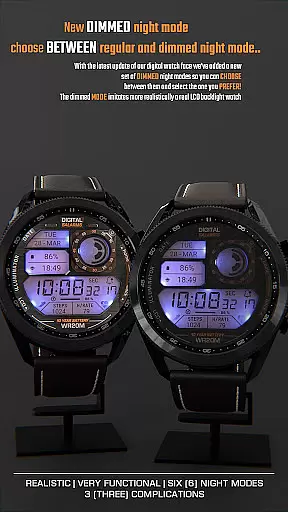
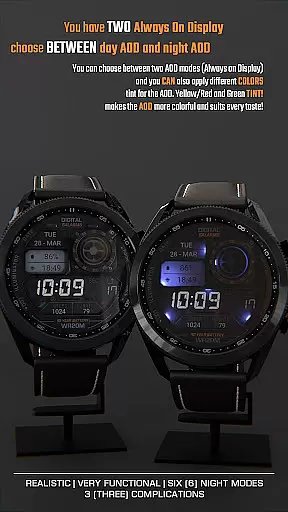
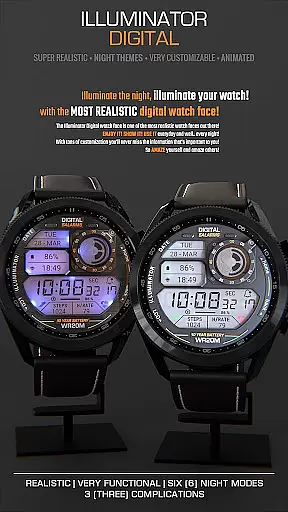
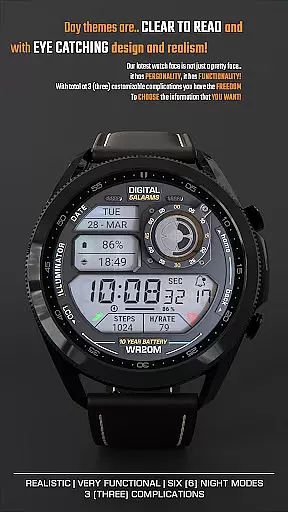
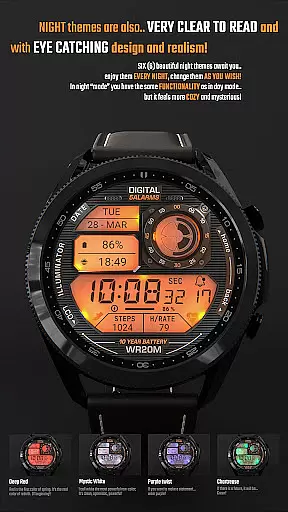
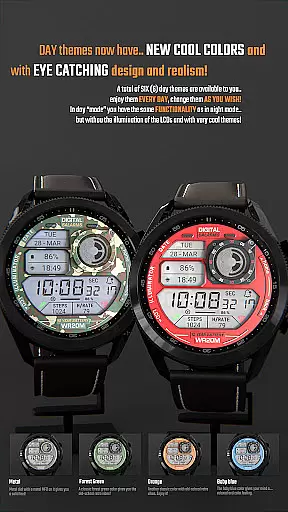
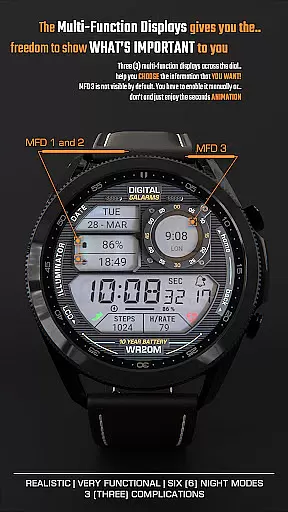
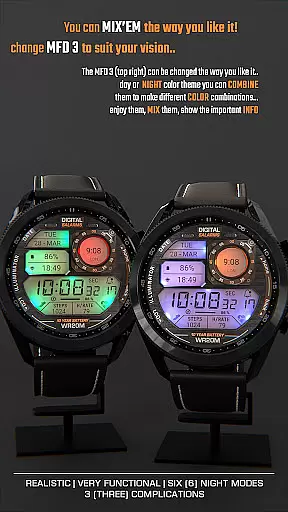
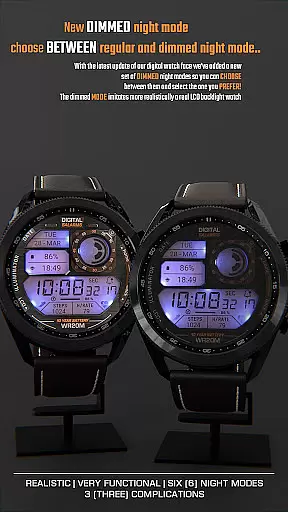
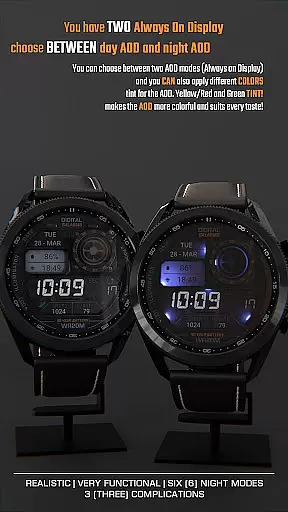
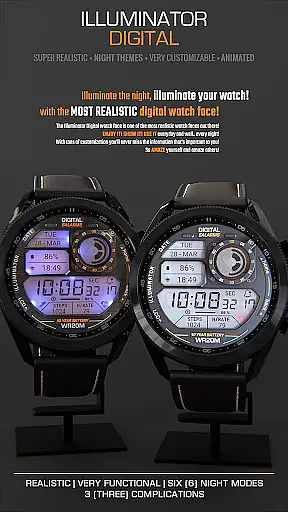
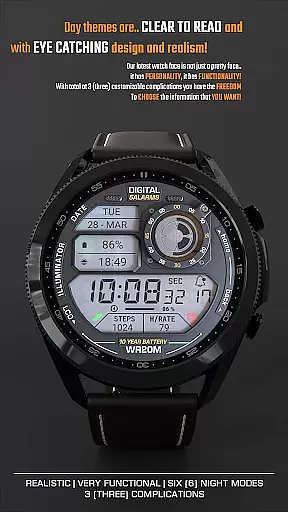
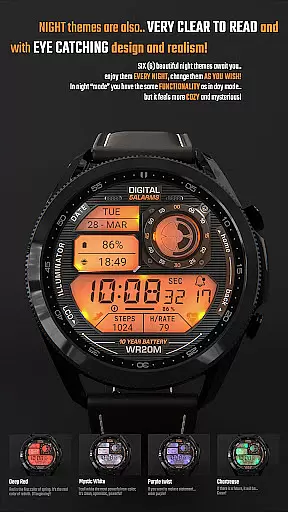
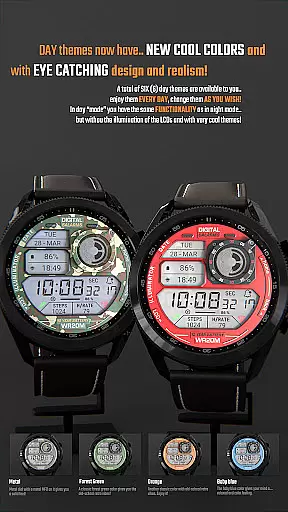
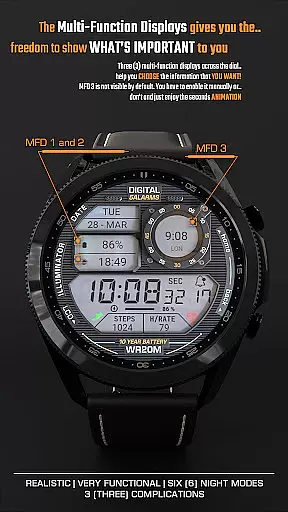
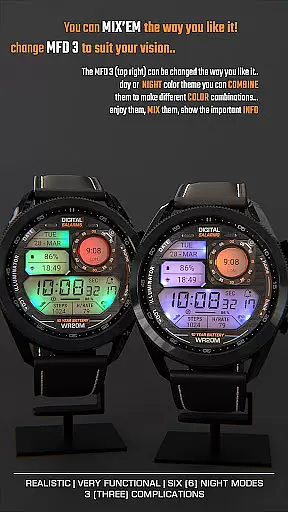
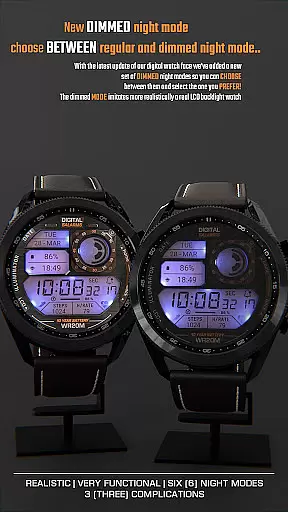
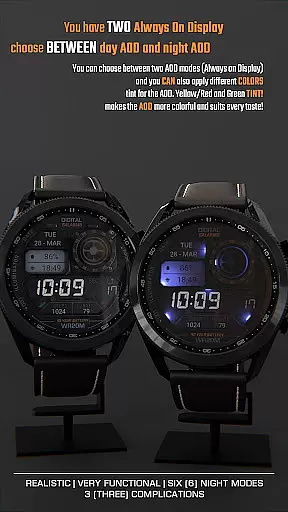
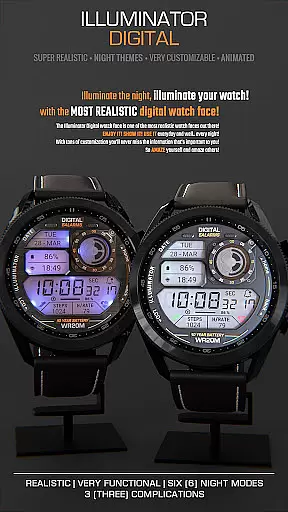
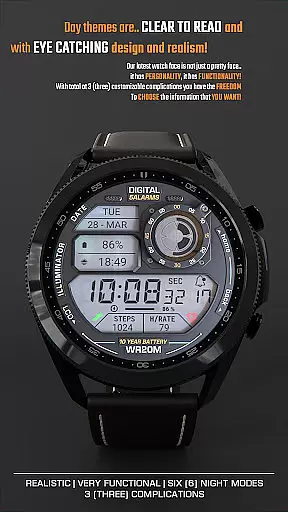
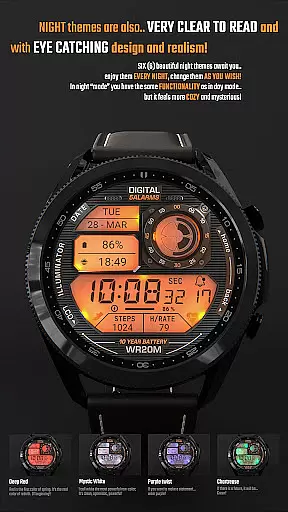
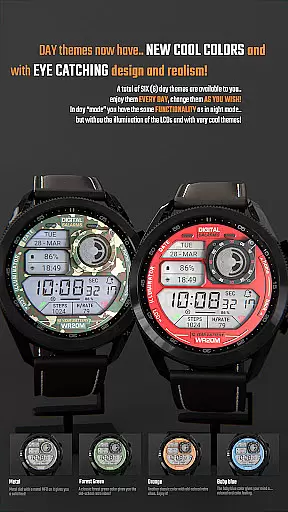
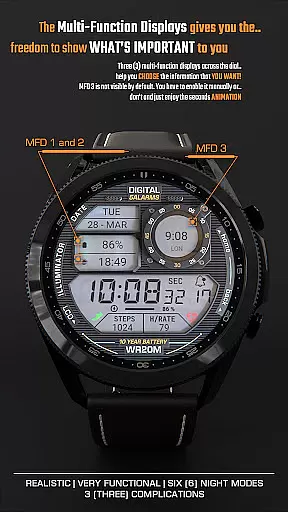
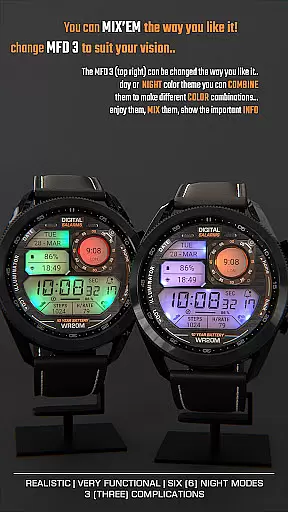
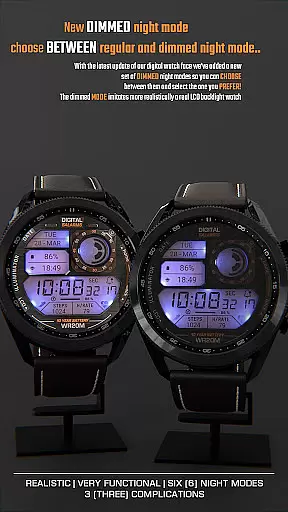
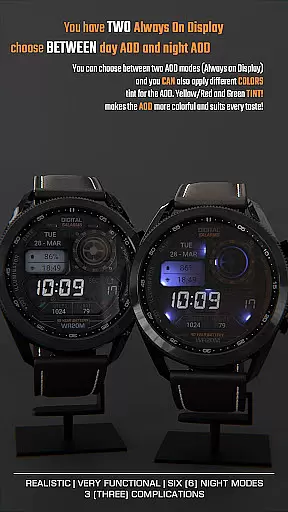
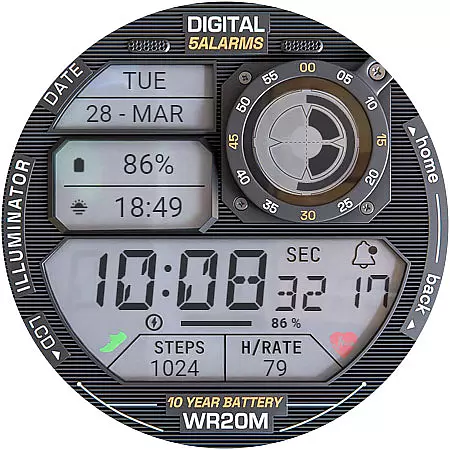
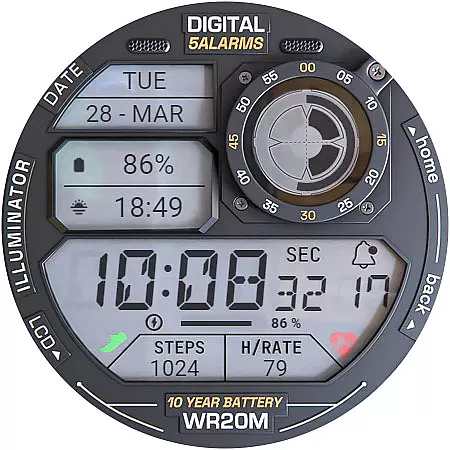
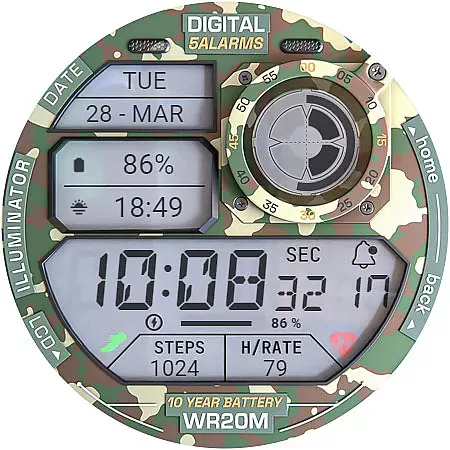
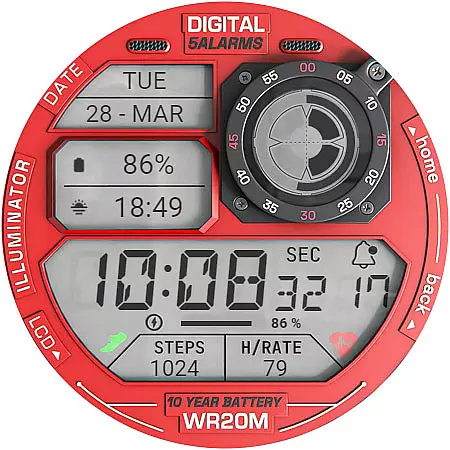
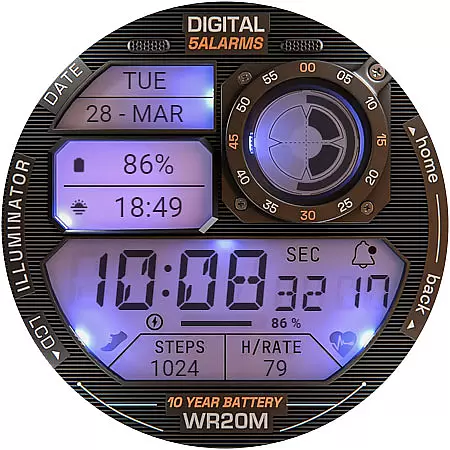
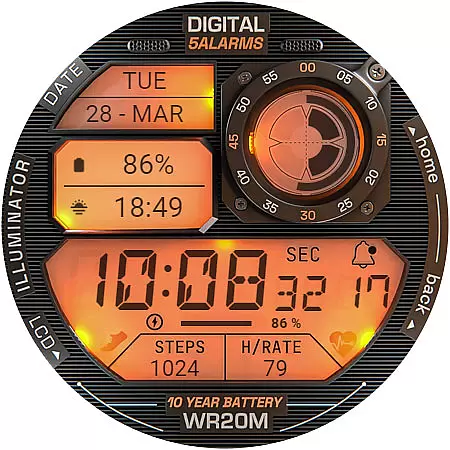
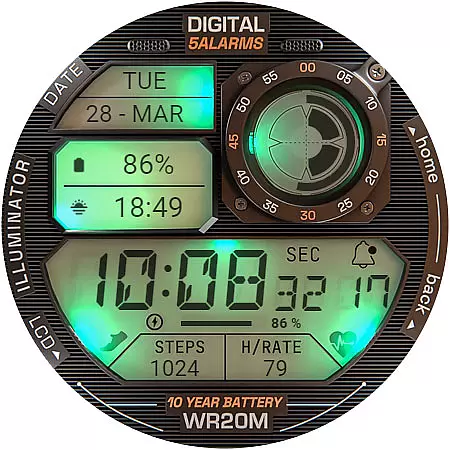
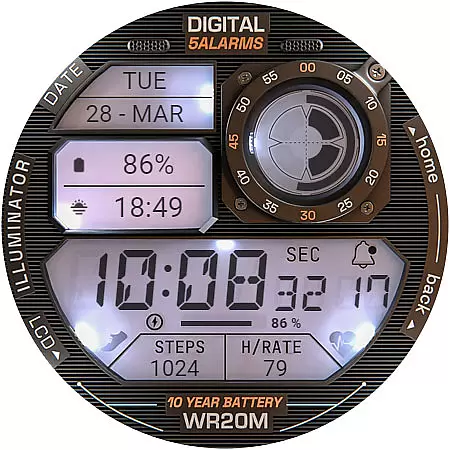
ILLUMINATOR Digital Watch Face offers a retro-style digital display for Wear OS devices, featuring realistic animations and customizable complications. With 3 custom MFDs (multi-function displays), auto 12h/24h mode, and beautiful night modes, this watch face combines aesthetics with functionality.
The design includes practical features like battery indicators, notification counts, and time-date displays. Its unique Always-On Display (AOD) allows users to choose between day and night modes. The watch face also supports heart rate monitoring after enabling health sensors, though readings may require manual input in some cases.
Perfect for users seeking a blend of vintage appeal and modern smartwatch capabilities, ILLUMINATOR is ideal for daily wear and tech enthusiasts who value customization and usability.
ILLUMINATOR Digital Watch Face stands out with its highly realistic design and animated interface, providing an engaging user experience. The inclusion of three customizable MFDs (multi-function displays) ensures that users can tailor the watch face to show relevant information such as weather, fitness stats, or calendar events.
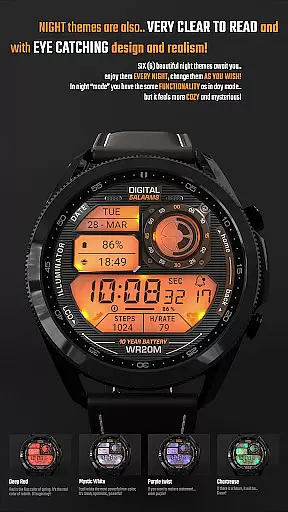
Additional functionalities include automatic switching between 12h and 24h time formats, multiple night modes for better visibility in low-light conditions, and battery-saving features like the Always-On Display (AOD). Users can also view notifications and heart rate data directly on the watch face, enhancing convenience.
With compatibility across Wear OS devices and easy installation via Google Play, this watch face caters to both casual users and tech-savvy individuals looking for a stylish yet functional timepiece companion.
Companion app integration is a crucial feature for smartwatch applications as it enhances the overall user experience by bridging functionalities between a smartphone and a wearable device. The ILLUMINATOR Digital Watch Face leverages this capability to streamline the installation process and customization options.
This digital watch face uses a companion app to simplify the setup process on your phone, making it easier to install and apply the watch face on your Wear OS device. Once you purchase the watch face, the companion app prompts you to check your watch for a new screen that allows you to complete the installation.
Should you encounter synchronization issues where the watch face seems to require another purchase, rest assured that this common glitch won't lead to double charges. It often resolves itself with time or after restarting your smartwatch.
The seamless interaction between the phone app and the watch face ensures that users can enjoy an uninterrupted experience, accessing all features without hassle while maintaining the retro aesthetic the ILLUMINATOR Digital Watch Face is known for.
Ensuring compatibility across various Wear OS devices is essential for any digital watch face. The ILLUMINATOR Digital Watch Face has been designed to work seamlessly with multiple smartwatches running on Wear OS, providing users with a consistent experience regardless of their device model.
This compatibility extends to supporting different functionalities such as animated displays, customizable complications, and automatic 12h/24h mode adjustments. Users can also take advantage of custom Always-On Display settings, choosing between day or night modes to suit their preferences.
Moreover, the watch face integrates health sensors, allowing features like heart rate monitoring to function correctly once permissions are granted. This ensures that whether you're tracking fitness goals or simply enjoying the aesthetic appeal, the watch face remains functional and visually appealing.
With clear instructions provided for installation and troubleshooting tips available, users can confidently apply this versatile watch face knowing it will operate smoothly on their compatible Wear OS devices.
Realistic animations
Customizable MFDs
Auto time format
Night modes available
Battery indicator
Complication setup required
Limited free options
Heart rate sync issues
Installation complexity
Premium cost

Diet tracker for weight loss - track calories, food and macros. Simple and easy!
 4.70
4.70
Wear Os Watch Face - Animated Snow Effect & Christmas Lights
4.0
Let's celebrate Thanksgiving - Wear Os watch face
4.20
sleep, alarm, snoring, stress, healing, focus, sound therapy, circadian rhythm
4.10
Reliable phone calls with spam protection, caller ID and more helpful features
4.40
Get helpful reminders, take progress photos and find answers to your questions.
3.90
Track your active life in one place and share the journey with friends.
4.40
Fitbit is dedicated to helping people lead healthier, more active lives.
4.10
Control your Samsung Smart TVs, appliances, and SmartThings-compatible devices
4.60
The Chevron App allows you to pay for fuel from the comfort of your car!
4.80
The most customizable minimal watch face. For Wear OS 5.0, API 34+ and later
4.70
The most customizable hybrid watch face. For Wear OS 5.0, API 34+ and later
4.70
A realistic hybrid watch face with many customization options.
4.60
Current temperature, weather hourly, weather radar by the weather forecast app
4.40
Bold weather Digital watchface with forecast & optional animated background
4.40
A white realistic classic analog watch face with many customization options.
4.40
A customizable Christmas watch face for Wear OS with a countdown.
4.20
Snowflake Rose Gold Watch Face - Digital, modern, & sleek with GYRO effect.
4.10
Minimalistic design modern digital watch face.
4.2


User Reviews