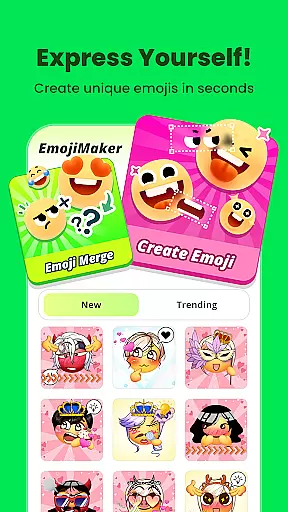
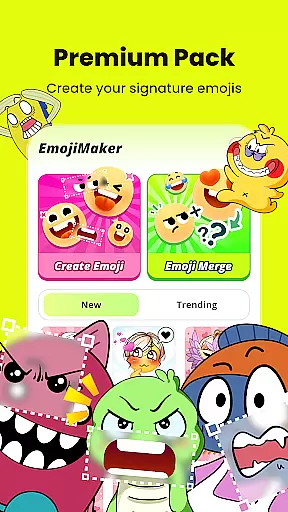
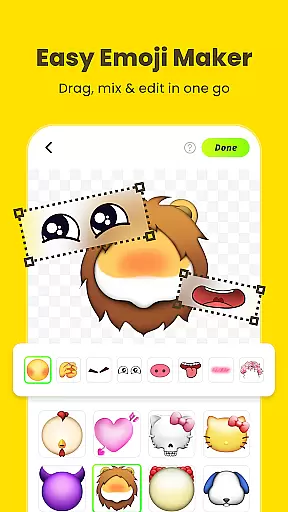
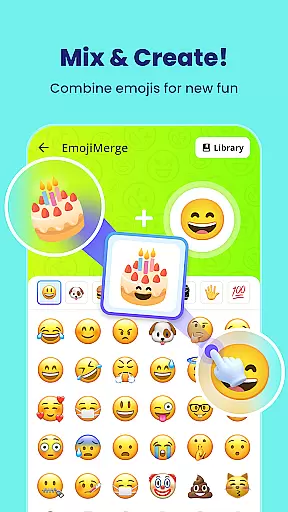
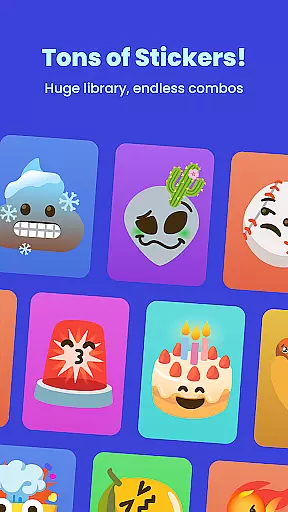
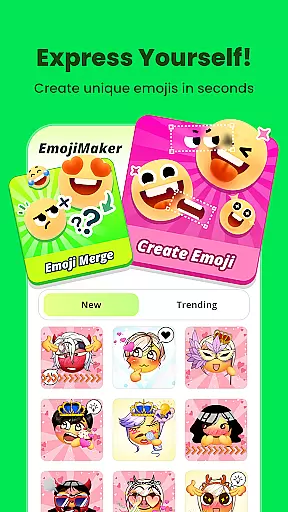
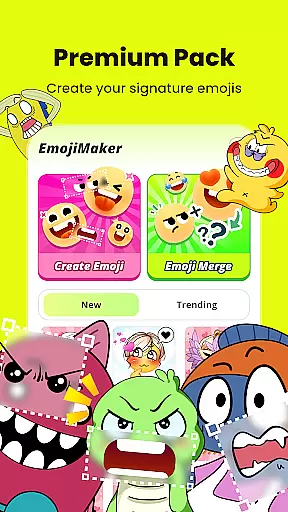
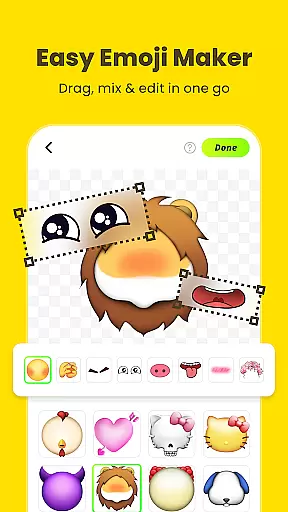
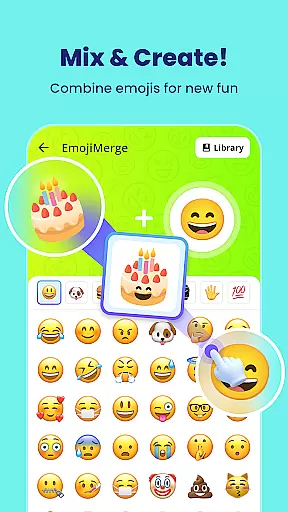
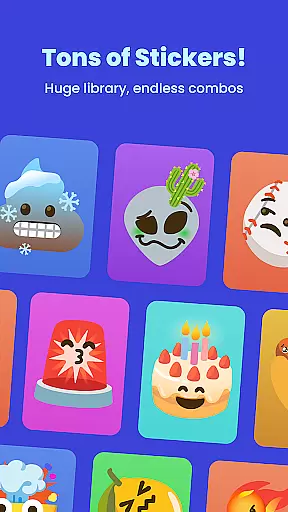
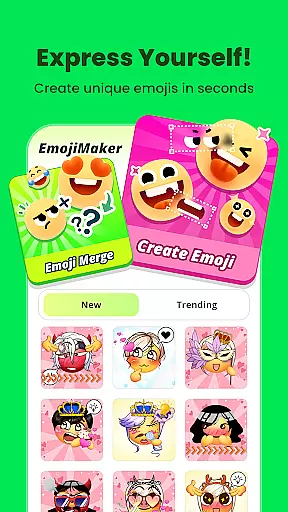
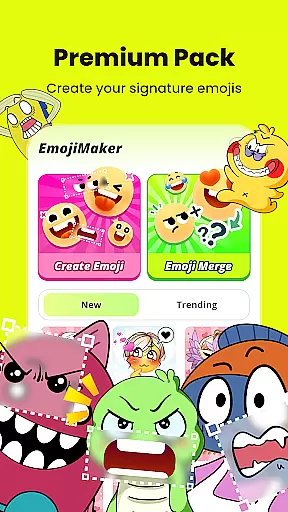
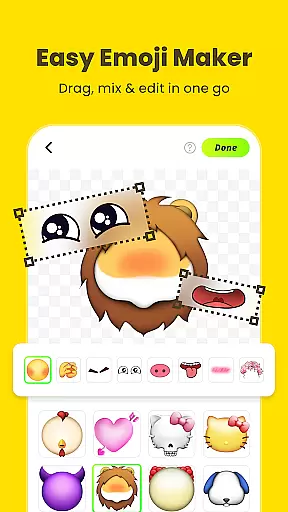
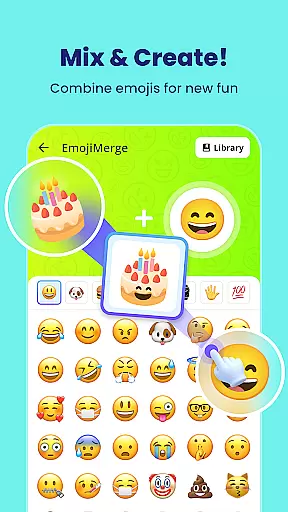
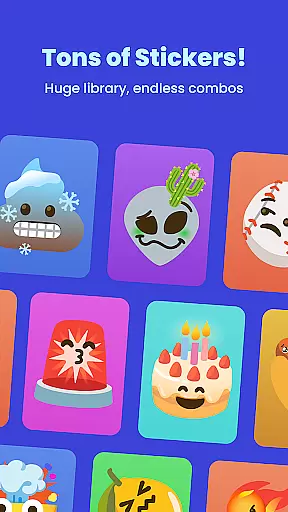
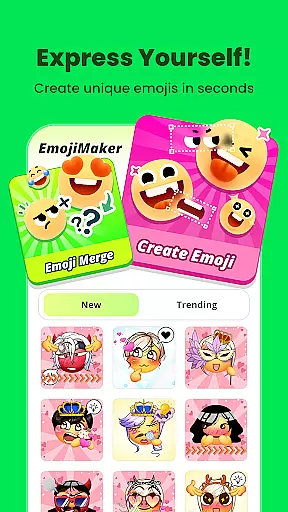
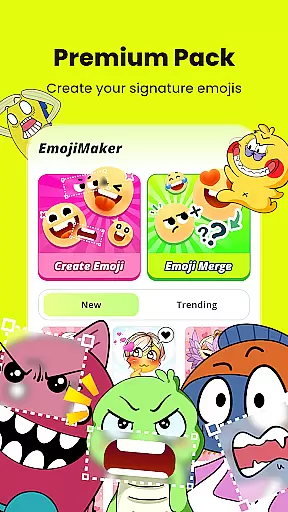
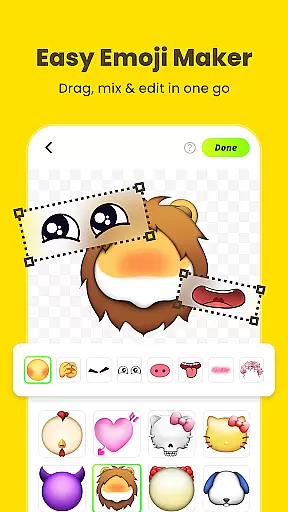
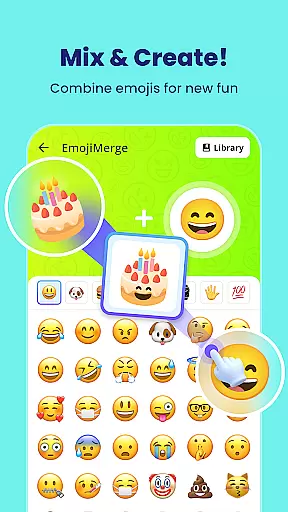
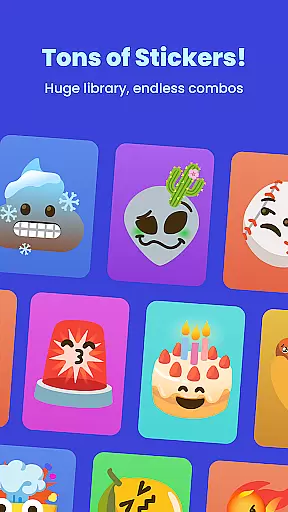
Gemoji is a creative emoji maker app that allows users to design personalized emojis and stickers. With an extensive library of components including eyes, mouths, accessories, and more, it offers limitless customization options. The app supports real-time editing, enabling users to see their changes instantly while layering different elements. Gemoji stands out with its professionally designed emoji parts and seasonal updates, making it suitable for various occasions like birthdays or holidays.
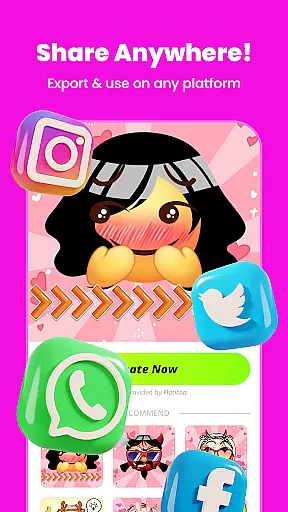
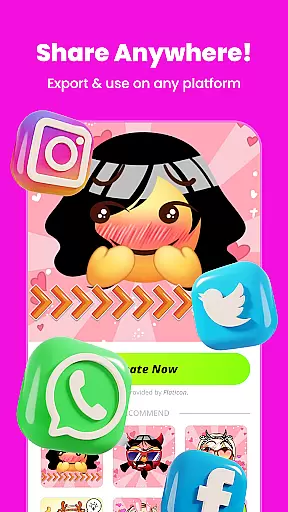
This app is perfect for individuals who want to express themselves uniquely through custom emojis. Whether you're crafting quirky faces or cute characters, Gemoji provides the tools to create standout emojis. Users can download their creations as stickers or images and share them across messaging platforms, adding a personal touch to digital conversations.
Gemoji boasts several notable features that enhance the emoji creation experience. One key aspect is its vast customization options, allowing users to mix and match different components such as eyes, mouths, and accessories. This flexibility ensures that each emoji can be tailored to reflect specific moods, seasons, or occasions.
The app's user-friendly interface makes it easy to use for people of all ages. Users can click on elements to change shapes and layer components seamlessly. Real-time previews allow creators to visualize their designs instantly. Additionally, Gemoji includes a rich library of professionally crafted emoji parts, ensuring high-quality results every time.
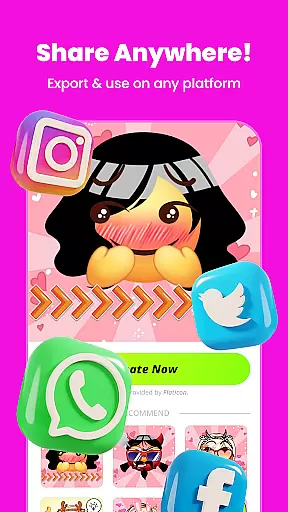
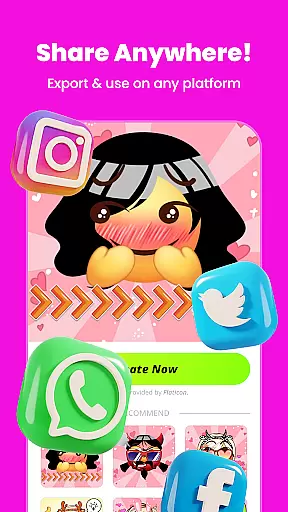
Another standout feature is the ability to transform custom emojis into messaging stickers. Once created, these stickers can be downloaded and shared with friends and family via popular messaging apps. Frequent updates introduce new components and themes, keeping the content fresh and engaging for regular users.
Customization is at the heart of Gemoji, allowing users to express their unique style and creativity through emojis. With a vast array of components including eyes, mouths, accessories, and more, users can mix and match elements to create truly personalized emojis.
The app offers an extensive selection of colors and design elements, enabling creators to craft emojis that represent every mood, season, or special occasion. This level of customization ensures that no two emojis need to be alike, offering endless possibilities for expression.
Gemoji's real-time customization feature lets users see their changes instantly, layering elements with ease. This intuitive process makes it simple for anyone to design custom emojis that stand out in digital communications.
Gemoji excels in theme compatibility, providing a rich library of professionally designed emoji elements that blend seamlessly together. Users can combine various effects and styles to create cohesive themes across their emoji collections.
The app supports diverse themes from cute characters to quirky faces, ensuring that all creations maintain visual consistency. This compatibility allows users to build comprehensive sticker sets that work well together in messaging apps.
With frequent updates introducing new components and seasonal themes, Gemoji maintains its compatibility edge while keeping content fresh and engaging for ongoing creative exploration.
User-friendly interface
Extensive customization options
Real-time editing capabilities
High-quality sticker export
Frequent content updates
Limited advanced tools
Occasional performance lags
In-app purchases required
Basic sharing options
Learning curve for beginners

A Colorful and Minimal icon pack in an Outline Style - Over 13,600 icons!
 4.70
4.70
Art & Emoji Keyboard with Cool Fonts, Cute Themes and Custom Designs.
4.40
Customizable screen pets that play, climb, and keep you company.
4.50
100+ Stylish Fonts, Emojis, Symbols keyboard for Instagram & TikTok!
4.80
Transfer your live wallpapers from Windows to Android using Wallpaper Engine!
4.00
Romantic Kiss Stickers App. Start romantic messaging now!
4.30
App Icon Changer & Shortcut Creator. Customize your icons without any watermarks
4.30
Zip lock screen with magic wallpaper to decorate your phone with fun zipper lock
4.60
Organize and manage your photos and videos effortlessly with Photo Gallery
4.20
350+ widgets with a premium glass-style finish, perfect for home & lock screens.
4.70
A minimalist productivity launcher. One-hand-friendly. Zero ads.
4.70
Glass style colourful icons with a One UI look and feel
4.60
Ultra realistic gold analog watch face with lots of customization options.
4.50
Try creating your own keyboard with "Keyboard theme for android" app now!
4.50
Transform your device in a game console
4.40
A light in the dark, a unique style and an andless cutomization!
4.30
Themes - Widget & Wallpaper: Customize home screen, icon changer w unique themes
4.30
Design your screen with unique, vibrant clocks
3.80
Modern Glass Icon Pack with glossy icons, clean minimal theme & aesthetic style
4.3


User Reviews