
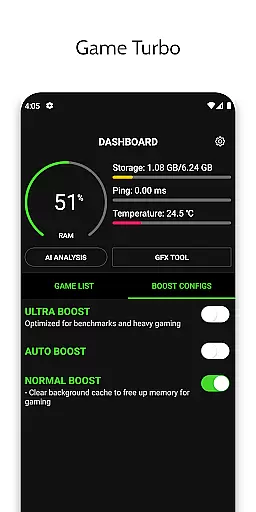
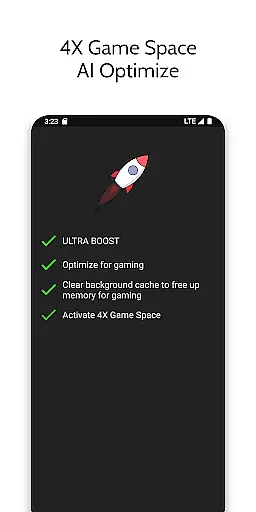
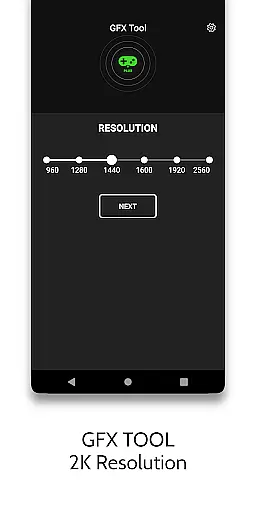
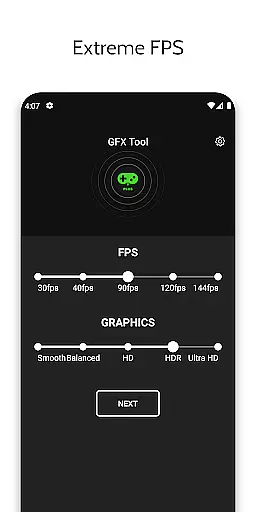
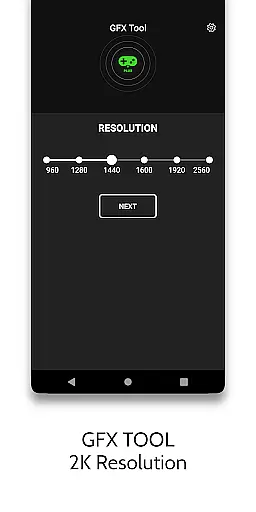
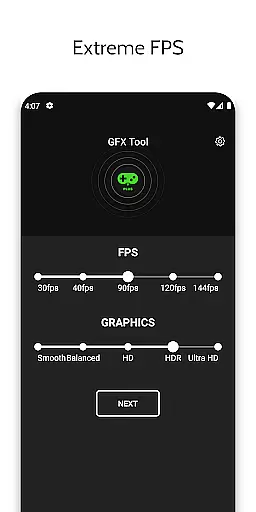
Game Booster 4x Faster Pro is a powerful optimization tool designed to enhance your mobile gaming experience. This app offers advanced features like one-touch game boosting, auto gaming mode, and AI-based optimization to deliver smoother gameplay with rich graphics. It supports essential functions such as resolution adjustment, HDR graphics unlocking, and extreme FPS unlocking, making it ideal for gamers who demand high performance on both low-end and high-end devices.
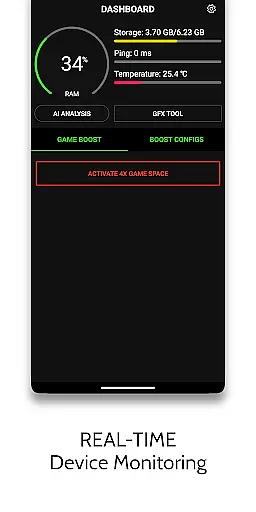
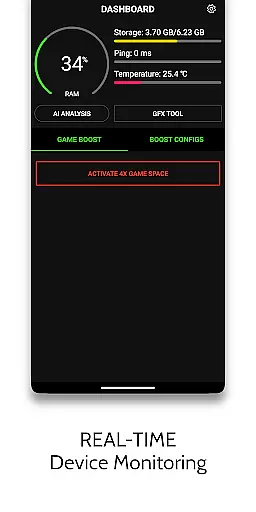
In addition to its core boosting capabilities, the app includes a HUD Monitor that displays real-time system metrics like memory load, temperature, and network latency. These features ensure users can monitor their device's health while gaming. Whether you're looking to reduce CPU load, maximize FPS, or customize in-game settings, Game Booster 4x Faster Pro provides a comprehensive solution to elevate your gaming sessions.
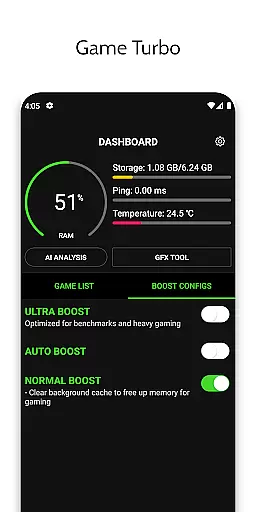
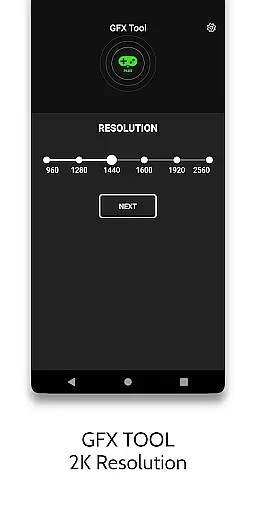
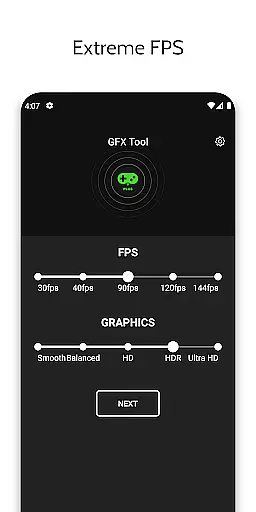
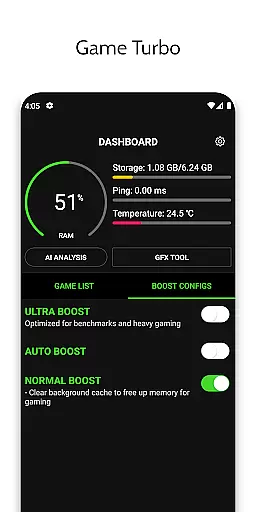
Game Booster 4x Faster Pro stands out with its diverse range of innovative features tailored for gamers. The app's Game Turbo function applies RAM-free tweaks and uses AI technology to optimize game performance, enabling enhanced picture quality and fluid gameplay. Its GFX Tool allows users to adjust resolution, unlock HDR graphics, and modify graphic styles, ensuring an immersive visual experience even on lower-end devices.
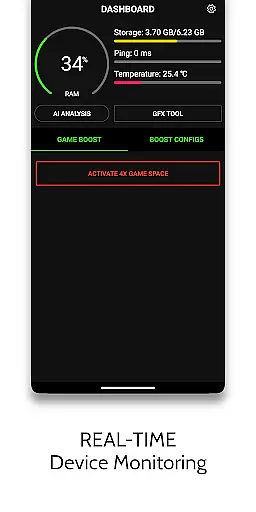
Another notable feature is the HUD Monitor, which tracks critical system parameters such as memory usage, storage load, and device temperature. Additionally, the Zero Lag Mode optimizes game configurations for peak performance. With quick launch and boost options, this app ensures minimal delays when starting or resuming games. Overall, these tools collectively contribute to a seamless and professional-grade gaming experience.
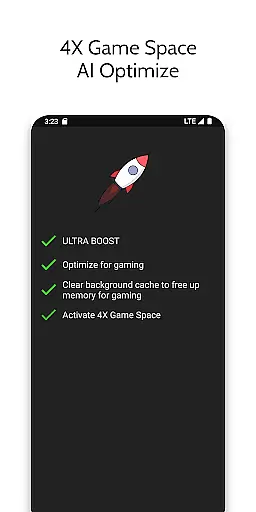
Game Booster 4x Faster Pro delivers on its promise of enhancing gaming performance through a suite of core functions designed for optimization. The app's primary feature is its ability to boost gaming experience with just one touch, thanks to the integration of AI technology that fine-tunes game settings tailored to your device.
The GFX Tool allows users to change game resolution and unlock HDR graphics and extreme FPS levels even on lower-end devices. This ensures that graphical quality is not compromised and can be enjoyed in all its richness and fluidity. With these advanced capabilities, Game Booster 4x Faster Pro effectively bridges the gap between device limitations and high-end gaming demands.
Additionally, the HUD Monitor provides real-time system statistics such as memory load, storage load, temperature, and network latency. These insights allow gamers to monitor their device's health and performance actively. By having this data at their fingertips, users can make informed decisions to maintain an optimal gaming environment.
Ultimately, the app offers a Zero Lag Mode that optimizes game configurations for peak performance, ensuring that players experience reduced lag and enhanced speed without compromising safety or device integrity. This positions Game Booster 4x Faster Pro as a reliable tool for gamers seeking efficient and effective ways to elevate their gaming sessions.
A standout aspect of Game Booster 4x Faster Pro is its commitment to interface simplicity and intuitiveness, ensuring that gamers can easily navigate and utilize its features. The app consolidates a variety of complex tools into a user-friendly dashboard, allowing for seamless interaction without a steep learning curve.
Central to its design is the Quick Boost and Quick Launch feature, which empowers users to enhance and start their games rapidly. This intuitive functionality eliminates unnecessary steps, presenting users with straightforward options that contribute to an effortless gaming enhancement process.
Moreover, the app provides clear guidance on how to apply settings correctly, especially when changes in in-game graphics settings are made. Such instructions ensure that even those new to gaming optimization can follow best practices to maximize their gaming experience without confusion or error.
By focusing on an accessible and instinctive user interface, Game Booster 4x Faster Pro makes sophisticated gaming optimizations available to a broader audience. Gamers can now concentrate on what truly matters u2013 enjoying a faster and smoother gaming experience without being bogged down by complicated controls or settings.
Enhances gaming performance
Easy-to-use interface
AI-based optimization
HDR graphic support
Real-time system monitoring
Limited to specific games
Premium version required
Device heating possible
Permissions needed
Not affiliated with game developers

 4.50
4.50
A convenient photo, video, and file recovery tool.
4.00
eXtended Permission Manager - a small app to manage permissions and AppOps
4.50
Keep track of your Palia friendships, tasks, and inventory with Palia Notebook
4.60
Forza Tuning Calculator App for Forza Horizon 5, Motorsport and Earlier Titles
4.40
With videos, electrical calculators, and built-in ebook, Ugly’s has your answer.
4.50
Automate everything from settings to photos, SMS to speech. ADC2 prize winner.
4.10
Clean up your phone, find files, play media, and share files offline
4.50
The ideal app to be the digital eye of your family
3.40
Change your GPS location instantly. Simulate routes anywhere in the world.
4.90
Unit and currency converter with easy and simple UI.
4.80
Learn the vast amount of system information about device and monitor it's state
4.70
Optimize your WiFi network, turn your phone into Wifi Analyzer
4.70
HD Video player and downloader for all formats, fast & smooth 4K video playback.
4.60
App to pay for FUTO Keyboard
4.60 4.50
4.50
Button mapper, mouse toggle, sleep timer and a lot of another features
4.50
An easy-to-use calculator designed to save time calculating and bending conduit
4.30
Quickly check the frequency of the Earth
4.30


User Reviews