
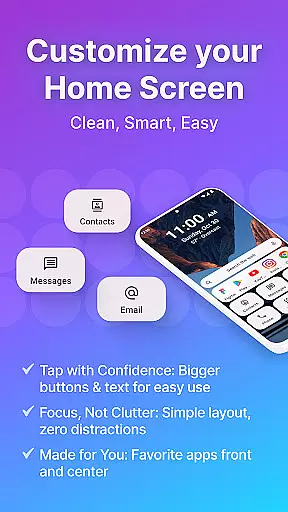
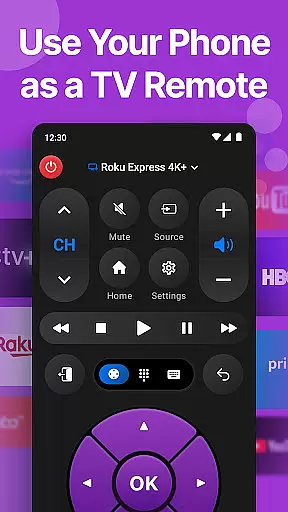
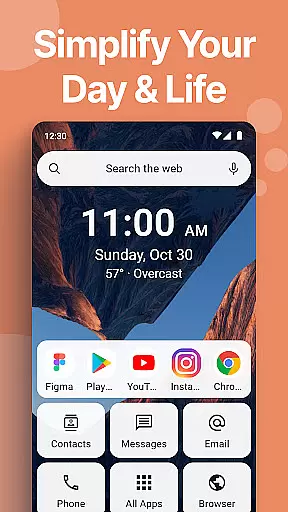
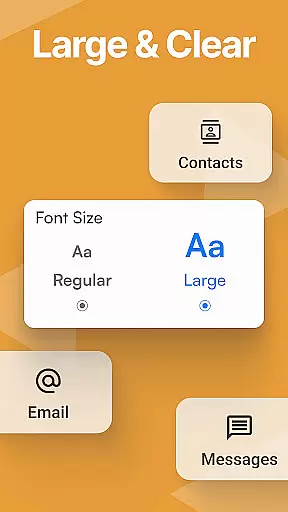
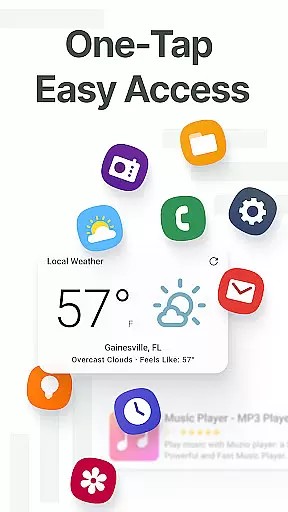
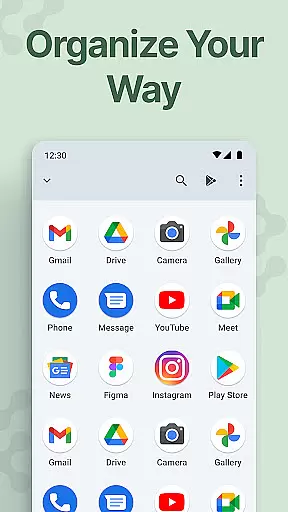
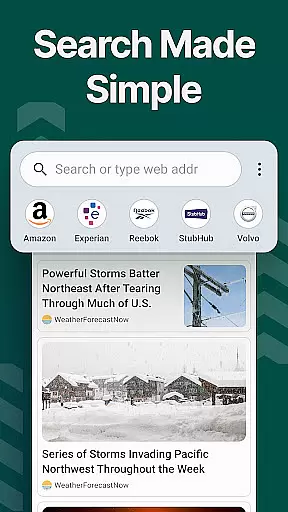
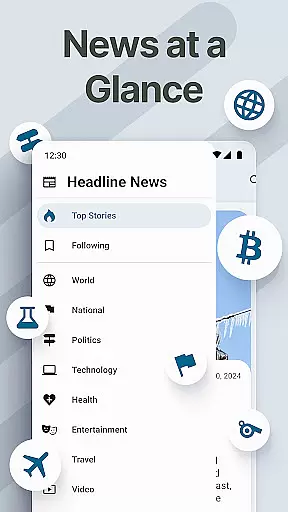
Easy Homescreen is a personalized home screen launcher designed to simplify and declutter your Android device. With its user-friendly interface, the app transforms chaotic screens into organized spaces through oversized buttons, clear text, and smart personalization features. It focuses on accessibility-first design, offering large fonts, essential tools like a universal remote and weather app, and customizable themes that adapt to individual preferences.
The app's minimalist approach reduces digital noise, creating a calming UI environment for users of all ages. Whether you're tech-savvy or seeking simplicity, Easy Homescreen provides an intuitive experience by displaying only frequently used tools and hiding unnecessary ones. Its built-in organizer ensures everything remains clean and easy to find, while optional features like a custom keyboard with larger keys enhance accessibility. This makes it perfect for those who value both functionality and aesthetics in their mobile experience.
Easy Homescreen stands out with its advanced customization options and accessibility features. The app allows users to personalize fonts, themes, and app icons, catering to various styles such as bold, playful, or professional aesthetics. This flexibility ensures your phone reflects your personality while maintaining usability with clearly visible icons and text.
A key highlight is its widget support, including homescreen, top widgets, and lockscreen widgets, which provide helpful tools without being intrusive. These widgets keep important information always visible, enhancing productivity. Additionally, the optional Easy Keyboard feature offers larger keys for easier typing, making it ideal for users who prioritize accessibility. By focusing on user control and comfort, Easy Homescreen creates a stress-free, functional environment tailored specifically to each individual's needs.
Customization is at the heart of Easy Homescreen, offering users a wide array of options to tailor their smartphone experience. With features ranging from custom fonts, themes, to app icon modifications, the launcher ensures that personal style and preference are not just an afterthought but a priority.
The application's adaptability extends beyond mere aesthetics; it intelligently showcases only the most frequently used tools and hides the rest, ensuring that each user's home screen is as unique as their fingerprint. This level of customization empowers users to create a space that resonates with their personal vibe, whether they prefer bold, playful, or professional aesthetics.
Moreover, Easy Homescreen provides essential built-in utilities such as a universal remote and weather app, alongside accessibility-first design elements like large fonts and buttons. These thoughtful inclusions not only enhance usability but also contribute to a more calming, productive digital environment.
Easy Homescreen excels in theme compatibility, allowing users to seamlessly integrate their preferred visual styles across their device. The launcher supports a diverse range of themes, ensuring that aesthetic consistency is maintained throughout the user interface.
This compatibility is not limited to static designs; users can express dynamic changes in their personal style through animated themes and live wallpapers. Such flexibility guarantees that the device remains a true reflection of its owner's personality and mood over time.
In addition to visual theming, Easy Homescreen maintains functional harmony by ensuring all customized elements, including widgets and lockscreen displays, work together cohesively. This holistic approach to theme integration enriches the overall user experience, making digital interaction both beautiful and intuitive.
User-friendly interface
Customizable themes
Accessibility features
Minimalist design
Smart personalization
Limited iOS support
Advanced features locked
Occasional bugs
Ads in free version
Learning curve

Classic analogue watch face. For wear os devices.
 4.60
4.60
Ninja Turtles Cowabunga SE watch face for Wear OS
4.50
Turn your lock screen into fun with smile live wallpapers & animated wallpapers!
2.50
Over 28,000 high quality icons to bring color & homogeneity to your phone.
4.60
Dark icon pack based on One 8
4.80
More than 3000+ themes and 9000+ wallpapers for everybody!
4.10
⭐ OneUI inspired Fluffy Icon Pack – Soft. Stylish. Standout. ⭐
4.3
Icons made of colorful linear lines
4.60
Unleash Your Creativity and Connect with Loved Ones with Lockscreen Drawing!
4.20
100+ Stylish Fonts, Emojis, Symbols keyboard for Instagram & TikTok!
4.80
A launcher for Samsung Good Lock and Good Guardians modules without ads
4.70
Nothing Icon pack with more than 3750+ highly crafted icons.
4.70
A retro cartoon style watch face and a punch right in the face of the copyright
4.60
Handcrafted pixel art icons, widgets & wallpapers
4.60
Art & Emoji Keyboard with Cool Fonts, Cute Themes and Custom Designs.
4.40
App Icon Changer & Shortcut Creator. Customize your icons without any watermarks
4.30
Create unique, fun emojis with Funny Emoji Maker! Unlimited creativity!
4.00
Your go to Weather App & Home Screen. Get your weather at a swipe of a finger!
3.80
Transform your phone with stunning video wallpapers and a unique, personal touch
3.80


User Reviews