
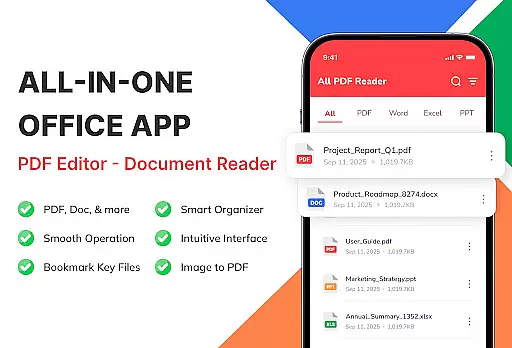
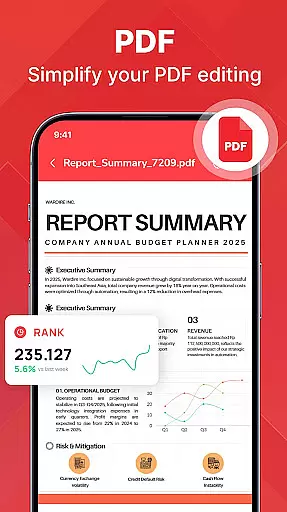
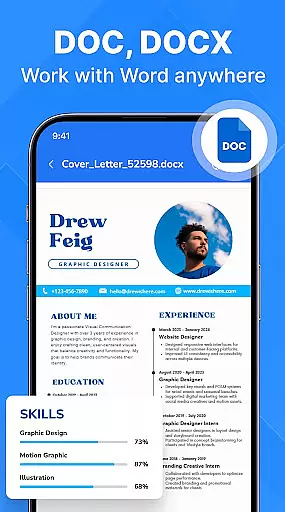
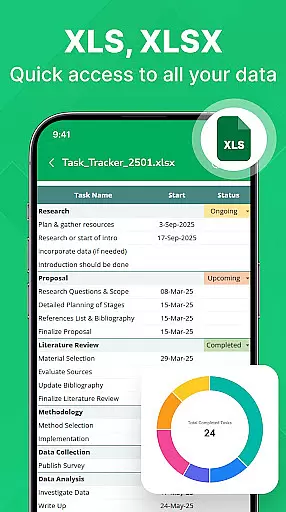
PDF Reader - Document Viewer is a versatile document management tool designed to simplify how you handle PDF and Office files on Android. This app consolidates all essential document formats in one place, allowing users to open, read, and organize PDFs, Word documents, Excel sheets, and PowerPoint slides with ease.
The app's standout feature is its unified viewer that supports multiple formats while maintaining perfect formatting. Whether you're reading eBooks, reviewing reports, or studying lecture slides, the app ensures smooth scrolling and clear visuals. Its lightweight design guarantees fast performance across various devices, making it an ideal solution for students, professionals, and everyday users alike.
With smart file management capabilities, users can automatically detect, sort, and search their documents by different criteria. The app works offline, ensuring privacy and accessibility anytime, anywhere. By transforming your Android device into a reliable document hub, PDF Reader - Document Viewer helps streamline workflows and boost productivity.
PDF Reader - Document Viewer offers a comprehensive set of features tailored for efficient document handling. One of its key strengths is the multi-format support, enabling users to seamlessly view PDFs, Word files, Excel sheets, and PowerPoint presentations without switching between apps. Each format is rendered with precision, preserving original layouts and details.
The app excels in performance optimization. Its fast-loading engine allows instant access to large files, while smooth navigation ensures lag-free page transitions. The lightweight architecture is specifically designed to run efficiently on various Android devices, from older models to the latest smartphones.
Smart organization tools further enhance the user experience. The app automatically scans and categorizes files stored on your device, offering sorting options by name, size, or date. Recent and favorite documents are easily accessible, helping users manage their files more effectively. With offline functionality and robust privacy measures, PDF Reader - Document Viewer provides both convenience and security for all your document needs.
For a document viewer app like PDF Reader - Document Viewer, core function accuracy and effectiveness are paramount. This app ensures that every PDF, Word, Excel, and PowerPoint file opens with precision, maintaining perfect formatting across all document types. The app's ability to render files instantly without any distortions or missing elements is crucial for users who rely on these documents for important tasks.
The effectiveness of this tool is demonstrated through its fast and smooth performance. Whether you're navigating through pages of a lengthy PDF or reviewing detailed Excel sheets, the app provides a seamless experience. Its lightweight design ensures that even on older Android devices, users can work efficiently without delays or crashes. This reliability builds trust, making it an indispensable tool for both personal and professional use.
Users benefit from the app's unified viewer, which eliminates the need to switch between different apps for various file formats. This consolidation saves time and enhances productivity, allowing users to focus on the content rather than the platform. With features like automatic file detection and easy sorting options, the app streamlines document management, ensuring that users can find and access their files quickly and effortlessly.
A simple and intuitive interface is essential for a document viewer, and PDF Reader - Document Viewer excels in this area. The app offers a clean, user-friendly design that makes navigation straightforward, even for those who may not be tech-savvy. Every feature, from opening files to managing them, is easily accessible, ensuring that users can make the most of the app without a steep learning curve.
The app's layout is thoughtfully designed to enhance usability. Key functions such as searching, sorting, and categorizing documents are prominently placed, allowing users to organize their files with minimal effort. Additionally, the app supports offline functionality, meaning users can access their documents anytime, anywhere, without needing an internet connection. This convenience adds to the overall intuitive experience, making document management hassle-free.
Furthermore, the app's dedication to user privacy and security is seamlessly integrated into the interface. Files remain on the device, providing peace of mind for users concerned about data breaches. By combining an easy-to-use interface with robust security measures, PDF Reader - Document Viewer ensures that users can manage their documents safely and efficiently, enhancing both the user experience and the app's value proposition.
User-friendly interface
Multi-format support
Fast performance
Offline functionality
Smart file management
Limited editing features
No cloud integration
Premium features locked
Occasional bugs
Ads in free version

 4.50
4.50
A powerful, easy-to-use flight computer on your phone or tablet!
3.80
Use your phone as a webcam on your computer over WiFi or USB.
4.40
VESC Tool can monitor and configure VESC-compatible devices over BLE and Wifi
4.20
Detect hidden spy camera with advanced scanning {{ Premium version }}
4.00
Monitor car performance in real time and troubleshoot malfunctions.
4.80
The Ultimate Flex Drivers Utility App - Convenient Tapping & Block Filters
4.70
A simple app to back up and restore SMS & MMS messages and call logs.
4.10
A clean app.
4.50
Bedrock Together: Join any bedrock server on Xbox/PS
4.80
Canon PRINT is a companion app for your Canon printer.
4.60
Button mapper, mouse toggle, sleep timer and a lot of another features
4.50
An easy-to-use calculator designed to save time calculating and bending conduit
4.30
Screen Mirroring with sound for Samsung TV, LG TV, Sony TV, Smart TV and Browser
4.20
MS-DOS in your pocket. Play old DOS games anywhere you are ;)
4.10
Unleash gamepad precision for ultimate mobile gaming dominance.
3.90
Create your own custom widget with endless possibilities
3.90
A recovery soft,it features photo recovery, video recovery, file recovery.
3.40
Download any file easily and quickly with Downloader
4.2


User Reviews