
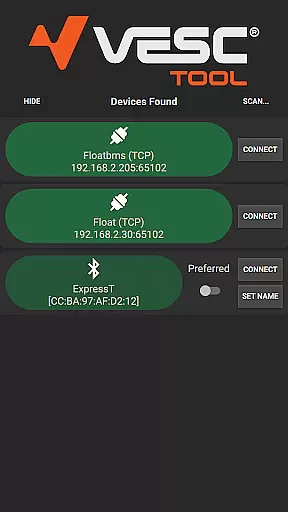
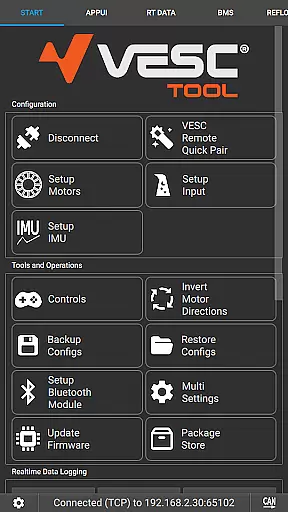
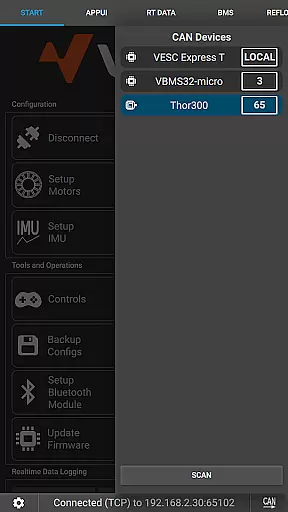
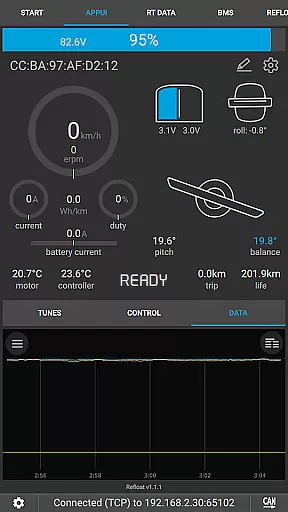
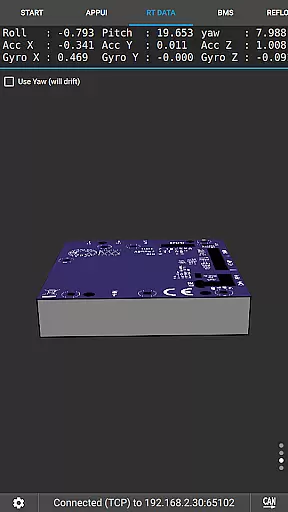
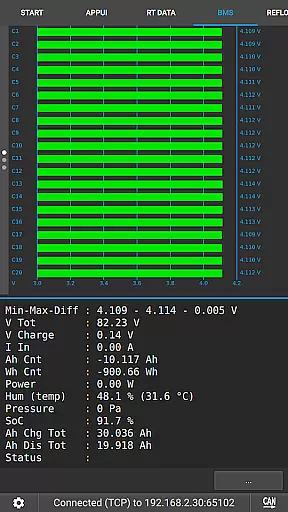
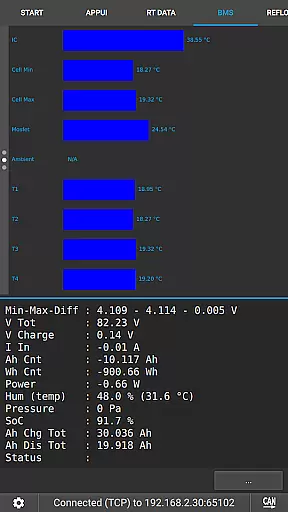
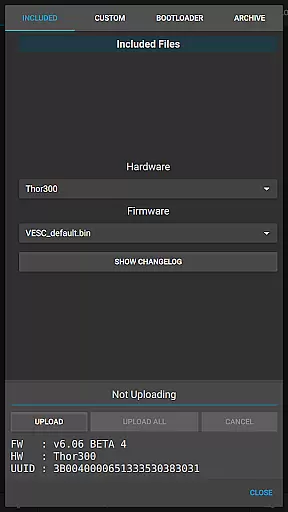
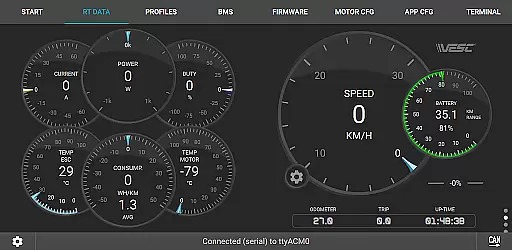
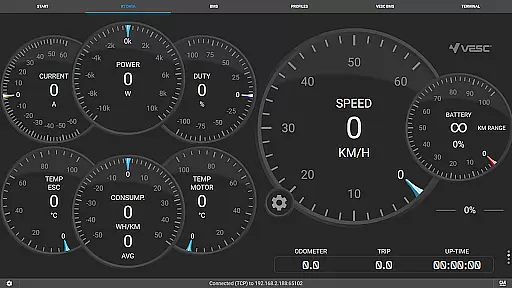
VESC Tool is a powerful mobile application designed specifically for configuring and managing VESC-based hardware. The app supports both BLE and WiFi connections, enabling users to seamlessly adjust settings, update firmware, and monitor live data streams directly from their mobile devices. Whether you're a hobbyist or professional, this tool provides comprehensive control over your VESC projects.
One of the standout features of VESC Tool is its ability to log data and stream real-time information, making it an essential utility for performance tuning and diagnostics. Compatible modules can be purchased from VESC Labs or custom-built using ESP32C3 or NRF52 chipsets, offering flexibility in how you connect and interact with your hardware. This makes the app highly versatile for various applications in the tools category.
VESC Tool offers a wide array of features tailored for users who need precise control over their VESC hardware. Firstly, the app allows for detailed configuration of hardware parameters through an intuitive interface, ensuring optimal performance for any project. Users can easily update firmware, which is crucial for maintaining device security and accessing new functionalities as they become available.
In addition to configuration and updates, VESC Tool excels in data management. It supports live data streaming, allowing users to monitor system performance in real time. The data logging feature is particularly useful for troubleshooting and optimizing hardware setups. With compatibility for both BLE and WiFi, the app ensures that users have flexible connectivity options, whether they are working in a lab or out in the field.
VESC Tool is designed to provide precise control and configuration of VESC-based hardware, ensuring that users can effectively manage their devices. The app supports both BLE and WiFi connections, enabling seamless interaction with the hardware. This connectivity allows for accurate firmware updates, live data streaming, and reliable data logging.
The effectiveness of VESC Tool lies in its comprehensive functionality. Users can configure settings, monitor performance metrics, and troubleshoot issues directly from their mobile devices. The app's ability to handle complex tasks such as firmware updates ensures that users always have access to the latest features and security enhancements without the need for additional hardware.
For enthusiasts and professionals alike, VESC Tool offers a reliable solution for maintaining and optimizing VESC hardware. Its compatibility with various connection modules, including those based on ESP32C3 and NRF52 chipsets, provides flexibility and convenience. This versatility makes it an essential tool for anyone working with VESC technology.
The interface of VESC Tool is crafted to ensure ease of use while maintaining powerful functionality. Upon launching the app, users are greeted with a straightforward layout that organizes key features into easily accessible sections. This design minimizes the learning curve, allowing both new and experienced users to quickly navigate through the app's capabilities.
Despite its advanced functionalities, VESC Tool maintains an intuitive user experience. Tasks such as connecting to hardware, configuring settings, and initiating firmware updates are streamlined through clear instructions and logical workflows. This approach reduces the likelihood of user error and enhances overall satisfaction with the app.
Moreover, the app's developers have prioritized user feedback, continuously refining the interface to better meet the needs of the community. Regular updates incorporate improvements suggested by users, ensuring that VESC Tool remains a cutting-edge solution in the realm of hardware configuration tools. This commitment to usability sets VESC Tool apart from other applications in the Tools category.
User-friendly interface
Comprehensive configuration options
Real-time data monitoring
Firmware update support
Flexible connectivity options
Requires compatible hardware module
Limited to VESC-based systems
No offline mode for certain features
Advanced features may overwhelm beginners
Dependent on third-party modules for connectivity

 4.50
4.50 4.50
4.50
Quickly switch to an encrypted DNS server on Android TV
4.50
Connect instantly to a fast, encrypted VPN with one tap
4.60
This app unlocks the Pro features of the Central for DayZ app
3.60
Enjoy smooth gameplay with Game Booster
4.90
Amateur Radio app for APRS: Track friends, exchange messages, get tactical info.
3.90
Bedrock Together: Join any bedrock server on Xbox/PS
4.80
A clean app.
4.50
Remote Play with FSR upscaling, low latency & full controller support
4.80
Learn the vast amount of system information about device and monitor it's state
4.70
Optimize your WiFi network, turn your phone into Wifi Analyzer
4.70 4.50
4.50
Button mapper, mouse toggle, sleep timer and a lot of another features
4.50
Quickly & easily calculate the spacing of handrail balusters
4.20
Effortlessly run ADB commands directly on your device without a PC.
4.20
An open-source APK explorer for Android!
4.10
Family Locator, Share location, StayConnect with your family in real time
3.90
PDF Reader - Document Viewer: Read, Manage & Organize Your Documents
3.10


User Reviews