
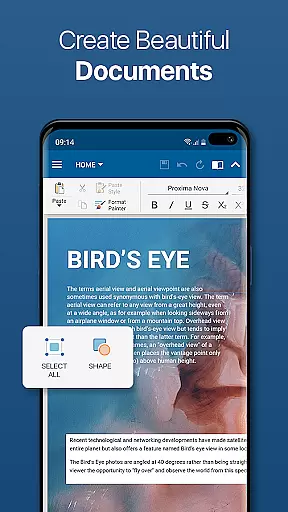
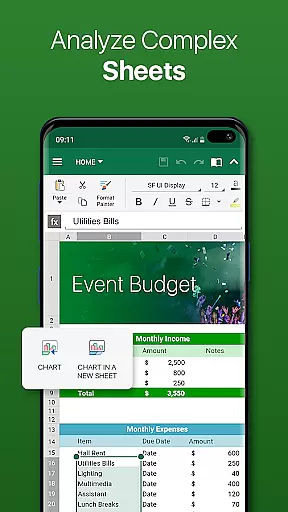
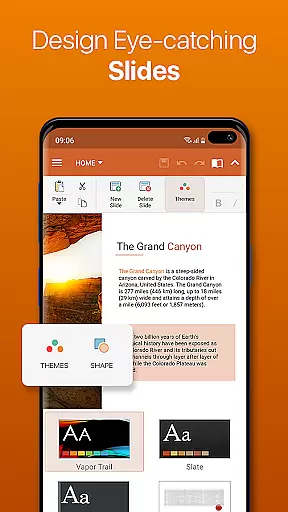
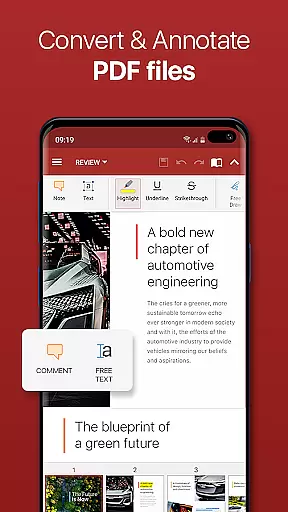

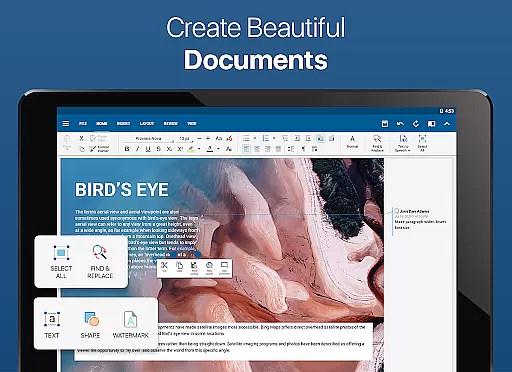

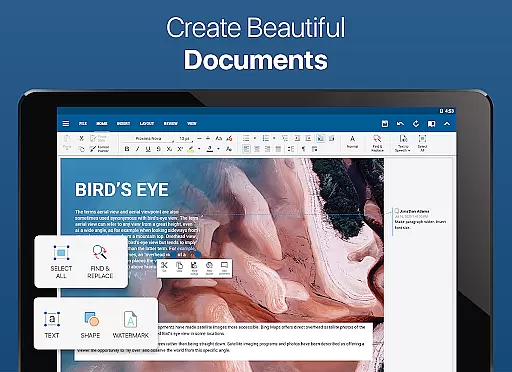
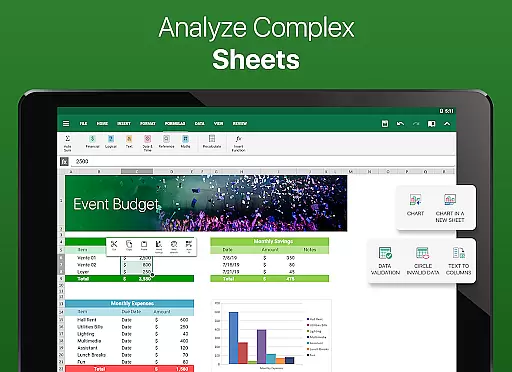
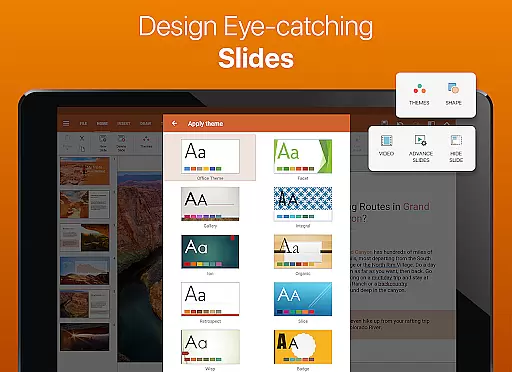
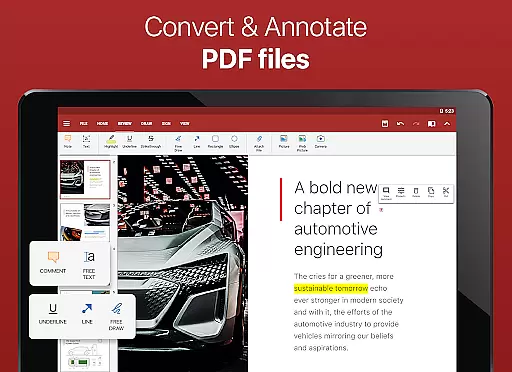

OfficeSuite Pro + PDF is a comprehensive business application designed for seamless document management on Android devices. This professional-grade office suite allows users to view, edit, and create Word, Excel, and PowerPoint files with complete compatibility to Microsoft Office formats. The app also supports PDF functionalities including editing, security features, and fillable forms.
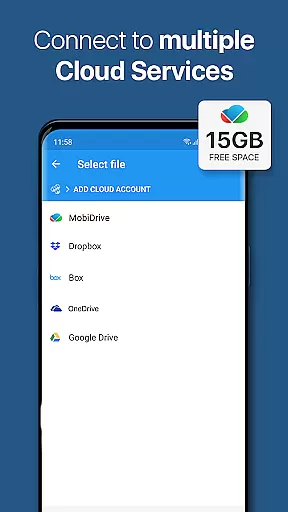
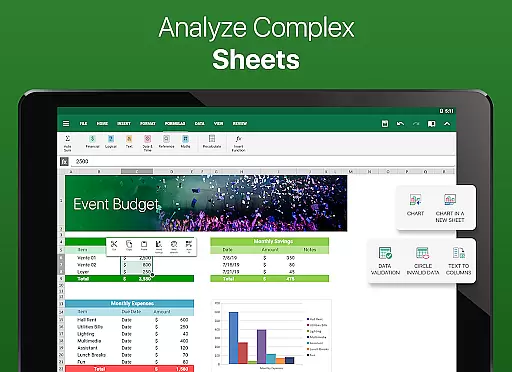
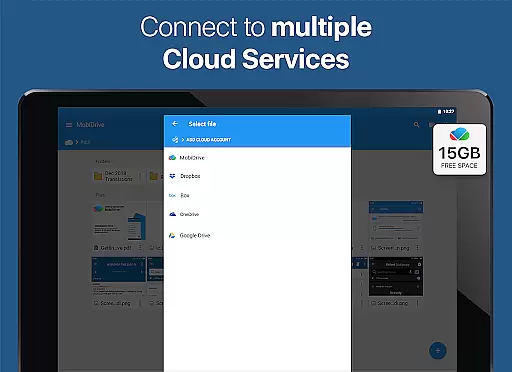
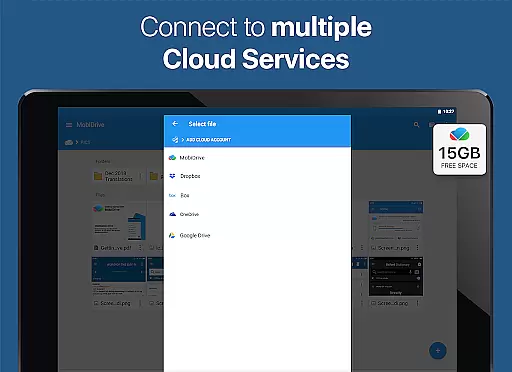
What sets OfficeSuite Pro apart is its desktop-style interface that ensures smooth navigation and productivity. With integrated cloud services like Google Drive and Dropbox, users can synchronize and access documents from anywhere. Additional premium features include 15GB of MobiSystems Drive storage, text-to-speech support, and advanced spreadsheet capabilities, making it ideal for both personal and professional use.
This app is particularly beneficial for business professionals who need mobile access to fully-featured document editing tools. Its ability to handle complex files while maintaining formatting integrity makes it an essential tool for remote work scenarios or on-the-go document management.
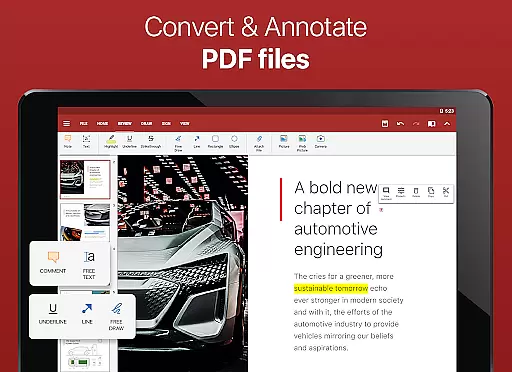
OfficeSuite Pro + PDF offers an extensive range of features that cater to various document processing needs. The app provides full compatibility with Microsoft Office formats (DOC, XLS, PPT) and supports PDF editing with advanced security options such as digital signatures and permissions management. Users can benefit from the integrated spell checker available in over 40 languages, ensuring professional-quality documents.
The latest version introduces innovative features including OfficeSuite Chats for real-time collaboration, split-screen mode for multitasking, and enhanced mouse support for Chromebook users. Business users will appreciate the ability to track changes with multiple author support and protect individual sheets in spreadsheets. The app's integration with File Commander enables advanced file management while supporting over 50 file formats.
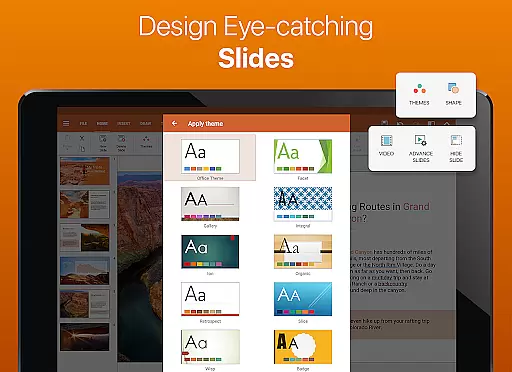
Advanced functionality extends to presentation tools with beautiful new themes, Quick Sign for PDFs, and Share Cast for cross-device presentations. These features, combined with support for Apple's iWork formats and legacy Microsoft document formats, make OfficeSuite Pro a versatile solution for modern business environments.
Collaborative work features are essential for modern business applications, enabling teams to work together efficiently regardless of location. OfficeSuite Pro excels in this area by offering real-time document sharing and editing capabilities through integrated cloud services like Google Drive, Dropbox, and OneDrive.
The application allows multiple users to collaborate on Word, Excel, and PowerPoint documents simultaneously. Its advanced synchronization ensures that all changes are updated instantly across devices, maintaining version control and preventing data loss.
OfficeSuite Pro also includes OfficeSuite Chats, a new feature that lets users communicate and exchange documents seamlessly within the app. This integration of messaging and document collaboration streamlines workflow and enhances team productivity.
With its comprehensive collaborative tools, OfficeSuite Pro empowers businesses to maintain efficient workflows while ensuring all team members stay connected and informed throughout the document creation and editing process.
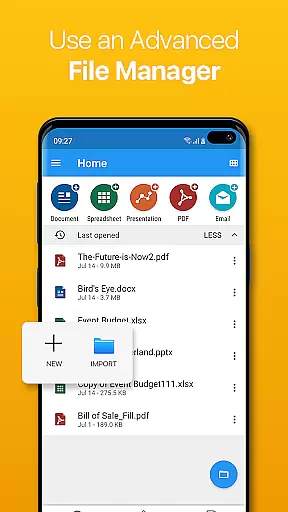
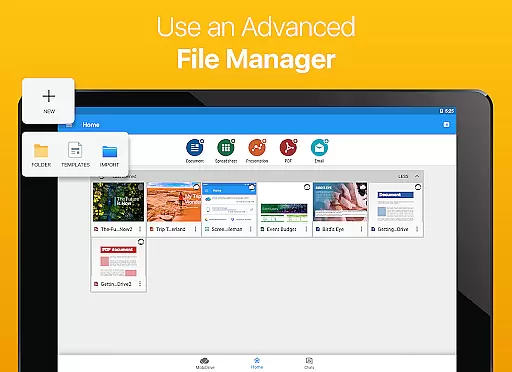
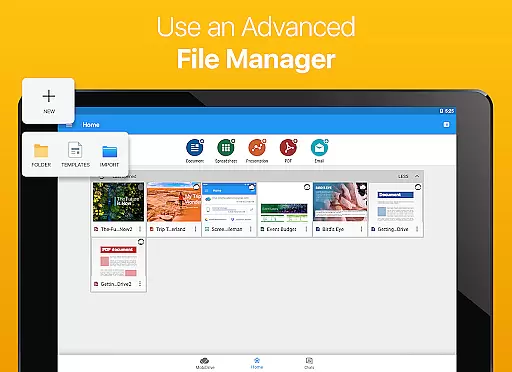
Effective task management is crucial for productivity, and OfficeSuite Pro offers several features that help users organize and prioritize their work efficiently. The application provides robust document management capabilities, allowing users to create, edit, and store various file types in one place.
Through MobiSystems Drive, users can store up to 15 GB of documents in the cloud, making it easier to manage files across different devices. The integration with File Commander further enhances file management by providing quick access to both local and remote files.
OfficeSuite Pro also supports advanced features such as track changes with multiple author support and sheet protection in spreadsheets, which contribute to better task organization and security. These features ensure that users can focus on their core responsibilities without worrying about document integrity or unauthorized access.
By combining comprehensive file management with collaboration tools, OfficeSuite Pro delivers a complete task management solution that meets the demands of today's fast-paced business environment.
Comprehensive format support
User-friendly interface
Cloud integration
Advanced PDF tools
Real-time collaboration
High subscription cost
Complex for beginners
Occasional sync issues
Limited free features
Large app size

Find flexible, hourly jobs hiring near you in restaurant, retail & hospitality!
 4.00
4.00
FX Plus adds media, networking, and cloud capabilities to FX File Explorer.
4.10
VSD Viewer - Visio Drawings Viewer for Android Preview VSD, VDX, VSDX drawings
4.10
Your employer must have UKG Ready software configured for Mobile.
4.60
Grow your business and connect with more people with Meta Business Suite.
4.60
Start earning fast. Apply Today.
4.80
Smarter career moves start here. AI job alerts, insights & the right tools.
4.20
Earn money with the driver & delivery partner app for Uber, UberEats & Postmates
4.60
Work happy with AI Companion
4.10
Create curriculum vitae, a professional cover letter creator and resume designer
4.80
The MyWalmart App is available for all associates in stores.
4.70
We help people get jobs
4.70
Mobile POS for any business: sales, invoices, retail, restaurants & appointments
4.60
Amazon A to Z is the place to manage your work-life at Amazon.
4.50
Find jobs near you and temp work in minutes, from your phone.
4.50
Make money as a delivery driver with DoorDash and work when you want as a Dasher
4.30
Build a store in minutes with our full suite of AI tools. Start for free!
4.20
Shop, deliver, and earn with the Spark Driver™ App
4.10
We are a dynamic team of creatives people of design, marketing, web & apps
3.00


User Reviews