
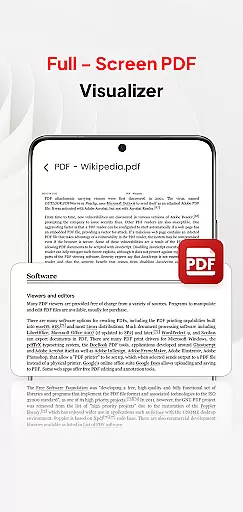
PDF Pro-View PDF is a comprehensive business application designed to streamline PDF management for professionals and casual users alike. The app's core functionality revolves around seamless PDF viewing, organizing, and sharing capabilities, making it an essential tool for document handling in professional environments.
Beyond basic PDF viewing, the app offers instant access to files with a single click, supports multiple document formats including Doc, PPT, and Excel, and provides smooth page navigation for enhanced readability. Its sleek interface ensures that users can efficiently manage all their PDF files from one centralized location, regardless of their device's storage structure.
This application proves particularly valuable in business settings where quick document retrieval and sharing are crucial. Whether you're accessing files during client meetings or organizing important documents across teams, PDF Pro-View PDF delivers reliable performance and accessibility, enhancing productivity while maintaining professional standards.
The distinguishing features of PDF Pro-View PDF set it apart in the business application category. The app's instant PDF access capability eliminates waiting time, allowing users to immediately view documents with a single click, which is crucial for time-sensitive business operations.
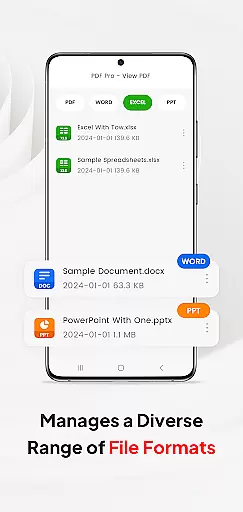
Advanced file management capabilities enable users to handle various document types beyond PDFs, including Word documents, PowerPoint presentations, and Excel spreadsheets. This multi-format support streamlines document workflows by consolidating different file types within a single application interface.
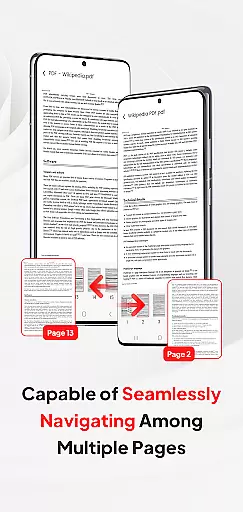
For enhanced user experience, the app implements smooth page navigation and efficient file organization systems. These features, combined with its compatibility with Android 11+ devices through MANAGE_EXTERNAL_STORAGE permission, ensure reliable offline access and background management - capabilities that are often limited in Android's native storage systems.
In today's interconnected work environments, the ability to collaborate effectively is paramount. PDF Pro-View PDF addresses this need by offering features that support team-based workflows. The application allows multiple users to access and manage PDF documents seamlessly, regardless of their location.
One of the standout collaborative features is its compatibility with various document types beyond PDFs, including Doc, PPT, and Excel files. This ensures that teams can share and edit different file formats within a single platform, streamlining project management and communication.
The app also facilitates quick page navigation, which is crucial for teams reviewing lengthy documents. Users can rapidly flip through pages, making it easier to conduct detailed document analyses or revisions collaboratively.
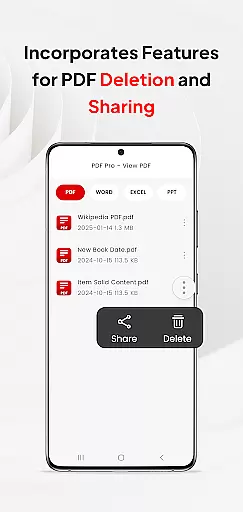
Moreover, the seamless sharing functionality enhances teamwork by allowing users to distribute PDF files effortlessly. Whether it's for peer reviews or client approvals, this feature ensures that all stakeholders have timely access to necessary documents, thereby improving overall productivity.
Efficient task management is essential for maintaining productivity, and PDF Pro-View PDF excels in this area by providing tools that help users organize and prioritize their document-related tasks. With its intuitive interface, users can easily manage all their PDF files from one central location.
The app offers instant PDF access, eliminating waiting times and allowing users to dive into their tasks immediately. This feature is particularly beneficial for professionals who need to review or edit documents promptly, ensuring that deadlines are met without unnecessary delays.
Additionally, the complete file accessibility feature means that users no longer need to search through multiple directories to find specific documents. Everything is neatly organized, making it simpler to locate and work on urgent tasks efficiently.
For those dealing with extensive documentation, the smooth page navigation enhances the ability to manage tasks by enabling rapid movement through pages. This functionality supports users in focusing on critical sections of documents, thus optimizing their workflow and task completion rates.
User-friendly interface
Multi-format support
Instant file access
Reliable offline functionality
Centralized document management
Requires special permissions
Limited iOS availability
Premium features locked
Occasional loading delays
Storage-intensive

AI-powered document scanner with auto enhance for perfect PDFs.
 4.60
4.60
Find jobs and make money fast with JobStack.
4.60
Ask Accio anything about business. Alibaba-backed, built by experts, not just AI
4.60
Earn crypto with secure cloud mining. Monitor, track & withdraw easily
4.40
The All-in-One File Manager for Phone, TV, Watch, Cars, XR / VR, Chromebook
4.10
Convert Your Lovable.dev Website into a Mobile App Instantly!
4.2
The MyWalmart App is available for all associates in stores.
4.70
Job search app that finds jobs for you! Takes the work out of looking for a job!
4.90
Roadie connects people with stuff to send with drivers already going that way.
3.50
Employee Management Made Easy
4.80
Your employer must have UKG Ready software configured for Mobile.
4.60
Paychex Flex - Save Time and Stay Connected
4.60
Earn money with the driver & delivery partner app for Uber, UberEats & Postmates
4.60
No more passwords, easier sign-in, and greater protection for your accounts.
4.60
Make money as a delivery driver with DoorDash and work when you want as a Dasher
4.30
Shop, deliver, and earn with the Spark Driver™ App
4.10
Zoom built for Chrome OS
3.90
Take the stress out of storage with the all-in-one app to manage your space.
3.70
Delivery Track App - Tracking with Fedex, USPS, UPS, DHL. Monitor your Orders.
3.20


User Reviews