
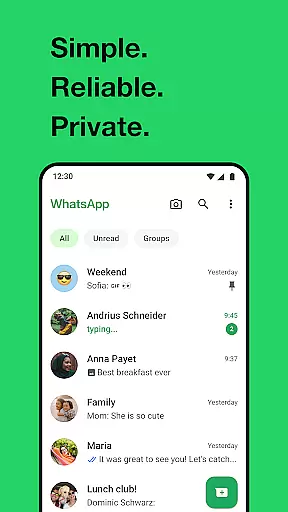
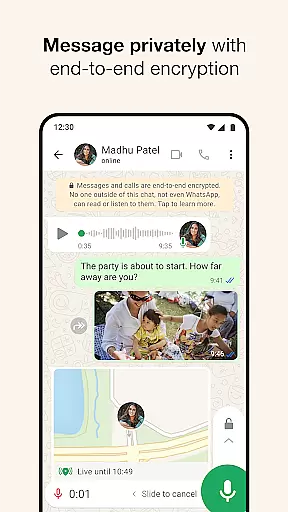
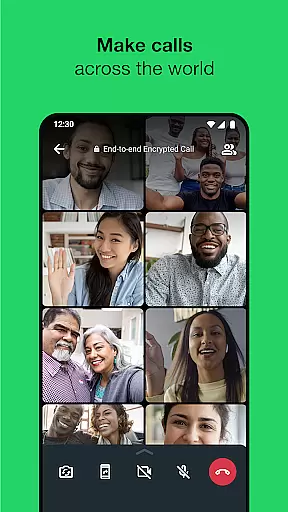
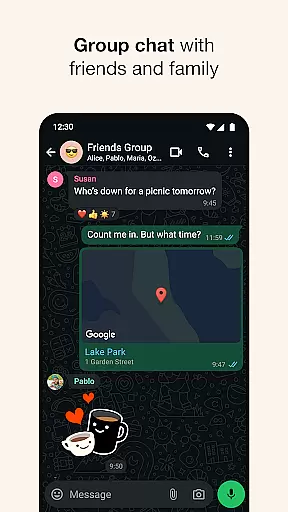
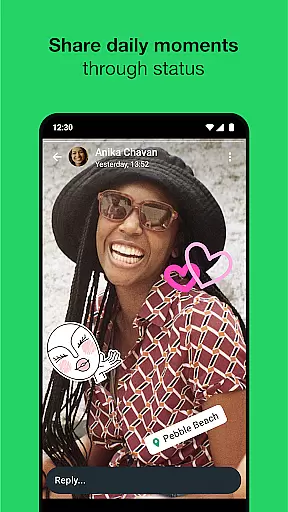
WhatsApp Messenger is a leading communication app that allows users to send messages, make voice and video calls, and share media across mobile and desktop platforms. Its core functionality lies in providing secure, end-to-end encrypted conversations, ensuring privacy for personal and group chats. The app also supports features like Status updates, real-time location sharing, and high-quality group calls with up to 32 participants.
Designed for seamless usability, WhatsApp requires only a phone number to get started, eliminating the need for additional usernames or logins. It operates efficiently even on slower internet connections, making it accessible worldwide. With over 2 billion users globally, WhatsApp remains a reliable tool for staying connected with friends and family while prioritizing security and simplicity.
WhatsApp stands out through its robust feature set tailored for private and efficient communication. One of its key highlights is end-to-end encryption, which ensures that only the sender and recipient can access messages or calls, protecting user data from external interference. Additionally, the app offers high-quality voice and video calling capabilities, supporting group calls with up to 32 people without compromising performance.
Beyond basic messaging, WhatsApp provides tools such as Status updates, where users can post temporary photos, videos, or texts that disappear after 24 hours. Group chats allow collaboration via shared media, documents, and real-time interactions. Users can also share live locations temporarily within chats and utilize Wear OS integration to reply to messages directly from smartwatches. These features collectively enhance convenience and foster meaningful connections.
Companion app integration is essential for a seamless user experience across multiple devices. WhatsApp Messenger excels in this area by offering robust synchronization between mobile and desktop platforms.
The application ensures that all your messages, calls, and status updates are consistently mirrored on any linked device. This means you can start a conversation on your phone during your commute and continue it on your desktop when you arrive at work.
WhatsApp's companion app feature provides users with the flexibility to stay connected regardless of their current device. The automatic syncing process works efficiently even on slower internet connections, ensuring no disruption in communication.
This level of integration significantly enhances productivity and convenience, allowing users to maintain uninterrupted contact with friends, family, and colleagues across different platforms effortlessly.
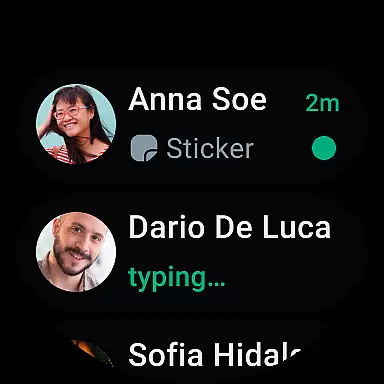
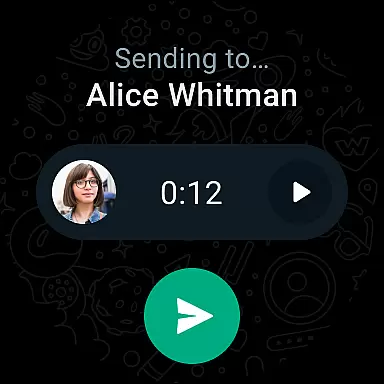
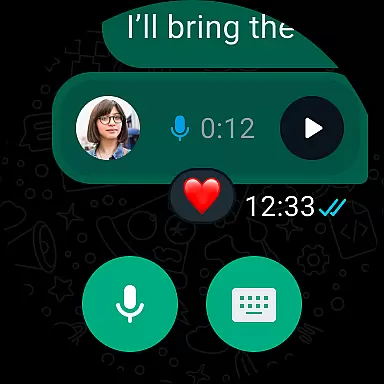
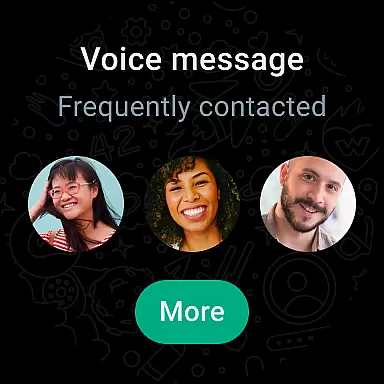
Wear OS compatibility is crucial for users who want to stay connected through their smartwatches. WhatsApp Messenger offers excellent support for Wear OS devices, enabling users to manage conversations directly from their wrists.
The app allows you to receive notifications, read messages, and respond quickly using voice commands or pre-defined responses on your smartwatch. This functionality ensures you're always in the loop without needing to pull out your phone constantly.
WhatsApp has optimized its Wear OS interface for ease of use, featuring intuitive controls and clear text displays suitable for smaller screens. Additionally, the app supports various complications and tiles, providing quick access to recent chats and essential features.
This comprehensive device compatibility enhances user convenience, allowing for efficient multitasking and ensuring important communications aren't missed, even when you're on the move.
End-to-end encryption
Cross-platform support
High-quality calls
User-friendly interface
No ads or subscription fees
Limited customization options
Requires constant internet
No built-in GIF library
Heavy battery usage
Status posts disappear quickly

Calming & relaxing sounds for sleeping and stress relief. Stay focused all day!
 4.20
4.20
Embrace the festive spirit with our Christmas Countdown watchface for Wear OS
4.10
Wear Os Watch Face - Animated Snow Effect & Magic Spark - 6 Scenes
4.10
Digital, flexibly customizable watch face. For Wear OS 5.0, API 34+ and later.
5.00
Ideal for surviving in the wasteland left after nuclear fallout
4.50
Nutrition, Macro tracker: Food, fitness & healthy diet tracking for weight loss
4.60
Connect to your Bluelink equipped Hyundai vehicle from your smartphone.
4.50
Bold weather Digital watchface with forecast & optional animated background
4.40
A modern hybrid informative watch face for Wear OS designed by BALLOZI
4.80
The Chevron App allows you to pay for fuel from the comfort of your car!
4.80
Be an elegant and classy secret agent, with this carefully detailed watch face
4.70
Your second brain for organizing your life: to-do, calendar, reminder.
4.70
Retro digital watch face with customizable colors and a unique lighting effect
4.60
Digital watch face with big numbers and many customization for Wear OS devices
4.40
Find EV charging stations
4.30
sleep, alarm, snoring, stress, healing, focus, sound therapy, circadian rhythm
4.10
Sleek, highly customizable watch face inspired by Galaxy Watch Circle Dashboard.
4.4
3 Complications. All shadow on/off. 30 Themes color palette...
4.3
Minimalistic design modern digital watch face.
4.3


User Reviews