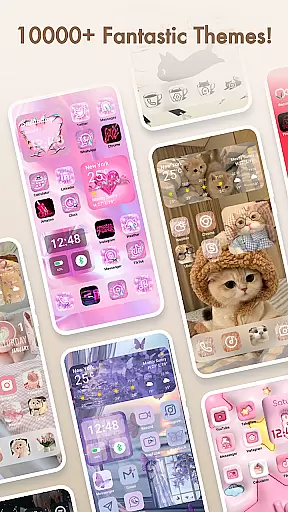
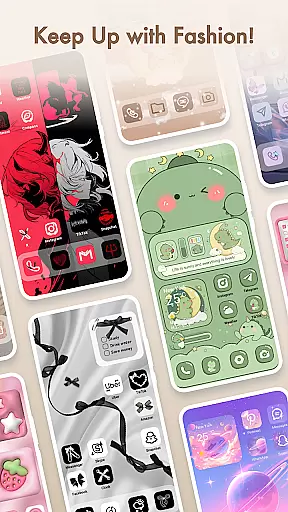
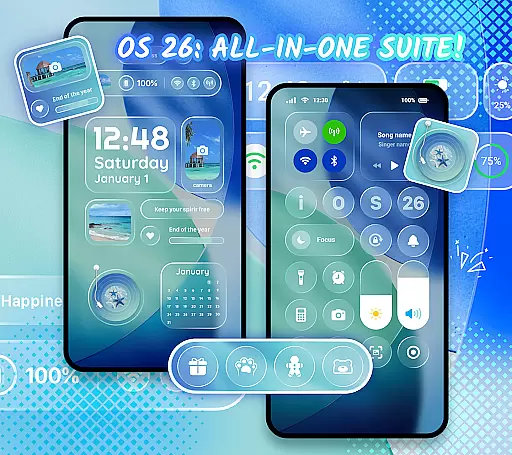
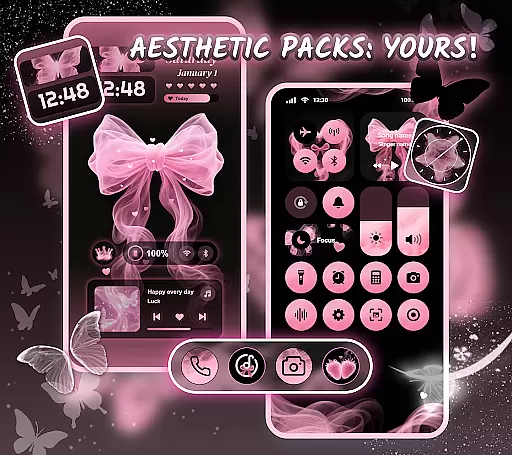
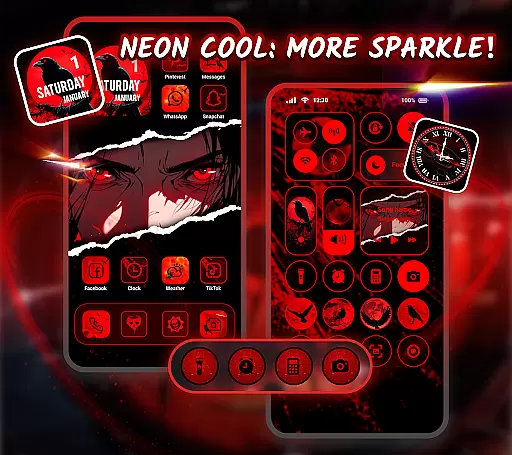
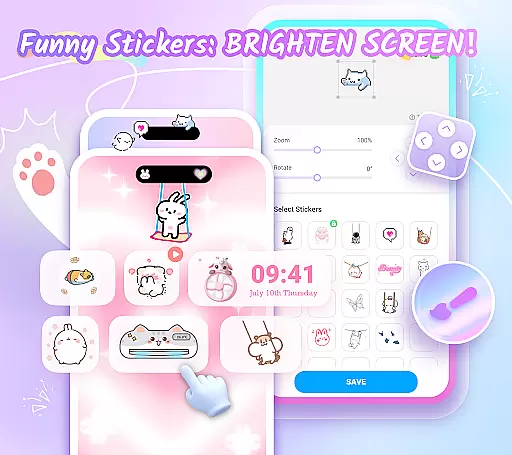
Themepack - App Icons, Widgets is a comprehensive personalization app for Android users who want to design their own home screen themes. With over 10,000 functional widgets, icons, and wallpapers, it offers extensive customization options that allow users to express their unique style. The app includes personalized widgets, icon customization, and a variety of aesthetic backgrounds ranging from K-pop to anime themes.
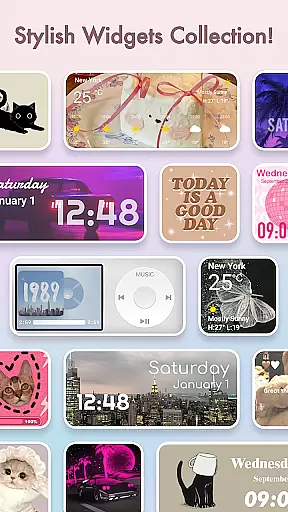
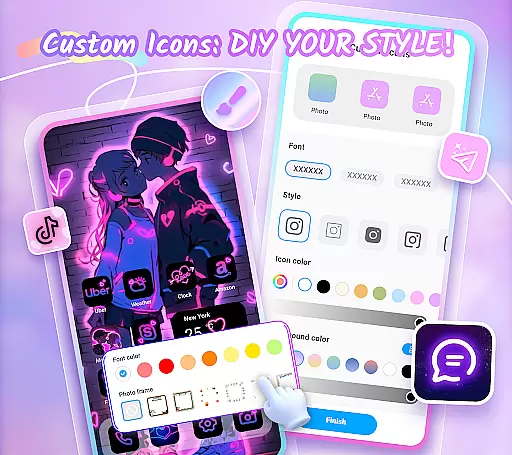
The app's standout feature is its ability to let users create custom widgets and icons with various styles, fonts, colors, and transparency levels. This functionality transforms the traditional appearance of device screens by adding dynamic effects such as battery indicators, calendars, clocks, weather updates, and control panels. Users can also select images from their gallery to further personalize their widgets.
Themepack is ideal for those looking to enhance their device's visual appeal while maintaining practical functionality. Whether you're aiming for a minimalist look or an eye-catching design, this app provides the tools needed to achieve your desired aesthetic, making it a one-stop solution for personalizing your smartphone experience.
Themepack offers a rich set of features designed to maximize user customization. One of its primary capabilities is the wide array of stylish and functional widgets, including battery indicators, dynamic image effects, calendars, clocks, weather updates, and control panels. These widgets not only serve practical purposes but also add a visually appealing element to the home screen.
In addition to widgets, Themepack allows users to engage in DIY icon creation. This feature provides numerous options for customizing icon styles, fonts, colors, transparency levels, and background colors. Users can rename app icons with cool fonts, creating a cohesive and personalized look across their device. The app also includes thousands of pre-designed icons and wallpapers, catering to diverse tastes and preferences.
Another notable feature is the app's one-click replacement functionality, which simplifies the process of applying new themes and widgets. Regular updates ensure that users have access to fresh content, keeping their devices up-to-date with the latest design trends. Overall, Themepack empowers users to take full control of their device's appearance while offering practical tools to enhance everyday usability.
Themepack offers an extensive range of customization options that allow users to personalize their Android home screens like never before. With over 10,000 functional widgets, icons, and wallpapers, the app provides limitless possibilities for creativity and personal expression.
The app includes a diverse selection of widgets such as battery indicators, dynamic image effects, calendars, clocks, weather updates, and control panels. These widgets not only serve practical purposes but also add a touch of surprise and delight to the traditional screen appearance. Users can further customize these widgets by selecting images from their gallery, ensuring that each widget is a unique reflection of their personal style.
In addition to widgets, Themepack allows for DIY icon creation. Users can choose from various icon styles, fonts, colors, transparency levels, and background colors. This feature enables the creation of distinctive icons that can be renamed with cool fonts to match the desired aesthetic of device applications, offering unparalleled freedom in personalization.
Theme compatibility is at the heart of Themepack's design philosophy, ensuring that all elements within the app work seamlessly together to create cohesive and visually appealing home screen themes. The app boasts a wide array of aesthetically pleasing backgrounds, K-pop wallpapers, anime, neon, sports, and festival themes.
These themes are crafted to enhance the visual aesthetics of any Android device, providing users with the tools to customize their home screens effortlessly. One-click additions save time and effort, allowing users to apply complex themes quickly and easily without compromising on quality or design integrity.
Moreover, Themepack collaborates with top designers to ensure that every widget, icon, and wallpaper has a unique meaning and purpose. Whether it's a circle or a rectangle, each element is designed to offer maximum customization potential while maintaining theme compatibility across different devices and screen resolutions.
Extensive customization
User-friendly interface
Regular content updates
Variety of aesthetic themes
DIY icon creation
Requires accessibility permissions
Some features may be complex
Premium content available
Occasional bugs reported
Design quality varies

Prank your friends with realistic broken screen and cracked HD effects!
 4.2
4.2
Turn your lock screen into fun with smile live wallpapers & animated wallpapers!
2.50
100+ Stylish Fonts, Emojis, Symbols keyboard for Instagram & TikTok!
4.80
Turn text & photos into stunning AI videos, art, and creative visual stories.
4.50 3.50
3.50
Color phone with cool effects for call screen, flash alert & ringtones music
4.50
Customize your home screen with stunning themes, blur, widgets & icons.
4.60
Custom edge gestures for volume control, brightness, apps, and shortcuts.
4.5
Emoji Maker app - Design custom emojis and effortlessly blend them with Mixer
3.80
One 8 icons glass color version
4.80
Gun Chase - Let the chase begin.
4.80
Nothing Icon pack with more than 3750+ highly crafted icons.
4.70
300+ Stunning and well-designed widgets inspired by NOTHING.
4.70
Add cute Shimeji pets to screen, interact with them and relax with cute motions
4.60 4.50
4.50
Launcher OS™ Pro without ads help make your phone simple and pretty
4.30
Unleash Your Creativity and Connect with Loved Ones with Lockscreen Drawing!
4.20
Design your screen with unique, vibrant clocks
3.80
Capture moments that pass like a storm, second by second.
4.2


User Reviews