
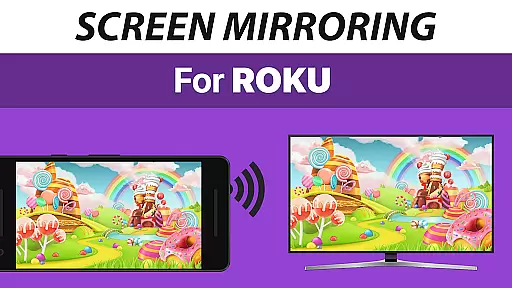
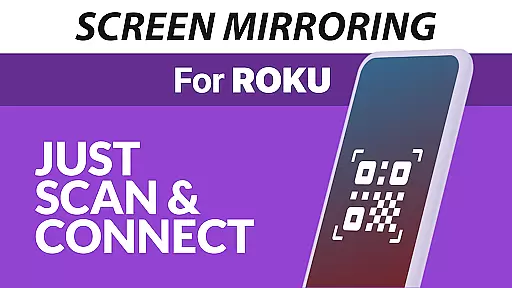
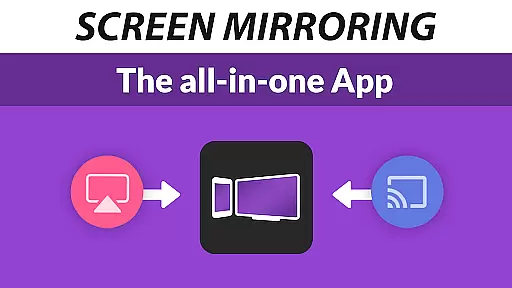
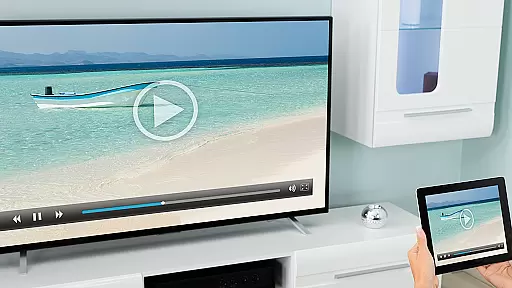
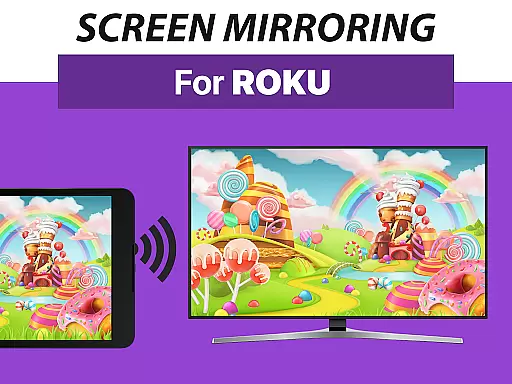
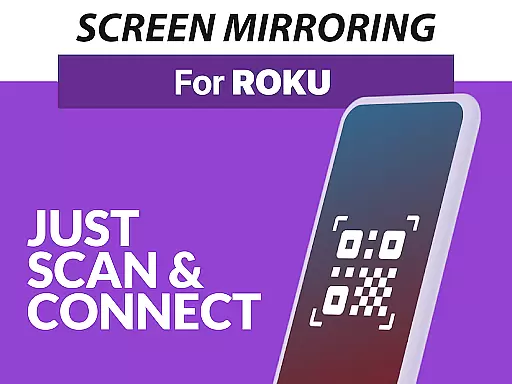
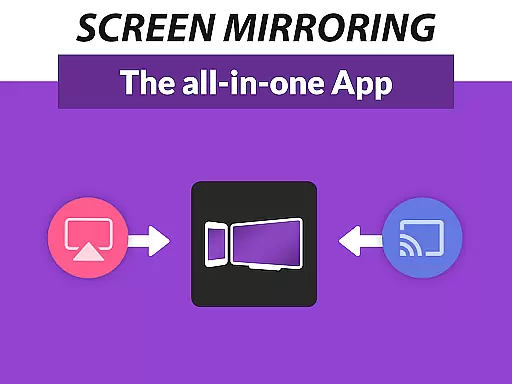
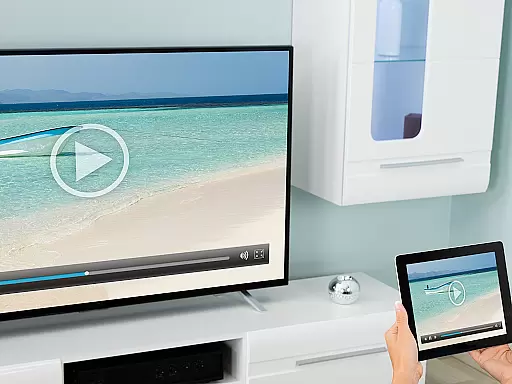
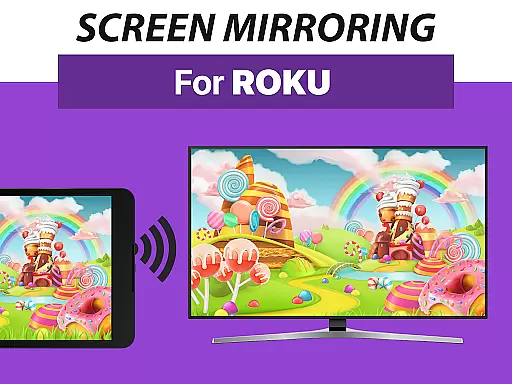
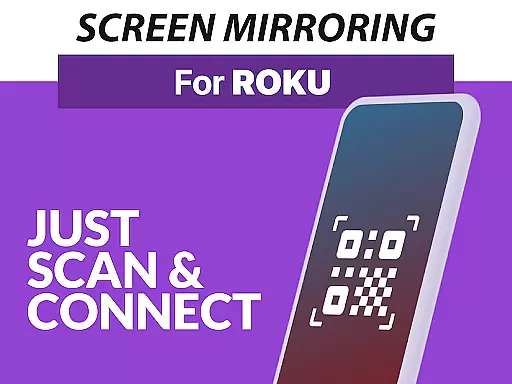
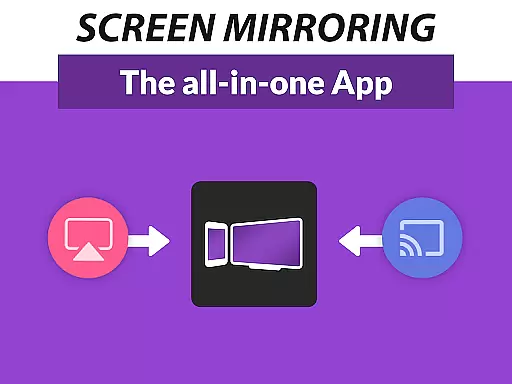
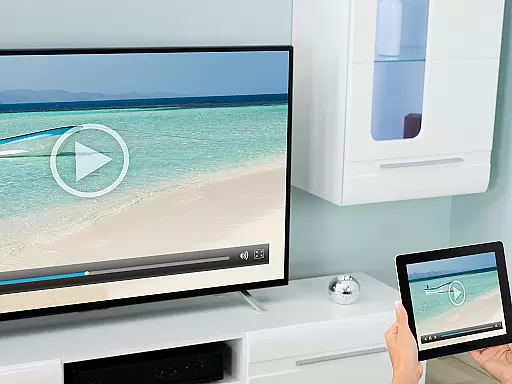
Screen Mirroring Pro for Roku is a powerful tool designed to mirror your Android device's screen to any Roku-enabled display. This includes Roku Sticks, Boxes, and TVs from brands like TCL and Hisense. The app offers an easy setup process that works seamlessly across all Android devices running version 5.0 or higher, ensuring broad compatibility.
With its user-friendly interface, this application allows you to share photos, videos, games, websites, apps, presentations, and documents in high-definition quality without the need for wires. Unlike Roku’s built-in Miracast feature, Screen Mirroring Pro provides superior performance and reliability, especially when connected to a robust 5GHz Wi-Fi network.
Whether you're looking to entertain friends and family or conduct professional presentations, Screen Mirroring Pro for Roku delivers exceptional value by transforming your living room into a dynamic multimedia hub.
One of the standout features of Screen Mirroring Pro for Roku is its extensive device support. It caters to all Android devices with Android 5.0+ and every type of Roku device, including Sticks, Boxes, TVs, and even Roku Express models 3700 and 3710. This wide-ranging compatibility ensures that users can enjoy uninterrupted screen mirroring regardless of their hardware.
The app simplifies the setup process significantly. There's no need to tweak Android settings or switch Wi-Fi options—just ensure both your Android device and Roku are on the same Wi-Fi network. For optimal performance, a 5GHz Wi-Fi connection is recommended, which minimizes latency and maximizes streaming quality.
Beyond technical specifications, Screen Mirroring Pro stands out due to its ease of use and consistent performance. Developed by the creators of VIDEO & TV CAST, one of the world’s leading casting apps with over 100 million downloads, it guarantees a reliable and enjoyable user experience. Users can reach out via email at info@screenmirroring.app for support or feedback, ensuring continuous improvement and customer satisfaction.
Screen Mirroring Pro for Roku delivers exceptional core functionality by enabling seamless screen mirroring from Android devices to any Roku device. This includes Roku Sticks, Boxes, and TVs, ensuring that users can share content effortlessly in high-definition quality.
The app supports all Android devices running version 5.0 and above, providing broad compatibility. Its performance is optimized under good Wi-Fi conditions, particularly when using a 5GHz network, which minimizes latency and maximizes video quality during screen sharing sessions.
One of the standout features is its ease of setup. Unlike other solutions, this app does not require changes to Android settings or Wi-Fi configurations. As long as both the Android device and Roku are connected to the same Wi-Fi network, users can start sharing their screens instantly.
This streamlined functionality offers significant advantages over Roku's built-in Miracast feature, making it faster and more reliable for everyday use. Whether you're sharing photos, videos, presentations, or gaming sessions, Screen Mirroring Pro ensures your content is displayed accurately and effectively on the big screen.
The interface of Screen Mirroring Pro for Roku has been designed with simplicity and user-friendliness at its core. The developers have ensured that even first-time users can navigate through the app effortlessly, thanks to an intuitive layout that eliminates unnecessary complexity.
With just a few taps, users can connect their Android devices to their Roku-enabled screens. Thereu2019s no need to adjust complicated settings or search through menus; everything needed to initiate screen mirroring is presented clearly on the main screen.
This straightforward design extends to troubleshooting as well. If users encounter issues, they are encouraged to contact support directly via email at info@screenmirroring.app, ensuring help is always within reach. Such accessibility enhances the overall user experience significantly.
By focusing on minimalistic yet powerful design principles, Screen Mirroring Pro reduces the learning curve typically associated with technical applications. Users can enjoy hassle-free screen sharing without being bogged down by intricate procedures or confusing options, making it ideal for both personal entertainment and professional presentations alike.
User-friendly interface
Wide device compatibility
High-definition streaming
Easy setup process
Reliable performance
Requires good Wi-Fi
No VPN support
Premium version needed
Limited to Roku devices
Occasional connectivity issues

Save any video in HD - paste the link, download fast and watch offline.
 4.5
4.5
Amateur Radio app for APRS: Track friends, exchange messages, get tactical info.
3.90
An easy-to-use calculator designed to save time calculating and bending conduit
4.30
WiFi Signal Strength Meter help you detect WiFi Signal Strength in real time.
4.80
A simple app to back up and restore SMS & MMS messages and call logs.
4.10
Automate everything from settings to photos, SMS to speech. ADC2 prize winner.
4.10
Fast VPN USA for any country. Super secure VPN for calls, streaming, games, TV.
4.40
Enjoy a smooth mobile reading experience!
3.60
Your personal health butler
3.60
Enjoy smooth gameplay with Game Booster
4.90
Powerful collection of electronics tools and reference.A must for any enthusiast
4.90
Remote Play with FSR upscaling, low latency & full controller support
4.80
HD Video player and downloader for all formats, fast & smooth 4K video playback.
4.60
Keep track of your Palia friendships, tasks, and inventory with Palia Notebook
4.60
Planner and Tracker for Stardew Valley
4.60
Mirror your screen to Fire TV - Super fast and simple
4.40
Pro Emulator is an easy to use game console emulator for a range of consoles.
4.40
Complete kernel toolbox with features to manage and tweak your rooted device
4.30
Unleash gamepad precision for ultimate mobile gaming dominance.
3.90


User Reviews