
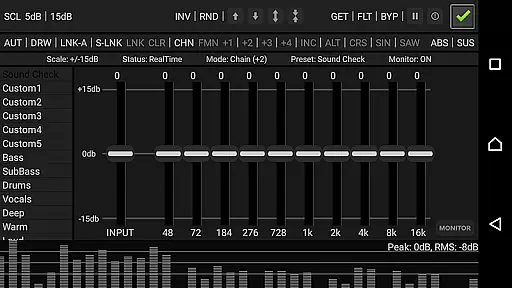
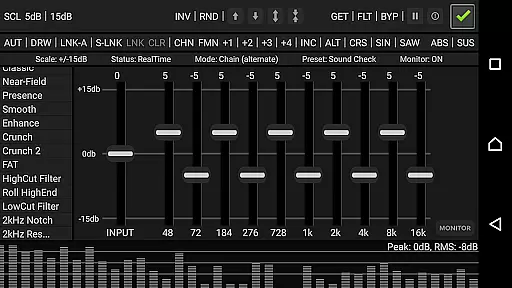
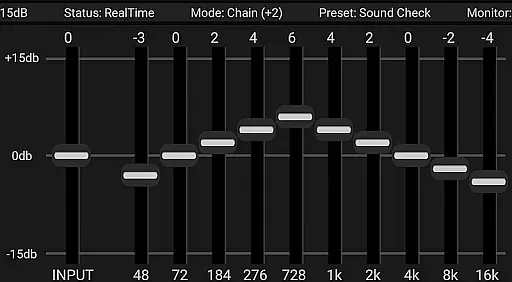
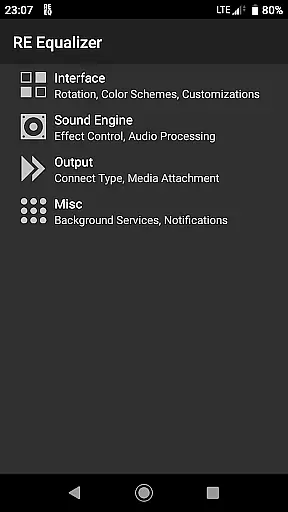
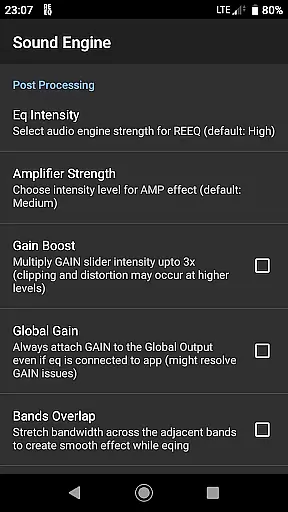
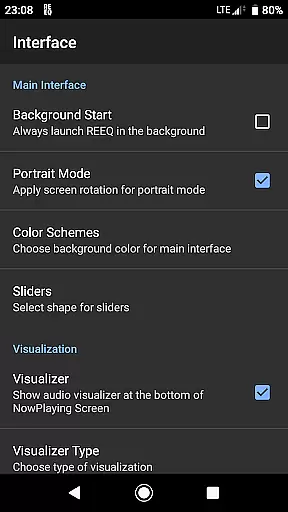
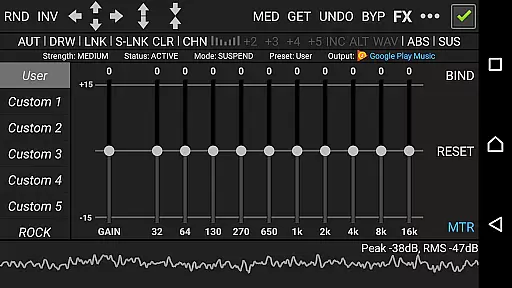
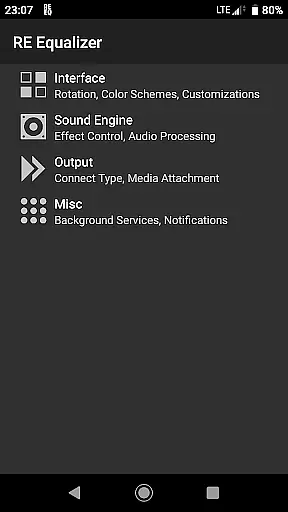
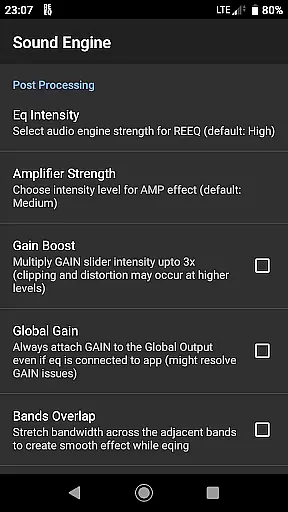
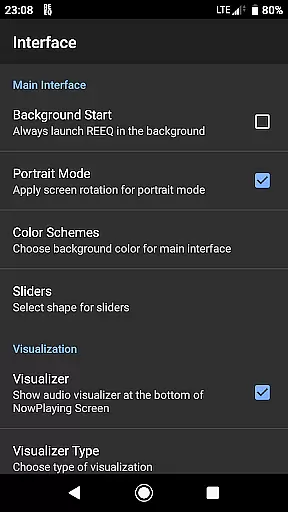
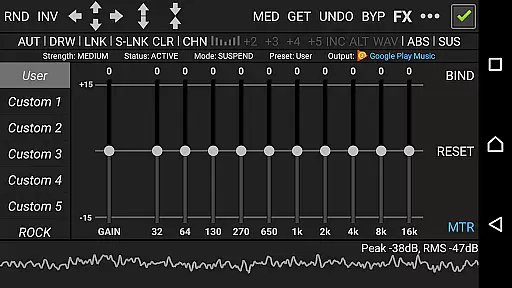
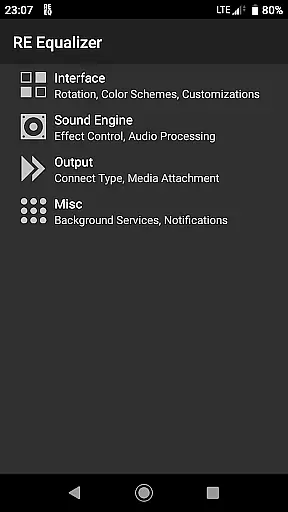
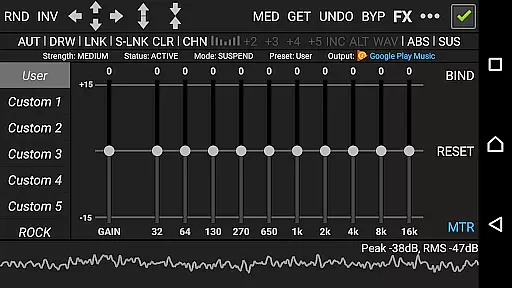
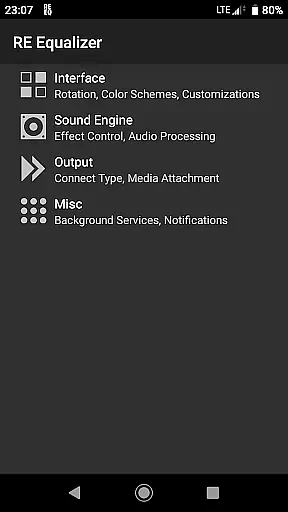
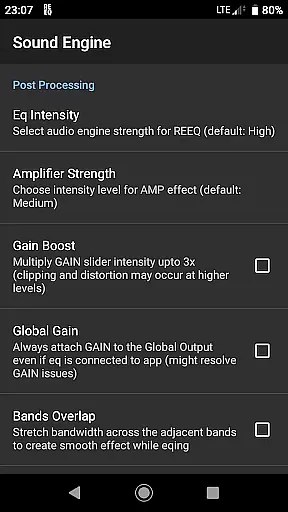
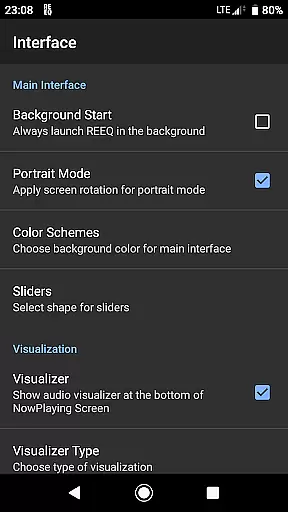
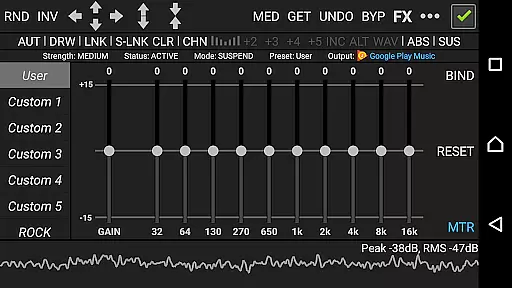
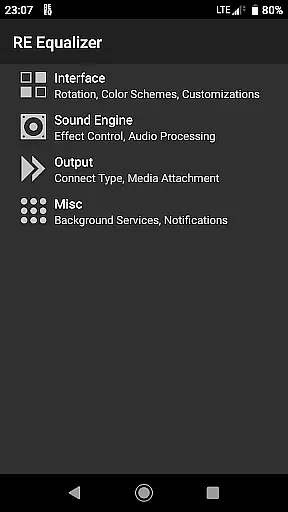
RE Equalizer FX is a professional-grade equalizer app designed for both casual listeners and audio enthusiasts. Developed by WiseSchematics, this application brings the power of studio-grade equalizers to mobile devices. The app features advanced technologies like the Shunt Audio Engine and Smart Interface, which work together to eliminate audio artifacts, noise, and distortion. With its precise controls and real-time analyzer, RE Equalizer FX allows users to shape their sound with exceptional accuracy.
The app offers an extensive range of features including 10 ISO faders, proportional Q filters, and multiple built-in presets. Users can also take advantage of additional effects such as amplifier, compressor, and balance adjustments. Whether you're looking to fine-tune your music or simply enhance your listening experience, RE Equalizer FX provides all the tools necessary to achieve your desired sound. Its intuitive interface and detailed tutorial make it accessible for users of all skill levels.
RE Equalizer FX stands out with its comprehensive suite of audio processing tools. The app's Shunt Audio Engine and Smart Interface technologies ensure pristine sound quality by minimizing unwanted artifacts and distortion. These features are complemented by proportional Q filters and 10 ISO faders, each corresponding to one band per octave, allowing for precise frequency adjustments.
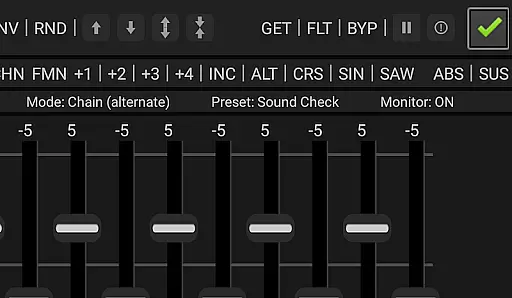
In addition to its core equalization capabilities, RE Equalizer FX includes several advanced features. Users can apply amplifier and compressor effects to adjust the dynamic range of their audio, while the balance effect lets them control the volume of left and right channels independently. The app also supports gain scaling options, multi-directional automation control, and seven different modes for drawing EQ curves. With its global bypass and real-time switch, users can easily compare processed and unprocessed audio signals.
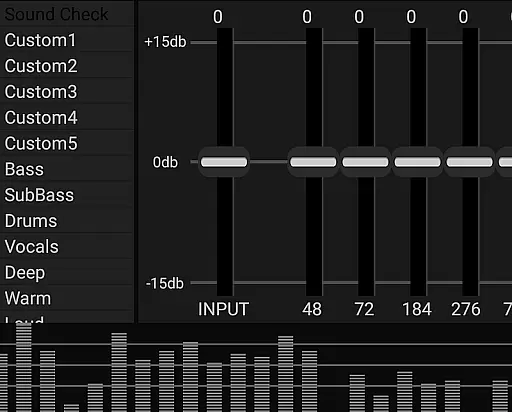
RE Equalizer FX offers a comprehensive suite of audio tools that reflects the depth and authority expected from professional-grade studio equipment. With its expansive library of 20 built-in pre-engineered presets and an additional 10 custom slots, users can explore a wide range of sound profiles tailored to various musical genres and scenarios.
The application's dedication to copyright authenticity is evident in its meticulous design and proprietary technologies like the Shunt Audio Engine and Smart Interface. These innovations ensure that each preset and audio effect not only complies with legal standards but also delivers a unique and genuine auditory experience without infringing on existing patents or copyrights.
Users benefit from this extensive and authentic music library by gaining access to high-quality sound adjustments that cater to both casual listeners and audio professionals. The availability of specialized filters and effects such as amplifier, compressor, and balance controls allows for precise customization of audio outputs.
This combination of a rich preset library and verified copyright compliance ensures that RE Equalizer FX stands out in the Music & Audio category. It provides reliable and creative tools that empower users to shape their audio experiences exactly as they envision, making it an invaluable asset for anyone looking to refine their sound with confidence.
Audio quality is paramount in the realm of music and audio applications, and RE Equalizer FX excels in delivering top-tier sound processing capabilities. The app incorporates advanced features such as proportional 'Q' filters and multi-directional automation control, which work together to provide pristine audio quality across different formats and devices.
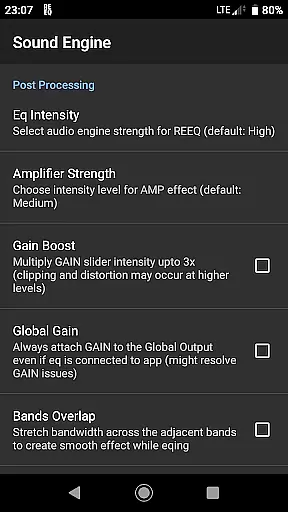
One of the standout aspects of RE Equalizer FX is its ability to offer gain scaling options and bands stepping, mixing, morphing, and shifting. These functionalities allow users to fine-tune every aspect of their audio output, ensuring that the final sound is not only clear and dynamic but also free from artifacts, noise, and distortion commonly associated with band interaction.
For audiophiles and professionals alike, having these granular controls means achieving the perfect mix and sound becomes significantly more accessible. The app's real-time analyzer further enhances this process by enabling users to compare and adjust audio signals on the fly, providing immediate feedback on the impact of their modifications.
Ultimately, RE Equalizer FX's commitment to superior audio quality options translates into an enhanced listening experience. Whether used as a standalone application or integrated within a broader audio setup, it empowers users to unlock the full potential of their audio files while maintaining the integrity and richness of the original recordings.
Studio-grade audio quality
Advanced equalization controls
Real-time audio analysis
Wide range of built-in presets
Comprehensive user tutorial
Paid version required for full features
May conflict with other audio apps
Steep learning curve for beginners
Background audio interference issues
Device compatibility limitations

Time Guru will strengthen your internal sense of musical time via random muting.
 4.30
4.30
10-Band Audio Equalizer, Sound / Bass Booster for Spotify Users & Music Players
4.40
More downloads than any other metronome. Includes drum machine & tempo trainer.
4.80
Unleash your creativity! Turn simple prompts into full fledged songs.
4.70
The original SP-1200 experience on your iPad
4.20
Manage your Sonos system directly from your home-screen!
4.40
MilkDrop for Android TV
3.00
Reverse your voice & songs instantly! Fun singing challenge with cool effects.
4.60
Melody Beat: Great for travel, workouts, offline vibes, play your tunes anytime.
4.10
Play your hearts out on TouchTunes jukeboxes & connect with fellow music lovers.
4.80
Full-featured, High-Quality Groovebox Workstation, perfect for Live Performance!
4.80
Gorgeous UI, Powerful music Search and Equalizer, the great choice for you!
4.70
Taal player that lets you sing any Indian & Western song with Tabla & Tanpura
4.60
Enhance the sound quality of your devices, listen to what you want
4.50
Formerly known as Spotistats! View your top tracks, artists, albums and more!
4.40
DJ Music Mixer Pro is a real DJ controllers and DJ Music Studio to remix DJ.
4.40
Ringtone Maker is free app create ringtone from music files or your recording.
4.40
Offline and always ad-free - stream in the highest quality available.
4.10
Control your MIDI USB or Bluetooth devices in app and avoid some trampling
3.30


User Reviews