
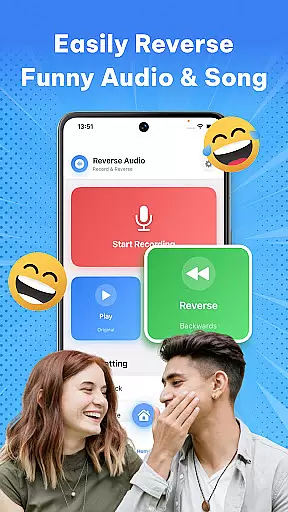
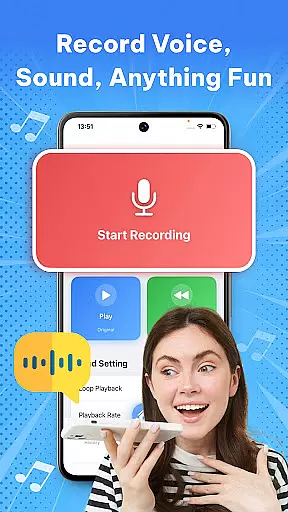

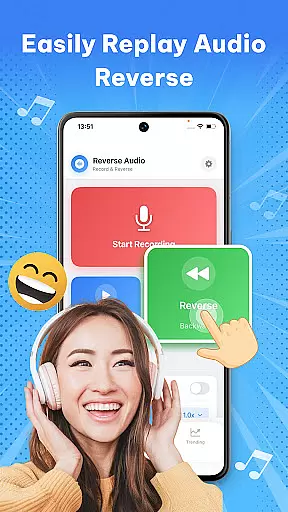
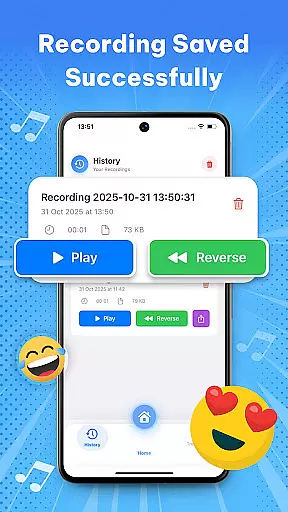

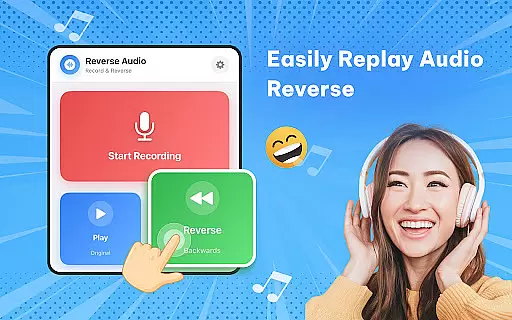
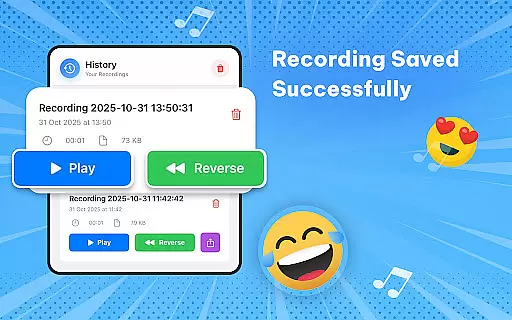
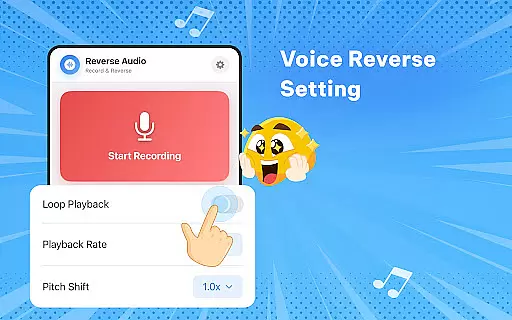
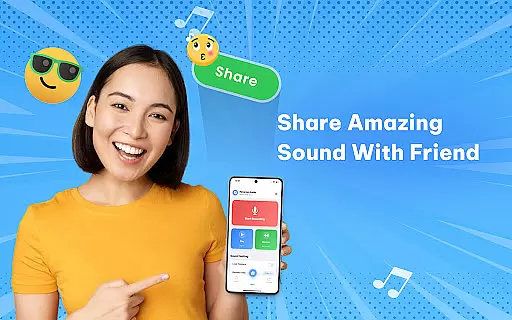
Reverse Audio: Sing Challenge is a creative audio tool designed to transform ordinary sounds into extraordinary experiences. This app allows users to record, reverse, and playback any audio in seconds, making it perfect for fun challenges, viral social media content, or experimenting with unique sound effects.
The application's core functionality lies in its ability to instantly flip voice recordings, songs, or any audio input backward. Users can experiment with reversed playback speed and pitch, creating weird, spooky, or hilarious audio clips. With high-quality sound processing and smooth performance, the app works flawlessly offline, providing a seamless experience for creators, singers, and prank lovers alike.
Whether you're looking to make your friends laugh, join a viral singing challenge, or add a creative twist to your content, Reverse Audio: Sing Challenge offers an innovative way to explore sound reversal. Its intuitive interface and powerful features make it an ideal choice for both casual users and serious creators seeking new ways to engage their audience.
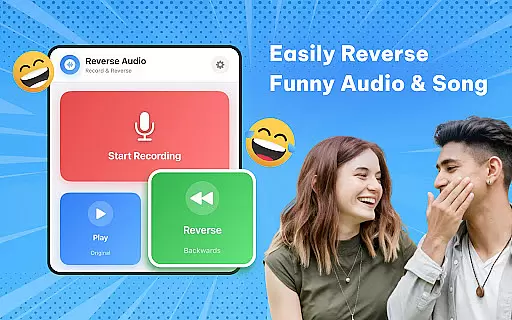
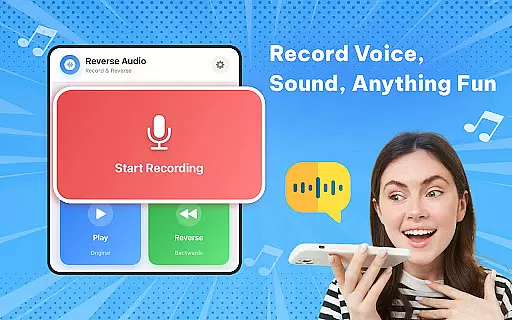
One of the standout features of Reverse Audio: Sing Challenge is its simplicity and versatility. The app allows users to record any sound and instantly reverse it with just one tap. This feature is particularly useful for trying out funny phrases, jokes, or even practicing vocal control by mimicking reversed singing lines.
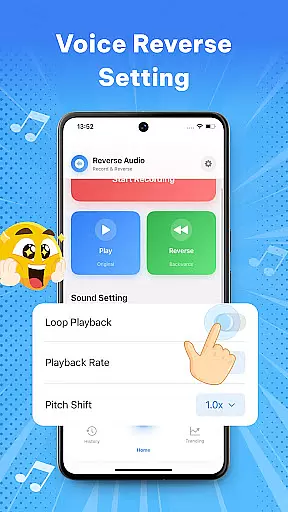
Beyond basic reversal, the app includes advanced tools such as adjustable playback speed and pitch modification. These options enable users to fine-tune their reversed audio clips, adding unique effects that range from eerie to comical. Additionally, the app supports direct sharing to social media platforms, allowing users to quickly distribute their creations and participate in viral challenges.
Another notable aspect is the app's high-quality sound processing, which ensures crystal-clear audio even after multiple manipulations. The ability to save, rename, and manage reversed clips within the app provides a complete creative suite for users who want to experiment with sound in a meaningful way. Whether for professional content creation or casual fun, these features offer exceptional value.
When it comes to music and audio applications like Reverse Audio: Sing Challenge, the size and variety of the music library are crucial for user engagement. This app offers a unique twist by allowing users to record and reverse any sound or voice instantly, creating an endless array of possibilities for creativity and fun.
The app doesn't rely on a traditional music library but instead empowers users to create their own content. By recording voices, songs, or any audio, users can flip the sound backward and experiment with various effects, making each creation inherently original and copyright-free. This feature ensures that every reversed audio clip is unique to the creator, avoiding copyright issues altogether.
Furthermore, the ability to adjust playback speed and pitch adds another layer of customization. Users can tweak their reversed audio clips to sound weird, spooky, or hilarious, thus expanding the creative potential without worrying about copyright infringement. This makes Reverse Audio: Sing Challenge not just a tool for fun but also a platform for creators to explore new sound dimensions safely and legally.
Audio quality is paramount in music and audio applications, and Reverse Audio: Sing Challenge excels in delivering high-quality sound processing. The app provides crystal-clear reverse audio processing with fast performance and simple controls, ensuring that users enjoy a seamless experience whether they're reversing sounds for fun or for creative projects.
One of the standout features is its ability to work perfectly offline, which means users can create high-quality reversed audio clips anywhere, anytime without needing an internet connection. This offline capability ensures consistent audio quality, as there's no reliance on external servers that might degrade sound fidelity during transmission.
In addition to basic reversal, the app allows users to experiment with sound by slowing down or speeding up reversed audio, changing pitch, or adding fun effects. These functionalities ensure that the final output meets various quality standards, catering to different user preferences and project requirements. Whether it's for social media challenges, creative videos, or simply for laughter, Reverse Audio: Sing Challenge delivers top-notch audio quality that enhances the overall user experience.
User-friendly interface
High-quality audio processing
Versatile sound manipulation
Offline functionality
Social media integration
Limited advanced editing
No cloud backup
Basic UI design
Few customization options
Occasional glitches

Turn your phone into a musical instrument from the future!
 3.90
3.90
Offline and always ad-free - stream in the highest quality available.
4.10
Taal player that lets you sing any Indian & Western song with Tabla & Tanpura
4.60
More downloads than any other metronome. Includes drum machine & tempo trainer.
4.80
The best music and audio player, with beautiful UI, music search and equalizer.
4.60
Record, Mix & Master with all n-Track effects, 64-bit audio and Stem Separation.
4.70
Simple mp3 and mp4 player with advanced features.
3.40
Full featured mp3 and audio player with Chromecast and Android Auto support.
4.40
Get alarms that fit your lifestyle and wake up to the sounds you love.
4.80 4.70
4.70
A synth that really lets you shape your sounds!
4.50
Enjoy singing any song, no matter how high or low it is
4.30
Learn and play 2M+ music tabs & chords on guitar, ukulele, bass, and more
4.30
Network/Cloud Streaming, Visualization, Graphic Equalizer and Sound Effects.
4.20
The only true audiophile music player with Hi-Fi audio rendering and DSP engine
3.90
The ultimate media player for Android devices
3.90
Learn to play the piano using falling notes!
3.80
Slow music down without changing pitch.
3.70
The Cubase remote control app
3.60


User Reviews