
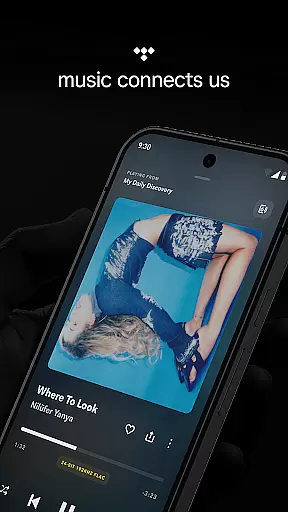
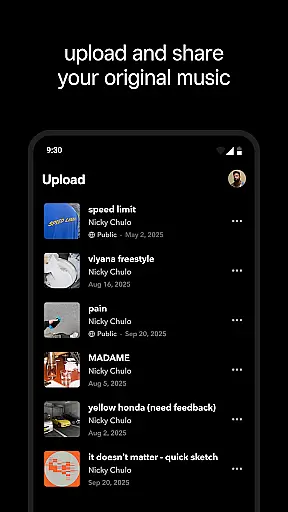
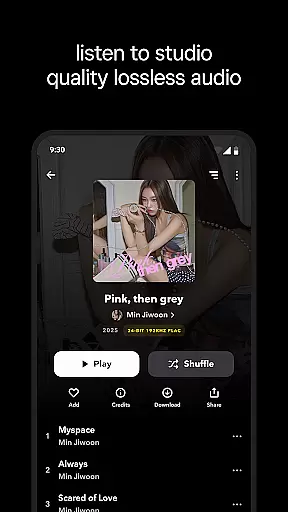
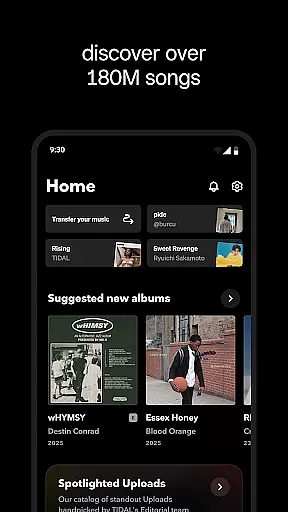
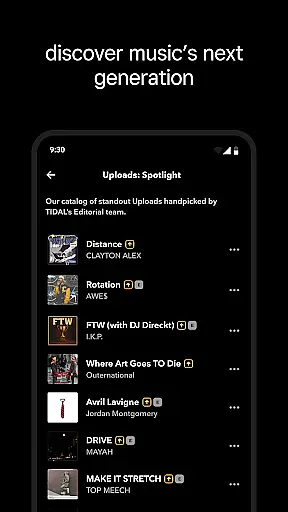
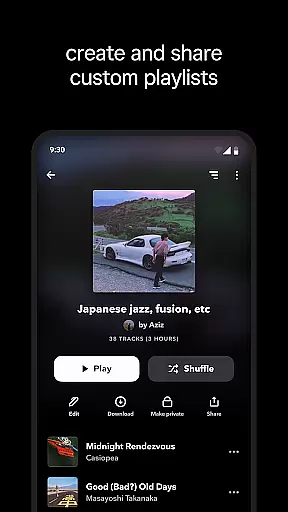
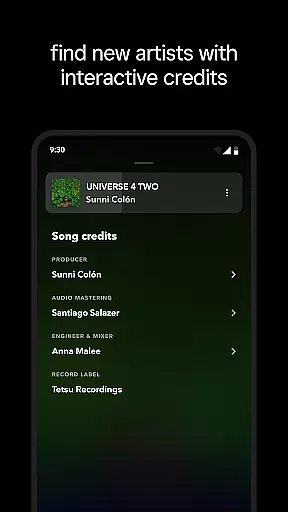
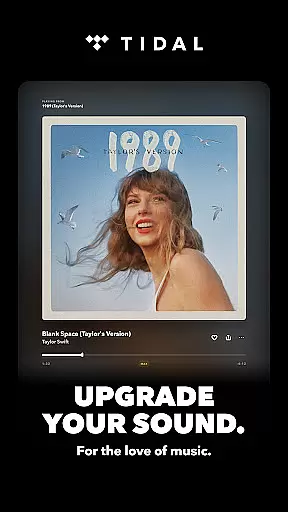
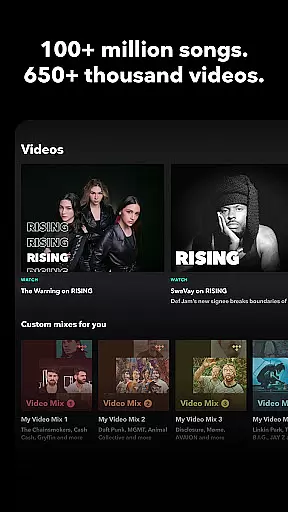
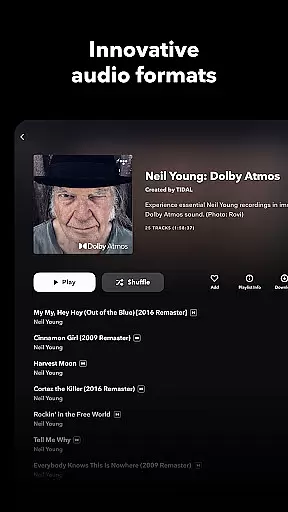
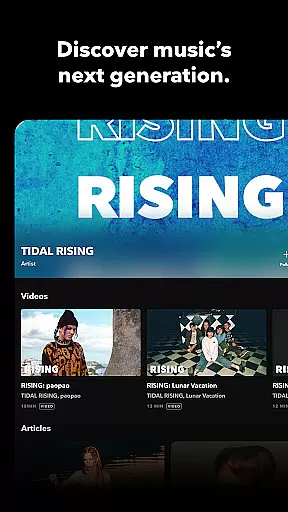
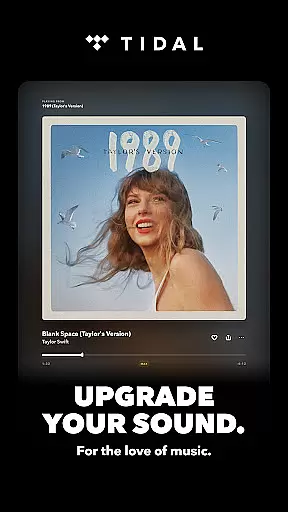
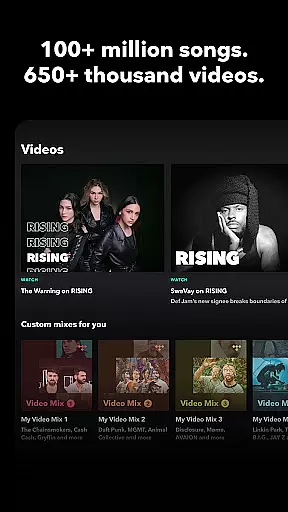
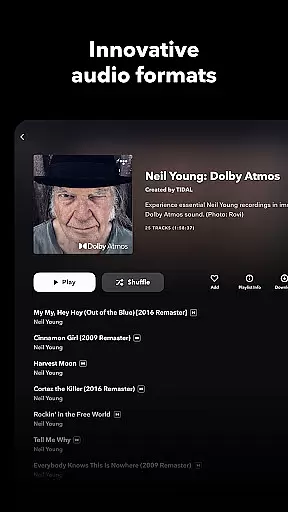
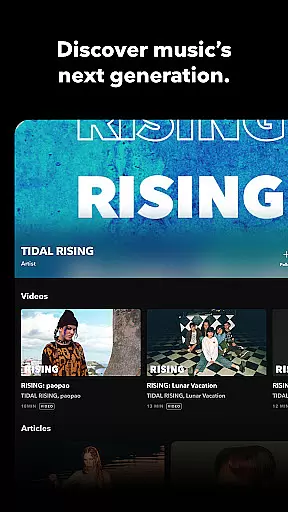
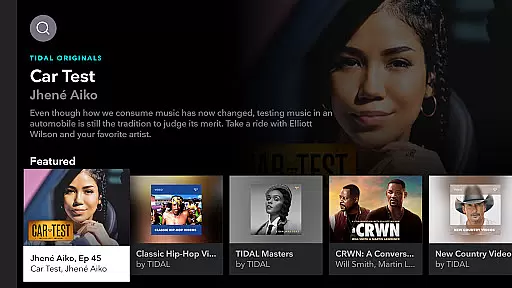
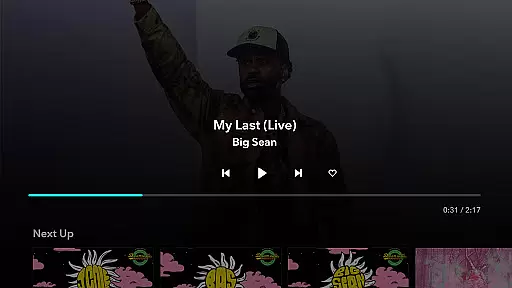
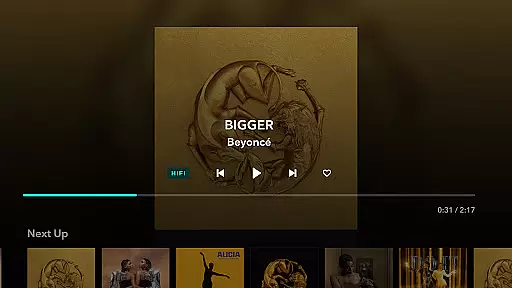
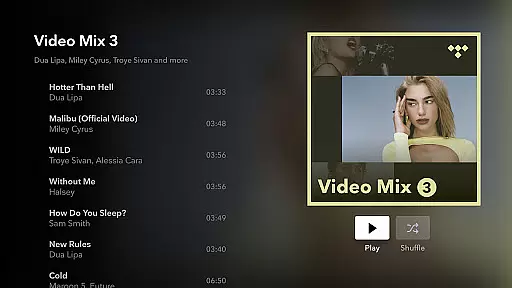
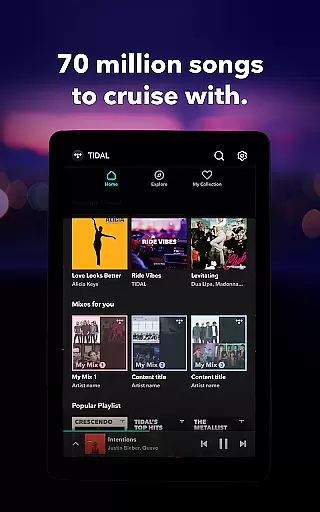

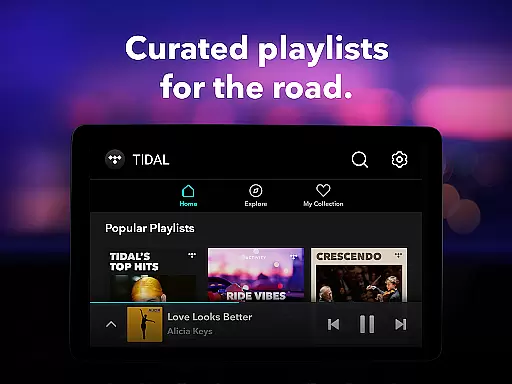
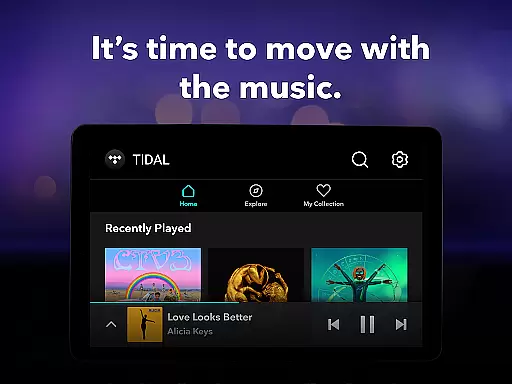
TIDAL Music is a premium music streaming service that stands out for its high-fidelity sound quality and extensive music library. The app offers millions of tracks in HiRes lossless audio, reaching up to 24-bit, 192 kHz, and supports Dolby Atmos for an immersive listening experience. Whether you're an audiophile or casual listener, TIDAL provides a rich soundscape that brings your favorite music to life.
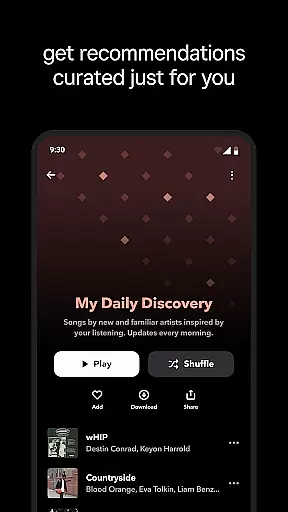
One of the key features of TIDAL is its offline listening capability. Users can download albums, playlists, or individual tracks directly to their devices, allowing them to enjoy music without an internet connection. This makes it perfect for commuters, travelers, or anyone who wants uninterrupted access to their music library. Additionally, TIDAL's personalized recommendations and curated playlists help users discover new artists and genres tailored to their unique tastes.
The app also offers flexible subscription plans, including Individual, Family, and Student options, making it accessible to a wide range of users. With a 30-day free trial, new users can explore all the features before committing to a paid plan. From ad-free playback to advanced sharing options like TIDAL Connect, this app ensures a seamless and enjoyable music experience across multiple devices.
TIDAL Music distinguishes itself through several standout features designed to enhance the user experience. First and foremost is its commitment to high-quality audio streaming. Unlike many competitors, TIDAL delivers lossless audio quality at up to 24-bit/192 kHz, ensuring every note and beat is reproduced with stunning clarity. This feature appeals particularly to audiophiles who demand the best possible sound reproduction from their streaming service.
Another notable aspect is the app's robust offline functionality. By enabling users to download content for offline use, TIDAL ensures uninterrupted access even when there’s no Wi-Fi or cellular data available. This is complemented by smart personalization tools such as My Mixes—curated playlists based on individual listening habits—and editorially selected collections that introduce listeners to new music aligned with their preferences.
Finally, TIDAL goes beyond basic streaming by offering exclusive content and artist interviews, creating deeper connections between fans and musicians. Its integration with platforms like Dolby Atmos further enhances the auditory experience, while features like TIDAL Connect allow seamless playback control across compatible devices. These innovations make TIDAL not just a music player but a comprehensive platform for discovering, enjoying, and engaging with music.
When it comes to music streaming services, the size and authenticity of the music library are crucial factors. TIDAL Music boasts an extensive library with millions of songs and albums spanning multiple genres. This vast collection ensures that users have access to a diverse range of music, from mainstream hits to niche tracks.
The platform places a strong emphasis on copyright authenticity, ensuring that all tracks are properly licensed and sourced from legitimate providers. This commitment to legal compliance not only protects artists' rights but also guarantees users a seamless listening experience without concerns about content removal or legal issues.
By offering high-fidelity audio streaming, TIDAL enhances the value of its music library. Listeners can enjoy their favorite tracks in superior sound quality, experiencing every detail as intended by the artists. This combination of a comprehensive music library and genuine copyright practices makes TIDAL a reliable choice for discerning music enthusiasts.
Audio quality is a defining feature of any music streaming service, and TIDAL excels in this area. The platform offers multiple audio quality options, catering to different user preferences and network conditions. From standard quality for everyday listening to HiFi and Master Quality options for audiophiles, TIDAL provides flexibility in how users experience their music.
The HiRes lossless sound quality option supports up to 24-bit, 192 kHz resolution, delivering studio-grade audio directly to users' devices. Additionally, TIDAL incorporates Dolby Atmos technology, creating an immersive three-dimensional soundscape that brings recordings to life. These advanced audio features ensure that listeners can enjoy their favorite tracks exactly as the artists intended.
TIDAL's commitment to audio excellence extends beyond just streaming quality. The platform's TIDAL Connect feature allows users to listen in lossless quality on supported devices, maintaining the integrity of the original recording throughout the playback process. This dedication to preserving audio fidelity sets TIDAL apart in the competitive music streaming market.
High-fidelity audio
Offline downloads
Personalized playlists
Family plan option
Exclusive content
Higher cost
Limited device support
No free tier
Complex UI
Fewer podcasts

Simply convert wav to mp3. Clear. Reliable. Safe.
 4.3
4.3
Your HD audio recorder on the go for music, meetings, ambience, animal sounds…
4.30
More downloads than any other metronome. Includes drum machine & tempo trainer.
4.80
Visualize the guitar fretboard, master scales & play through changes like a pro!
4.50
The best music and audio player, with beautiful UI, music search and equalizer.
4.60
AI Music Maker: Generate And Compose AI Tunes & AI Songs & AI Music & AI Melody!
4.60
Music, News & Sports Radio Tuner App. Tune in Live FM & AM Radio Stations.
4.80
Turn your Android phone into a professional audio analyser with up to 120 bands.
4.00
Get alarms that fit your lifestyle and wake up to the sounds you love.
4.80
24,000 free audio books and no ads!
4.90
Guzheng Master supports many playing techniques as an acoustic Guzheng
4.50
DJ Music Mixer - DJ Remix: remix songs, make beat music & record mix of DJ.
4.40
Full featured mp3 and audio player with Chromecast and Android Auto support.
4.40
Time Guru will strengthen your internal sense of musical time via random muting.
4.30
Network/Cloud Streaming, Visualization, Graphic Equalizer and Sound Effects.
4.20
Next generation modular control surface
4.10
Turn your phone into a musical instrument from the future!
3.90
Control your MIDI USB or Bluetooth devices in app and avoid some trampling
3.30
The Skullcandy App Experience
3.20


User Reviews