
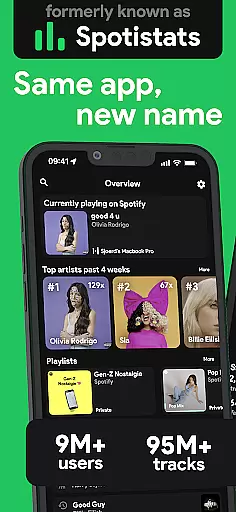
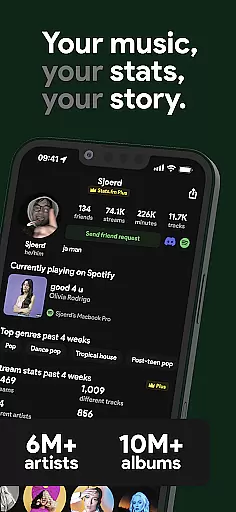
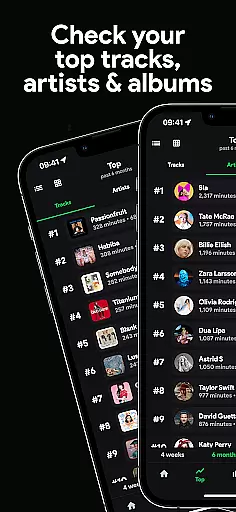
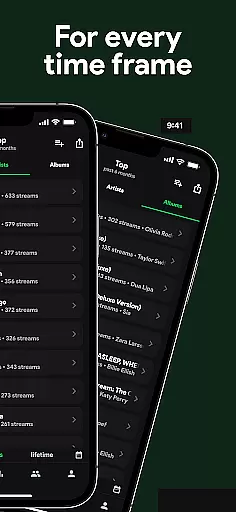
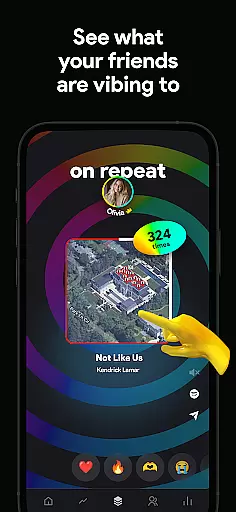
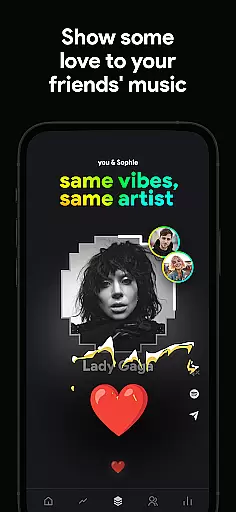
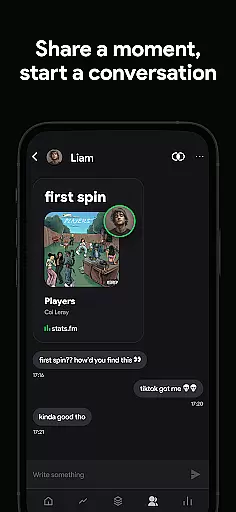
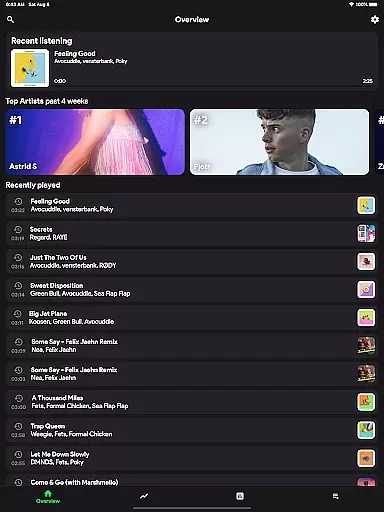
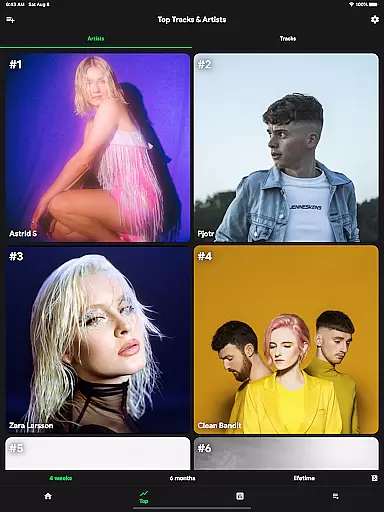

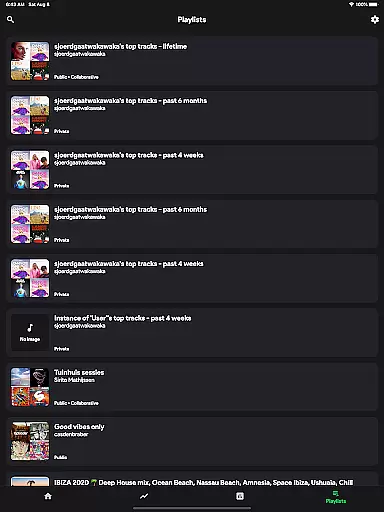
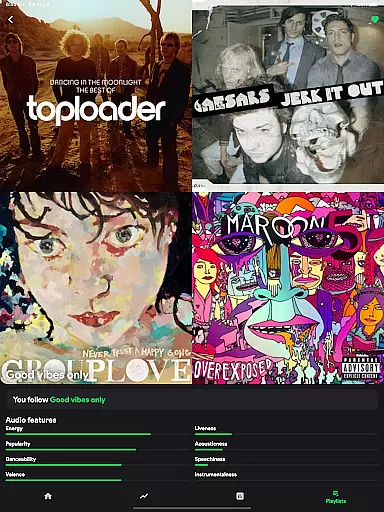
stats.fm for Spotify is a comprehensive music analytics app that provides users with detailed insights into their listening habits. With over 10 million users globally, the app offers an extensive database of 100 million track stats, 14 million albums, and 6 million artists. Users can explore their most listened songs and artists across various time periods, offering a personalized journey through their musical preferences.
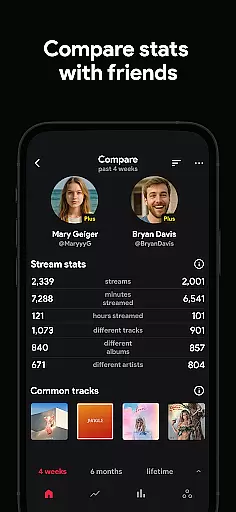
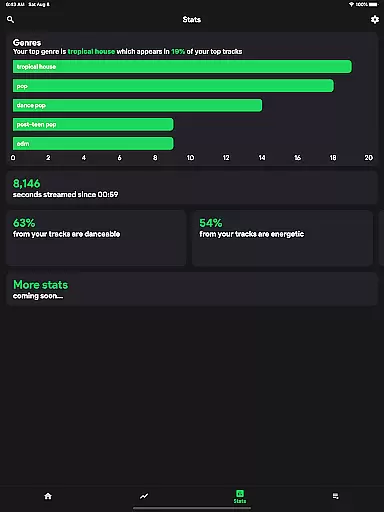
The app goes beyond traditional analytics by providing unique features such as listening clocks, playcounts, streaming durations, and even music type classifications like lively or energetic. It also allows users to compare their stats with friends, adding a social dimension to music discovery. Whether you want to flex on your friends or gain deeper insights into your favorite tracks, stats.fm delivers a rich and engaging experience.
One of the standout features of stats.fm is its ability to display how many times users have listened to their favorite songs, along with detailed breakdowns of playcounts and streaming minutes. The app's Plus feature enhances this by allowing users to view lifetime streaming histories for specific songs, artists, or playlists.
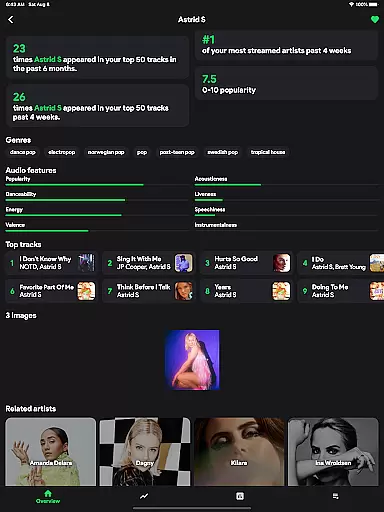
stats.fm also excels in its social comparison capabilities. Users can search for and add friends to compare listening stats, creating friendly competition and shared musical experiences. Additionally, the app provides advanced metrics such as song popularity on Spotify, top tracks for artists or albums, and music characteristics like danceability or energy levels.
With its sleek design and intuitive interface, stats.fm transforms raw data into visually appealing graphs and charts. This makes it easy for users to understand complex listening patterns while enjoying a modern aesthetic that complements the Spotify experience.
With over 10 million users worldwide, stats.fm for Spotify offers an extensive music library that includes more than 14 million albums and 6 million artists. This vast collection ensures that users have access to a wide array of tracks, making it possible to gain insights into their most listened songs and artists from any time period imaginable.
The app's integration with Spotify guarantees the authenticity of its music library, as it pulls directly from one of the largest legal music streaming services available today. Users can be confident that they are exploring accurate data tied to legitimate content, which is crucial when analyzing personal listening habits or comparing stats with friends.
Moreover, by providing detailed statistics on beloved songs, artists, or playlistsu2014including play counts, minutes streamed, and popularity levelsu2014stats.fm empowers users to understand their unique musical journey within a richly populated ecosystem where copyright compliance is assured through direct association with licensed material on Spotify.
While stats.fm does not directly control audio quality since it works as a companion app to Spotify, it enhances the user experience by offering deep insights into listening behaviors without affecting the original sound fidelity provided by Spotify itself. The focus remains on delivering high-quality analytics rather than altering the pristine condition of streamed music files.
Users can explore various aspects such as how much time they spend listening (playcounts, minutes/hours streamed), what types of music resonate with them (lively, energetic genres), and even discover top listeners for specific tracksu2014all while enjoying the superior audio quality options set forth by Spotifyu2019s platform standards.
This analytical approach allows audiophiles to maintain their preferred settings for an optimal auditory experience while gaining valuable knowledge about their consumption patterns across different categories like genre preference or peak activity times throughout the day.
User-friendly interface
Comprehensive music stats
Social comparison features
Detailed streaming history
Vibrant visual graphs
Premium features require payment
Limited free tier options
Occasional sync delays
Import process can be complex
Not officially affiliated with Spotify

Powerful beat maker & DJ mixer to remix tracks, make music, & perform DJ mix
 3.70
3.70
More downloads than any other metronome. Includes drum machine & tempo trainer.
4.80
Bass Booster & Volume Equalizer Pro improves your music and video sound quality
4.60
AI Music Maker: Generate And Compose AI Tunes & AI Songs & AI Music & AI Melody!
4.60
Offline Music Player & MP3 Player.Powerful equalizer, Lyrics, Themes, Tag Editor
4.80
PowerAudio is a powerful offline music player.
4.20
Master Salsa Rhythm quickly and with a lot of fun!
4.30
The iconic iOS metronome app is now on Android.
3.70
Get alarms that fit your lifestyle and wake up to the sounds you love.
4.80
Your song collections with lyrics and chords on Android smartphones and tablets.
4.80
Make songs with AI! Any genre, custom lyric, song generator for music creation!
4.80
Responsive piano with great sounds, graphics, and songs
4.80
Most Advanced AI Song Generator and Music Creator. Rap, Pop, Rock, Gospel & more
4.70
Simple & Intuitive Metronome
4.70
Equalizer, Bass Booster and Volume Booster (Eq & Bass) improve sound quality
4.30
Advanced 10-Band Audio Graphic Equalizer Sound Booster Pro
4.30
No wifi music app. Mp3 offline. Tuner radio, young radio music. Music downloader
4.20
Turn your phone into a musical instrument from the future!
3.90
Slow music down without changing pitch.
3.70


User Reviews