
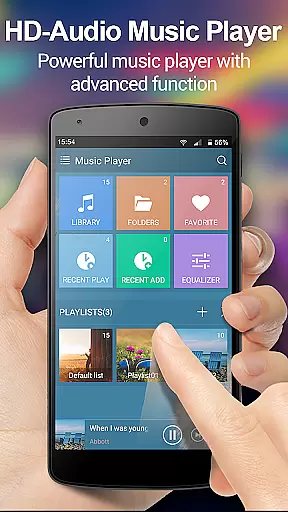
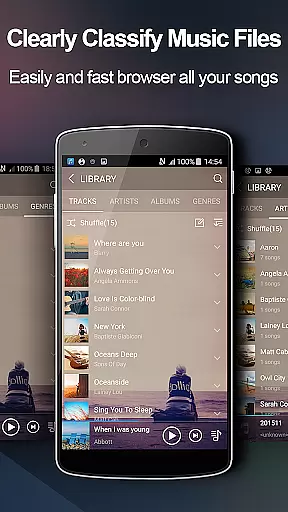
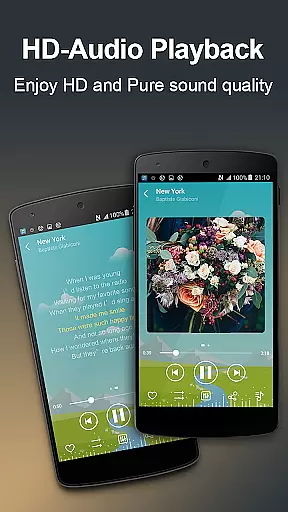
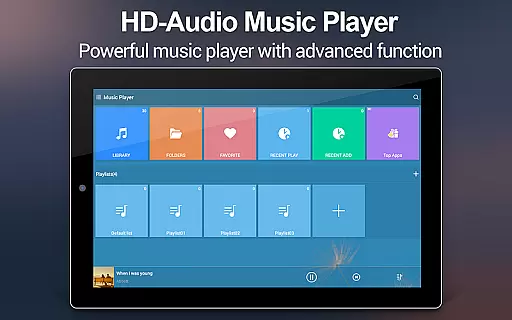
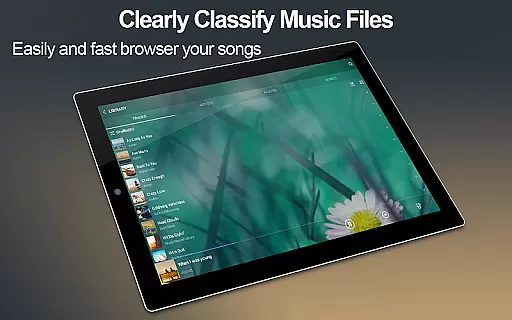
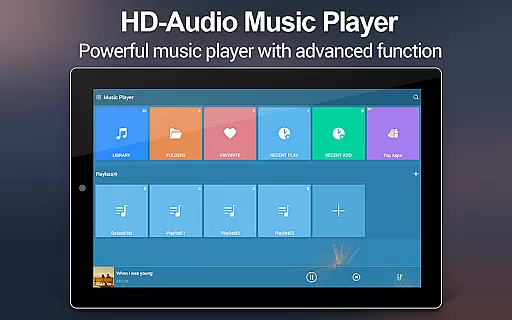
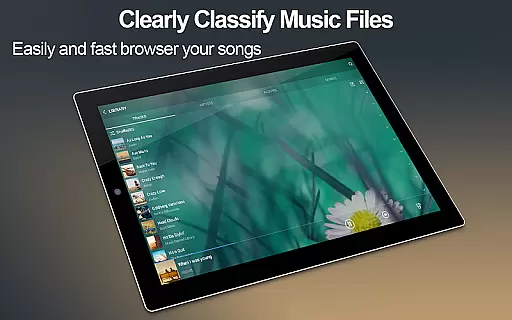
Music Player + is a feature-rich audio management app designed for Android users who demand both functionality and aesthetics. This app allows you to easily manage all your music files through an intuitive interface that supports browsing by albums, artists, genres, playlists, folders, and album artists.
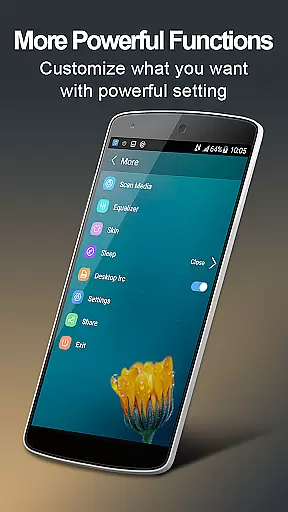
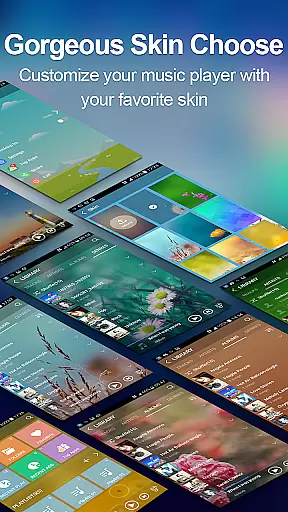
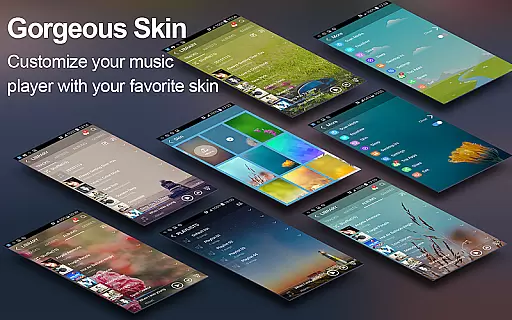
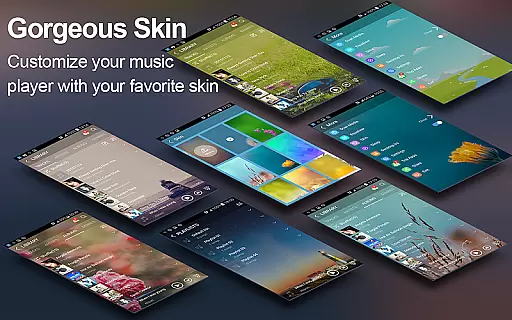
The app stands out with its powerful equalizer, automatic lyric matching, and customizable background skins. With over 20 stunning skins and five-band equalizer presets, you can tailor the sound and appearance to your personal preferences. Whether you're at home or on the go, Music Player + ensures an uninterrupted music experience with advanced features like headset controls, shake-to-skip, and notification bar playback controls.
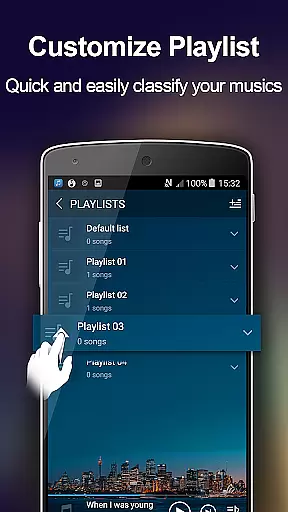
Ideal for audiophiles and casual listeners alike, this app transforms your smartphone into a versatile music station. The ability to edit song details and create custom playlists makes it perfect for organizing large music libraries, while the widget support keeps your favorite tracks just a tap away.
Music Player + offers an impressive array of features that cater to every music lover's needs. The app provides seamless integration with your device's file system, allowing quick searches across all music and audio formats. Its folder-based organization goes beyond traditional artist or album views, giving you complete control over your music library.
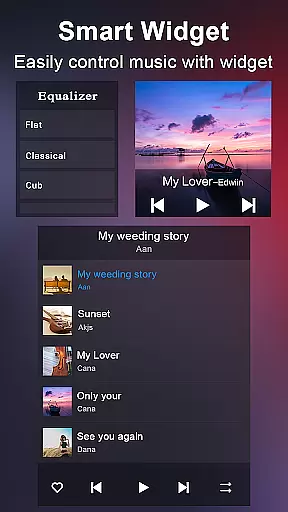
One of the standout features is the advanced equalizer with eight preset tones and manual adjustment options. This, combined with automatic lyric scanning and matching, creates an immersive listening experience. The app also includes three customizable home screen widgets in various sizes (4x1, 2x2, 4x1) that display essential playback information and controls.
Additional notable features include shake-to-skip functionality, notification status controls, and comprehensive search capabilities. The app supports both one-button and multi-button headsets, while Bluetooth controls ensure wireless convenience. With twenty built-in background skins and the option to use personal images, users can personalize their interface while enjoying uninterrupted, ad-free playback.
When it comes to music players, the size and authenticity of the music library are crucial factors. Music Player + offers an extensive library that supports all music and audio file formats, ensuring you have access to a vast array of songs legally and safely.
This application allows users to browse and play music by albums, artists, genres, playlists, folders, and album artists. This comprehensive organization not only enhances accessibility but also ensures that each track's copyright information is respected and preserved.
With automatic scanning for lyric files and matching them with corresponding songs, Music Player + provides an enriched listening experience while maintaining legal integrity. Users can enjoy their favorite tunes knowing they are sourced from legitimate channels.
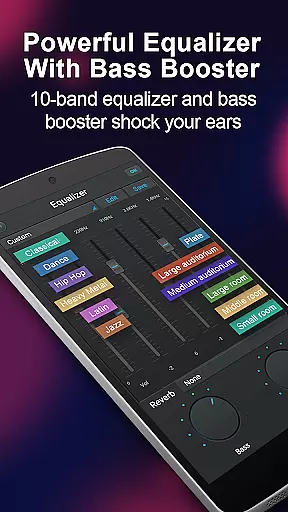
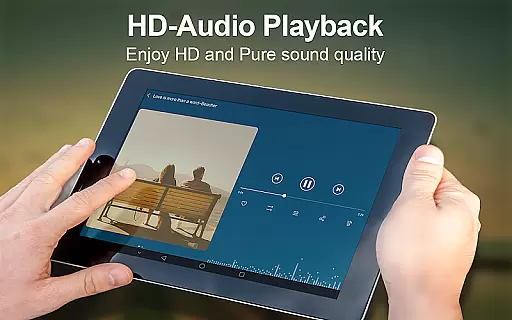
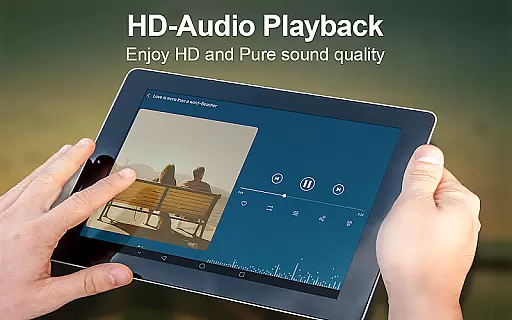
Audio quality is paramount for any music enthusiast, and Music Player + excels in delivering top-notch sound options. The app features a powerful five-band equalizer with eight types of preset music tones, allowing users to customize their listening experience precisely as they desire.
In addition to preset options, manual adjustments enable fine-tuning of audio settings. Whether you prefer deep bass or crystal-clear treble, this feature ensures every note sounds perfect according to individual preferences.
Furthermore, the unique equalizer makes your music sound unparalleled, offering an immersive auditory journey. Coupled with high-quality background skins and customizable widgets, Music Player + elevates both visual appeal and sonic excellence, setting a new standard for mobile audio players.
User-friendly interface
Powerful equalizer
Customizable skins
Automatic lyric matching
Comprehensive file support
No iOS version available
Advanced features may overwhelm beginners
Occasional compatibility issues
Limited social sharing options
Some features require technical knowledge

Formerly known as Spotistats! View your top tracks, artists, albums and more!
 4.40
4.40
The Cubase remote control app
3.60
DJ Music Mixer - DJ Remix: remix songs, make beat music & record mix of DJ.
4.40
A High-Precision Audio Spectrum Analysis App
4.20
Save hundreds of dollars for a physical strobe tuner and instead use this app.
4.50
USB audio recording and playback finally possible on Android 3.1 or higher!
3.90
Enjoy singing any song, no matter how high or low it is
4.30
Help you quickly get started with Shokz headphones
4.40
Responsive piano with great sounds, graphics, and songs
4.80
Unleash your creativity! Turn simple prompts into full fledged songs.
4.70
Recording studio w/ 10k beats, pro vocal FX and a network of 20M rappers & fans!
4.60
SqueezePlayer turns your Android phone or tablet into a SqueezeBox on its own!
4.60
Learn the notes on the guitar fretboard fast with this easy and fun app
4.60
10-Band Audio Equalizer, Sound / Bass Booster for Spotify Users & Music Players
4.40
Equalizer, Bass Booster and Volume Booster (Eq & Bass) improve sound quality
4.30
VB-AUDIO Software / VBAN-Receptor allows listening to any VBAN Streams
4.10
Background pads for your band
3.80
Learn to play the piano using falling notes!
3.80
Control your MIDI USB or Bluetooth devices in app and avoid some trampling
3.30


User Reviews