
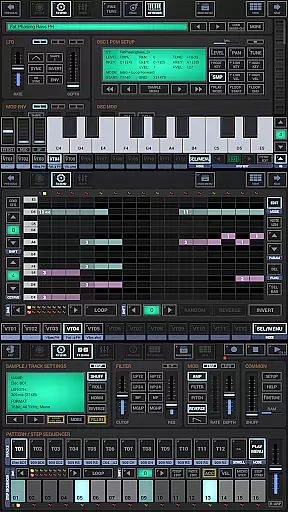
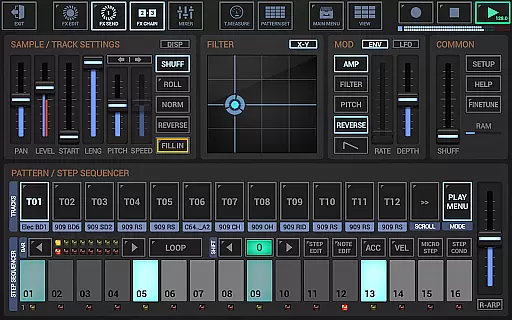
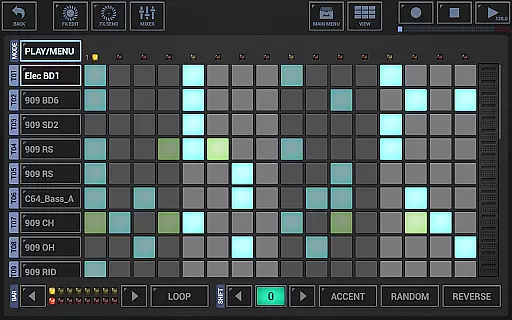
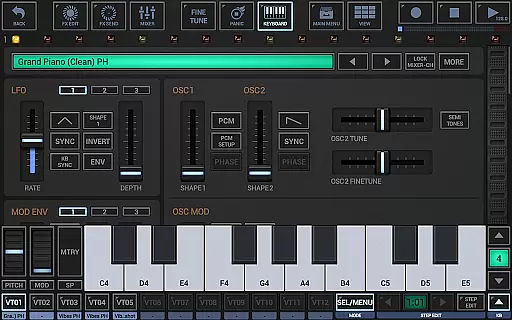
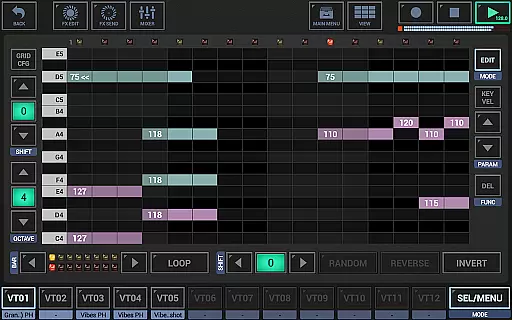
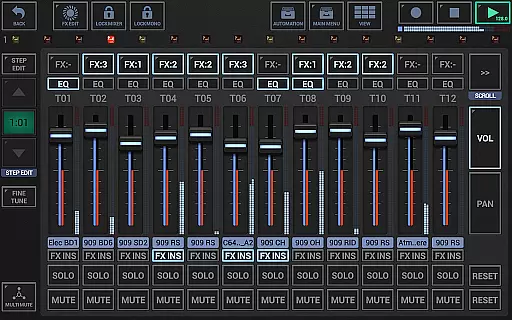
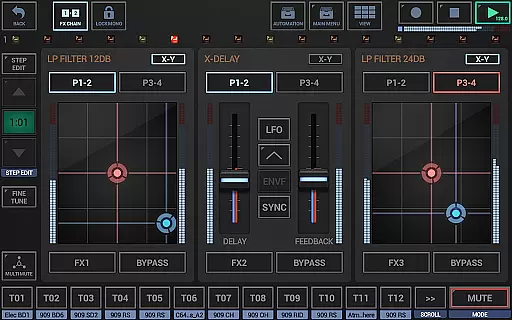
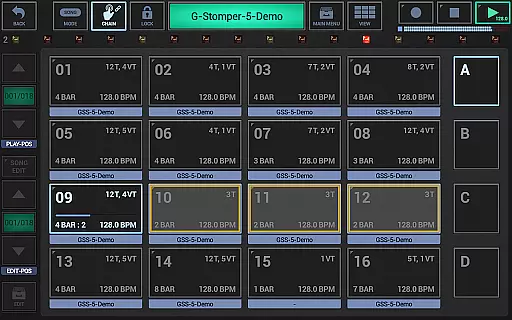
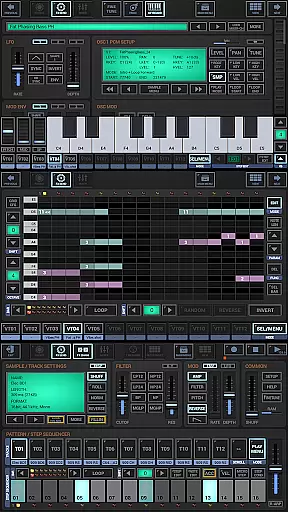
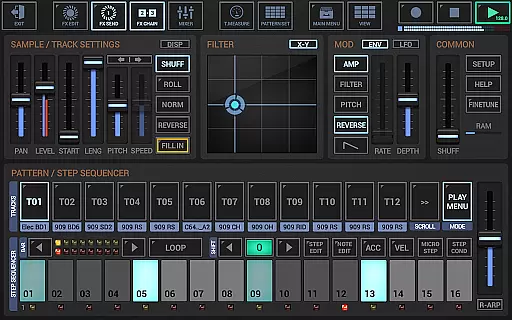
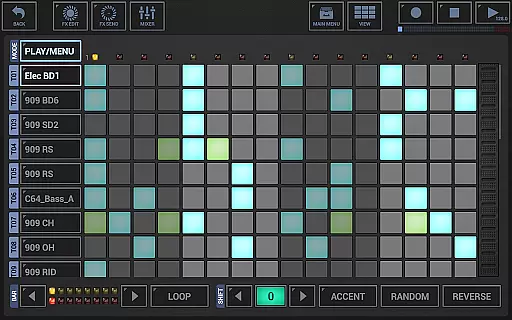
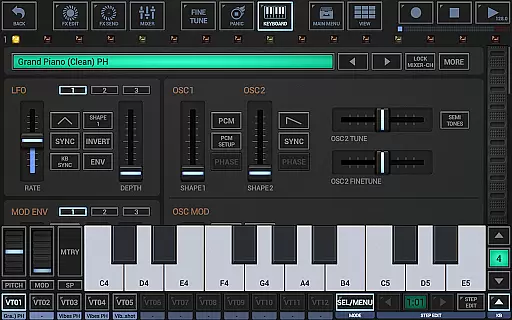
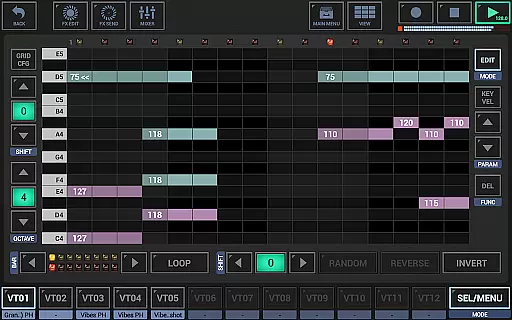
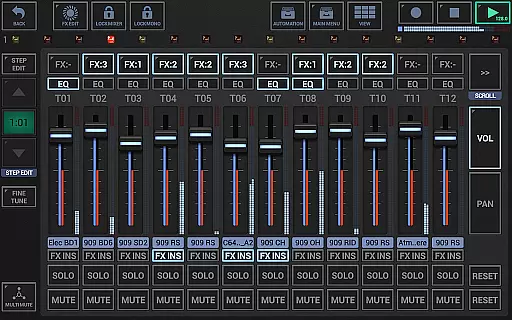
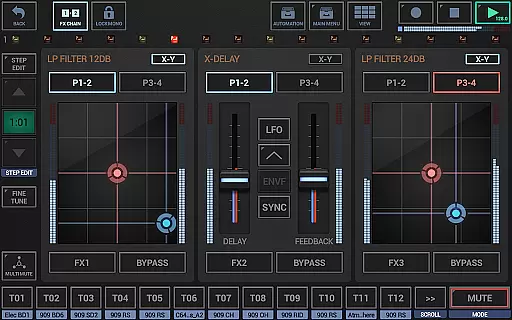
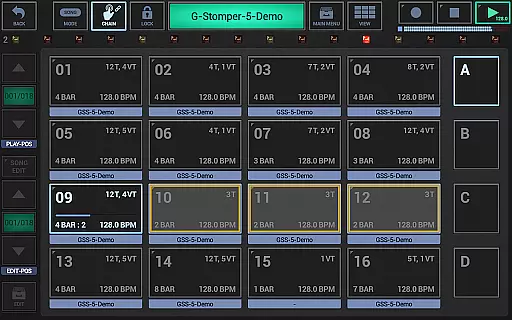
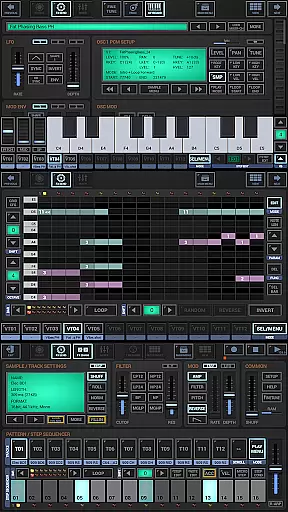
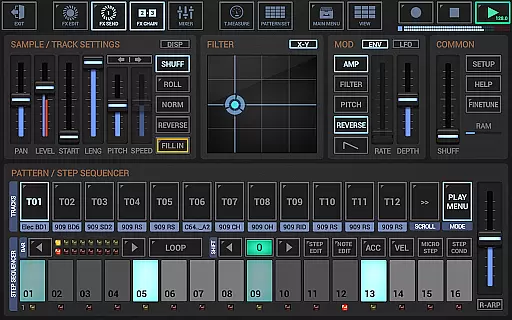
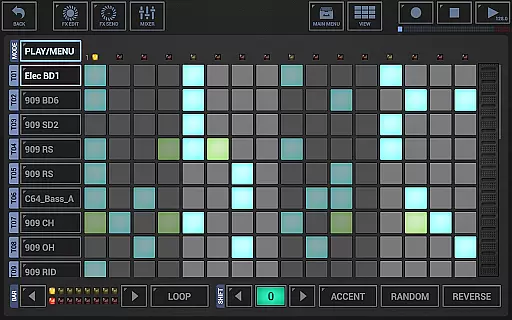
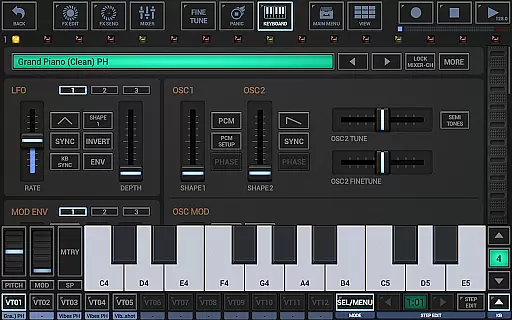
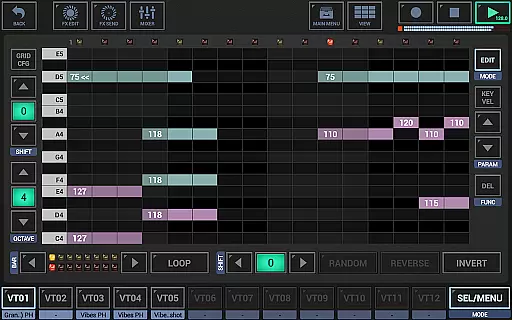
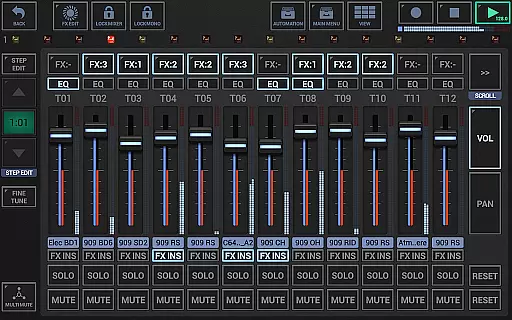
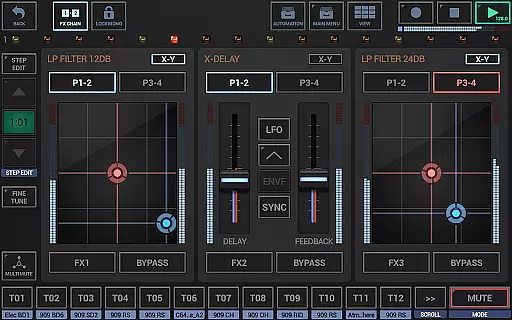
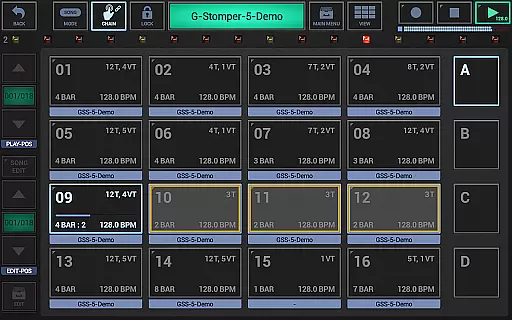
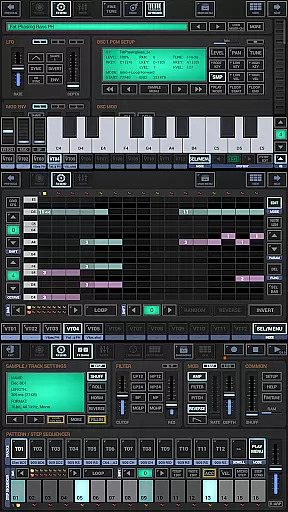
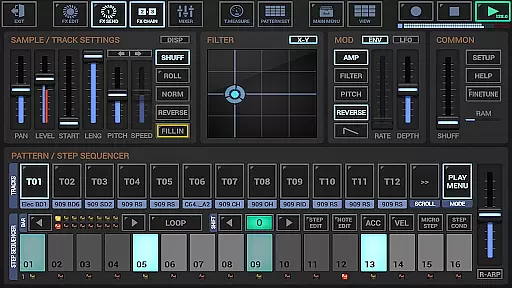
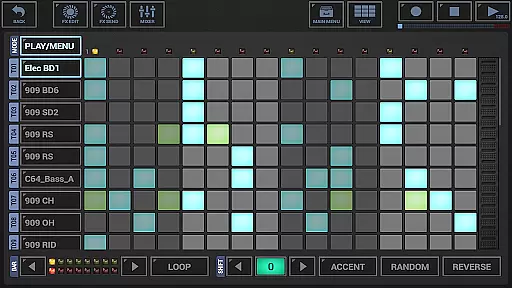
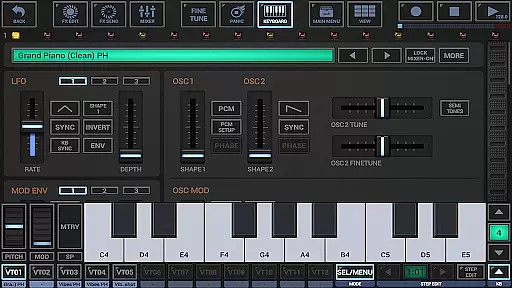
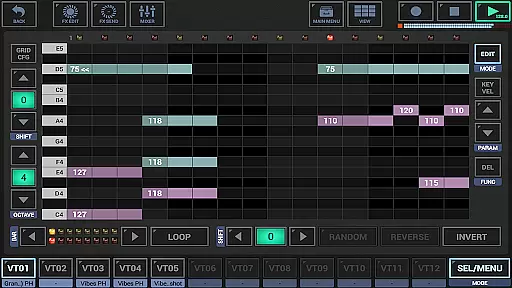
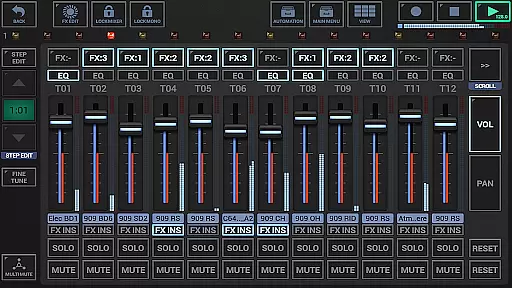
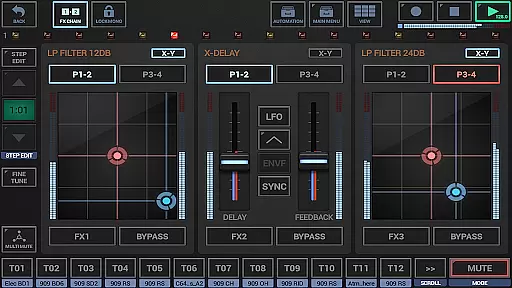
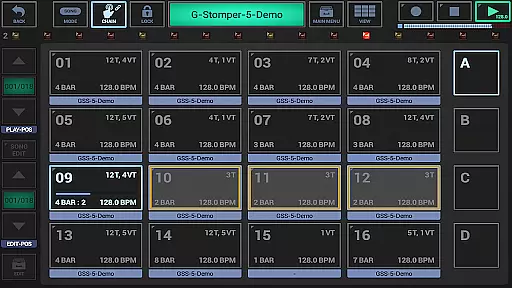
G-Stomper Studio is a comprehensive music production tool optimized for electronic live performances in studio quality. This feature-packed application combines a step sequencer-based drum machine, sampler, virtual analog synthesizer (VA-Beast), polyphonic and monophonic step sequencers, track grid sequencer, piano keyboard, 24 drum pads, effect rack, master section, line mixer, and live pattern/song arranger.
The integrated VA-Beast synthesizer allows users to produce complex synthetic sounds with advanced FM support and waveform synthesis. Its intuitive interface makes it suitable for both experienced sound designers and beginners. Whether exploring factory sounds or designing custom sounds, users can achieve impressive studio-quality results quickly and efficiently.
With its extensive set of features including Ableton Link integration, full round-trip MIDI support, high-quality audio engine, and various effect types, G-Stomper Studio is ideal for creating professional-grade music on mobile devices. The app also supports real-time sample modulation, user sample import, motion sequencing, and automation, making it a versatile tool for musicians and producers.
G-Stomper Studio offers an array of powerful features that cater to diverse music production needs. It includes a drum machine with up to 24 tracks, a multi-track step sequencer, monophonic melodic step sequencer, and a polyphonic step sequencer for melodies. Additionally, the app provides 24 drum pads for live playing and a piano keyboard spanning eight octaves.
The mixer section comprises a line mixer with up to 36 channels, each equipped with a parametric 3-band equalizer and insert effects. An effect rack with three chainable effect units and a master section with two sum effect units further enhance the mixing capabilities. The live pattern/song arranger supports up to 64 concurrent patterns, enabling flexible song arrangements.
Feature highlights include Ableton Link for synchronized playback, full MIDI integration via USB and Bluetooth, a high-quality audio engine with 32-bit float DSP algorithms, and 47 effect types such as dynamic processors, resonant filters, distortions, delays, reverbs, and vocoders. These features collectively provide users with a robust platform for creating intricate and high-fidelity musical compositions.
G-Stomper Studio offers an extensive music library that caters to a wide array of musical genres and styles. The inclusion of a polyphonic virtual analog synthesizer, the VA-Beast, allows users to produce complex synthetic sounds in impressive studio quality. This feature ensures that musicians have access to a diverse palette of sounds, which is crucial for creating unique compositions.
The app supports user samples in various formats including uncompressed WAV or AIFF up to 64bit, and compressed MP3, OGG, FLAC. This versatility in format compatibility emphasizes the app's commitment to copyright authenticity, as users can import their legally acquired samples and integrate them into their projects without concern.
Furthermore, G-Stomper Studio provides a comprehensive set of features for sound design, such as advanced FM support and waveform-based synthesis. These tools empower users to craft original sounds, reinforcing the authenticity of their music library while also respecting copyright laws.
With the ability to export patterns as MIDI and tracks individually as WAV files, users can further utilize their creations in other digital audio workstations. This not only highlights the app's dedication to creative freedom but also its respect for the intellectual property rights of its users.
Audio quality is paramount in music production, and G-Stomper Studio excels in delivering pristine sound through its high-quality audio engine. Utilizing 32-bit float DSP algorithms, the app ensures that all sounds produced are clear and dynamic, providing an immersive experience for both the creator and the audience.
The app includes 47 effect types, ranging from dynamic processors to resonant filters, distortions, delays, reverbs, vocoders, and more. Each effect comes with additional features like sidechain support, tempo sync, LFOs, and envelope followers, allowing for meticulous sound shaping and enhancement.
G-Stomper Studio also supports real-time sample modulation and per track/voice multi-filters, giving users precise control over the texture and character of their audio output. Such detailed manipulation capabilities guarantee that the final product meets professional standards.
Moreover, the option to record live sessions in real-time at rates up to 96kHz with bit depths ranging from 8 to 32 bits showcases the app's dedication to superior audio fidelity. Musicians can confidently capture their performances knowing that the nuances of their playing will be faithfully reproduced, maintaining the integrity of their artistic expression.
Comprehensive feature set
High-quality audio engine
Intuitive user interface
Real-time sample modulation
Versatile MIDI support
Steep learning curve
Resource-intensive
Limited free version
Complex interface
Requires powerful device

Offline and always ad-free - stream in the highest quality available.
 4.10
4.10
Pay Once, no monthly payment
4.60
Background pads for your band
3.80
JBL PartyBox APP works with 110/310/710/120/320/520/Encore/Encore 2/Encore Ess 2
4.80
Network/Cloud Streaming, Visualization, Graphic Equalizer and Sound Effects.
4.20
Play your hearts out on TouchTunes jukeboxes & connect with fellow music lovers.
4.80
The original SP-1200 experience on your iPad
4.20
Master Salsa Rhythm quickly and with a lot of fun!
4.30
Get alarms that fit your lifestyle and wake up to the sounds you love.
4.80
Responsive piano with great sounds, graphics, and songs
4.80
Ultimate Sonos Controller
4.70
Unleash your creativity! Turn simple prompts into full fledged songs.
4.70
Listen radio AM / FM Stations. Live AM / FM Radio App Station. Radio Com.
4.70
Fun & Easy Voice Changer – Record, Edit & Add Hilarious Effects!
4.50
A synth that really lets you shape your sounds!
4.50
Time Guru will strengthen your internal sense of musical time via random muting.
4.30
A sleek, no-frills player designed for true music lovers.
4.20
Turn your Android phone into a professional audio analyser with up to 120 bands.
4.00
Learn to play the piano using falling notes!
3.80


User Reviews