
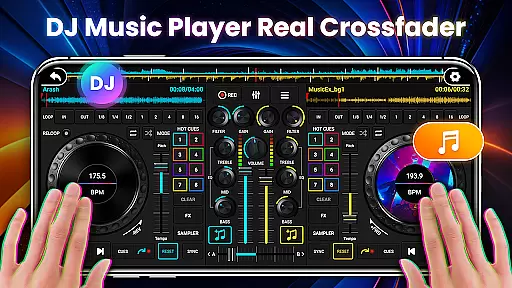
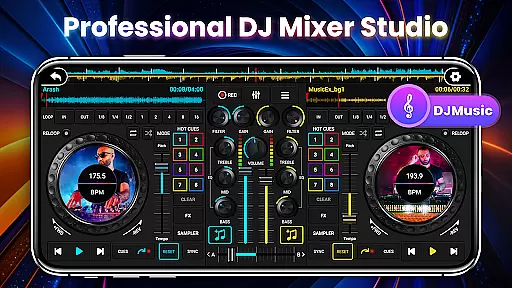
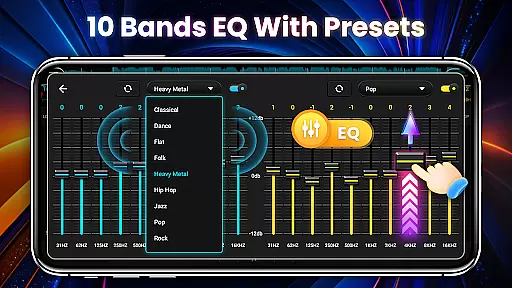
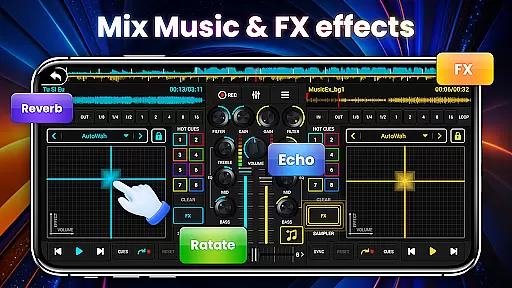
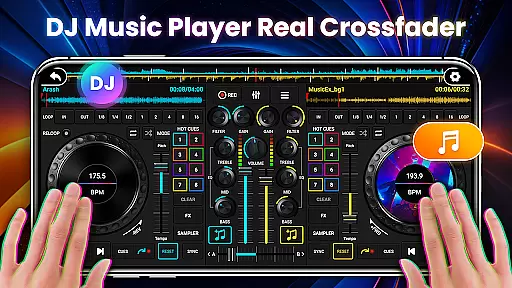
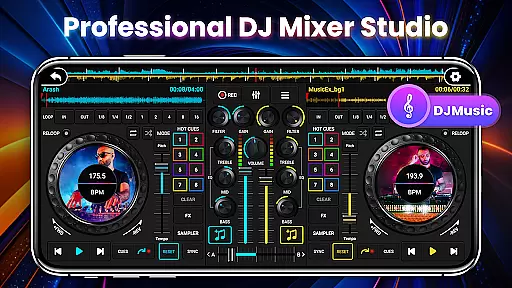
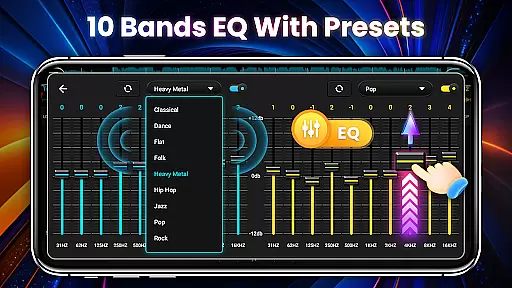
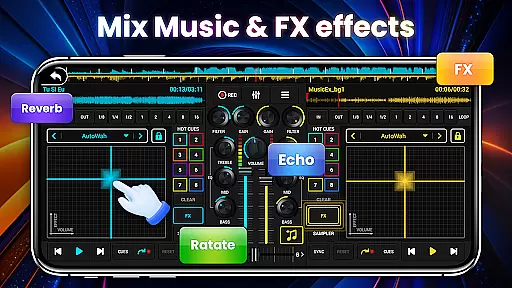
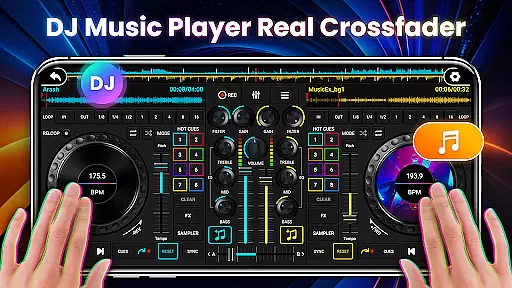
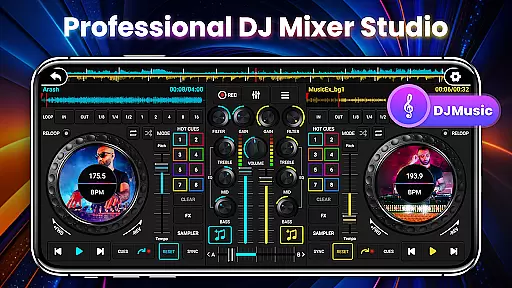
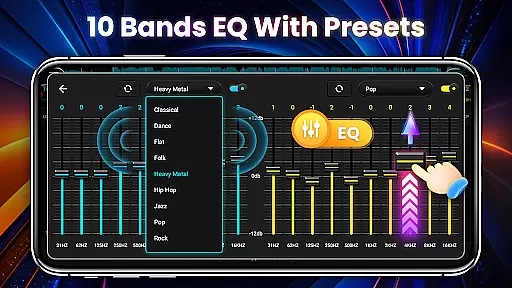
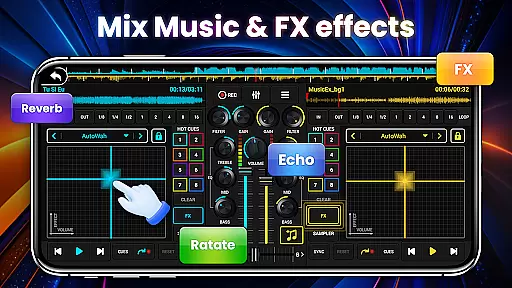
DJ Mixer Studio Pro is a professional-grade virtual DJ console designed for both beginners and experienced DJs. This AD-free music mixing app offers an immersive experience with its realistic interface that simulates real DJ equipment. Users can enjoy features like a 3-band EQ mixer, FX effects, and a 10-band equalizer with bass booster to create stunning remixes.
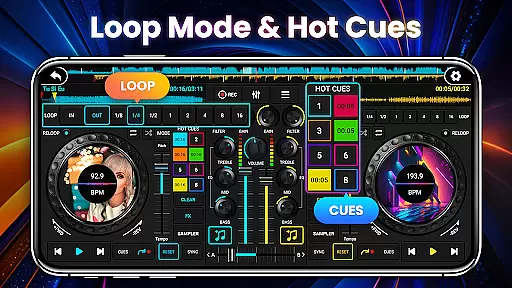
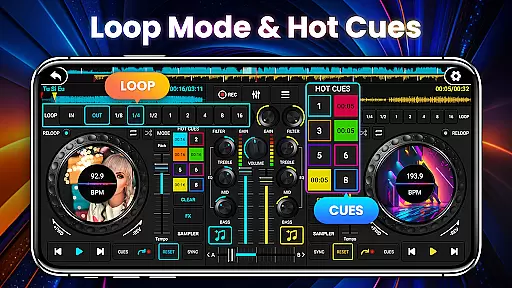
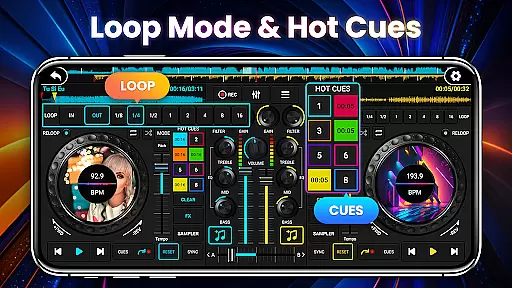
The app allows simultaneous playback on two decks, enabling users to mix songs seamlessly. With precise BPM synchronization, tone locking, and crossfader functionality, it ensures smooth transitions between tracks. The inclusion of seven FX effects processors and eight loop modes provides extensive creative control, making it suitable for both casual users and professional DJs looking to refine their skills.
DJ Mixer Studio Pro stands out with its comprehensive feature set tailored for professional audio mixing. The app includes three quick EQ adjustment buttons alongside a ten-segment equalizer for precise sound tuning. Its seven FX effects processors - including AutoWah, Echo, and Reverb - allow users to add depth and texture to their mixes.
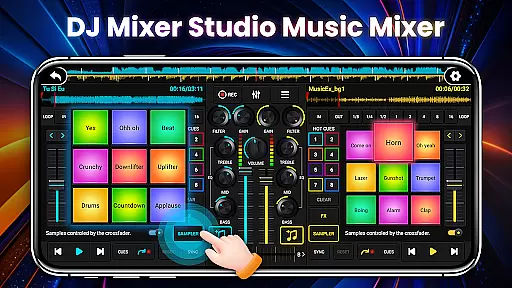
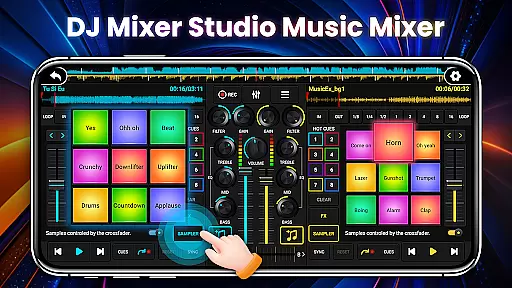
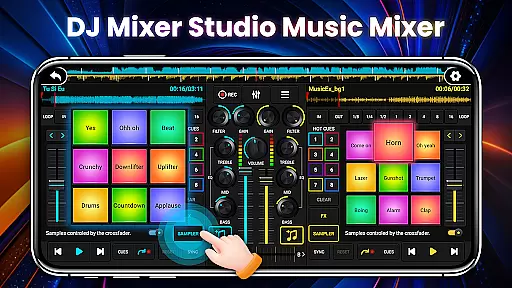
The application supports up to eight hotspots for quick access to favorite settings and comes with 27 free sample packages containing impressive sound effects. The intuitive interface adapts to various phone sizes, while the beginner tutorials make it accessible to all skill levels. Additional professional features include BPM proofreading, segment cycling, and high/low pass filters, ensuring users have all necessary tools to create sophisticated DJ-quality mixes.
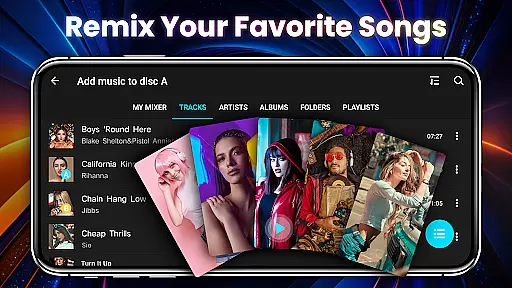
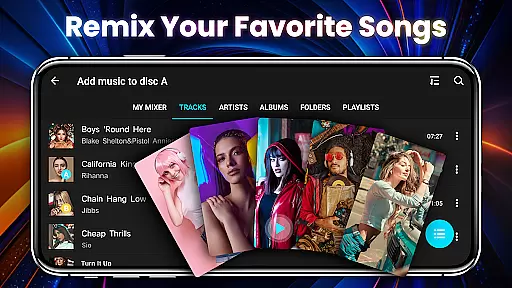
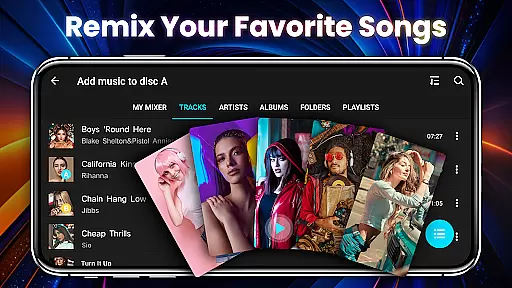
In the realm of DJ Mixer Studio Pro, the vastness and diversity of the music library stand as a testament to its commitment to providing users with an extensive selection for their mixing pleasure. The application grants access to a plethora of tracks, ensuring that DJs of all levels can find the perfect beat to match their creative vision.
Copyright authenticity is not taken lightly within this app's framework. Each track available through DJ Mixer Studio Pro has been carefully vetted to ensure compliance with copyright laws, giving users peace of mind when they select songs for their mixes. This dedication to legal integrity elevates the trustworthiness of the platform.
The app's design simulates a real DJ console, allowing users to interact with their digital music library in a way that feels both intuitive and authentic. Aspiring DJs can easily navigate through their collection, applying professional-grade adjustments and effects without concern for infringing on intellectual property rights.
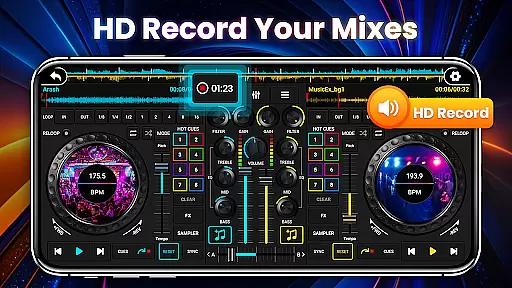
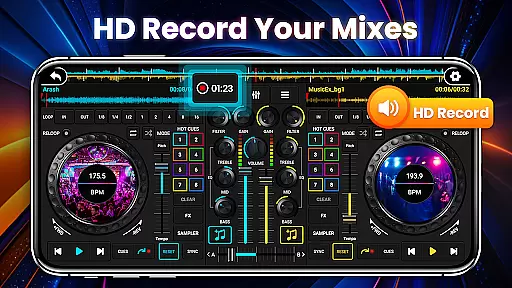
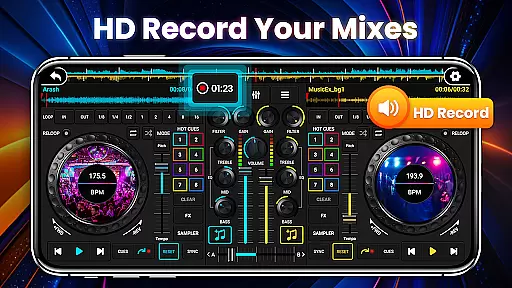
Audio quality is paramount when crafting the perfect mix, and DJ Mixer Studio Pro offers a range of options to satisfy even the most discerning audiophiles. With high-fidelity sound output, users can be confident that every nuance of their music is preserved during playback and recording.
The inclusion of a ten-band equalizer alongside a bass booster allows for precise audio sculpting, enabling users to emphasize certain frequencies or create a more balanced soundscape. These tools are essential for achieving professional-level audio quality in any mix.
Furthermore, DJ Mixer Studio Pro ensures that regardless of the device used, the audio quality remains consistently high. Whether you're using top-of-the-line equipment or a standard smartphone, the app adapts to deliver crisp, clear sound that does justice to the original recordings.
User-friendly interface
Comprehensive FX options
Precise EQ controls
Professional-grade features
AD-free experience
Requires learning curve
Advanced features may overwhelm
Interface could be cluttered
Consumes device resources
Limited free content

Pay Once, no monthly payment
 4.60
4.60
Control your MIDI USB or Bluetooth devices in app and avoid some trampling
3.30
Taal player that lets you sing any Indian & Western song with Tabla & Tanpura
4.60
Permanently backup Now Playing. Maps, filters & listening stats.
4.00
USB audio recording and playback finally possible on Android 3.1 or higher!
3.90
Sheet music reader, piano & music note player. Play music score & learn to read.
3.90
Uninterrupted Tunes, Unmatched Vibes
3.90
Be a true music maker: create beats, mix and make music like a real DJ!
4.30
Melody Beat: Great for travel, workouts, offline vibes, play your tunes anytime.
4.10
JBL PartyBox APP works with 110/310/710/120/320/520/Encore/Encore 2/Encore Ess 2
4.80
Responsive piano with great sounds, graphics, and songs
4.80
Listen to live FM radio stations, sports, music and news on global radios online
4.70
Simple & Intuitive Metronome
4.70
Unleash your creativity! Turn simple prompts into full fledged songs.
4.70
AI Music Maker: Generate And Compose AI Tunes & AI Songs & AI Music & AI Melody!
4.60
Let your Android device with the sound effects you want
4.50
The only true audiophile music player with Hi-Fi audio rendering and DSP engine
3.90
Learn to play the piano using falling notes!
3.80
Simple mp3 and mp4 player with advanced features.
3.40


User Reviews