
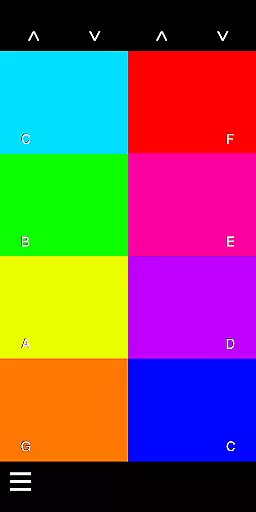
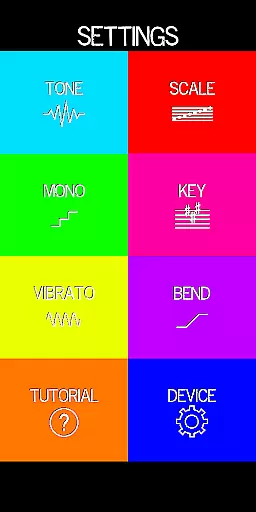
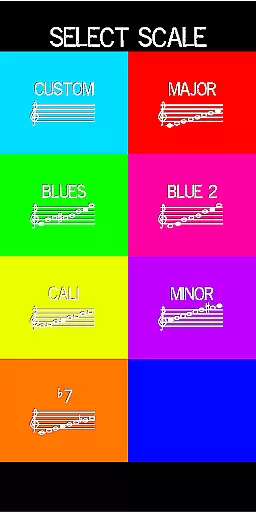
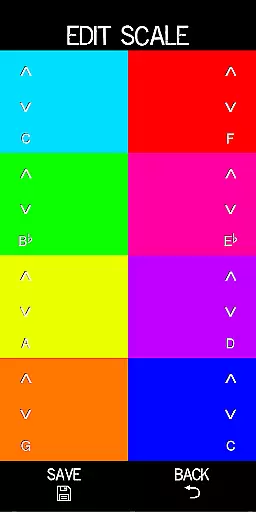
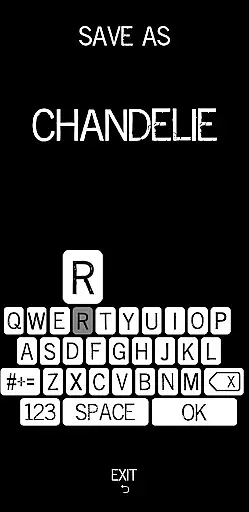
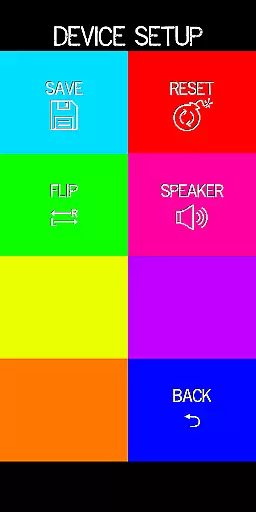
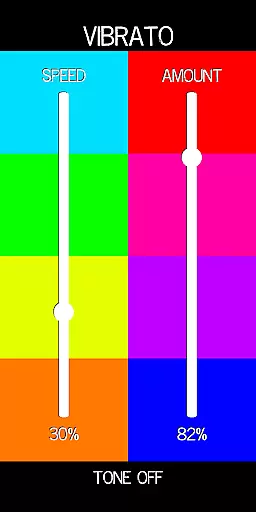
Pocket Talkbox is a unique music application that allows users to emulate the iconic talkbox sound popularized by artists like Daft Punk and Stevie Wonder. This pro version offers advanced features including six tones, customizable scale presets, pitch bend, and vibrato. Users can modify keys up to two octaves higher or lower, providing extensive creative control. The app works by playing a tone through the device's speaker, which is then shaped by the user's mouth to create impressive vocal effects.
Designed for both aspiring and professional musicians, Pocket Talkbox is ideal for live performances, studio recordings, and practice sessions. By mastering the technique of mouthing specific sounds while playing notes, users can produce professional-grade talkbox effects. Whether you're performing on stage or experimenting with new sounds in your home studio, this app delivers an authentic talkbox experience directly through your mobile device.
The Pocket Talkbox app stands out with its comprehensive set of features tailored for musicians seeking authentic talkbox effects. One of the key highlights is the ability to customize scale presets, allowing users to define their own musical scales for more personalized compositions. With pitch bend and vibrato controls, musicians can add expressive nuances to their performances, mimicking the subtleties of traditional talkbox equipment.
Another remarkable feature is the extensive octave range, enabling modifications up to two octaves higher or lower. This flexibility empowers users to explore various musical styles and match different vocal ranges. Additionally, the app provides six distinct tones, each carefully crafted to replicate classic talkbox sounds. These features collectively ensure that Pocket Talkbox delivers a versatile and high-quality musical experience, making it an essential tool for any musician's digital arsenal.
Pocket Talkbox offers a unique musical experience by providing six distinct tones that users can experiment with. These tones are crafted to emulate iconic sounds from legendary artists like Daft Punk and Stevie Wonder, ensuring an authentic auditory journey.
The app allows musicians to customize scale presets, which adds another layer of creativity and personalization. This feature ensures that each user's sound library is both expansive and unique, catering to diverse musical preferences and styles.
With the ability to change keys up to two octaves higher or lower, Pocket Talkbox provides flexibility in music creation. This functionality not only enhances the creative process but also respects copyright laws by encouraging original compositions rather than mere replication.
The pro version of Pocket Talkbox includes advanced audio features such as pitch bend and vibrato. These tools allow for nuanced control over sound output, resulting in high-quality audio production that rivals professional studio equipment.
Users can manipulate their sound using the talkbox effect, where the shape of their mouth creates unique audio outputs. This hands-on approach guarantees an organic and rich sound texture that digital effects alone cannot achieve.
For those seeking additional guidance, vbiliti.com offers comprehensive tutorials. These resources ensure users maximize the app's capabilities while maintaining excellent audio fidelity throughout their musical projects.
User-friendly interface
Highly customizable settings
Authentic sound emulation
Wide octave range
Comprehensive tutorial support
Requires practice to master
Limited free version availability
Dependent on device speaker quality
No real-time collaboration
Occasional latency issues

Over 100 million tracks available for high quality streaming and download
 4.60
4.60
DJ Music Mixer - DJ Remix: remix songs, make beat music & record mix of DJ.
4.40
Most Advanced AI Song Generator and Music Creator. Rap, Pop, Rock, Gospel & more
4.70
Bass Booster & Volume Equalizer Pro improves your music and video sound quality
4.60
24,000 free audio books and no ads!
4.90
Learn to play the piano using falling notes!
3.80
A sleek, no-frills player designed for true music lovers.
4.20
PowerAudio is a powerful offline music player.
4.20
Reverse your voice & songs instantly! Fun singing challenge with cool effects.
4.60
Music, News & Sports Radio Tuner App. Tune in Live FM & AM Radio Stations.
4.80
Responsive piano with great sounds, graphics, and songs
4.80
Pay Once, no monthly payment
4.60
Enhance the sound quality of your devices, listen to what you want
4.50
Your HD audio recorder on the go for music, meetings, ambience, animal sounds…
4.30
The alternative folder based music player.
4.20
USB audio recording and playback finally possible on Android 3.1 or higher!
3.90
Control your MIDI USB or Bluetooth devices in app and avoid some trampling
3.30
The Minimalistic Premium Music Player. Handmade with passion for music
2.20
Music Streaming suite for Ampache, Nextcloud Music and compatible backends.
4.5


User Reviews