
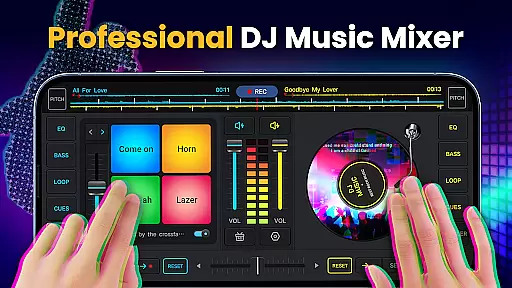
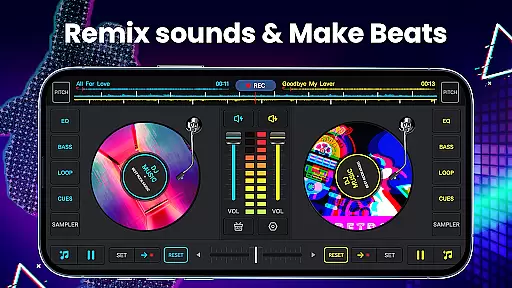
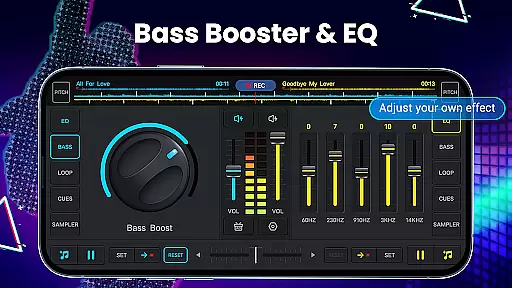
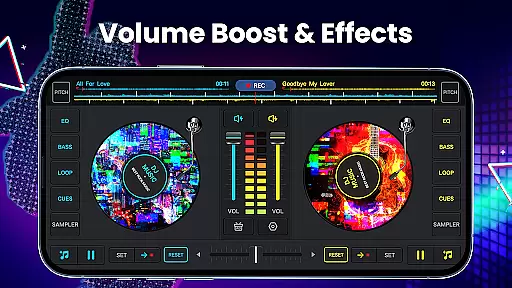
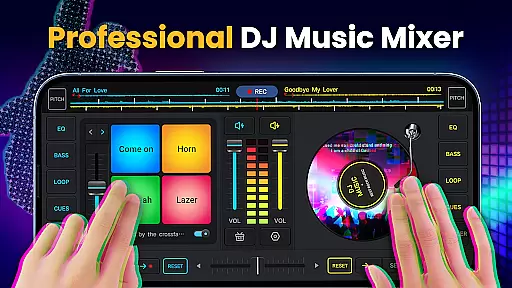
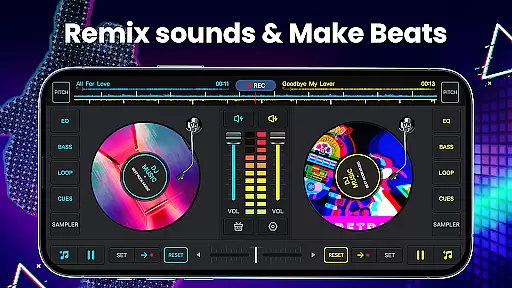
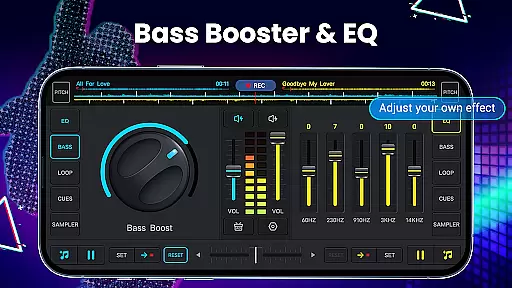
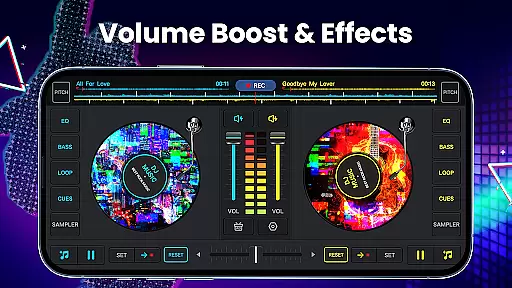
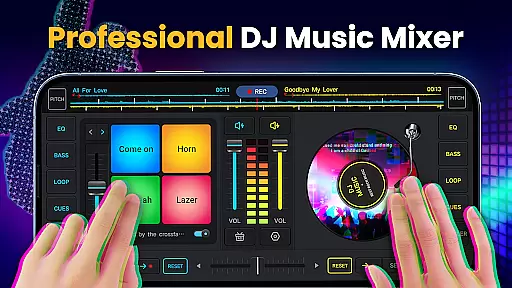
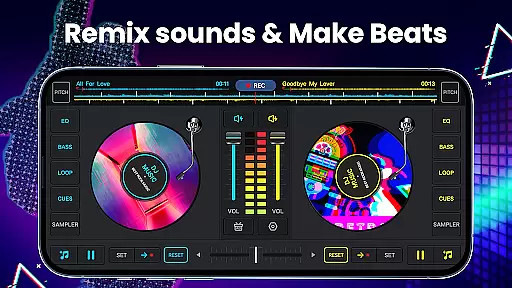
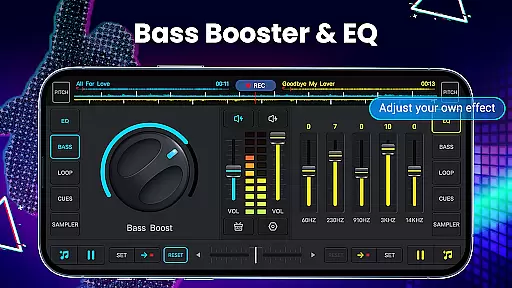
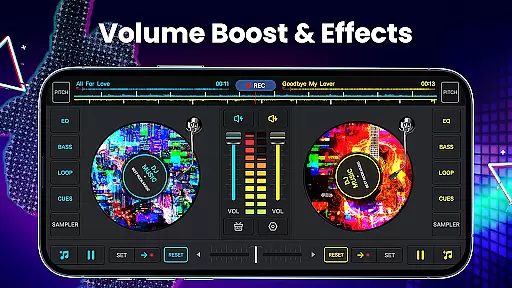
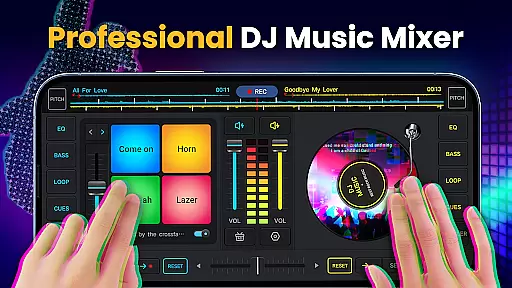
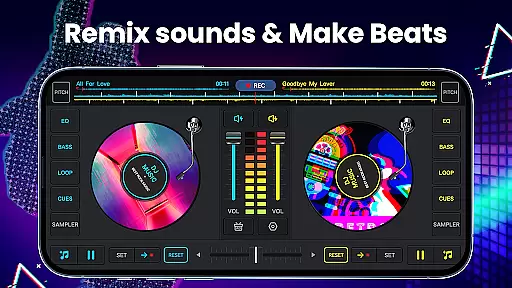
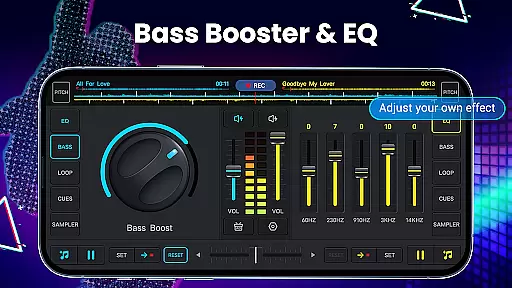
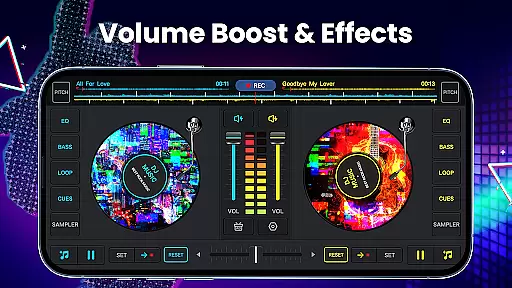
DJ Music Mixer - DJ Mix Studio is a feature-rich music production app that allows users to create professional-quality mixes using their mobile devices. The app provides a complete suite of DJ tools, including a virtual mixer with two turntables, a five-band equalizer, and bass booster functionality.
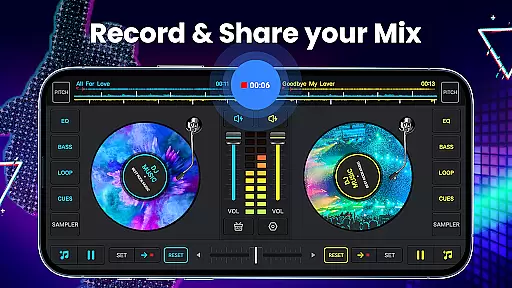
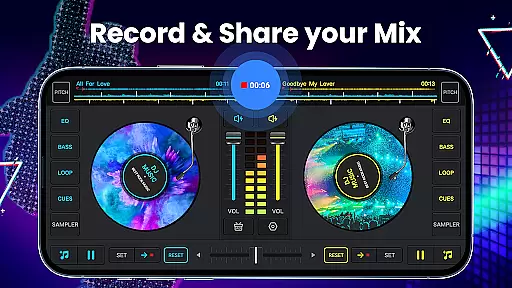
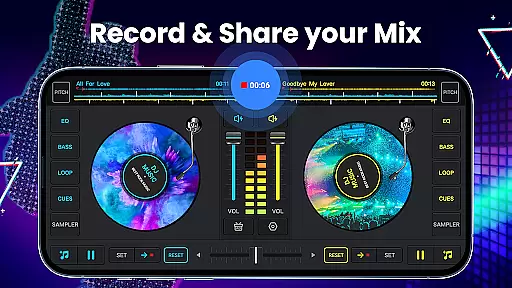
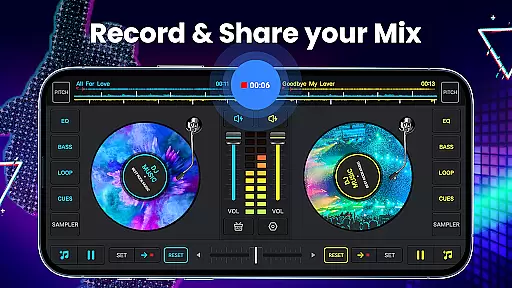
With its intuitive interface and powerful features, the app caters to both novice and experienced DJs. Users can access all music stored on their device, create custom playlists, and apply various sound effects to craft unique audio experiences. The built-in recording feature lets users save their mixes in high-quality MP3 format.
This application is particularly useful for live performances or creating custom tracks for parties and events. Its comprehensive feature set makes it a valuable tool for anyone interested in music production or DJing.
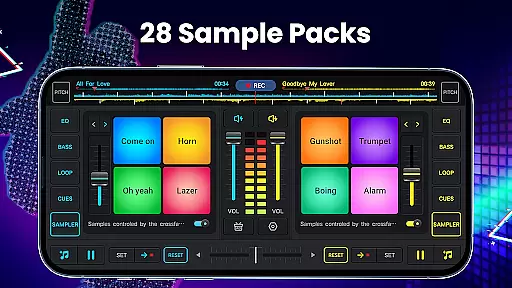
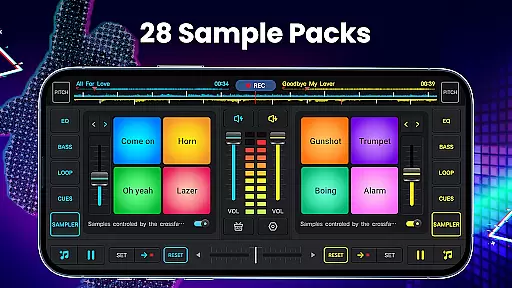
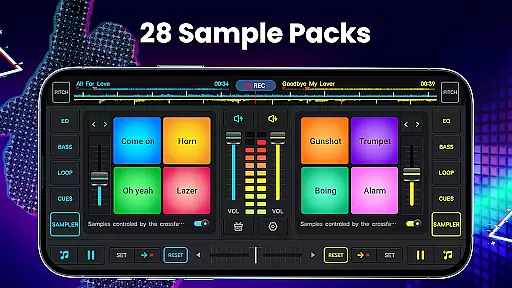
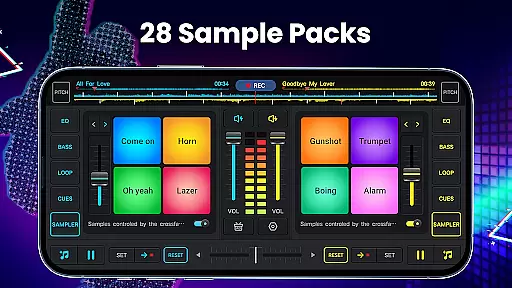
The app offers an impressive array of features designed to enhance the music mixing experience. It includes 28 free sample packs with various sound effects like gunshots, booms, and scratches, allowing users to add creative elements to their mixes.
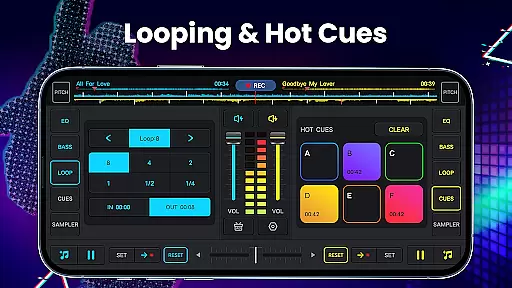
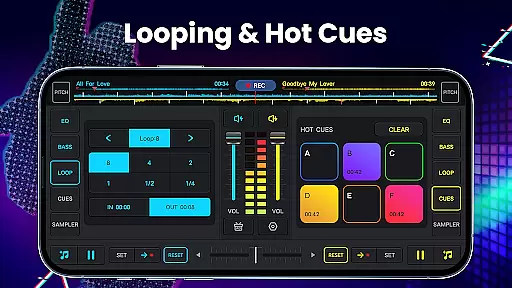
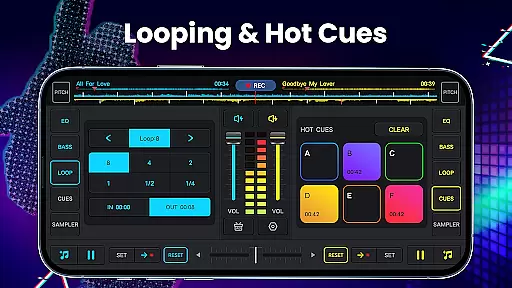
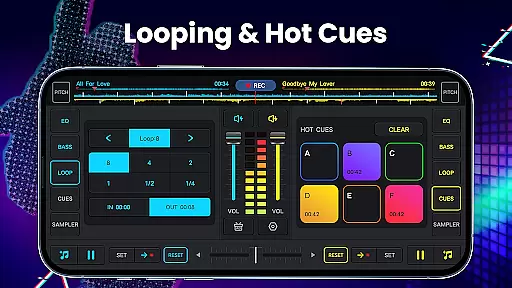
One of the standout features is the advanced looping system, which supports loop lengths from 1/64 to 128 beats. The app also provides up to six hot cues per deck, enabling precise control over playback. Its wide audio spectrum ensures accurate beat detection across different music genres.
Additional notable features include adjustable pitch and volume controls, forward/backward playback options, and a simple equalizer for fine-tuning turntable effects. These comprehensive tools make it easy to create professional-sounding mixes directly from a mobile device.
In the realm of digital music creation and mixing, having access to a vast and diverse music library is crucial for any DJ or music enthusiast. DJ Music Mixer - DJ Mix Studio offers an extensive collection of tracks that span various genres, ensuring users have plenty of options to choose from when crafting their mixes.
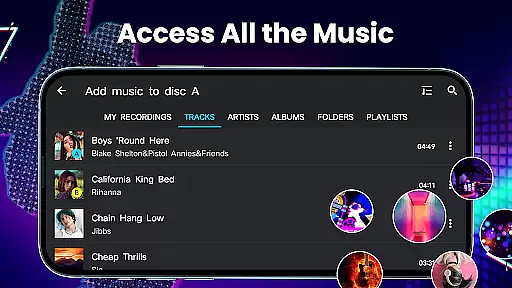
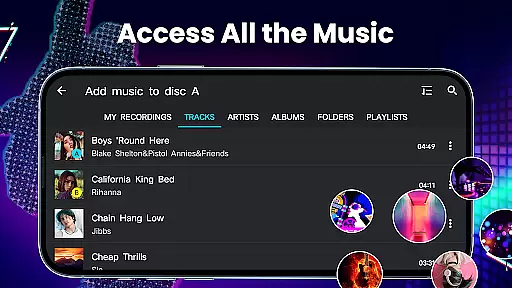
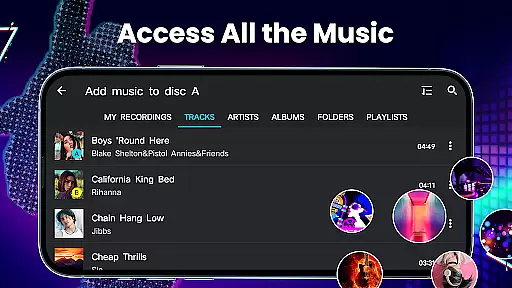
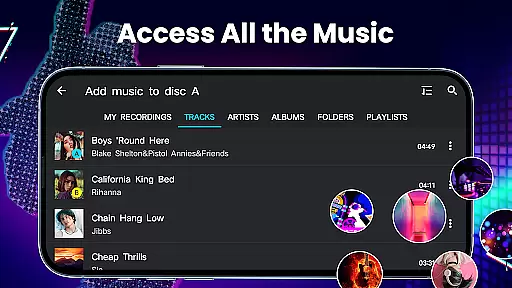
The app allows users to access all the music stored on their device, categorized neatly into TRACKS, ARTISTS, ALBUMS, and FOLDERS. This organization not only makes it easier to navigate through one's personal music collection but also enhances the creative process by providing quick access to desired sounds and beats.
Regarding copyright authenticity, while the app itself does not provide music files, it ensures that users can utilize their legally acquired tracks within the app. By doing so, it respects copyright laws and encourages users to build their libraries with genuine purchases, thus supporting artists and producers.
Ultimately, the combination of a comprehensive music library and adherence to copyright regulations empowers users to create original and legal mixes, fostering a culture of respect for intellectual property while enjoying the art of music mixing.
Audio quality is paramount when producing music mixes, especially for DJs who demand high standards in their work. DJ Music Mixer - DJ Mix Studio addresses this need by offering advanced audio features that cater to audiophiles and professionals alike.
One standout feature is the HD recording capability, which allows users to capture their mixes and scratch routines in .mp3 format without compromising on sound fidelity. This ensures that every nuance and detail of the performance is preserved, delivering a listening experience that mirrors the original mix.
Additionally, the app includes a five-band equalizer and bass boost, enabling precise control over the audio output. Users can adjust mix volumes and pitch, tailoring the sound to match their preferences or the requirements of a particular venue or audience.
With these robust audio quality options, DJ Music Mixer - DJ Mix Studio stands out as a tool that not only facilitates creativity but also maintains professional-grade standards in audio production, making it an indispensable asset for anyone serious about music mixing.
User-friendly interface
Extensive sound effects library
High-quality recording capabilities
Advanced looping system
Professional-grade mixing tools
May overwhelm beginners
Interface could feel cluttered
Some features locked behind paywall
Occasional performance issues
Steep learning curve

Taal player that lets you sing any Indian & Western song with Tabla & Tanpura
 4.60
4.60
Time Trainer: accurate metronome w tools to help you develop your internal time!
4.20
AI Music Maker: Generate And Compose AI Tunes & AI Songs & AI Music & AI Melody!
4.60
Voice recorder - Audio recorder. Best recorder for recording
4.90
Play your hearts out on TouchTunes jukeboxes & connect with fellow music lovers.
4.80
Help you quickly get started with Shokz headphones
4.40
Slow music down without changing pitch.
3.70
Master Salsa Rhythm quickly and with a lot of fun!
4.30
Travel To The Music Universe
3.40
More downloads than any other metronome. Includes drum machine & tempo trainer.
4.80
The best music and audio player, with beautiful UI, music search and equalizer.
4.60
Recording studio w/ 10k beats, pro vocal FX and a network of 20M rappers & fans!
4.60
Visualize the guitar fretboard, master scales & play through changes like a pro!
4.50
The Music Journey in Your Hands
4.30
PowerAudio is a powerful offline music player.
4.20
Background pads for your band
3.80
Learn to play the piano using falling notes!
3.80
The iconic iOS metronome app is now on Android.
3.70
The Cubase remote control app
3.60


User Reviews