
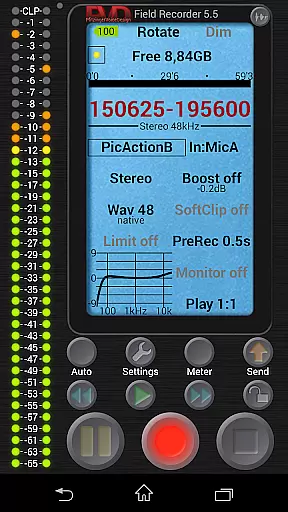
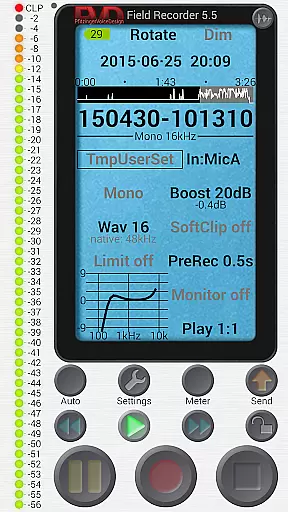
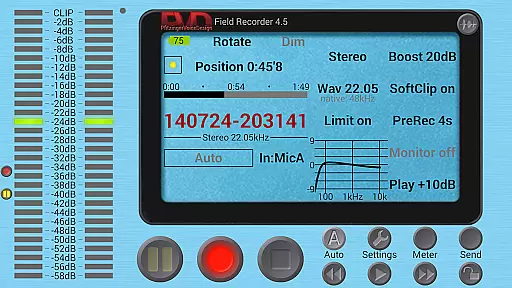
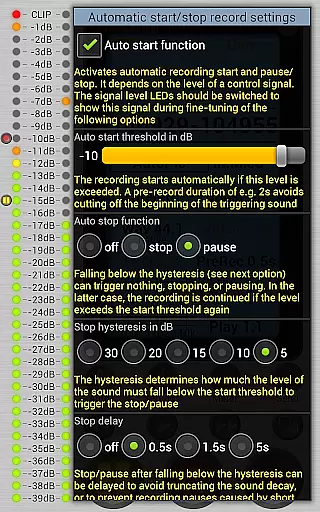
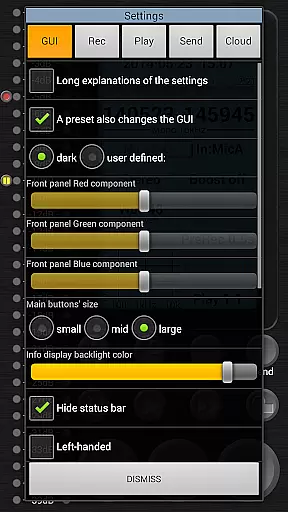
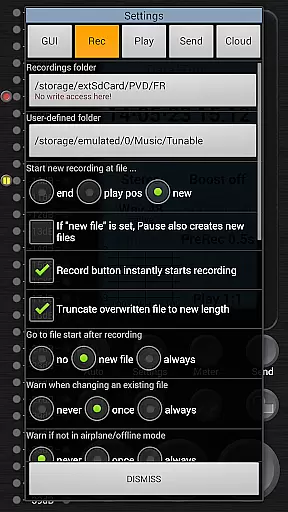
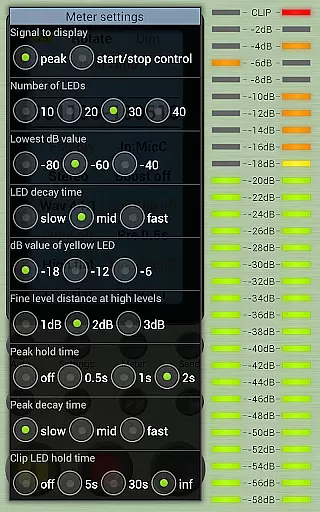
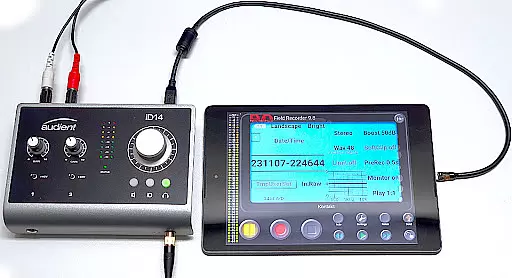
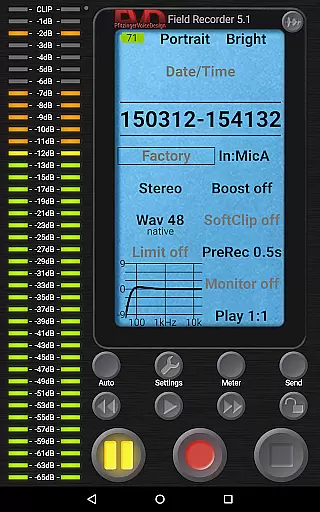
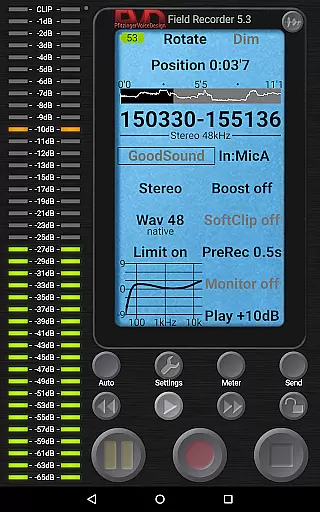
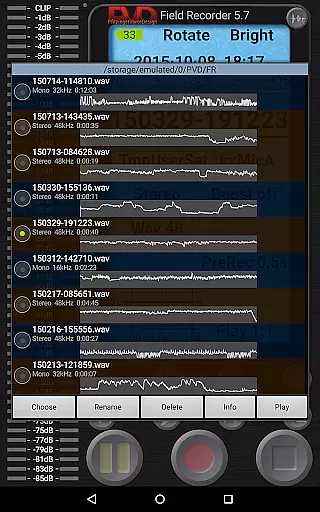
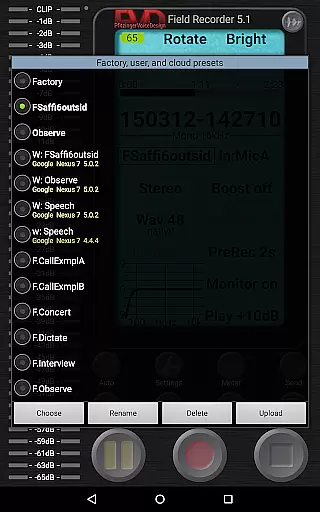
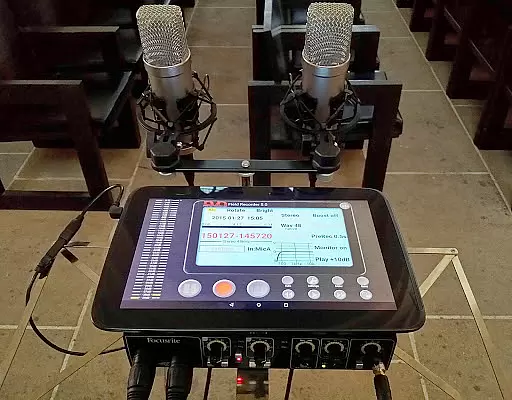
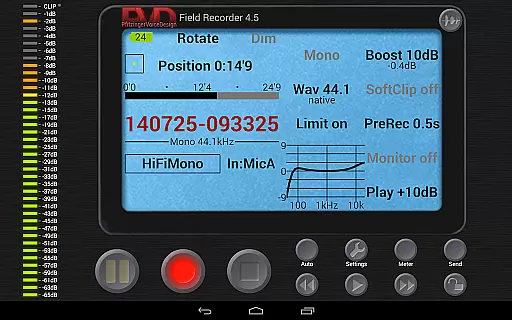
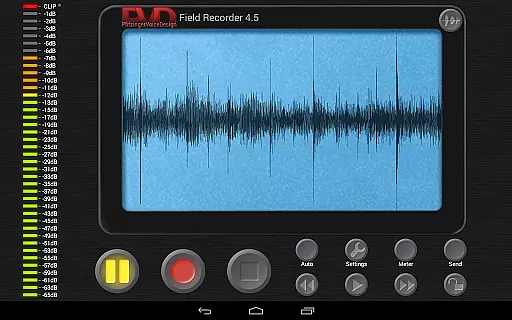
Field Recorder transforms your mobile device into a versatile audio recording tool, perfect for capturing high-quality sound on the go. With support for built-in microphones, external mics, and USB sound cards, it offers extensive customization options including equalizers, limiters, and adjustable audio parameters that can be saved as presets.
This app is ideal for musicians, journalists, podcasters, and anyone needing reliable audio capture. Whether you're recording band rehearsals, lectures, or wildlife sounds, Field Recorder provides professional-grade features like pre-recording buffers, auto-start functionality, and multiple file format support to ensure you never miss an important moment.
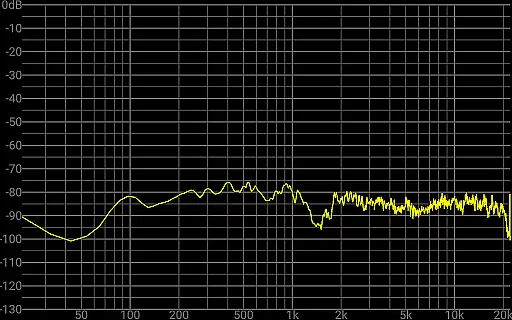
Field Recorder stands out with its comprehensive feature set tailored for audio enthusiasts. The app allows precise control over recording parameters, offering mono/stereo options from 16kHz/16-bit up to 192kHz/24-bit WAV files. Advanced audio processing includes low-cut filters, parametric EQs, and noise shaping.
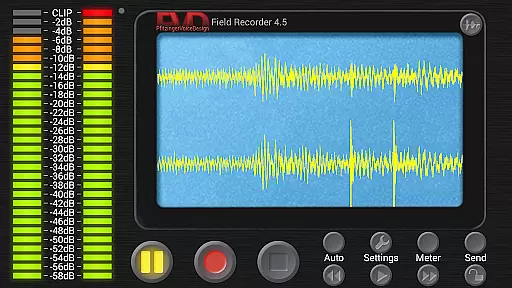
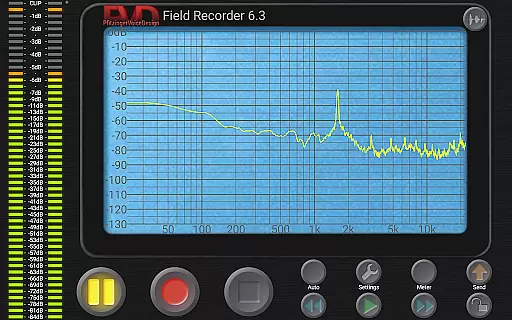
Unique capabilities include automatic email alerts based on noise levels, gapless file splitting at 4GB boundaries, and real-time spectrum/spectrogram monitoring. The intuitive interface provides HD monitoring with minimal latency, while the powerful WAV player features adjustable volume maximization and loop playback functionality.
Field Recorder offers an extensive range of audio recording capabilities that contribute to a vast and versatile music library. The app supports various formats including WAV, MP3, AAC, and FLAC through helper apps, allowing users to record in mono/16kHz/16-bit up to professional stereo/192kHz/24-bit quality. This flexibility ensures that the music library is not only large but also adaptable to different user needs and preferences.
The app's commitment to copyright authenticity is evident in its feature set. Field Recorder allows for the use of internal or external microphones and USB sound cards, ensuring that original recordings maintain their integrity and are not unauthorized reproductions. By providing tools like low-cut filters, parametric and shelving equalizers, and stereo balance correction, the app empowers creators to produce authentic, high-quality content that respects copyright laws.
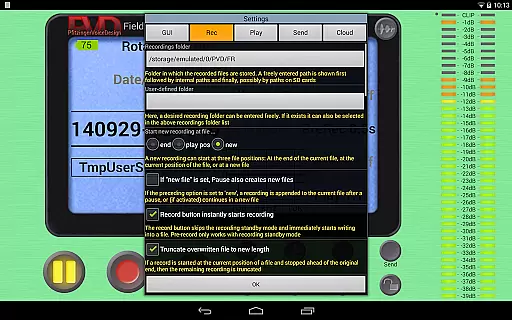
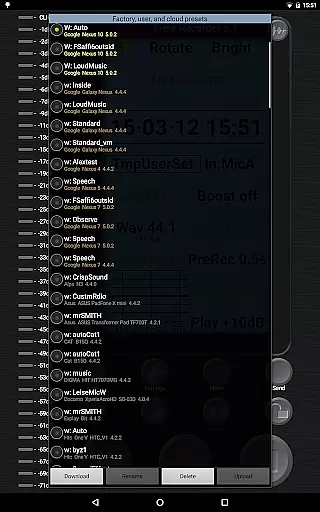
Users benefit from the ability to save presets for typical tasks such as dictation, concerts, and phone calls. These presets can be shared and used across different recording sessions, enhancing workflow efficiency and ensuring consistent quality. With these features, Field Recorder not only expands the music library size but also upholds the highest standards of copyright authenticity.
Audio quality is at the forefront of Field Recorder's design, offering users multiple options to ensure the best possible sound capture. The app provides adjustable audio parameters that surpass those of standard audio recorders, with settings for recording amplifier, configurable limiter, soft clipping, noise shaping, and dithering. These options allow users to fine-tune their recordings to meet professional standards.
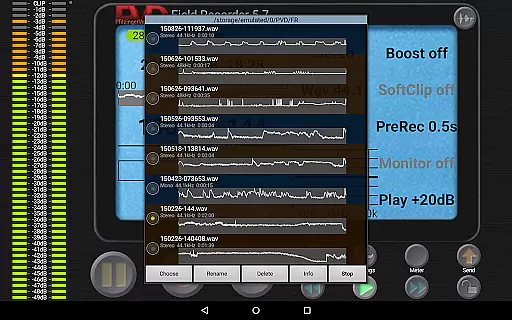
In addition to its robust equalizer and limiter functions, Field Recorder includes HD monitoring with latency down to 20ms, ensuring real-time accuracy in audio capture. The WAV player further enhances the experience with adjustable volume maximization, mute, and audible fast-forward/rewind at two speeds. Such features guarantee that the audio quality is preserved from the moment of recording to playback.
Field Recorder stands out by enabling users to correct microphone or situational recording weaknesses during the recording process itself. This proactive approach to maintaining audio fidelity means that whether capturing band rehearsals, lectures, or animal sounds, users can rely on Field Recorder to deliver clear, high-resolution audio every time. The result is an intuitive and powerful tool that caters to audiophiles and professionals alike.
User-friendly interface
High-quality audio recording
Extensive customization options
Professional audio processing tools
Versatile input/output support
Complex for beginners
Requires premium hardware
Advanced features need learning
Some functions demand technical knowledge
Preset management could be simpler

The Skullcandy App Experience
 3.20
3.20
Taal player that lets you sing any Indian & Western song with Tabla & Tanpura
4.60
Time Trainer: accurate metronome w tools to help you develop your internal time!
4.20
Listen to live FM radio stations, sports, music and news on global radios online
4.70
24,000 free audio books and no ads!
4.90
A complete sound package for the sound engineer or enthusiast
4.60
Sheet music reader, piano & music note player. Play music score & learn to read.
3.90
Travel To The Music Universe
3.40
Be a true music maker: create beats, mix and make music like a real DJ!
4.30
Your song collections with lyrics and chords on Android smartphones and tablets.
4.80
Brian Eno and Peter Chilvers’ acclaimed music app Bloom, radically reinvented.
4.80
Play your hearts out on TouchTunes jukeboxes & connect with fellow music lovers.
4.80 4.70
4.70
Guzheng Master supports many playing techniques as an acoustic Guzheng
4.50
10-Band Audio Equalizer, Sound / Bass Booster for Spotify Users & Music Players
4.40
DJ Music Mixer - DJ Remix: remix songs, make beat music & record mix of DJ.
4.40
The Music Journey in Your Hands
4.30
The alternative folder based music player.
4.20
A sleek, no-frills player designed for true music lovers.
4.20


User Reviews