
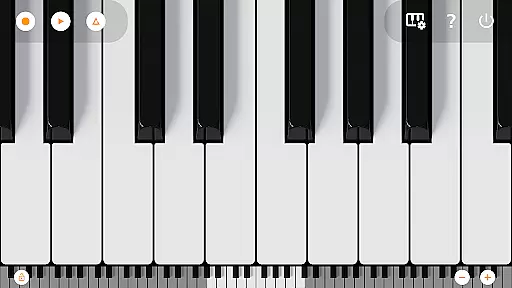
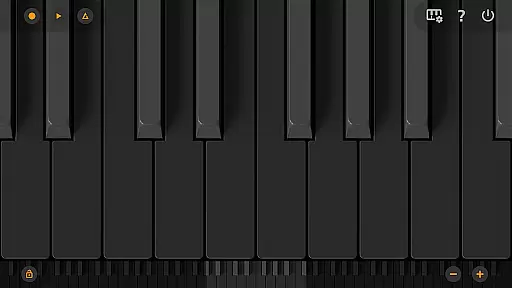
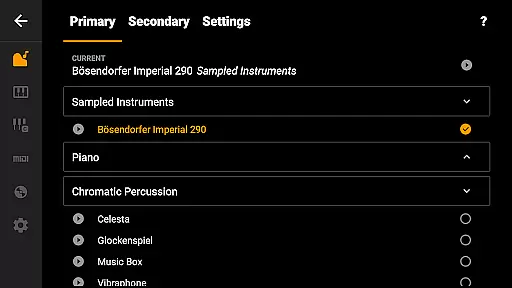
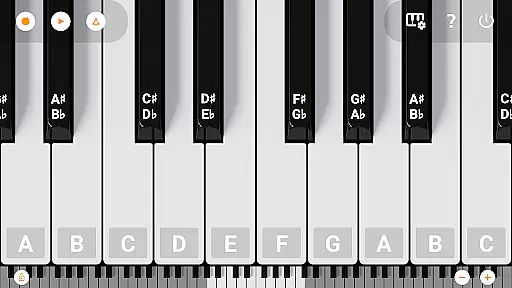
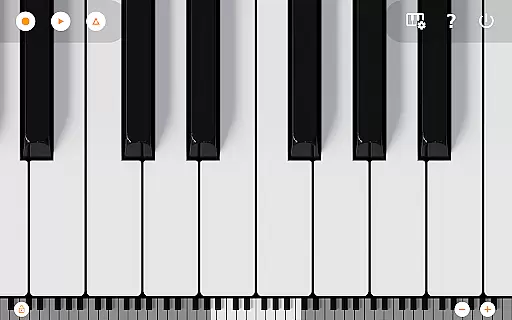
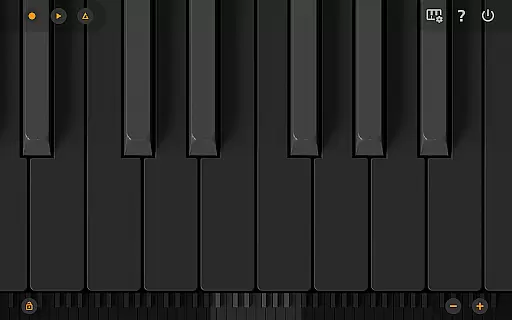
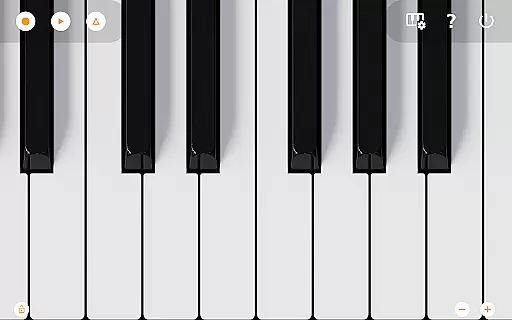
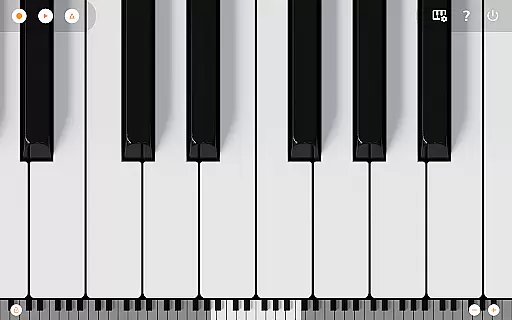
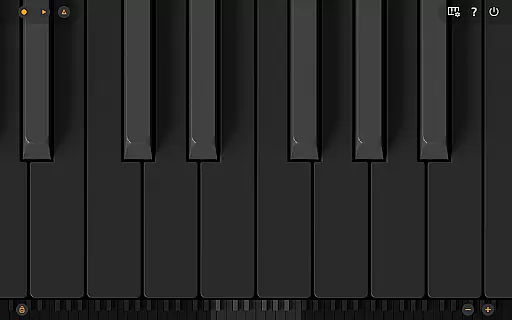
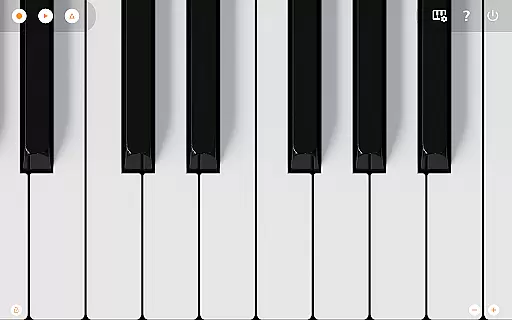
Mini Piano Pro is a premier piano application designed for Android users who appreciate high-quality sound and responsive performance. This app offers an immersive playing experience with its meticulously optimized features, all while maintaining a minimal install size. The app boasts a full 88-key keyboard that is both zoomable and scrollable, providing various display modes including Dark Mode.
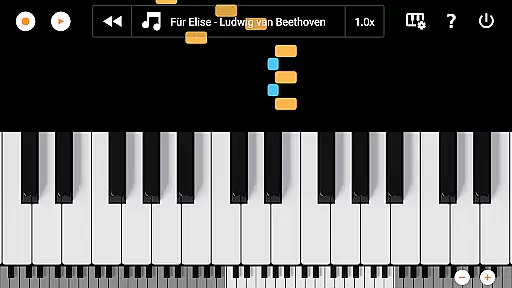
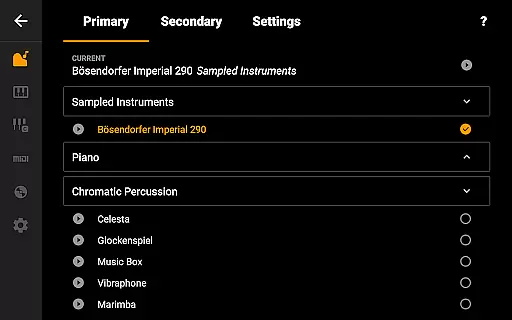
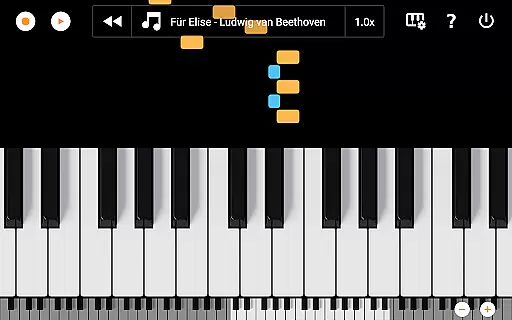
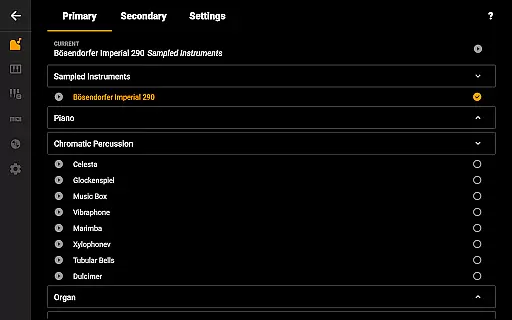
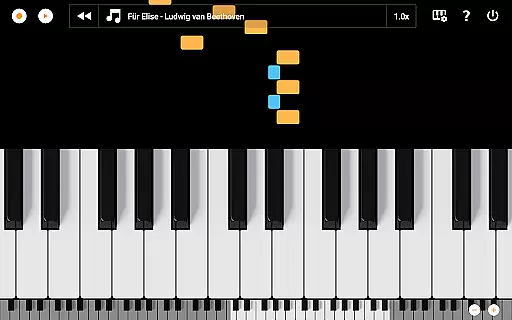
One of the standout features of Mini Piano Pro is its beautiful sampled piano sound that closely mimics a real piano. Additionally, it includes 128 other instruments, catering to a wide array of musical preferences. Users can record their compositions as MIDI files and export them in multiple formats such as MP3, AAC, or WAV. With its intuitive song mode featuring falling blocks, users can learn new songs effectively. Designed with a minimalist approach, this app ensures nothing comes between you and your music.
Whether you're using a phone, tablet, or Chromebook, Mini Piano Pro delivers a seamless experience across devices. Its lack of ads and internet permission makes it an appealing choice for those seeking uninterrupted creativity. Loved by countless users, this app is perfect for musicians on the go who need a powerful yet compact tool to bring their musical ideas to life.
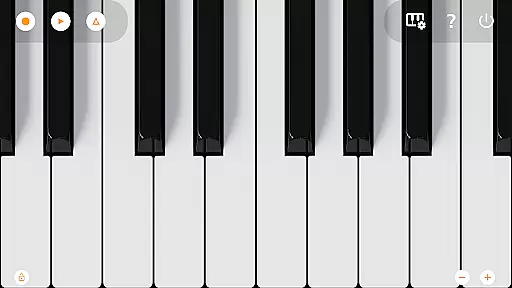
Mini Piano Pro stands out with its comprehensive feature set tailored for both amateur and professional musicians. The app includes an 88-key keyboard that mirrors a real piano, offering great sampled piano sounds and 128 MIDI sounds to choose from. This variety allows users to explore different instrument types and find the perfect sound for their compositions.
The app's innovative song mode uses falling blocks to teach users how to play new songs, making learning both engaging and effective. It supports Dark Mode with a fully dark keyboard, ensuring comfort during late-night practice sessions. Multitouch support enables users to utilize all their fingers, while easy zooming capabilities allow for a customized keyboard fit on any screen size.
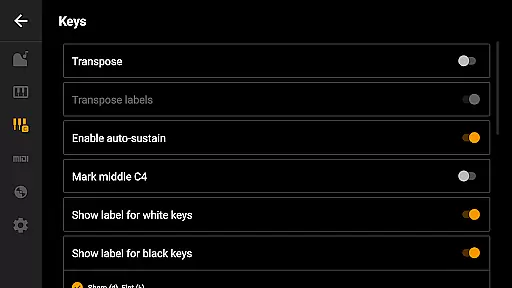
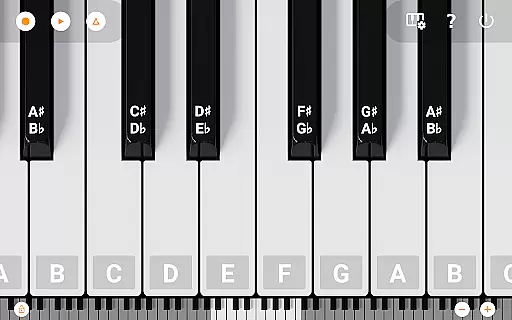
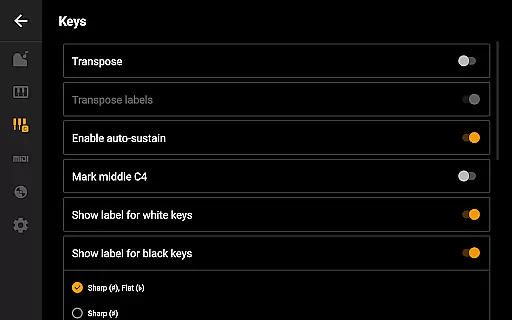
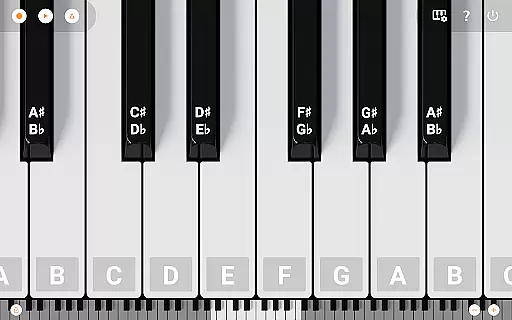
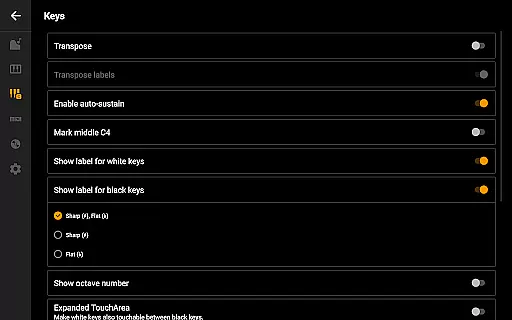
Additional features include labeling notes with their names and octaves, using a metronome to maintain tempo, and transposing the keyboard by note or tuning it by Hz. For advanced users, MIDI in and out support facilitates integration with external keyboards or PCs. Highly customizable options ensure that every musician can tailor the app to their specific needs, making Mini Piano Pro a versatile tool for music creation.
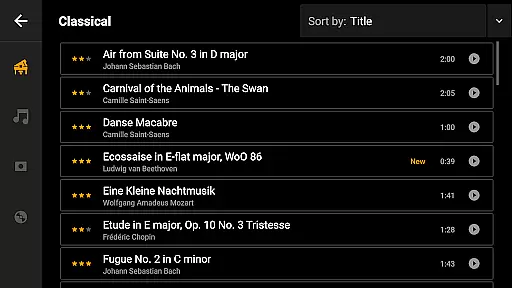
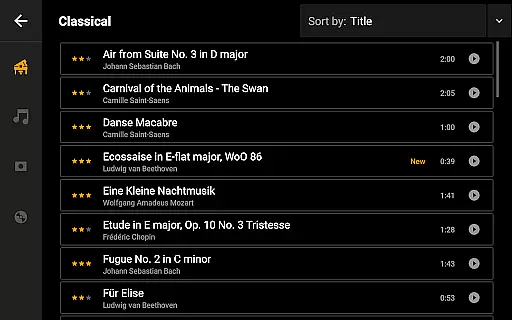
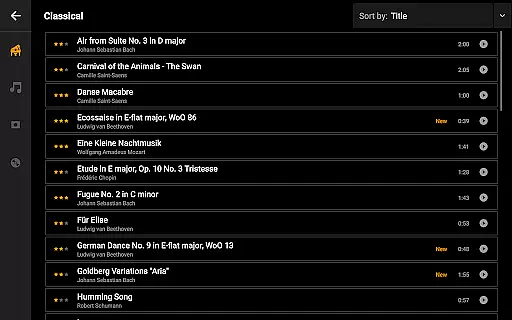
Mini Piano Pro offers an impressive music library that caters to a wide range of musical preferences. With 128 different MIDI sounds included, users can explore various instrument types beyond the default beautifully sampled piano sound.
The app ensures copyright authenticity by using high-quality samples and verified MIDI sounds. This means musicians and enthusiasts can trust the legitimacy of the sounds they are utilizing for their projects.
For users who value creative freedom, this extensive library provides ample opportunity for experimentation. The availability of multiple instrument types allows for diverse compositions without worrying about copyright infringement.
Whether you're practicing classical pieces or creating modern compositions, the comprehensive sound library in Mini Piano Pro supports your creative journey while maintaining legal integrity.
Audio quality is paramount in music applications, and Mini Piano Pro excels in delivering pristine sound output. The default piano sample stands out with its realistic tone that closely mimics an actual piano's sound.
Users have the option to export their recordings in multiple high-quality formats such as MP3, AAC, or WAV. This flexibility ensures that musicians can choose the format that best suits their distribution or archival needs without compromising on audio fidelity.
In addition to supporting standard playback, the app includes advanced features like MIDI in and out support. This functionality enables integration with external keyboards or PCs for those seeking professional-grade audio production capabilities.
With its focus on superior audio quality options, Mini Piano Pro empowers creators to produce work that meets industry standards while enjoying an immersive musical experience.
Realistic piano sound
Wide range of instruments
User-friendly interface
No ads or internet permission
Cross-device compatibility
Limited free features
Advanced tools require knowledge
Occasional bugs reported
Export options could be broader
Learning curve for beginners

Performance-Synthesizer & Multi-Track-Sequencer, polyphonic + multi timbral!
 4.70
4.70
Most Advanced AI Song Generator and Music Creator. Rap, Pop, Rock, Gospel & more
4.70
24,000 free audio books and no ads!
4.90
Play your hearts out on TouchTunes jukeboxes & connect with fellow music lovers.
4.80
No wifi music app. Mp3 offline. Tuner radio, young radio music. Music downloader
4.20
The official Sonos app
4.10
A complete sound package for the sound engineer or enthusiast
4.60
Sheet music reader, piano & music note player. Play music score & learn to read.
3.90
Reverse your voice & songs instantly! Fun singing challenge with cool effects.
4.60
Bass Booster & Volume Equalizer Pro improves your music and video sound quality
4.60
SqueezePlayer turns your Android phone or tablet into a SqueezeBox on its own!
4.60
Fun & Easy Voice Changer – Record, Edit & Add Hilarious Effects!
4.50
Save hundreds of dollars for a physical strobe tuner and instead use this app.
4.50
Manage your Sonos system directly from your home-screen!
4.40
Equalizer, Bass Booster and Volume Booster (Eq & Bass) improve sound quality
4.30
Advanced 10-Band Audio Graphic Equalizer Sound Booster Pro
4.30
Master Salsa Rhythm quickly and with a lot of fun!
4.30
Background pads for your band
3.80
The iconic iOS metronome app is now on Android.
3.70


User Reviews