
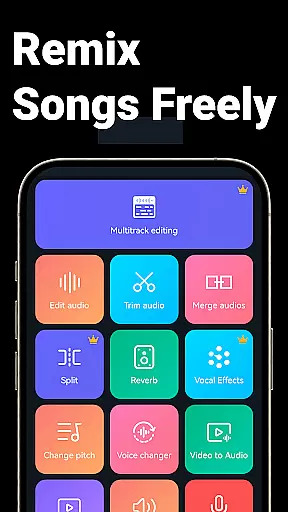
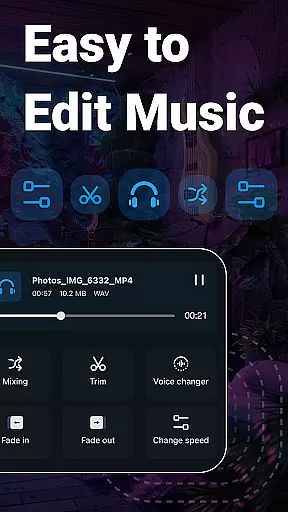
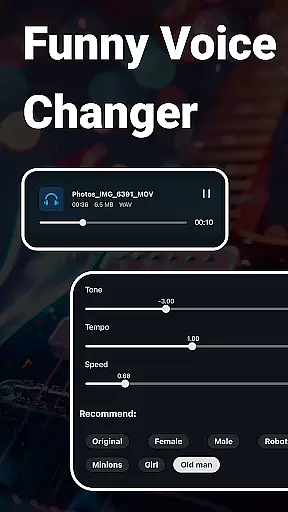
Music Audio Editor, MP3 Cutter is a comprehensive audio editing tool designed for both casual users and professionals on Android. This powerful app allows you to cut, splice, mix, and convert audio files with precision and ease. Whether you're creating custom ringtones or editing music tracks, the app provides all necessary features including vocal removal, pitch adjustment, and format conversion.
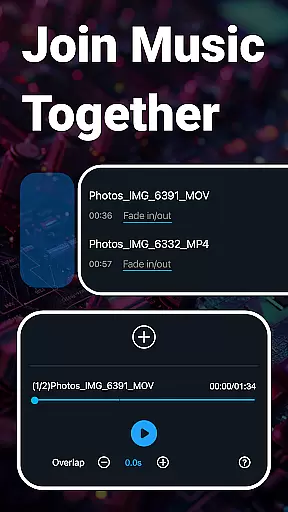
The application stands out with its multitrack editing capabilities, letting you mix multiple audio tracks seamlessly. Additionally, it offers creative functions like voice changing and music equalization, making your audio projects more dynamic. With an intuitive interface and fast processing, this app is perfect for anyone looking to enhance their audio editing experience on mobile devices.
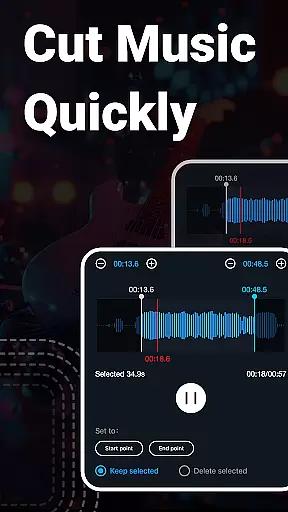
This app boasts an extensive range of features that cater to various audio editing needs. It supports precise cutting in milliseconds, enabling users to edit audio files accurately. The multitrack editing function allows for complex audio projects by mixing several tracks together, adding depth to your creations.
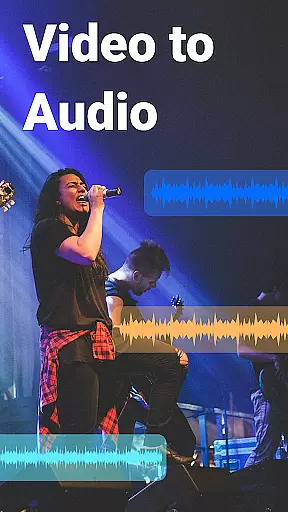
Unique functionalities such as vocal removal and voice changing provide creative freedom, allowing users to modify audio in fun and innovative ways. Moreover, the app facilitates video-to-audio conversion and batch processing, which streamlines workflows and saves time. These robust features make Music Audio Editor, MP3 Cutter a versatile tool for all your audio manipulation requirements.
When it comes to music editing applications, the size and authenticity of the music library are crucial factors. Music Audio Editor, MP3 Cutter offers an extensive collection of over 2000 royalty-free tracks that users can download and incorporate into their projects without worrying about copyright infringement. This vast library ensures that creators have a wide array of sounds at their disposal, enhancing the creative possibilities for their audio work.
The app's commitment to copyright authenticity means that each track has been vetted to ensure proper licensing. Users can trust that the music they use is legally sound, allowing them to focus on their creative process without concern for legal repercussions. This dedication to providing legitimate content sets Music Audio Editor, MP3 Cutter apart from other apps in the 'Music & Audio' category.
Moreover, the integration of these tracks within the application is seamless. The user-friendly interface allows for easy browsing, previewing, and selecting of music files. Whether you're creating a podcast, video soundtrack, or custom ringtone, the diverse music library caters to various genres and styles, ensuring there's something for every project.
Audio quality is paramount when editing and producing music or audio files. Music Audio Editor, MP3 Cutter provides a variety of audio quality options that cater to both amateur enthusiasts and professional audio engineers. With support for multiple high-quality audio formats such as MP3, AAC, WAV, FLAC, M4A, and AMR, the app ensures that your creations maintain their fidelity from start to finish.
In addition to format versatility, the app includes advanced features like audio compression and customizable output settings. Users can adjust parameters such as sound channels, sample rate, and bit rate to optimize file sizes for sharing or uploading while preserving the desired level of audio clarity. These capabilities make certain that regardless of the intended platform or playback device, the final product will meet the highest standards of audio reproduction.
Furthermore, the inclusion of a music equalizer with a range of adjustable parameters empowers users to fine-tune their audio projects. Whether it's adjusting bass and treble levels or applying specialized effects, Music Audio Editor, MP3 Cutter equips creators with the tools necessary to produce polished, professional-grade audio content. This attention to detail in audio processing underscores the app's dedication to delivering superior sound experiences.
User-friendly interface
Extensive editing tools
High precision cutting
Versatile format support
Creative audio effects
Occasional bugs reported
Ads may interrupt workflow
Advanced features need learning
Limited customer support
Interface can feel cluttered

Time Guru will strengthen your internal sense of musical time via random muting.
 4.30
4.30
The Cubase remote control app
3.60
Background pads for your band
3.80
Powerful beat maker & DJ mixer to remix tracks, make music, & perform DJ mix
3.70
A sleek, no-frills player designed for true music lovers.
4.20
Smart piano keyboard, Classical to Pop, Real-time multiplayer connection!
4.20
The iconic iOS metronome app is now on Android.
3.70
MilkDrop for Android TV
3.00
Responsive piano with great sounds, graphics, and songs
4.80
24,000 free audio books and no ads!
4.90
Full-featured, High-Quality Groovebox Workstation, perfect for Live Performance!
4.80
Music, News & Sports Radio Tuner App. Tune in Live FM & AM Radio Stations.
4.80
Most Advanced AI Song Generator and Music Creator. Rap, Pop, Rock, Gospel & more
4.70
Unleash your creativity! Turn simple prompts into full fledged songs.
4.70
Bass Booster & Volume Equalizer Pro improves your music and video sound quality
4.60
Reverse your voice & songs instantly! Fun singing challenge with cool effects.
4.60
Equalizer, Bass Booster and Volume Booster (Eq & Bass) improve sound quality
4.30
Learn and play 2M+ music tabs & chords on guitar, ukulele, bass, and more
4.30
The Minimalistic Premium Music Player. Handmade with passion for music
2.20


User Reviews