
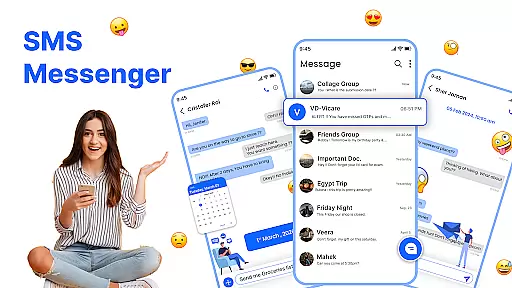
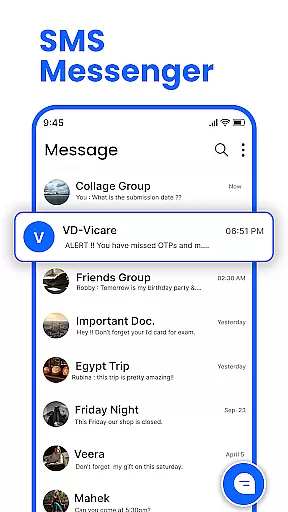
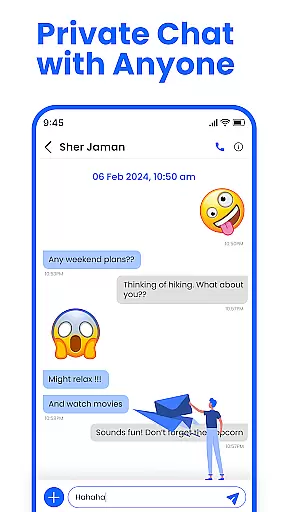
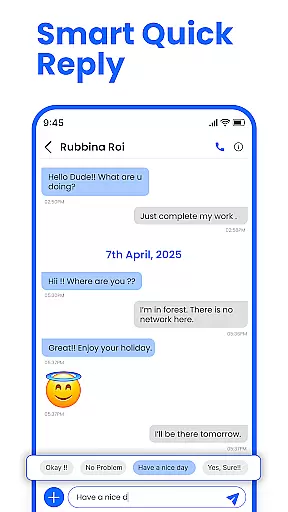
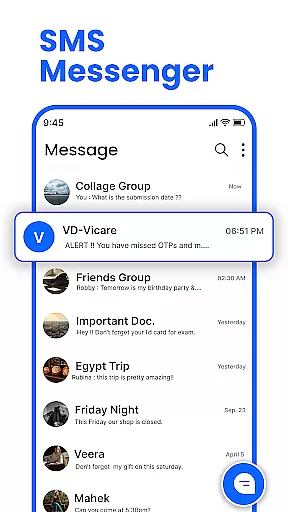
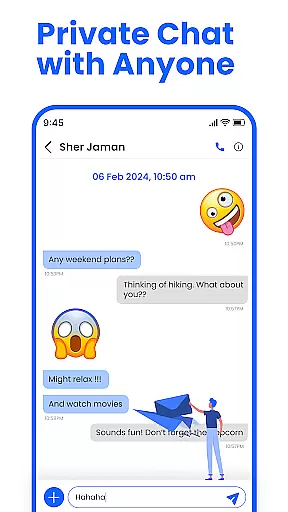
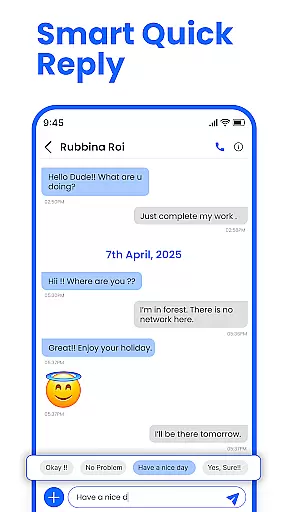
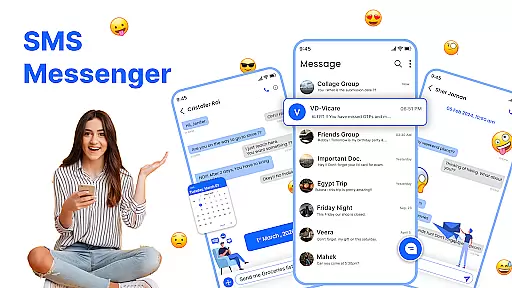
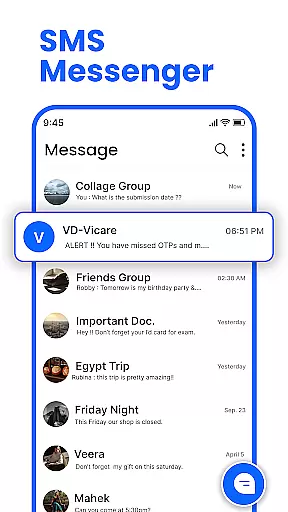
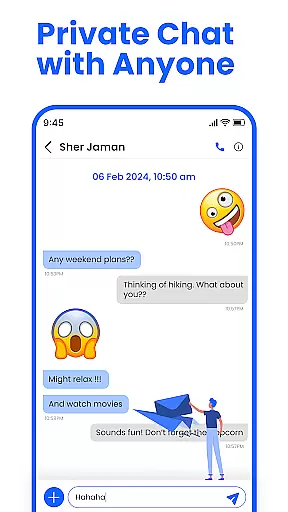
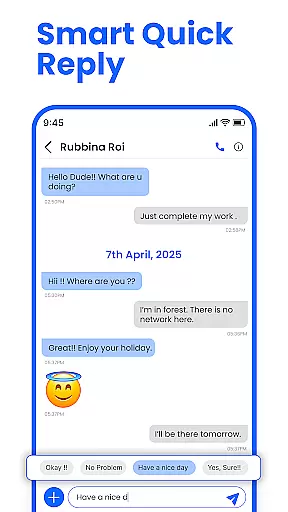
Messenger: SMS Home is a comprehensive communication app designed to enhance your texting experience. This app allows users to send and receive text messages instantly while offering advanced features for better message management. With an intuitive interface, it provides tools for organizing SMS, scheduling messages, and blocking unwanted spam.
One of the standout features is its customizable home layout, which lets users personalize their Android messaging environment. Whether you need to schedule birthday messages in advance or block promotional alerts, this app puts you in control. It's compatible with all Android devices, ensuring reliable performance across Samsung, Google Pixel, and Motorola phones.
The app is particularly useful for individuals seeking a more organized and personalized approach to messaging. By combining powerful functionality with user-friendly design, Messenger: SMS Home ensures that staying connected with friends and family is both efficient and enjoyable.
Messenger: SMS Home offers a rich set of features that cater to various messaging needs. The app includes a Smart Launcher from the Home Screen, providing quick access to essential functions like SMS organization and screen control. This feature simplifies navigation and enhances productivity by allowing users to manage applications and open messages effortlessly.
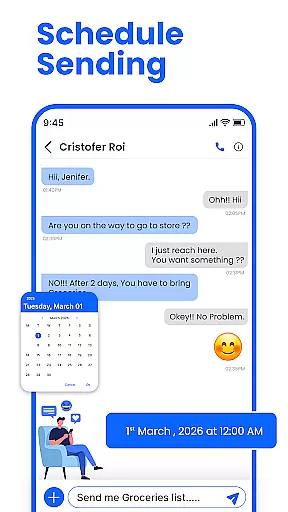
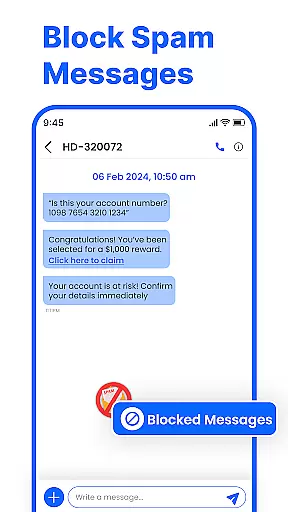
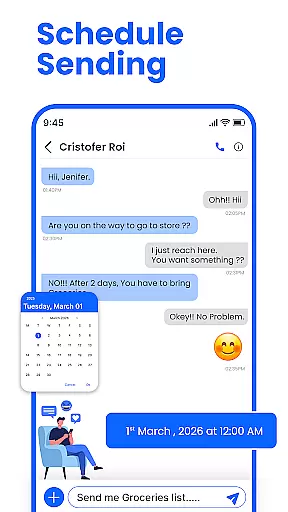
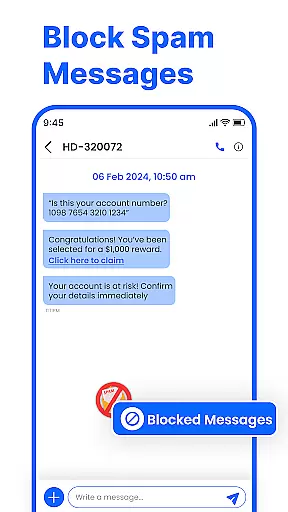
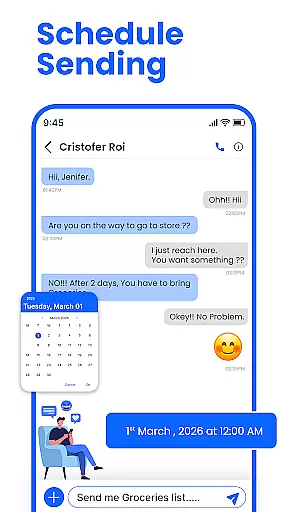
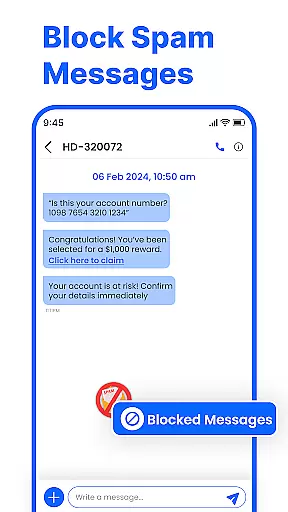
Scheduling messages is another key capability, enabling users to plan SMS deliveries for specific dates and times. This is particularly beneficial for remembering important events like birthdays or work-related reminders. Additionally, the app excels in security by offering robust spam-blocking tools. Users can easily filter out unwanted texts and promotional alerts, maintaining a clean and safe inbox.
Swipe Actions further improve efficiency by letting users archive, delete, or mark messages with simple gestures. These features collectively ensure that Messenger: SMS Home stands out as a reliable, fast, and secure messaging solution for Android users.
Real-time messaging speed and reliability are crucial for maintaining seamless communication in any messaging app. Messenger: SMS Home ensures that messages are delivered instantly, allowing users to stay connected without delays.
The app leverages advanced technologies to optimize message delivery speeds, ensuring that texts are sent and received in real-time. This is particularly important for time-sensitive communications, where delays can lead to misunderstandings or missed opportunities.
Moreover, the reliability of message delivery is enhanced through robust server infrastructure and efficient data handling processes. Users can trust that their messages will be delivered accurately and consistently, regardless of network conditions.
By prioritizing real-time messaging speed and reliability, Messenger: SMS Home provides a dependable platform for users to communicate effectively with friends and family.
Media sharing support is an essential feature for modern messaging apps, enabling users to share photos, videos, and other files effortlessly. Messenger: SMS Home offers comprehensive media sharing capabilities, enhancing the way users interact and communicate.
The app supports various file formats, allowing users to send and receive different types of media without compatibility issues. Whether it's high-resolution images or lengthy videos, Messenger: SMS Home ensures that media files are shared smoothly and efficiently.
In addition to basic media sharing, the app includes features like preview options and file size optimization. These enhancements improve the overall user experience by making media sharing more intuitive and less resource-intensive.
With robust media sharing support, Messenger: SMS Home empowers users to express themselves creatively and stay connected through rich multimedia content.
User-friendly interface
Customizable home layout
Advanced scheduling options
Effective spam blocking
Cross-device compatibility
Limited iOS support
Occasional bugs reported
Ads in free version
Requires permissions
Learning curve for new users

BiP is a fast, secure, free messaging and HD video calling app!
 4.10
4.10
Tether to Windows, OS X, Linux PCs or Android tablets. No root. No tether fees.
3.90
Enables Plus features of Quick Search.
4.1
Radio communication simulator for gaming communities
4.5
A web browser that respects your privacy.
4.30
Simplify texting with Messages SMS, offline messaging, themes & smart tools!
4.30
Fun, free app that lets kids video call and message family and close friends.
3.80
Call & Text Anywhere With A Canadian Number.
3.60
Measure BHP, Torque & 0-60 Clear car OBD faults View engine data in Google Earth
4.00
Messenger for SMS - texting message app, faster, simpler & safer, for you.
4.70
Useful. Social. Expressive.
4.70
Stay in touch with the people who matter most.
4.60
Faster version of Messages. Messenger for your contacts.
4.50
An agentic AI browser for Android, built by Perplexity
4.50
Caller ID App! Add names & photos to unknown calls & Call Recording
4.40
Phone Dialer with Caller ID, Address Book & Contacts Manager.
4.30
HD Video Meeting app is a fast & unlimited video conferencing app across world.
4.30
A customizable phone number in the cloud
4.20
An app dedicated solely to marriage, not dating, and supported by a rigorous verification mechanism to ensure seriousness.
4.3


User Reviews