

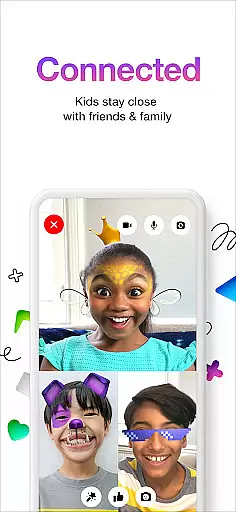
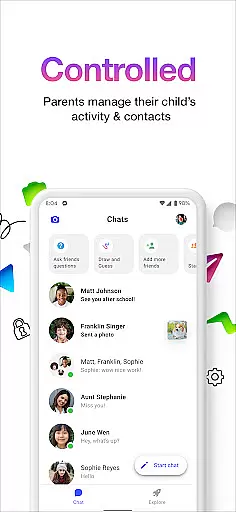
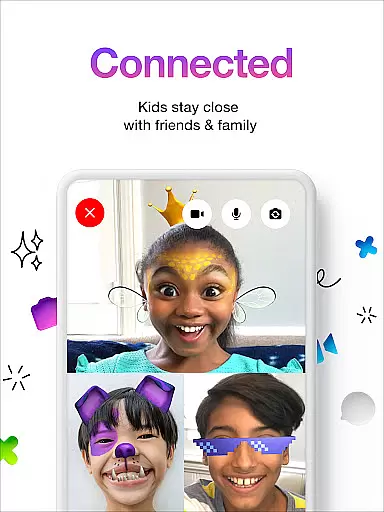
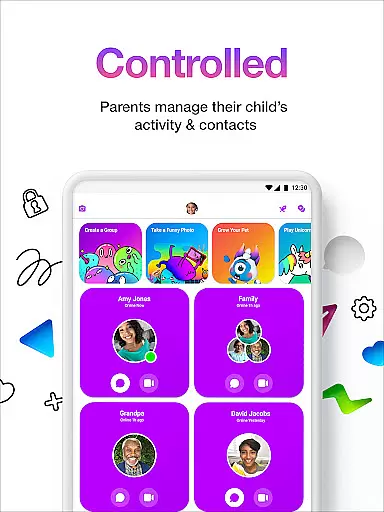
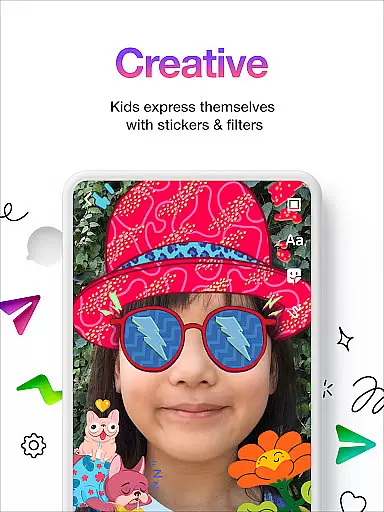

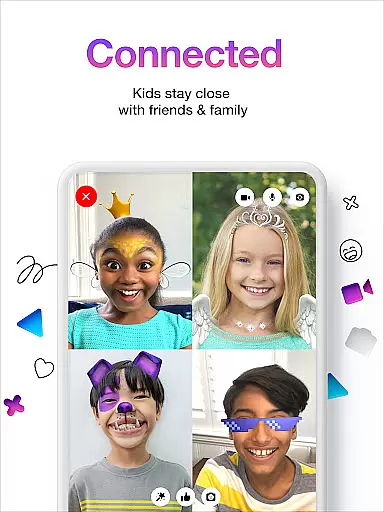
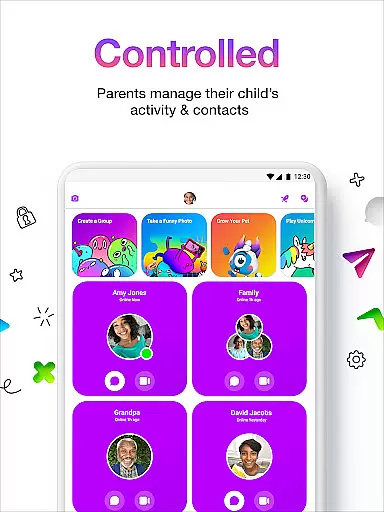
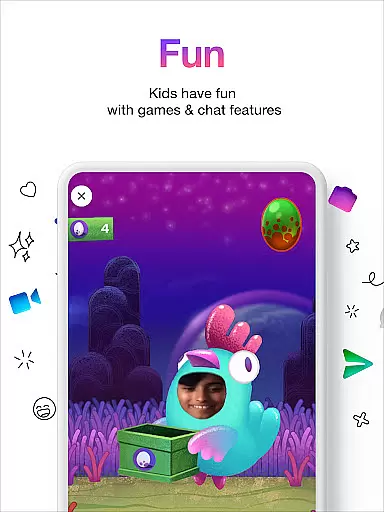
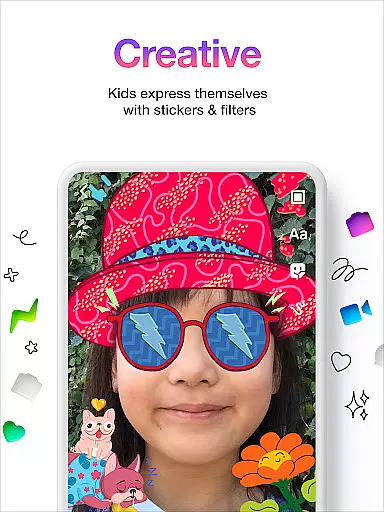
Messenger Kids is a communication app designed specifically for children, offering a safe and controlled environment for messaging and video calls. Parents can manage their kids' contact lists through the Parent Dashboard, ensuring secure interactions.
The app features fun filters, kid-friendly reactions, and sound effects that enhance video chats with family and friends. With no phone number required and customizable usage limits, Messenger Kids provides a worry-free experience for both kids and parents.
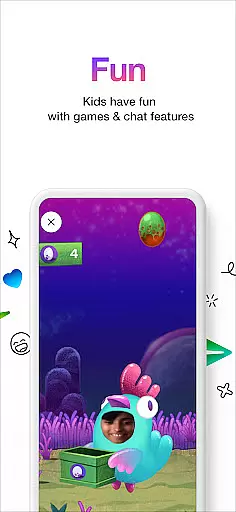
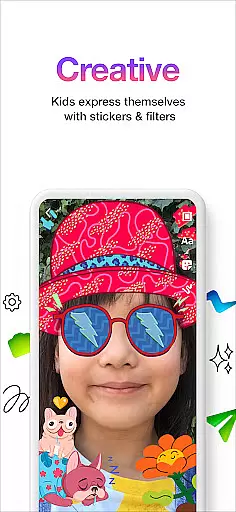
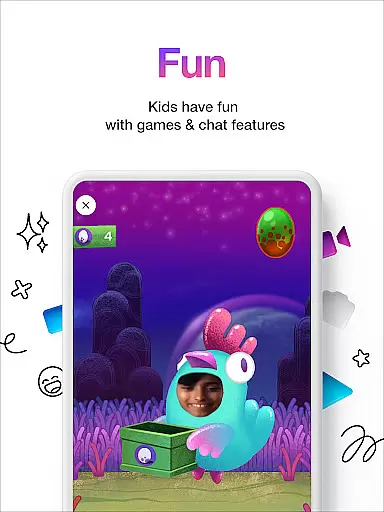
Messenger Kids offers a variety of engaging features tailored for young users. The app includes creative tools such as stickers, GIFs, emojis, and drawing options that allow children to express themselves in conversations.
Parents appreciate the ability to set usage limits during bedtime and the absence of in-app purchases or advertisements. This ensures a focused and uninterrupted communication experience for kids while maintaining parental control over their digital interactions.
Real-time messaging speed and reliability are crucial for any communication app, especially one designed for kids. Messenger Kids ensures that messages are delivered instantly, allowing children to communicate with their friends and family without delays.
The app employs optimized data transmission protocols to maintain a stable connection, even in areas with fluctuating internet speeds. This means that whether kids are at home or on the go, they can rely on the app to send and receive messages promptly.
Parents can rest assured that important communications, such as safety notifications or check-ins, will reach their children without delay. The dependable messaging infrastructure provides peace of mind, knowing that the lines of communication are always open.
Moreover, the consistency of message delivery enhances the overall user experience, making interactions smooth and enjoyable. This reliability fosters trust in the platform, encouraging more frequent and meaningful conversations among young users.
Media sharing is an integral part of modern communication, and Messenger Kids offers robust support for exchanging various types of media. Children can share photos, videos, and voice recordings, enriching their conversations and allowing for creative expression.
The app includes parental controls that ensure all shared content is appropriate and safe for children. Parents have the ability to review media before it's sent or received, maintaining a secure environment while still enabling multimedia interaction.
With features like kid-friendly filters and sound effects, the media sharing experience becomes not only safer but also more engaging. These elements encourage kids to experiment with different forms of content creation, from silly selfies to mini video productions.
By providing comprehensive media sharing capabilities within a controlled setting, Messenger Kids promotes digital literacy and creativity, preparing children for responsible online engagement as they grow older.
User-friendly interface
Parental controls
Kid-safe environment
Fun engagement tools
No ads or purchases
Limited to parent-approved contacts
Restricted feature set
Requires parental setup
No phone number option
Platform limitations

Save 10% automatically on your first international mobile top up.
 4.60
4.60
Browse fast on Opera Mini, with Data Saving, News, Football Scores, and Download
4.60
SMS & MMS Messaging App to easily send messages or schedule SMS on Chat
4.10
A Browser with powerful ad blocker to help focus on what really matters.
3.00
A softphone app with seamless SIP calling and an intuitive VoIP dialer
3.50
Get through your inbox faster with the mail app designed to simplify your life.
4.40
Build your web browser around you with private search, and more.
4.60
Group Chat That’s Fun & Games
4.30
Share the moment!
4.10
Useful. Social. Expressive.
4.70
Talk & text free with a second phone number plus unlimited 5G data, no fees.
4.50
Faster version of Messages. Messenger for your contacts.
4.50
The ultimate productivity solution for all your email communication needs.
4.40
Create a secure hotspot on-the-go with Portable WiFi - Mobile hotspot.
4.40
Call Blocker app: Identify unknown callers, block spam calls, fraud & robocalls
4.30
HD Video Meeting app is a fast & unlimited video conferencing app across world.
4.30
Google's fast and secure browser
4.10
Messenger app for faster and simpler SMS text messaging, and personalized themes
4.10
Pure modern IRC experience for Android
3.70


User Reviews