
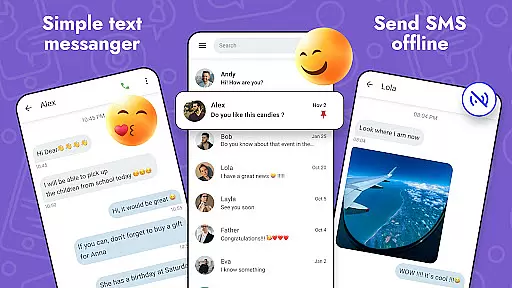
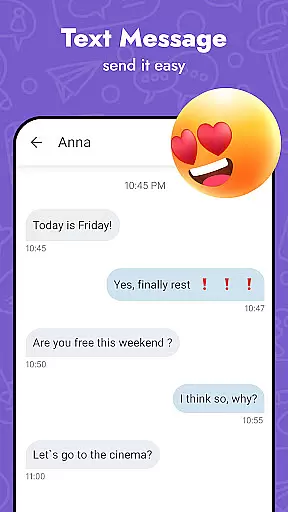
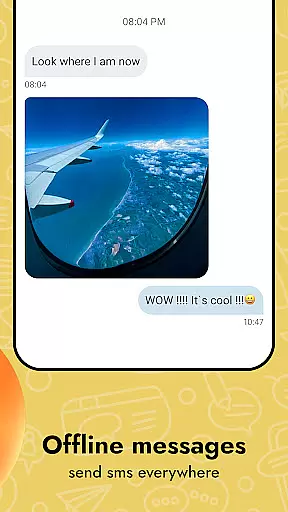
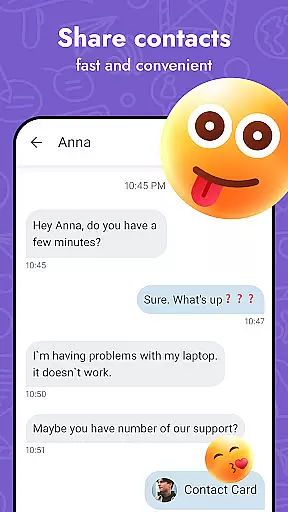
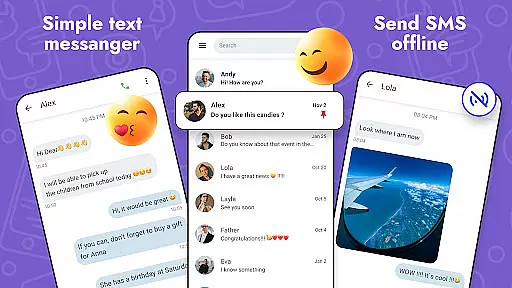
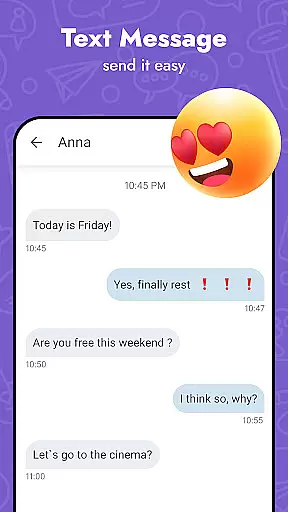
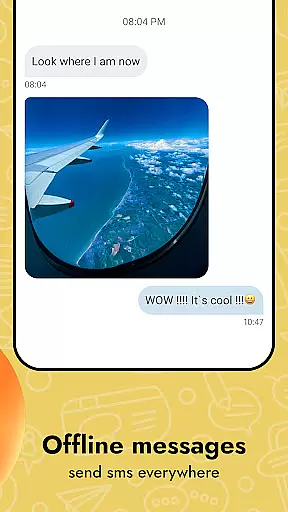
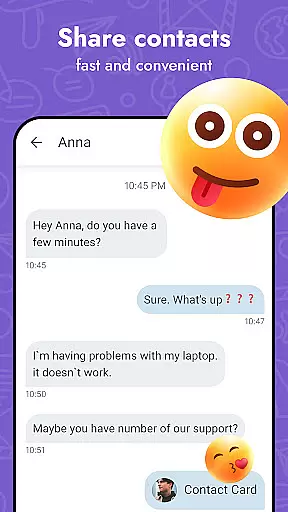
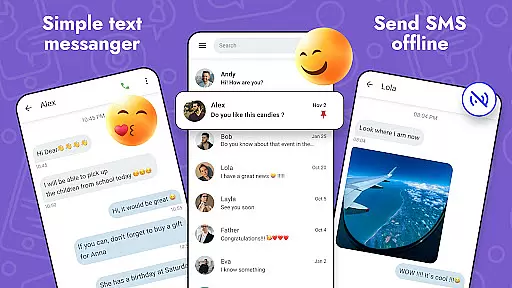
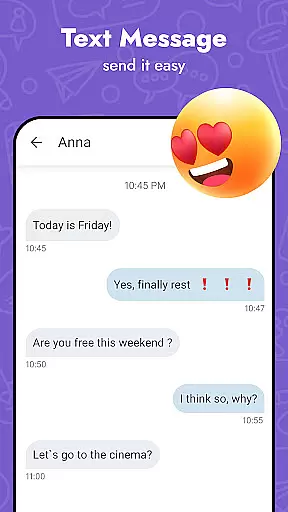
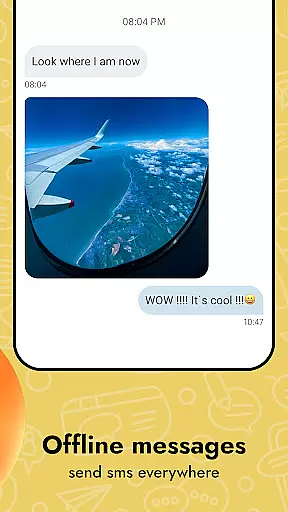
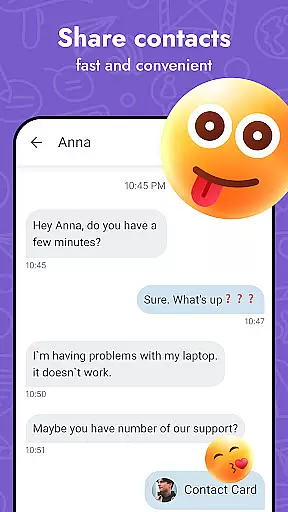
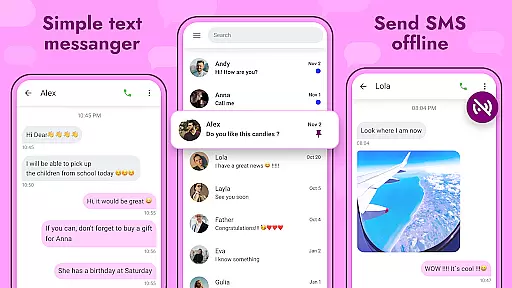
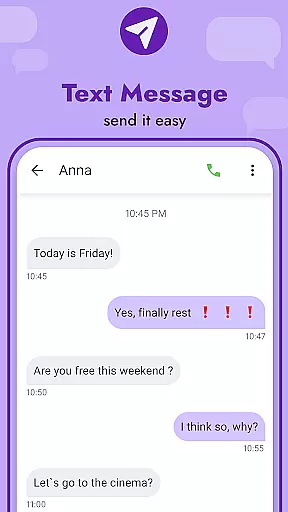
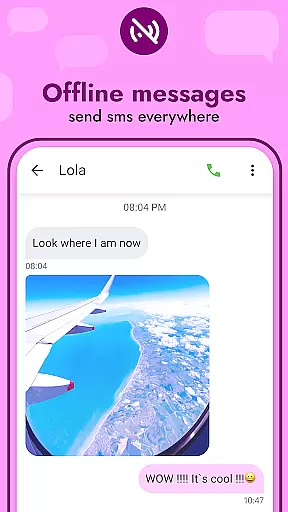
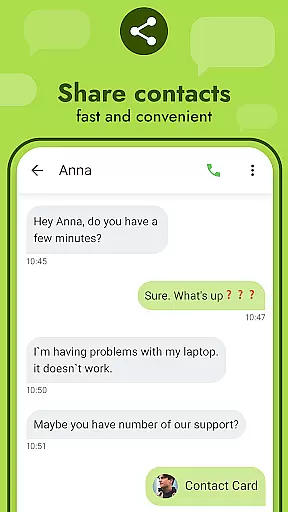
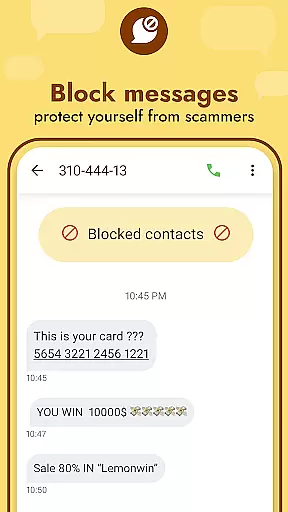
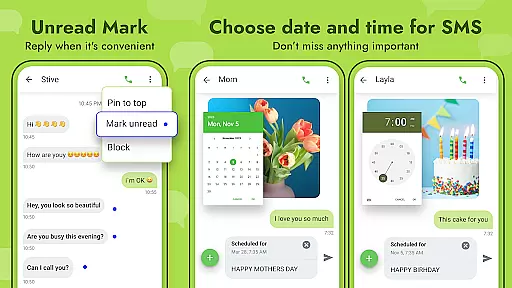
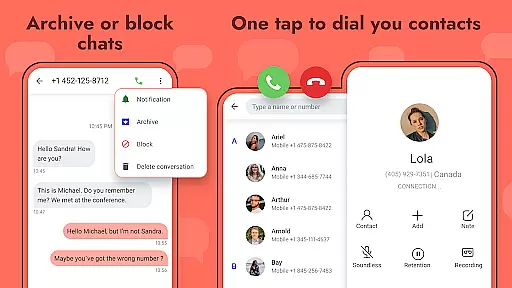
Messages - SMS Texting App is a comprehensive communication tool designed to facilitate seamless text messaging across various devices. This app allows users to send and receive text messages, ensuring constant connectivity with friends, family, and colleagues.
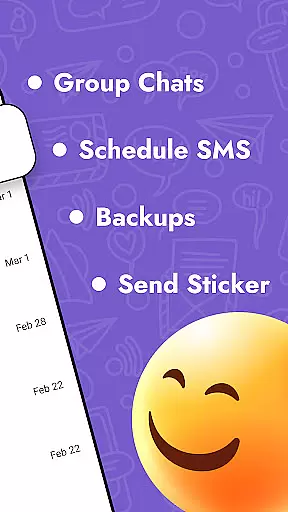
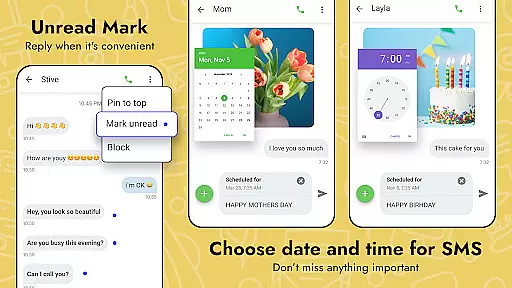
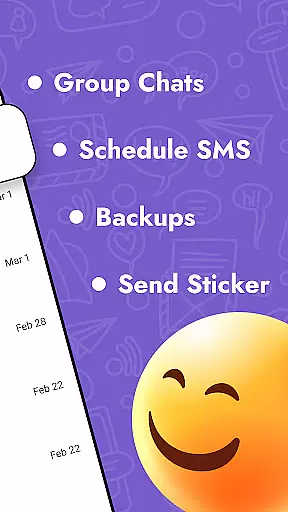
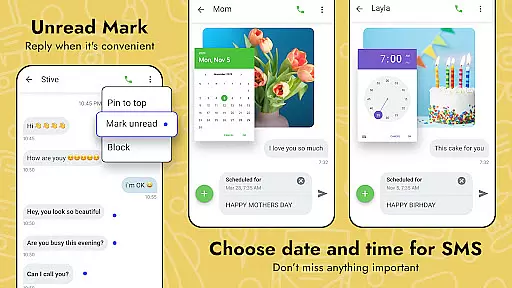
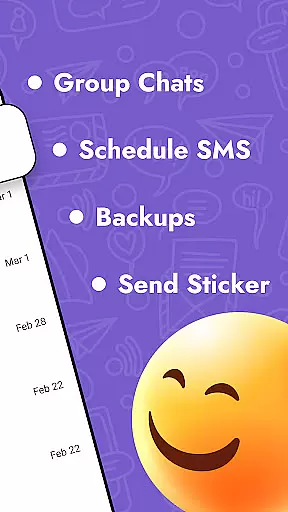
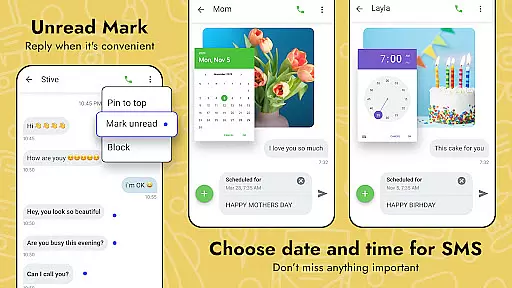
Beyond basic texting, the app offers advanced features such as scheduling SMS, backing up and restoring messages, and blocking unwanted contacts. Users can personalize their experience by adjusting themes, font sizes, and notification sounds, making it a versatile choice for all messaging needs.
Ideal for both personal and professional use, Messages - SMS Texting App enhances communication by supporting multimedia sharing, group chats, and a variety of expressive content like emojis and GIFs. Its intuitive interface ensures ease of use while maintaining robust functionality.
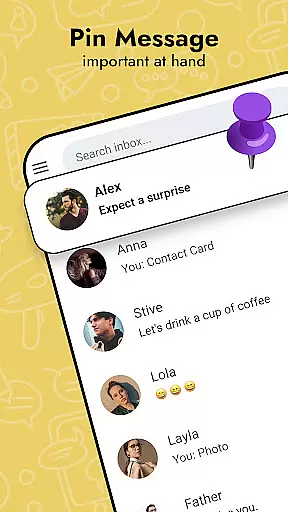
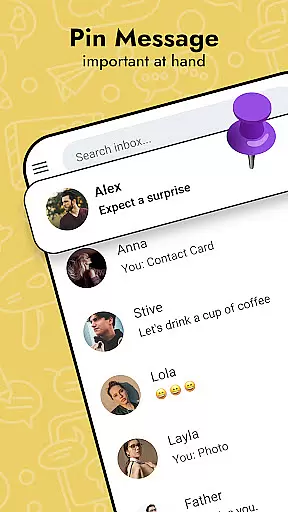
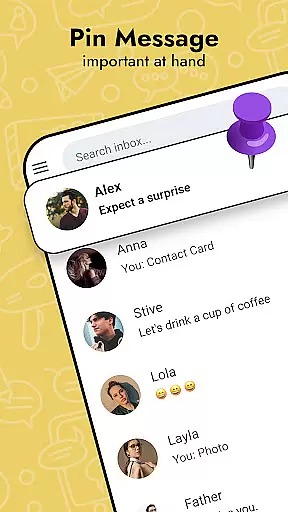
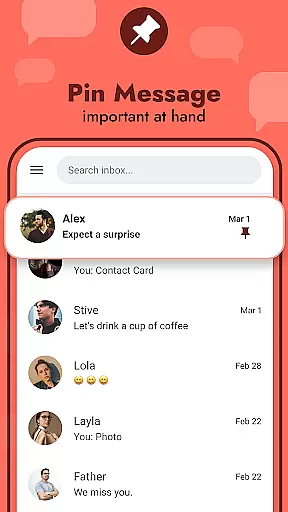
Messages - SMS Texting App stands out with its rich feature set tailored to enhance user interaction. The app supports sending and receiving standard SMS and MMS, enriched with options like scheduling messages and organizing them through features such as pinning important chats or highlighting favorite messages.
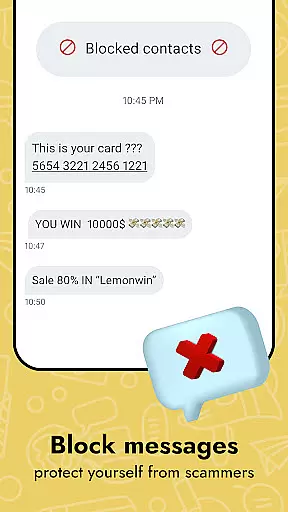
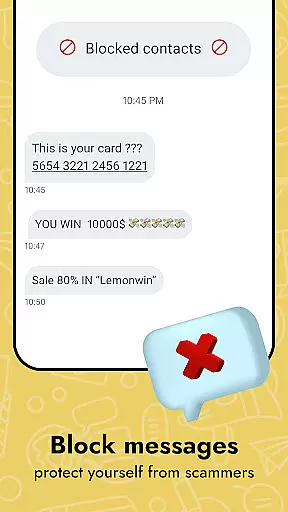
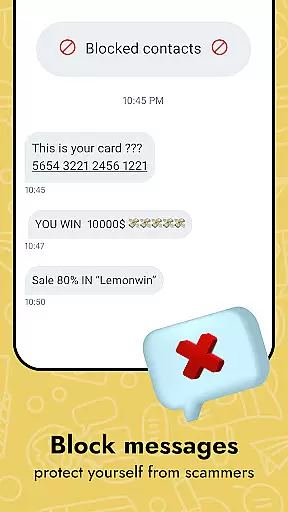
Security and privacy are prioritized, allowing users to block specific contacts and manage notifications effectively. Additionally, the app provides tools for backing up conversations, ensuring data safety and easy restoration on new devices.
Customization is at the heart of this app, offering a range of themes, emojis, stickers, and GIFs that let users express themselves freely. With functionalities like quick reply pop-ups and messenger widgets, staying connected has never been more efficient or enjoyable.
Real-time messaging speed and reliability are crucial for maintaining seamless communication in any texting app. Messages - SMS Texting App ensures that your texts are delivered instantly, allowing you to stay connected with friends and family without delays.
This text app employs optimized data transmission protocols to maintain high-speed message delivery across various network conditions. Whether you're on Wi-Fi or cellular data, the app guarantees minimal latency, ensuring that your conversations flow naturally.
Moreover, the robust infrastructure of the Messages app supports reliable message sending and receiving. Even during peak usage times, users can expect consistent performance, making it a dependable tool for both casual chats and important communications.
The reliability extends to message status updates, providing senders with real-time feedback on whether their texts have been delivered and read. This feature gives users peace of mind, knowing their messages are reaching the intended recipients without fail.
Media sharing support is an essential feature in modern communication apps, enabling users to enrich their conversations with various forms of content. Messages - SMS Texting App offers comprehensive media sharing capabilities, allowing you to effortlessly exchange photos, videos, GIFs, and more.
This text app provides intuitive options for attaching media files to your messages. With just a few taps, you can share high-quality images and videos with your contacts, enhancing your interactions beyond plain text. The app ensures that shared media retains its quality and is delivered quickly.
In addition to traditional media formats, the Messages app includes a rich library of emojis, stickers, and GIFs. These elements let you express emotions and reactions creatively, adding fun and personality to your conversations. You'll never run out of ways to communicate your thoughts and feelings.
Furthermore, the app's compatibility with different devices ensures that all recipients can view and enjoy the shared media, regardless of their platform. This cross-device support makes Messages - SMS Texting App a versatile tool for engaging and dynamic communication with friends, family, and colleagues.
User-friendly interface
Customizable themes
Advanced privacy controls
Multimedia message support
Efficient backup solutions
Limited cross-platform sync
Occasional bugs reported
Ads in free version
Heavy on storage
Requires constant updates

 3.90
3.90
Save 10% automatically on your first international mobile top up.
4.60
The ultimate productivity solution for all your email communication needs.
4.40
A Browser with powerful ad blocker to help focus on what really matters.
3.00
Official NDI app: turn your phone into a professional live-streaming IP camera.
3.20
HD Video Meeting app is a fast & unlimited video conferencing app across world.
4.30
Smart and simple anti-wiring application - IMSI-catchers catcher
4.40
A softphone with crystal clear SIP Calling & Reliable VoIP dialer
4.00
BE PRIVATE
Anonymous. No Trace. Fast.
4.20
We’re taking the yada yada out of wireless—now we’ve taken it out of your app.
4.70
Manage your mobile phone plan, check unlimited 5g data usage and track rewards
4.50
Fast and mini browser with Ad Blocker,Video Downloader and Video Player
4.40
Group Chat That’s Fun & Games
4.30
Chill zone on your phone: relax with fun reels & hype shorts!
4.20
SMS Messenger is a lightning-fast messaging app.
4.20
Messenger app for faster and simpler SMS text messaging, and personalized themes
4.10
Fast Dialer & Contact Manager with Caller ID and Spam Protection
4.00
This app enables the phone to receive and send FT8 traffic!
3.80
Quickly and easily identify and block unknown callers
3.70


User Reviews